

Skin Maker
Make your own Minecraft skin: pick a body, dress it up layer by layer, and paint anything you like. Free, for Java and Bedrock.
How the Skin Maker works
Like a character creator in a game, then paint anything on top.
Human, elf, orc, animals, robots, monsters, in any skin tone or fur colour.
Eyes, mouth, hair, tops, bottoms, shoes and extras, each one a layer you can recolour, hide or move.
Brush, fill, shade and recolour, right on the 3D model or on the flat sheet. Mirror paints both sides.
Save the PNG for Java or Bedrock, or share it in the skin hub with your name on it.
Popular skins
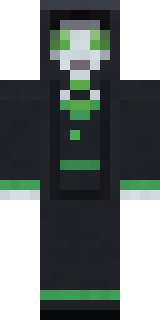
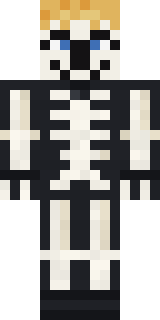
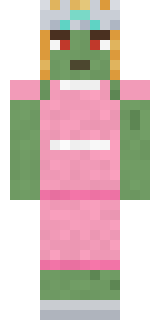
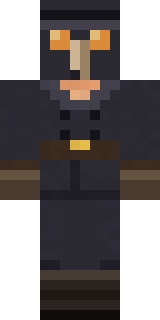
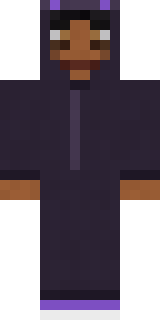
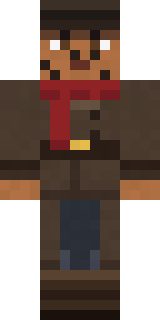
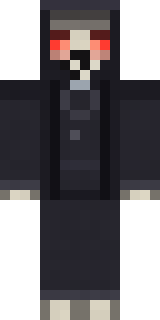
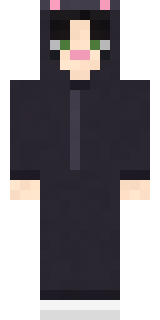
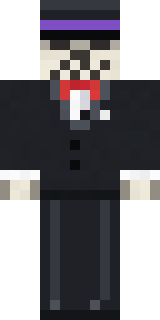
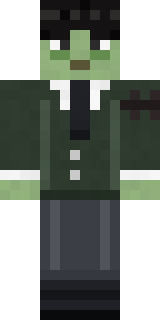
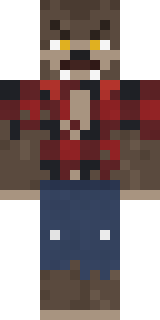
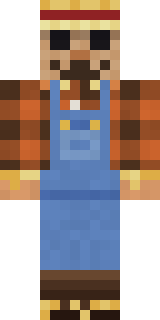
Download one, or open it in the maker and make it yours.
Questions
Is the Skin Maker free?
Yes. Making, downloading and sharing skins is free, and every skin in the hub is free to download.
Classic or slim arms?
Classic arms are 4 pixels wide (like Steve), slim arms 3 pixels (like Alex). Switch at the top of the maker; your painting follows the arms. When you put the skin in Minecraft, pick the same one.
Does it work in Java and Bedrock?
Yes. Skins are the game's own 64 x 64 PNG, which Java and Bedrock both take. The guide shows the steps for every platform.
What is the outer layer?
Every skin has two layers: the skin itself and an outer layer that sits a little bigger, for hats, hoods, jackets and hair with some volume. In Paint, pick Inner or Outer to paint on either.
Can I edit a skin I already have?
Yes: press the open file button at the top of the maker and choose your PNG. It becomes a layer you can paint on, and you can add any part on top of it.
Can someone else use my skin?
If you allow remixes, others can open it in the maker and make their own version, and your name stays on it as the original. You can turn remixes off any time on your skin's page.