


Redstone Demo
Java EditionThis is the beta demo for the redstone build engine on build it. This is the beta demo for redstone.
Materials for Redstone Demo
Counting the blocks
The .schem file drops straight into your world with WorldEdit. It comes with Build It Pro.
Download with PROBuild info
Redstone Demo- AccessFREE
- Creator
 Build It Labs
- Footprint…
- Highest point…
- Lowest point…
- DifficultyEasy
- Steps…
- Blocks…
- Time5 min
- PublishedAug 16, 2026
- Views752
This build could not be loaded.
This is a PRO build
The first steps are free. Build It Pro unlocks the full guide, every layer and the power simulator on every step.
Get Build It ProHow this 2x2 door works
A flush 2x2 piston door: when it is shut it sits flat in the wall. Step on a pressure plate on either side and four sticky pistons pull the door blocks out of the way. Step off and they slide back.Step on a plate and four sticky pistons pull the door blocks away. Step off and they slide back.
Sticky pistons move the door
Four sticky pistons, two stacked on each side, hold the four door blocks in the doorway. Cut their power and they pull back, dragging the blocks with them. Power them again and they push the blocks back into place.Four sticky pistons hold the door blocks. Cut their power and they pull the blocks out of the way.
Sticky Piston in the guideTorches flip the signal
The door has to stay shut when nobody is near, so the pistons need power all the time. A redstone torch gives exactly that: it is on by default, and it turns off when the block it hangs on gets power. That flip is called a NOT gate.A torch is on by default and turns off when its block gets power. That flip keeps the door shut.
Redstone Torch in the guidePressure plates on both sides
Two stone plates in front of the door and two behind it. Only players and mobs press them, so a dropped item never opens the door. A plate stays on while you stand on it and clicks off about a second after you leave, which shuts the door behind you.Two plates on each side. Only players and mobs press them, so a dropped item never opens the door.
Stone Pressure Plate in the guideDust hidden under the floor
A plate powers the block under it, and that block feeds a line of redstone dust buried in the floor. The dust carries the signal to both sides of the door, then climbs up one block at a time to the top of the block each torch hangs on.Dust under the floor carries the signal to both sides, then climbs up to each torch.
Redstone Dust in the guidePower from the spot above
Only the top pistons touch a torch. The bottom ones still fire because in Java a piston also switches on when the spot right above it has power, a rule called quasi-connectivity. Bedrock has no such rule, so this door is a Java Edition design.The bottom pistons fire from power in the spot above them. That only works in Java.
Java and Bedrock in the guideStep by step: what happens when you walk upStep by step
- You step on a pressure plate. It sends full power into the block under it.
- That block powers the dust under the floor, which runs to both sides of the door and climbs up the wall.
- The dust powers the block each redstone torch hangs on, and both torches go dark at the same moment.
- With the torches off, the four sticky pistons lose their power and pull back, taking the door blocks with them. The doorway is open.
- You walk through and step off. The plate clicks off, the torches light up again and the pistons push the blocks back. The door is shut.
New to redstone? The Redstone guide explains every block in plain words, for Java and Bedrock.Every block, explained simply.
Open the Redstone guideMore redstone doorsMore doors
Other builds for Java from the same collection.Same collection, Java.
Popular redstone buildsPopular redstone
The redstone builds for Java people open the most.Most opened, Java.
Redstone collectionsCollections
Every redstone build, sorted by what it does.Sorted by what they do.
Popular builds
The most popular builds on Build It: houses, castles and more.Houses, castles and more.
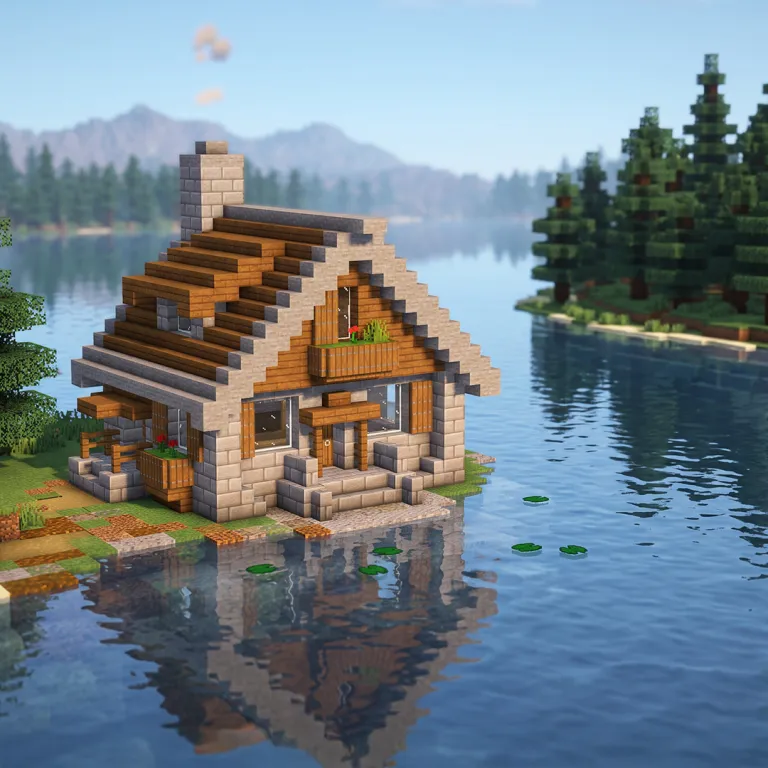
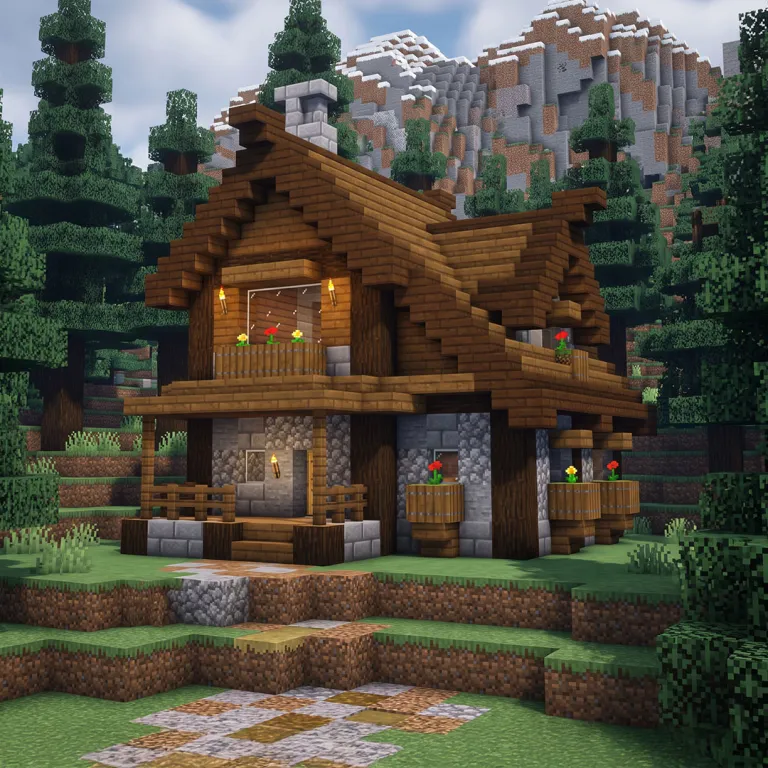
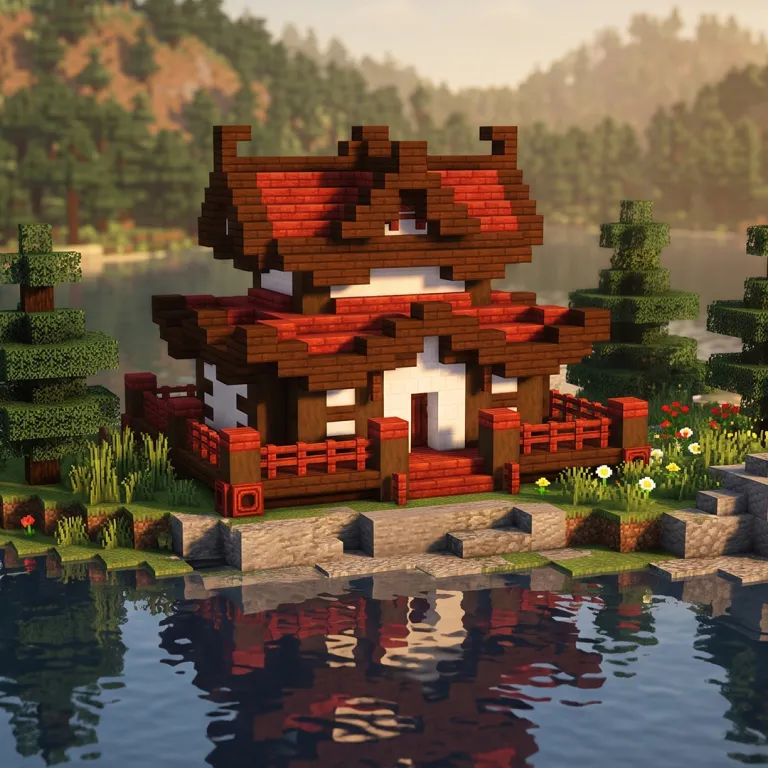
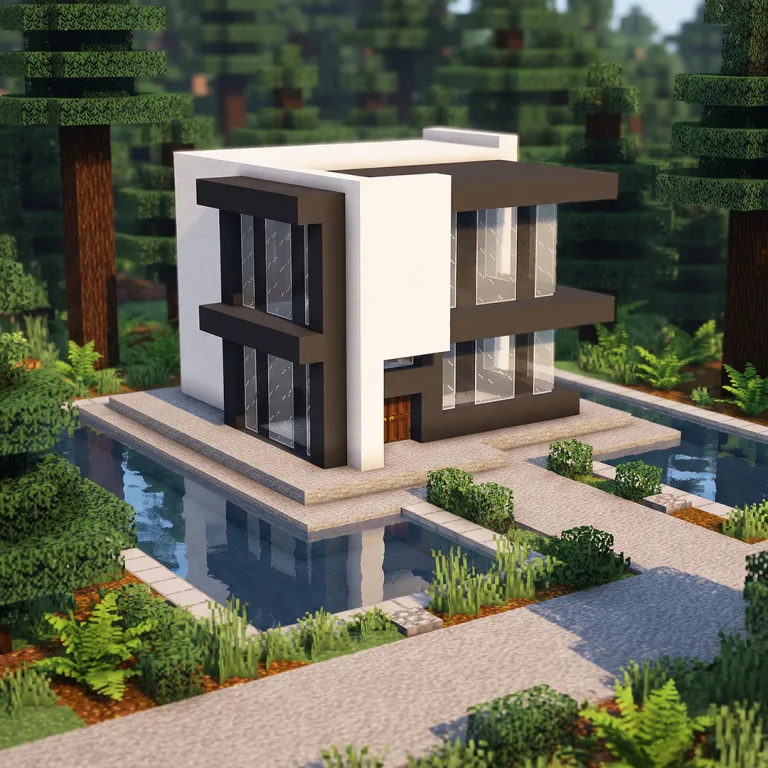
About the Redstone Demo
The Redstone Demo is a Minecraft build you can follow block by block.
This is the beta demo for the redstone build engine on build it. This is the beta demo for redstone.
It is a quick build: most people finish in about 5 minutes.
It is an easy Minecraft tutorial, so it is a good one to start with if you are new to building or you want something finished in one sitting.
Every step is shown in 3D: turn the build, move through it one step at a time, and see exactly which blocks go where before you place them. The full block list is on the page, and the whole thing can be restyled into different materials.
If you have been looking for how to build a redstone demo in Minecraft, the whole tutorial is here, free, with no video to pause and rewind.
It is part of the Redstone Doors collection.
- CollectionRedstone Doors