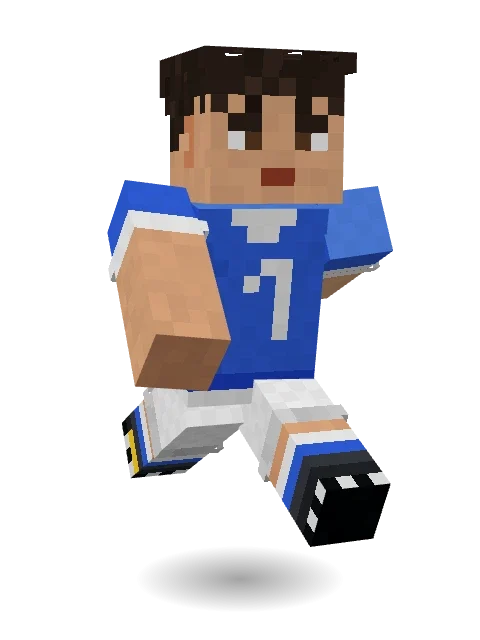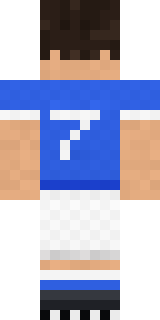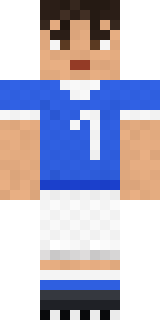
Midfield Maestro
Minecraft skin · Classic arms (4 pixels) · Java and Bedrock
Blue kit, long socks and a pass that finds anyone.

How to use this skin
Download it, then follow the steps for where you play.
Minecraft: Java Edition, in the Minecraft Launcher
- Open the Minecraft Launcher and pick Minecraft: Java Edition on the left.
- Open the Skins tab at the top and press New skin.
- Give it a name and choose the player model: Classic.
- Press Browse, pick the PNG you downloaded, then Save & Use.
- Start the game: you are wearing it, on every world and server.
Minecraft: Java Edition, on minecraft.net
- Go to minecraft.net and log in with your Microsoft account.
- Open your Profile and find the skin settings of Java Edition.
- Choose Classic, select the PNG file, and press Upload.
- Your new skin shows the next time you join a world.
Bedrock Edition: Windows, Android, iPhone, iPad, Chromebook
- Open Minecraft and press Dressing Room on the main menu (in newer versions, the character button next to your name, then Edit Character).
- Open the Classic Skins tab.
- Under Owned Skins, press Import, then Choose New Skin.
- Pick the PNG you downloaded (on a phone it is usually in Downloads or Files).
- When it asks, choose Classic, then confirm.
Xbox, PlayStation and Nintendo Switch
Consoles cannot import a skin file. There you can wear Character Creator items and skins from the Marketplace.
Some players set a skin in Bedrock on a phone or PC that is signed in to the same Microsoft account and see it on their console too. Mojang does not support that, so it may not work for you.
Similar skins

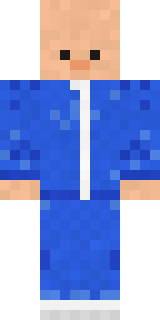




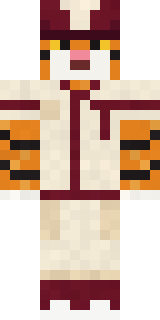

Made on Build It
A few of the skins players made here. Find one you like, or start your own.
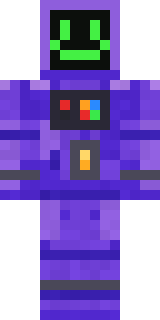 Haunted Arcade Robot
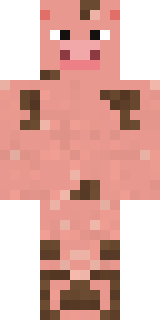 Muddy Pig
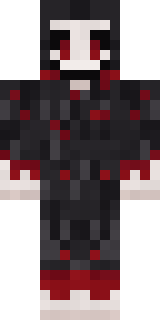 Grinning Shade
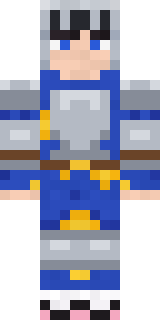 Pajama Knight
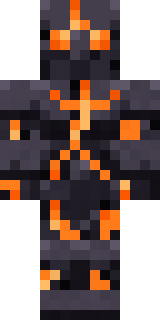 Obsidian Golem
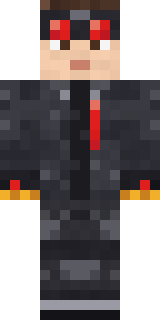 Redstone Inventor
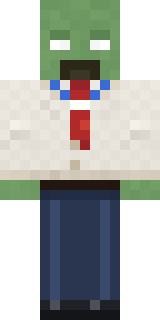 Office Zombie
 Bone Scout
 Robin Hood
 Obsidian Knight
 Gecko Skater
 Robo Unit 7
 Rainy Day
 Alien Tourist
 Army SoldierRookie Boxer
 Night Ops Commando
 Living Marble Statue
 Grease Monkey
 Happy Farmer
 Desert Rose
 Firefly Scout
 Fire Fighter
 Friendly Nurse
 Cozy Avocado
 Morning Barista
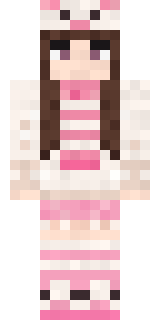 Pastel Bear Girl
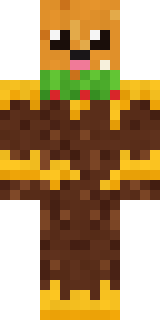 Cheeseburger Buddy
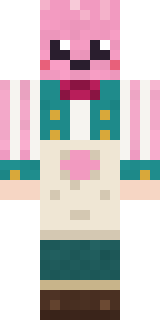 Cotton Candy Vendor
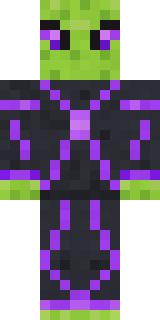 Circuit Alien
 Void Wanderer
 Woodland Dryad
 Dandelion Spirit
 Bistro Chef
 Downtown Pig
 Starfield Phantom
 Possum Garbage Collector
 Orc Warrior
 Gamer Mode
 Ink Wizard
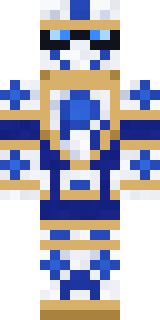 Porcelain Knight
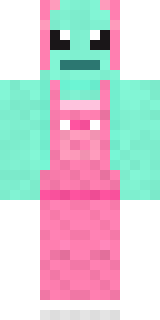 Mint Axolotl
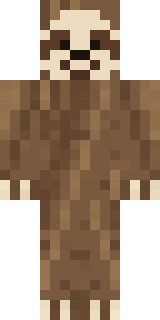 Sleepy Sloth
 Vintage Barber
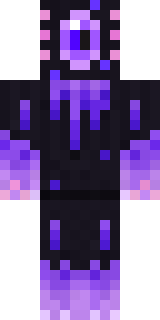 Void Axolotl
 Abyssal Monk
 Street Skater
 Ender Shade
 Astronaut
 Count Dracula
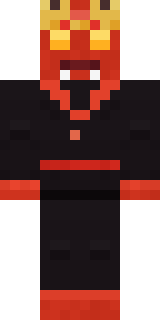 Ember Demon
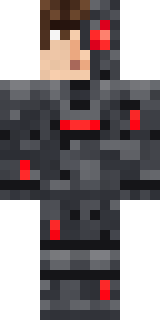 Graphite Cyborg
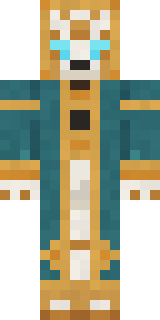 Clockwork Oracle
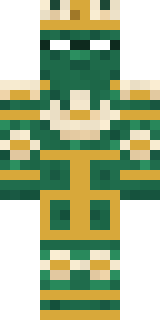 Lotus Temple Guardian
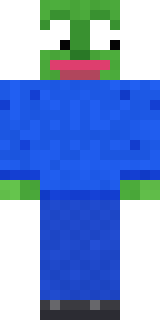 Chill Pond Frog
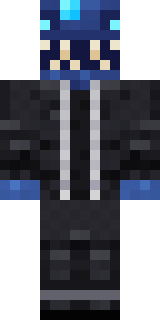 Anglerfish Bouncer
 Snow Leopard
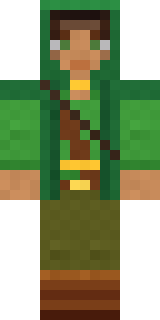 Moss Ranger
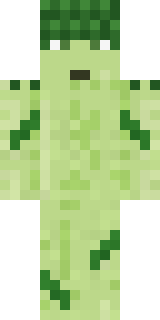 Grumpy Broccoli
 Gothic Librarian
About Midfield Maestro
Meet Midfield Maestro, a sports Minecraft skin from the Build It team. Its look puts together a jersey, shorts, socks and football boots with a blue, white and orange colour scheme. Made for minigames, races and game day on the server.
It uses the classic arms (4 pixels wide, like Steve) and works on Java and Bedrock. Download it for free and upload it in the Minecraft Launcher or the Bedrock dressing room. Want it your way? Open it in the Build It Skin Maker and change its colours and pieces.
See more in the Sports collection, or browse the Sports tags.