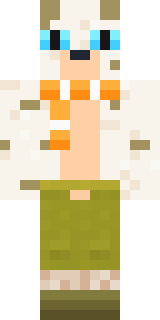
Snow Leopard
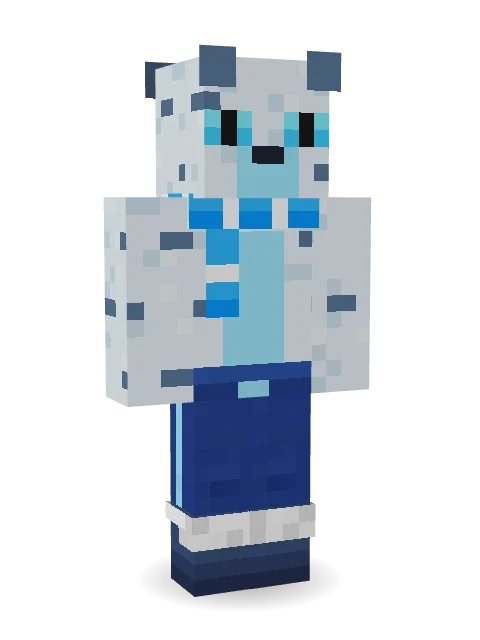
Pale spotted fur, icy eyes, a blue scarf and a long tail for balance on the cliffs.

How to use this skin
Download it, then follow the steps for where you play.
Minecraft: Java Edition, in the Minecraft Launcher
- Open the Minecraft Launcher and pick Minecraft: Java Edition on the left.
- Open the Skins tab at the top and press New skin.
- Give it a name and choose the player model: Classic.
- Press Browse, pick the PNG you downloaded, then Save & Use.
- Start the game: you are wearing it, on every world and server.
Minecraft: Java Edition, on minecraft.net
- Go to minecraft.net and log in with your Microsoft account.
- Open your Profile and find the skin settings of Java Edition.
- Choose Classic, select the PNG file, and press Upload.
- Your new skin shows the next time you join a world.
Bedrock Edition: Windows, Android, iPhone, iPad, Chromebook
- Open Minecraft and press Dressing Room on the main menu (in newer versions, the character button next to your name, then Edit Character).
- Open the Classic Skins tab.
- Under Owned Skins, press Import, then Choose New Skin.
- Pick the PNG you downloaded (on a phone it is usually in Downloads or Files).
- When it asks, choose Classic, then confirm.
Xbox, PlayStation and Nintendo Switch
Consoles cannot import a skin file. There you can wear Character Creator items and skins from the Marketplace.
Some players set a skin in Bedrock on a phone or PC that is signed in to the same Microsoft account and see it on their console too. Mojang does not support that, so it may not work for you.
More by Build It












Similar skins

















Trending today
What people open and download right now.
Trending today
The skins people are opening, liking and downloading right now.



- Modern HoodiebyBuild It
- Enderbrineby
 gustavopir
- Galaxy AxolotlbyBuild It
- Napoleon BonapartebyBuild It
- The KingbyBuild It
- Hazmat ResponderbyBuild It
- Shy KidbyBuild It
- herobrinebygustavopir
- The VoidbyBuild It
- Slender ManbyBuild It
Made on Build It
A few of the skins players made here. Find one you like, or start your own.
 Vintage Cartoon Explorer
 Sleepy SheepBrown Bear
 Curly Art Student
 Ember Battle Mage
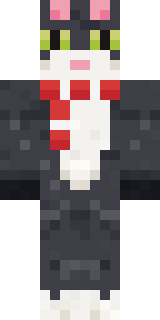 the winter cat skin
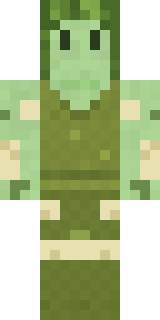 Fern Forest Sprite
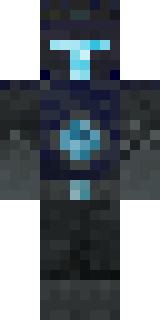 Deep Dark Knight
 Alien Tourist
 Hospital Hero
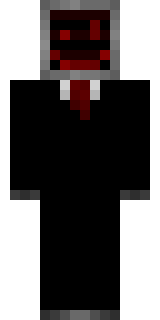 Cursed Corporate Computer
 Muddy Pig
 Turtle Park Ranger
 Goldfish Space Cadet
 Dusty Rose Vintage
 Ballroom Dancer
 Christmas Gingerbread
 Honeycomb AutomatonBuff Chicken
 Light Elemental
 Grey Suit and tie
 Pistachio Pastry Chef
 Grey Suit and tie
 Brown Steampunk coat Muscled wrestler
 Ravioli Wrestler
 Stained Glass Mage
 Shocked Dog
 Downtown Pig
 Barnyard Cow
 Grinning Shade
 Skeleton Costume
 Chrome MannequinMidnight Hoodie
 Retro Fridge Robot
 Cyberpunk Paramedic
 Skyship Navigator
 Doorbell Camera Visitor
 Sandstone Guardian
 The Forehead Man
 Dino Onesie
 Miner shark
 Red Court frock coat
 Little Bat
 Deep Space Janitor
 White Ghost Sheet
 Captain Saltbeard
 Ferret Locksmith
 Federal Agent
 Grey Suit and tie
 Sky Princess
 Rich baddie
 Gentle Giraffe
 Buffalo Plaid Lumberjack
 Sherlock Holmes
 Rage Quit GamerGamer Mode
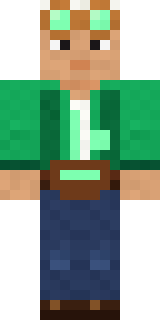 Emerald Alchemist
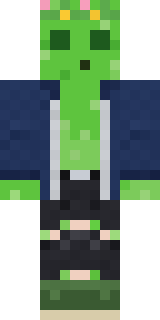 Bouncy Prince slime
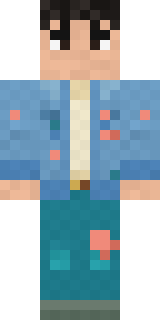 Denim Artist
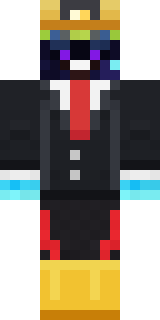 miner in a suit and tie
About Snow Leopard
Snow Leopard is a critter skin for Minecraft from the Build It team. It wears joggers, snow boots and a scarf, mostly blue with touches of white. Great for players who love animals, farms and cozy builds.
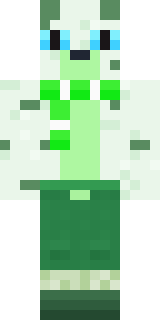
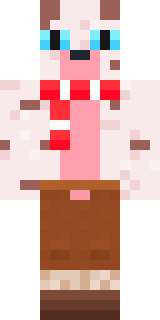
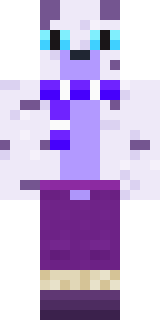
It uses the classic arms (4 pixels wide, like Steve) and works on Java and Bedrock. It is free: download the PNG and add it in the Minecraft Launcher (Java) or the dressing room (Bedrock). Open it in the Build It Skin Maker to give it your own colours. It also comes in 5 colour versions, like Forest and Ember.
See more in the Animals and Streetwear collections, or browse the Animal and Cool tags.