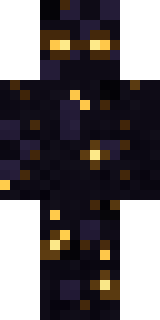
Starfield Phantom
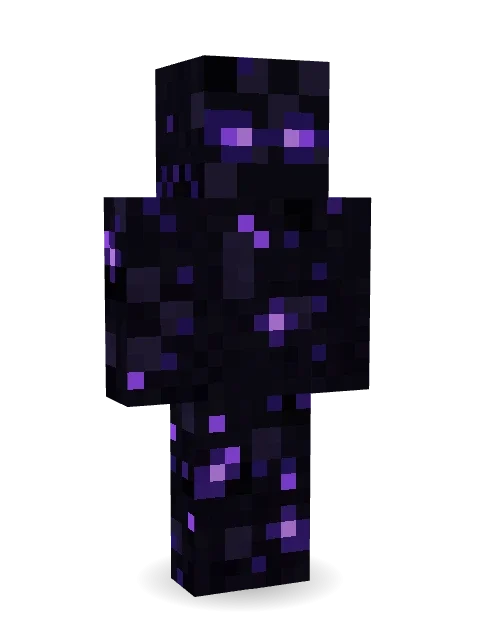
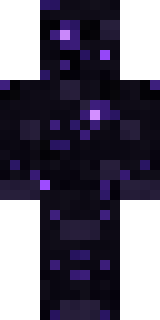
A being of nothingness: pitch black from head to toe, scattered with deep purple stars that twinkle, watching you with two glowing violet eyes.
How to use this skin
Download it, then follow the steps for where you play.
Minecraft: Java Edition, in the Minecraft Launcher
- Open the Minecraft Launcher and pick Minecraft: Java Edition on the left.
- Open the Skins tab at the top and press New skin.
- Give it a name and choose the player model: Classic.
- Press Browse, pick the PNG you downloaded, then Save & Use.
- Start the game: you are wearing it, on every world and server.
Minecraft: Java Edition, on minecraft.net
- Go to minecraft.net and log in with your Microsoft account.
- Open your Profile and find the skin settings of Java Edition.
- Choose Classic, select the PNG file, and press Upload.
- Your new skin shows the next time you join a world.
Bedrock Edition: Windows, Android, iPhone, iPad, Chromebook
- Open Minecraft and press Dressing Room on the main menu (in newer versions, the character button next to your name, then Edit Character).
- Open the Classic Skins tab.
- Under Owned Skins, press Import, then Choose New Skin.
- Pick the PNG you downloaded (on a phone it is usually in Downloads or Files).
- When it asks, choose Classic, then confirm.
Xbox, PlayStation and Nintendo Switch
Consoles cannot import a skin file. There you can wear Character Creator items and skins from the Marketplace.
Some players set a skin in Bedrock on a phone or PC that is signed in to the same Microsoft account and see it on their console too. Mojang does not support that, so it may not work for you.
More by Build It












Similar skins


















Trending today
What people open and download right now.
Trending today
The skins people are opening, liking and downloading right now.

- Ancient Hexby
 nvlr33
- Modern HoodiebyBuild It
- Galaxy AxolotlbyBuild It
- Shy KidbyBuild It
- Napoleon BonapartebyBuild It
- Hazmat ResponderbyBuild It
- The VoidbyBuild It
- The KingbyBuild It
- Slender ManbyBuild It
- Buff ChickenbyBuild It
Made on Build It
A few of the skins players made here. Find one you like, or start your own.
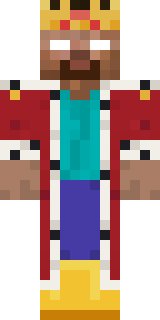 king herobrine
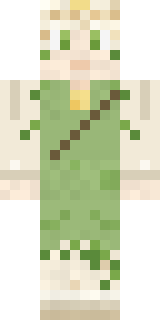 Dandelion Spirit
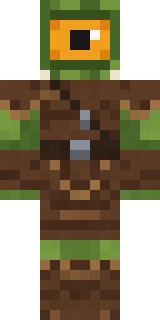 Moss Cyclops
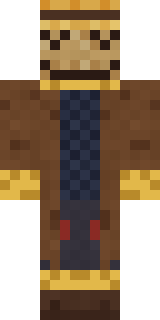 Tattered Scarecrow
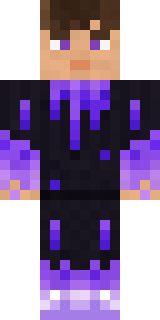 gamer Black Void drip hoodie
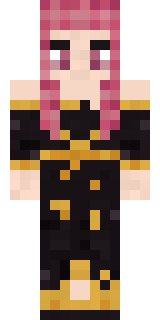 Ballroom Dancer
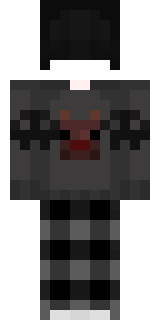 Black
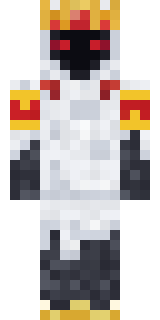 Ghost King
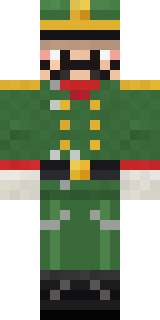 Tin Toy SoldierDreamweaver
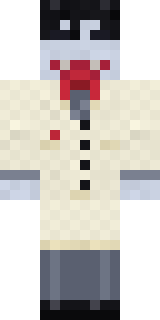 Vampire Dentist
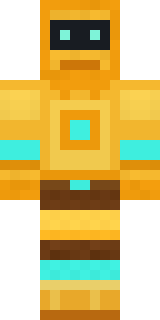 Golden Automaton
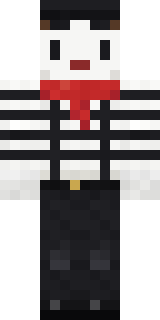 Silent Mime
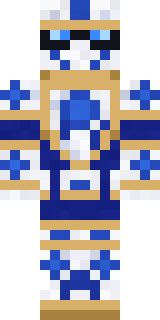 Porcelain Knight
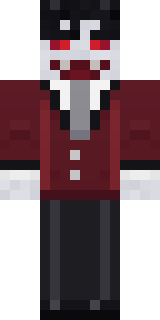 Halloween Vampire
 Ronin Samurai
 Ruby Blacksmith
 Orc Warrior
 Patrol Officer
 Ward Doctor
 Lemon Sorcerer
 Icy Blue Winter
 Pistachio Pastry Chef
 Medieval Cobbler
 Midnight Hoodie
 Lavender Florist
 Balduíno IV
 Federal Agent
 Woodland Ranger
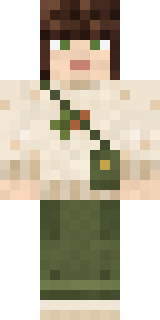 Curly Art Student
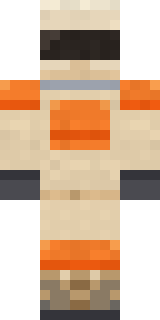 Dune Racer
 Courtroom Judge
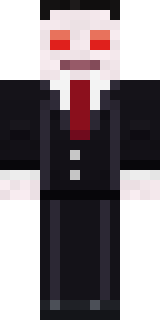 Count Nightfall
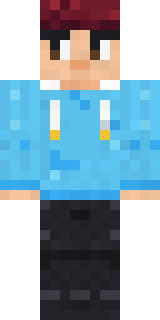 Berg
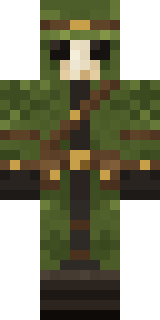 Moss Plague Doctor
 Red Hoodie
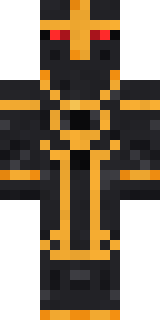 Eclipse Knight
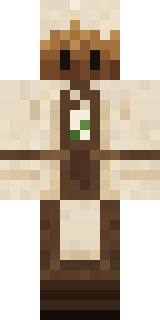 Tea Bag Monk
 White Ghost Sheet
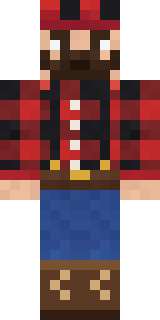 Buffalo Plaid Lumberjack
 Vaporwave Pastel
 Woodland Scout
 Silver Pulse DJ
 Desert Oracle
 Nikola Tesla
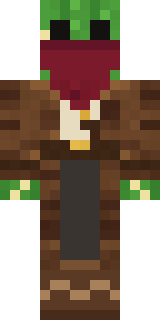 Cactus Outlaw
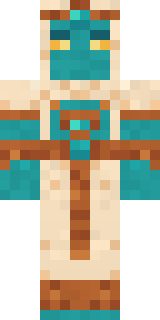 Desert Djinn
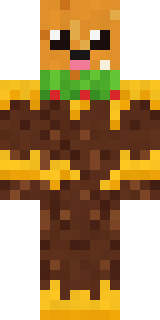 Cheeseburger Buddy
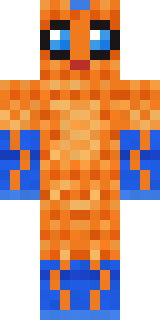 Tropical Fish
 Monochrome Minimalist
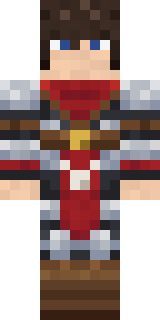 Crimson TemplarShy Kid
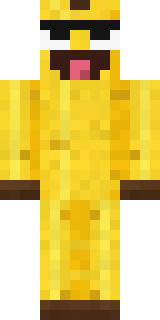 Cheeky Banana
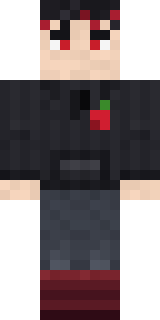 Cherry Goth Streetwear
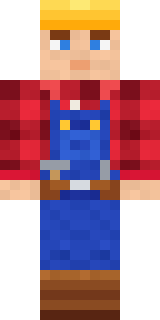 Crimson Builder
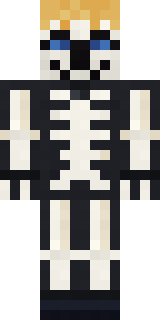 Skeleton Costume
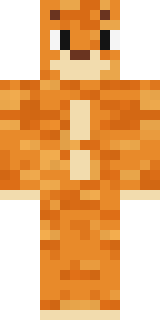 One Brain Cell Cat
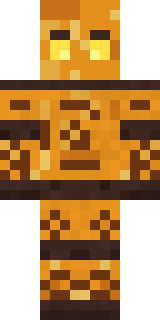 Amber Fossil Golem
 Little Toadstool
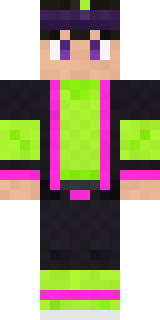 Neon Parkour Runner
About Starfield Phantom
Meet Starfield Phantom, a haunted Minecraft skin made by the Build It team. It comes in black and purple. It is a starfield phantom from head to toe. Perfect when the sun goes down and the mobs come out.
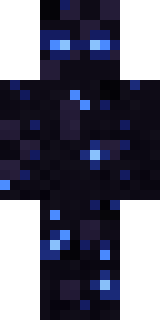
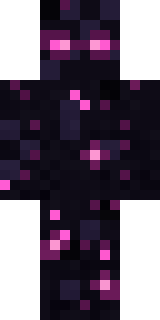
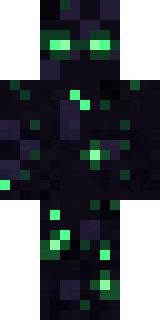
Starfield Phantom has classic 4 pixel arms and works in Minecraft Java and Bedrock. It is free: download the PNG and add it in the Minecraft Launcher (Java) or the dressing room (Bedrock). You can also open it in the Build It Skin Maker and make your own version. It also comes in 7 colour versions, like Blue stars and Pink stars.
Find more skins like it in the Spooky and Fantasy collections, or look through the Galaxy, Mystery and Space tags.