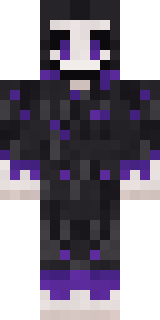
Grinning Shade
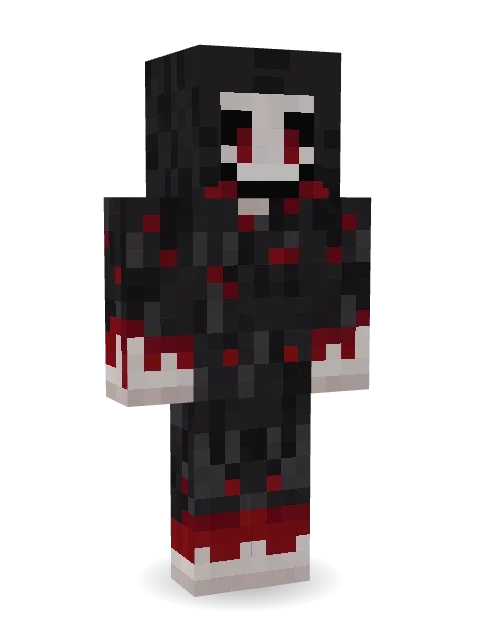
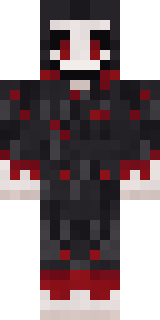
Something that should not be smiling: long black hair over a pale face, hollow black eyes and a wide grin, in a ragged robe stained dark red.

How to use this skin
Download it, then follow the steps for where you play.
Minecraft: Java Edition, in the Minecraft Launcher
- Open the Minecraft Launcher and pick Minecraft: Java Edition on the left.
- Open the Skins tab at the top and press New skin.
- Give it a name and choose the player model: Classic.
- Press Browse, pick the PNG you downloaded, then Save & Use.
- Start the game: you are wearing it, on every world and server.
Minecraft: Java Edition, on minecraft.net
- Go to minecraft.net and log in with your Microsoft account.
- Open your Profile and find the skin settings of Java Edition.
- Choose Classic, select the PNG file, and press Upload.
- Your new skin shows the next time you join a world.
Bedrock Edition: Windows, Android, iPhone, iPad, Chromebook
- Open Minecraft and press Dressing Room on the main menu (in newer versions, the character button next to your name, then Edit Character).
- Open the Classic Skins tab.
- Under Owned Skins, press Import, then Choose New Skin.
- Pick the PNG you downloaded (on a phone it is usually in Downloads or Files).
- When it asks, choose Classic, then confirm.
Xbox, PlayStation and Nintendo Switch
Consoles cannot import a skin file. There you can wear Character Creator items and skins from the Marketplace.
Some players set a skin in Bedrock on a phone or PC that is signed in to the same Microsoft account and see it on their console too. Mojang does not support that, so it may not work for you.
More by Build It












Similar skins














Trending today
What people open and download right now.
Trending today
The skins people are opening, liking and downloading right now.



- Modern HoodiebyBuild It
- Galaxy AxolotlbyBuild It
- Enderbrineby
 gustavopir
- Napoleon BonapartebyBuild It
- The VoidbyBuild It
- Shy KidbyBuild It
- The KingbyBuild It
- Slender ManbyBuild It
- Buff ChickenbyBuild It
- Abyssal MonkbyBuild It
Made on Build It
A few of the skins players made here. Find one you like, or start your own.
 Lunar Botanist
 Glacier Explorer
 Red Bear face tee Baby chick
 Vintage Cartoon Explorer
 Frost Yeti
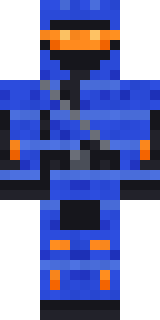 Cobalt Cyber Ninja
 Late Night Gamer
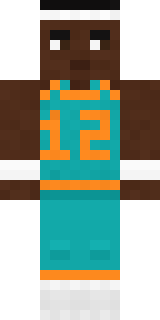 Hoop Star
 Hospital Hero
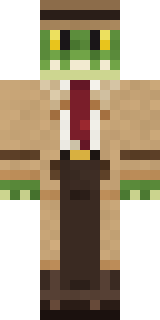 Crocodile Detective
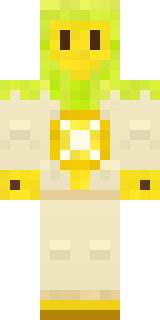 Lemon Sorcerer
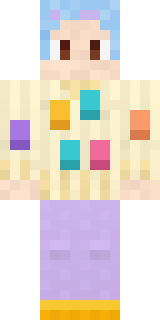 Easter Egg Sweater
 Woodland Ranger
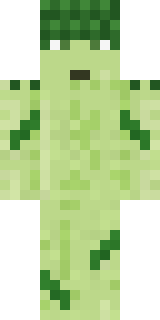 Grumpy Broccoli
 Spring Bloom
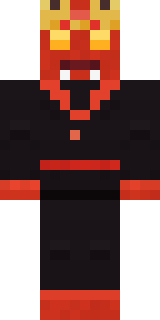 Ember Demon
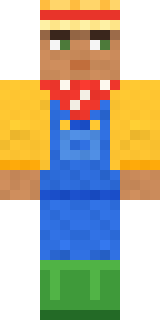 Harvest Farmer
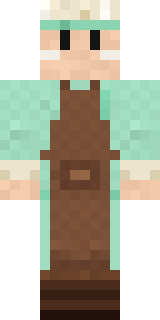 Pistachio Pastry Chef
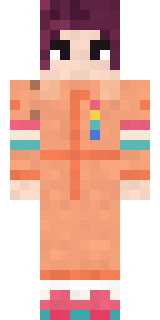 Roller Rink Skater
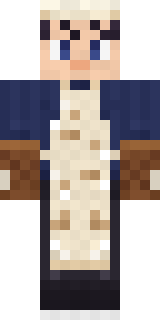 Midnight Baker
 Silverback Gorilla
 Red Panda
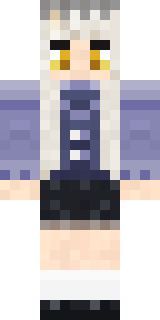 Blue Corset blouse
 FlamehunterGhost Train Conductor
 Red Orchard vine shirt
 Silverfish Archivist
 Tropical Fish
 Graphite Cyborg
 poilce demon
 Neon Parkour Runner
 Mad Scientist
 Guardian Angel
 Cozy Ballet CardiganGraffiti PhantomBrown Bear
 Arcade Buddy
 Sweater Weather
 Mushroom Forest Ranger
 The Forehead Man
 Lighthouse Keeper
 Sky Pirate
 Code Ghost
 Crypt Custodian
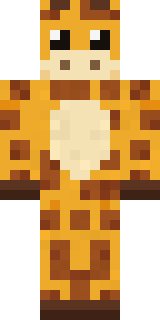 Gentle Giraffe
 Porcelain Robot
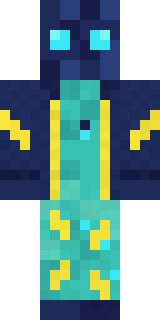 Electric Eel Technician
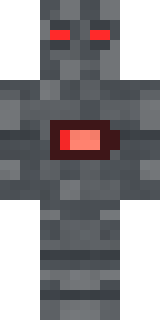 Low Battery Robot
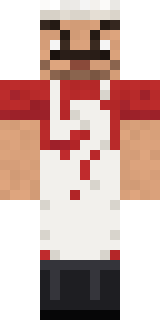 Market Butcher
 Disco Chameleon
 Friendly Nurse
 Denim Artist
 Crystal Monk
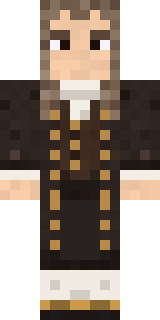 Isaac Newton
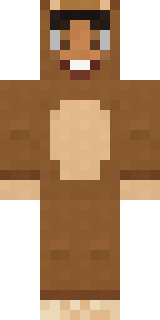 Teddy Onesie
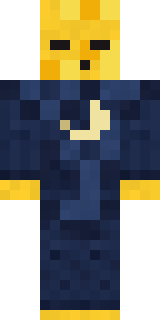 Sleepy Yellow Face
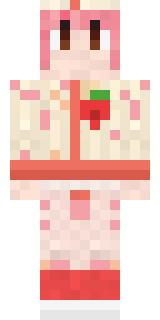 Strawberry Milk Courier
 Otter Fisher
 Terracotta Guardian
 Moonwalk Astronaut
About Grinning Shade
Meet Grinning Shade, an eerie Minecraft skin from the Build It team. It comes in black, red and grey. It is a grinning shade from head to toe. It is made for Halloween nights, haunted builds and horror maps.
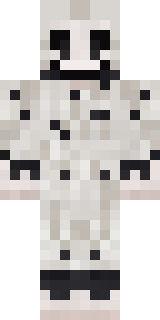
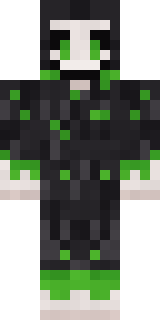
Grinning Shade has classic 4 pixel arms and works in Minecraft Java and Bedrock. It is free: download the PNG and add it in the Minecraft Launcher (Java) or the dressing room (Bedrock). Open it in the Build It Skin Maker to give it your own colours. It also comes in 7 colour versions, like Ghost white and Toxic.
See more in the Spooky collection, or look through the Creepy, Halloween and Horror tags.