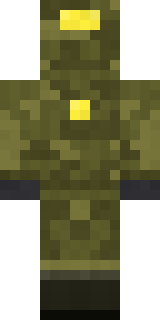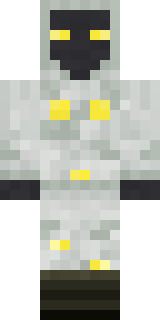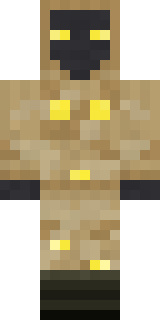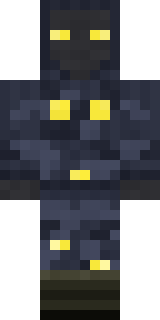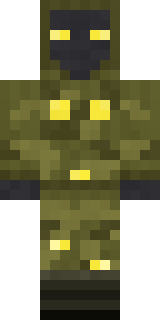
Glowbug Ranger
Minecraft skin · Classic arms (4 pixels) · Java and Bedrock
Sees in the dark and glows when it wants to be found: a charcoal face with yellow eyes, an olive camo hood suit and little firefly lights all over.

How to use this skin
Download it, then follow the steps for where you play.
Minecraft: Java Edition, in the Minecraft Launcher
- Open the Minecraft Launcher and pick Minecraft: Java Edition on the left.
- Open the Skins tab at the top and press New skin.
- Give it a name and choose the player model: Classic.
- Press Browse, pick the PNG you downloaded, then Save & Use.
- Start the game: you are wearing it, on every world and server.
Minecraft: Java Edition, on minecraft.net
- Go to minecraft.net and log in with your Microsoft account.
- Open your Profile and find the skin settings of Java Edition.
- Choose Classic, select the PNG file, and press Upload.
- Your new skin shows the next time you join a world.
Bedrock Edition: Windows, Android, iPhone, iPad, Chromebook
- Open Minecraft and press Dressing Room on the main menu (in newer versions, the character button next to your name, then Edit Character).
- Open the Classic Skins tab.
- Under Owned Skins, press Import, then Choose New Skin.
- Pick the PNG you downloaded (on a phone it is usually in Downloads or Files).
- When it asks, choose Classic, then confirm.
Xbox, PlayStation and Nintendo Switch
Consoles cannot import a skin file. There you can wear Character Creator items and skins from the Marketplace.
Some players set a skin in Bedrock on a phone or PC that is signed in to the same Microsoft account and see it on their console too. Mojang does not support that, so it may not work for you.
Similar skins
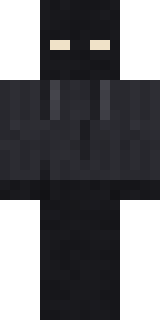
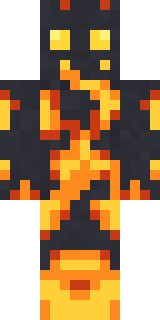
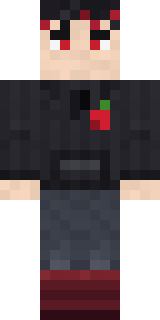
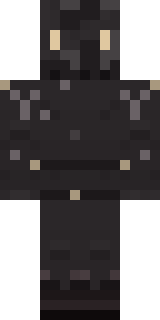
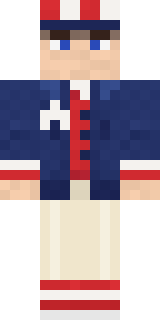
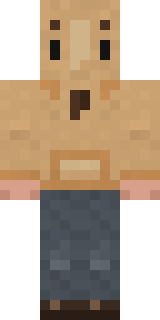

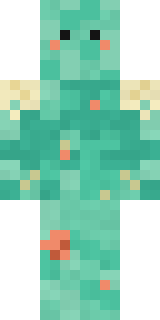
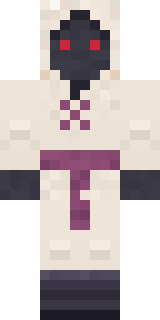
Made on Build It
A few of the skins players made here. Find one you like, or start your own.
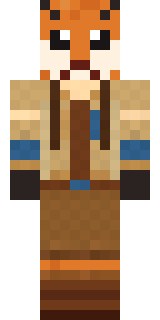 Fox Explorer
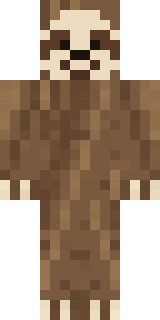 Sleepy Sloth
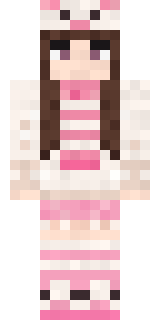 Pastel Bear Girl
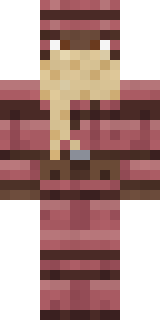 Armadillo Mercenary
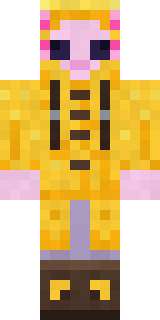 Axolotl Adventurer
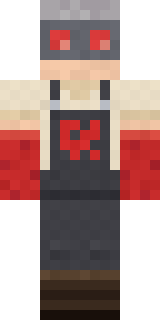 Redstone Tinkerer
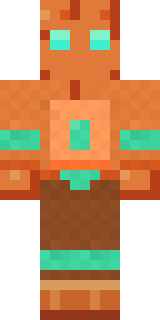 Copper GolemCanada Day Maple Leaf
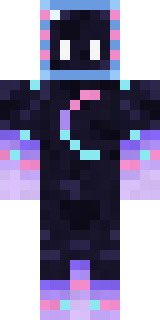 Galaxy Axolotl
 Champion Boxer
 Sprinkle Donut
 Mountain Rescue Medic
 Shroud Ghost
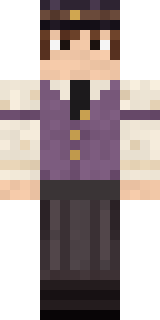 Saloon Pianist
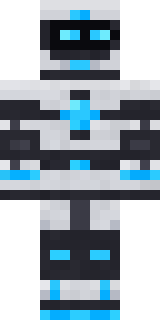 Pulse Android
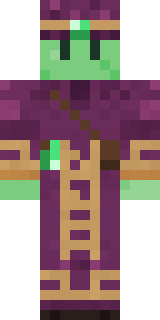 Slime Apprentice
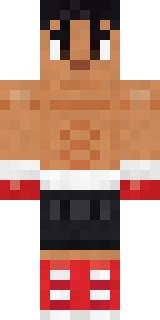 Rookie Boxer
 Alien Exchange Student
 Gothic Librarian
 Crescent Pajama Bunny
 Midnight Hoodie
 Eclipse Knight
 Orc Warrior
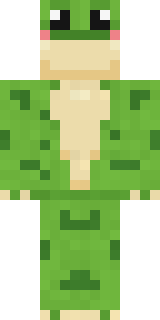 Spotted Frog
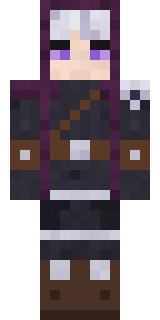 Moon Ranger
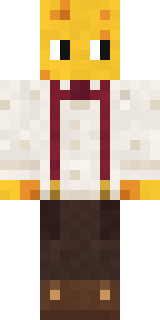 The Big Cheese
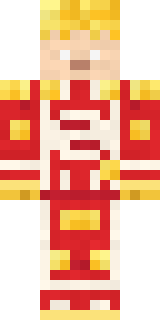 Living Popcorn Box
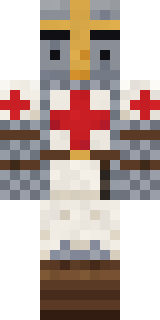 Templar Knight
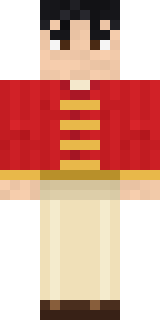 Lunar New Year Celebrant
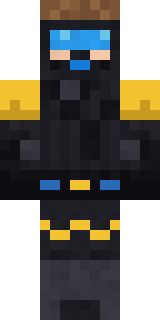 Scuba Instructor
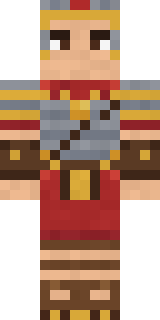 Roman Legionary
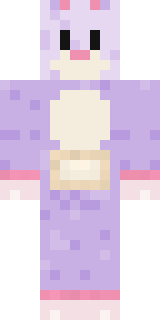 Easter Bunny Costume
 Holiday Helper
 Lone Wolf
 Koi Pond Spirit
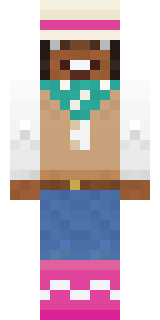 Desert Rose
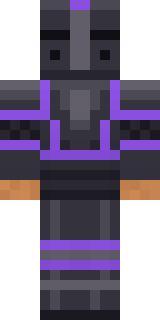 Obsidian Knight
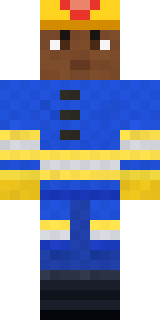 Cobalt Firefighter
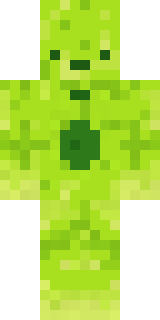 Radioactive Gummy Bear
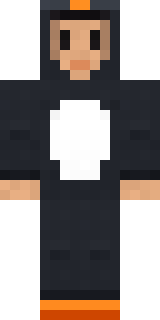 Penguin Waddle
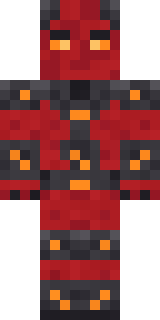 Molten Plate Demon
 Storm Chaser Aviator
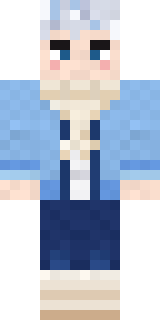 Icy Blue Winter
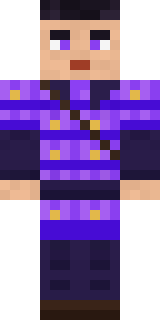 Violet Samurai
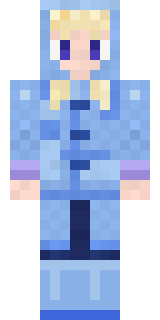 Periwinkle Rainwear
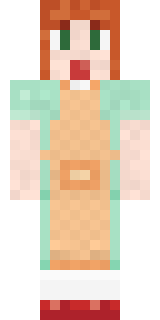 Auburn Diner Waitress
 Fast Break Baller
 Banana Gentleman
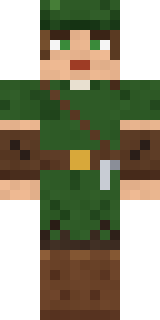 Robin Hood
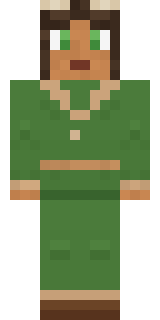 Forest Druid
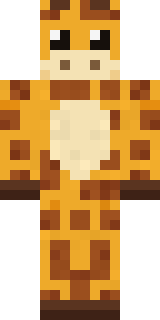 Gentle Giraffe
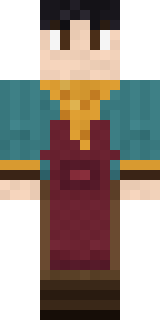 Night Market Merchant
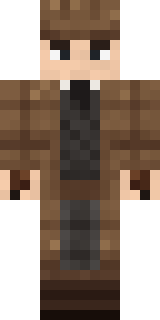 Sherlock Holmes
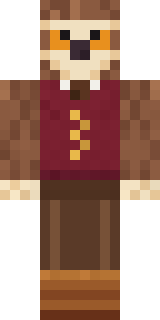 Owl Professor
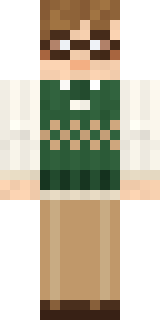 Bookworm
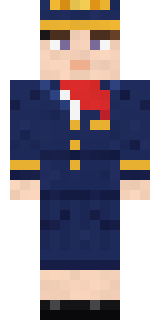 Flight Attendant
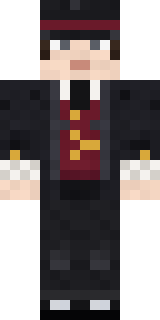 Victorian Gentleman
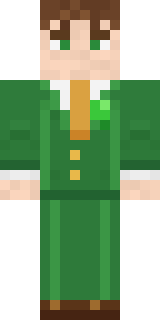 Shamrock Suit
 Camo Commando
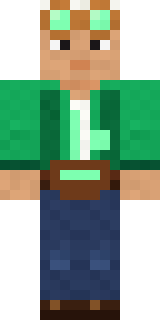 Emerald Alchemist
About Glowbug Ranger
Meet Glowbug Ranger, a work Minecraft skin made by the Build It team. Its look puts together a glowbug camo hoodie, glowbug camo trousers and boots with a brown, yellow and black colour scheme. It is a charcoal glow scout from head to toe. It shows up ready for work on any server.
Glowbug Ranger has classic 4 pixel arms and works in Minecraft Java and Bedrock. Download it for free and upload it in the Minecraft Launcher or the Bedrock dressing room. You can also open it in the Build It Skin Maker and make your own version. It also comes in 7 colour versions, like Snow camo and Desert camo.
Find more skins like it in the Fantasy and Streetwear collections, or look through the Cool, Explorer and Mystery tags.