Midnight Hoodie
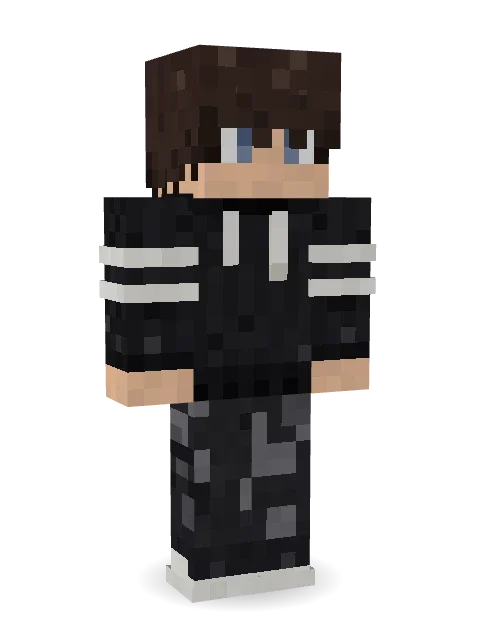
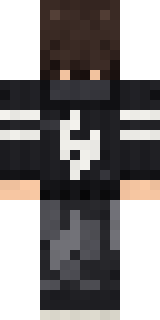
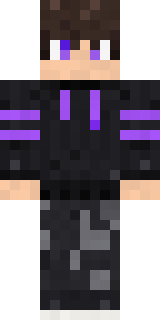
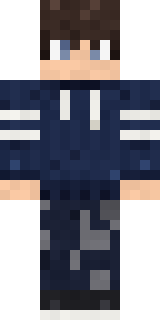
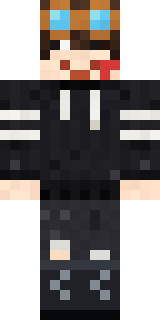
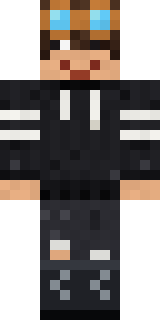
Messy dark hair over grey-blue eyes, a black hoodie with white sleeve stripes and a flame rune on the back, black camo cargos and mono sneakers.

How to use this skin
Download it, then follow the steps for where you play.
Minecraft: Java Edition, in the Minecraft Launcher
- Open the Minecraft Launcher and pick Minecraft: Java Edition on the left.
- Open the Skins tab at the top and press New skin.
- Give it a name and choose the player model: Classic.
- Press Browse, pick the PNG you downloaded, then Save & Use.
- Start the game: you are wearing it, on every world and server.
Minecraft: Java Edition, on minecraft.net
- Go to minecraft.net and log in with your Microsoft account.
- Open your Profile and find the skin settings of Java Edition.
- Choose Classic, select the PNG file, and press Upload.
- Your new skin shows the next time you join a world.
Bedrock Edition: Windows, Android, iPhone, iPad, Chromebook
- Open Minecraft and press Dressing Room on the main menu (in newer versions, the character button next to your name, then Edit Character).
- Open the Classic Skins tab.
- Under Owned Skins, press Import, then Choose New Skin.
- Pick the PNG you downloaded (on a phone it is usually in Downloads or Files).
- When it asks, choose Classic, then confirm.
Xbox, PlayStation and Nintendo Switch
Consoles cannot import a skin file. There you can wear Character Creator items and skins from the Marketplace.
Some players set a skin in Bedrock on a phone or PC that is signed in to the same Microsoft account and see it on their console too. Mojang does not support that, so it may not work for you.
More by Build It












Similar skins


















Trending today
What people open and download right now.
Trending today
The skins people are opening, liking and downloading right now.

- Ancient Hexby
 nvlr33
- Modern HoodiebyBuild It
- Galaxy AxolotlbyBuild It
- Napoleon BonapartebyBuild It
- Shy KidbyBuild It
- The VoidbyBuild It
- The KingbyBuild It
- Hazmat ResponderbyBuild It
- Slender ManbyBuild It
- Buff ChickenbyBuild It
Made on Build It
A few of the skins players made here. Find one you like, or start your own.
Ancient Hex Bookstore OwnerFire Elemental
 Frost Yeti
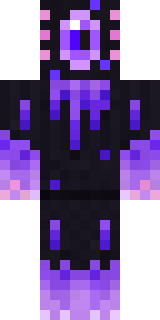 Void Axolotl
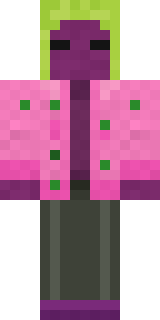 Beetroot DJ
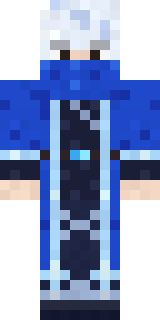 Glacial Sorcerer
 Ink Wizard
 Build It Guy
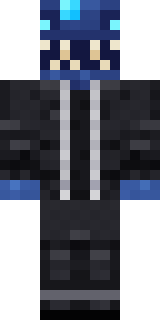 Anglerfish Bouncer
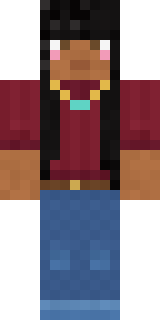 Rich baddie
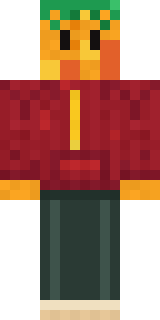 Mango Skate Punk
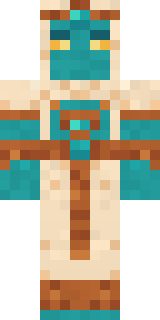 Desert Djinn
 Templar Knight
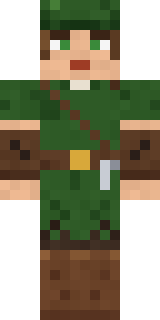 Robin Hood
 Moss Ranger
 Grey Rune stripe hoodie
 Trick or Treat Ghost
 Terracotta Guardian
 Drip King
 Axolotl Adventurer
 Cottage Witch
 Bubblegum Robot
 Grey Rune stripe hoodie
 Golden Automaton
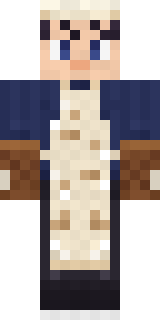 Midnight Baker
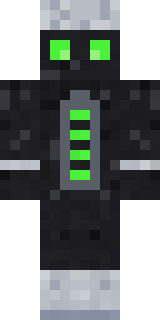 Living Battery
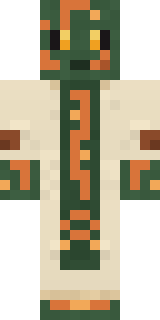 Circuit Board Monk
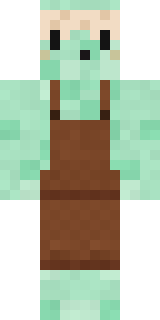 Mint Macaron Mascot
 Error
 Cyberpunk Paramedic
 Trainyard Welder
 Neon DJStarfield Phantom
 White Rabbit
 Easter Bunny Costume
 Carnival Ticket Taker
 Vooid
 Shadow Ninja
 Burlap Intruder
 Watermelon Brawler
 Sea Foam Dancer
 Violet Night Watchman
 Sage Green Cozy
 Smug Star Wizard
 Ferret Locksmith
 Rookie Boxer
 Tattered Scarecrow
 Isaac Newton
 Lunar Botanist
 Parrot Captain
 Periwinkle Rainwear
 Prom Queen Zombie
 Roman LegionaryBlue Hood BoyCrystal Cave Explorer
 Tiger SluggerSteampunk Inventor
 Business Shark
 Masked Night Prowler
About Midnight Hoodie
Midnight Hoodie is a street style Minecraft skin from the Build It team. The outfit: a rune stripe hoodie, night camo cargos and mono kicks in black. An easy everyday look for survival, minigames and hanging out with friends.
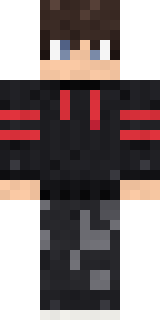
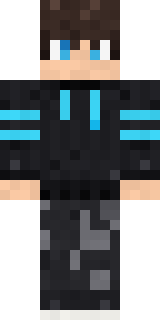
Midnight Hoodie has classic 4 pixel arms and works in Minecraft Java and Bedrock. Download it for free, then follow the steps above to wear it in game. Want it your way? Open it in the Build It Skin Maker and change its colours and pieces. It also comes in 7 colour versions, like Blood stripes and Cyan stripes.
See more in the Streetwear collection, or look through the Boy, Cool and Emo tags.