Easter Bunny Costume
Minecraft skin · Classic arms (4 pixels) · Java and Bedrock
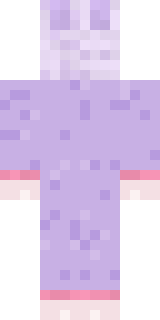
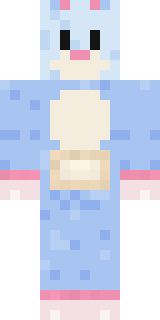
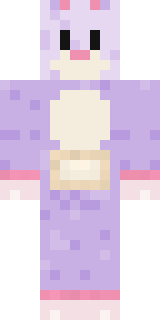
Hides the chocolate eggs and then forgets where: a lavender bunny costume with a pale head, pink-lined ears, a cream belly pocket and pink cuffs.

How to use this skin
Download it, then follow the steps for where you play.
Minecraft: Java Edition, in the Minecraft Launcher
- Open the Minecraft Launcher and pick Minecraft: Java Edition on the left.
- Open the Skins tab at the top and press New skin.
- Give it a name and choose the player model: Classic.
- Press Browse, pick the PNG you downloaded, then Save & Use.
- Start the game: you are wearing it, on every world and server.
Minecraft: Java Edition, on minecraft.net
- Go to minecraft.net and log in with your Microsoft account.
- Open your Profile and find the skin settings of Java Edition.
- Choose Classic, select the PNG file, and press Upload.
- Your new skin shows the next time you join a world.
Bedrock Edition: Windows, Android, iPhone, iPad, Chromebook
- Open Minecraft and press Dressing Room on the main menu (in newer versions, the character button next to your name, then Edit Character).
- Open the Classic Skins tab.
- Under Owned Skins, press Import, then Choose New Skin.
- Pick the PNG you downloaded (on a phone it is usually in Downloads or Files).
- When it asks, choose Classic, then confirm.
Xbox, PlayStation and Nintendo Switch
Consoles cannot import a skin file. There you can wear Character Creator items and skins from the Marketplace.
Some players set a skin in Bedrock on a phone or PC that is signed in to the same Microsoft account and see it on their console too. Mojang does not support that, so it may not work for you.
Similar skins
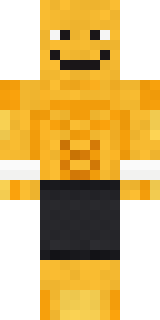
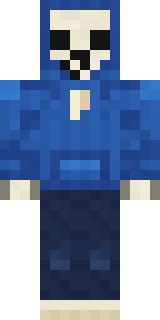
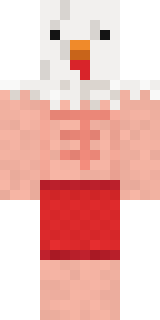

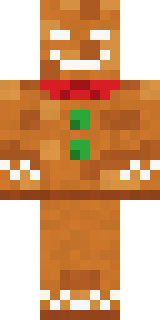
Made on Build It
A few of the skins players made here. Find one you like, or start your own.
 Background Extra
 Build It Guy
 Laurel Angel
 Main Character Duck
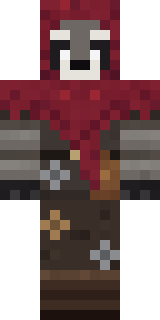 Raccoon Thief
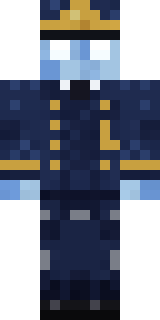 Ghost Train Conductor
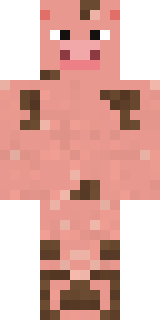 Muddy Pig
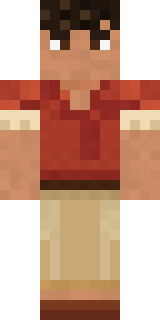 Terracotta Summer
 Sky Princess
 Autumn Leaf Sprite
 Eclipse Knight
 Busy Bee
 Bronze Bell Spirit
 Obsidian Golem
 Frost Elf Prince
 Volcanic Sentinel
 Dune Racer
 Monochrome Minimalist
 Market Butcher
 Desert Courier
 Lighthouse Keeper
 Tattered Scarecrow
 Honey Bot
 Mad Scientist
 Stained Glass Mage
 The Big Cheese
 Woodland Scout
 Blocky Newbie
 Pulse Android
 Starlight Wizard
 Blueberry Detective
 Moon Elf Ranger
 Neon Mohawk Punk
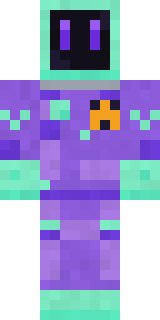 Deep Space Janitor
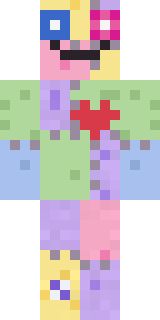 Patchwork Plush Monster
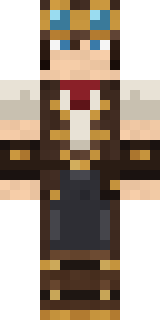 Steampunk Inventor
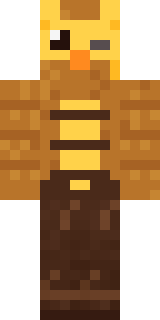 Clockwork Owl
 Malachite Golem
 Crypt GhoulFourth of July Patriot
 Sandstone Guardian
 Wildlife Photographer
 Fire Elemental
 Mixtape Cassette Head
 Blue Beat
 Ink Monster Teacher
 Cherry Goth Streetwear
 Platinum Angel
 Ginger Trainspotter
 Trick or Treat Ghost
 Living Popcorn Box
 Porcelain Robot
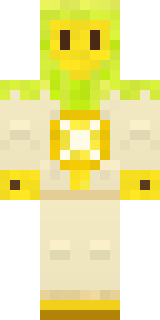 Lemon Sorcerer
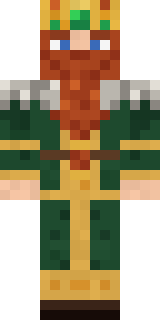 Dwarven Mountain King
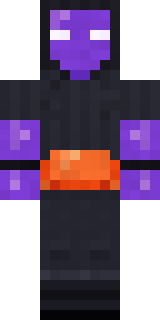 Jellybean Thief
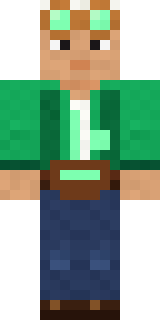 Emerald Alchemist
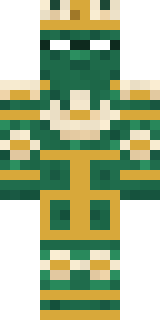 Lotus Temple Guardian
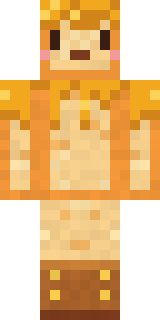 Honey Toast
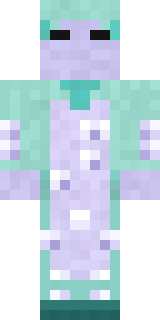 Haunted Laundry Worker
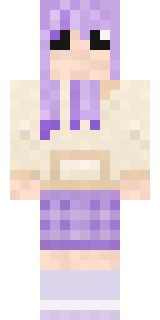 Lavender Daydream
About Easter Bunny Costume
Meet Easter Bunny Costume, a critter Minecraft skin made by the Build It team. Its colours are purple, beige and pink. Under the outfit it is an easter bunny costume. Take it exploring through forests, jungles and snowy plains.
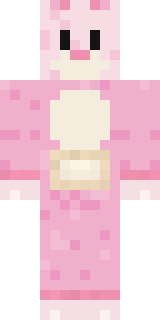
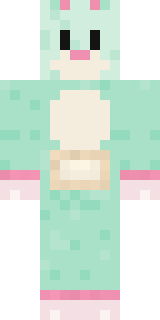
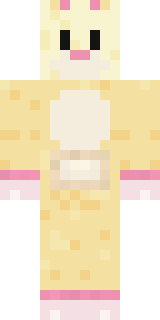
Easter Bunny Costume has classic 4 pixel arms and works in Minecraft Java and Bedrock. It is free: download the PNG and add it in the Minecraft Launcher (Java) or the dressing room (Bedrock). Want it your way? Open it in the Build It Skin Maker and change its colours and pieces. Try its 7 colour versions too, like Pink bunny and Mint bunny.
Find more skins like it in the Animals and Cute collections, or look through the Animal, Cute and Funny tags.