How to use this skin
Download it, then follow the steps for where you play.
Minecraft: Java Edition, in the Minecraft Launcher
- Open the Minecraft Launcher and pick Minecraft: Java Edition on the left.
- Open the Skins tab at the top and press New skin.
- Give it a name and choose the player model: Slim.
- Press Browse, pick the PNG you downloaded, then Save & Use.
- Start the game: you are wearing it, on every world and server.
Minecraft: Java Edition, on minecraft.net
- Go to minecraft.net and log in with your Microsoft account.
- Open your Profile and find the skin settings of Java Edition.
- Choose Slim, select the PNG file, and press Upload.
- Your new skin shows the next time you join a world.
Bedrock Edition: Windows, Android, iPhone, iPad, Chromebook
- Open Minecraft and press Dressing Room on the main menu (in newer versions, the character button next to your name, then Edit Character).
- Open the Classic Skins tab.
- Under Owned Skins, press Import, then Choose New Skin.
- Pick the PNG you downloaded (on a phone it is usually in Downloads or Files).
- When it asks, choose Slim, then confirm.
Xbox, PlayStation and Nintendo Switch
Consoles cannot import a skin file. There you can wear Character Creator items and skins from the Marketplace.
Some players set a skin in Bedrock on a phone or PC that is signed in to the same Microsoft account and see it on their console too. Mojang does not support that, so it may not work for you.
Similar skins
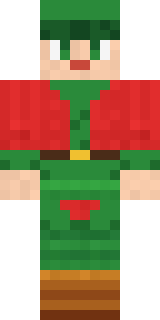
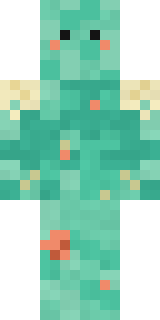
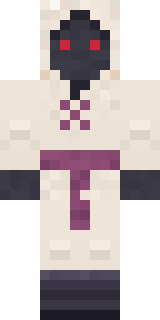
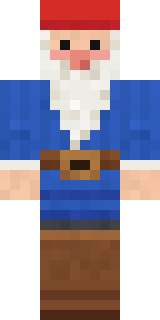
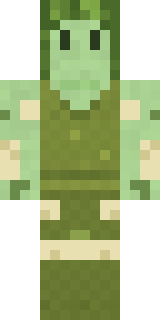
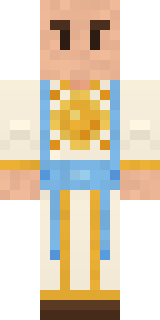
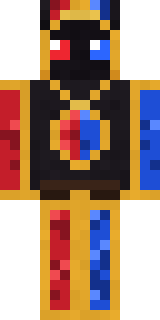
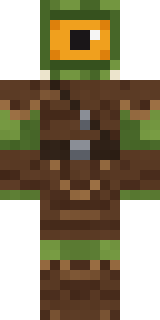

Made on Build It
A few of the skins players made here. Find one you like, or start your own.
 Gothic Librarian
 Bistro Chef
 Fast Break Baller
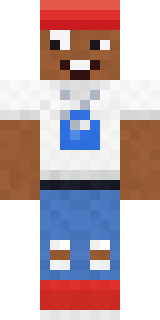 Street Skater
 Matcha Mochi
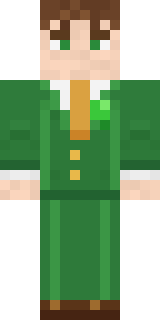 Shamrock Suit
 Abraham Lincoln
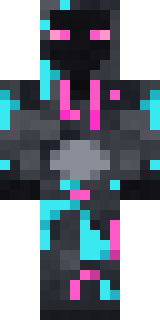 Graffiti Phantom
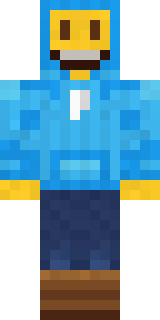 Big Grin Face
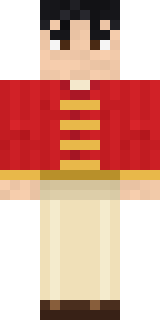 Lunar New Year Celebrant
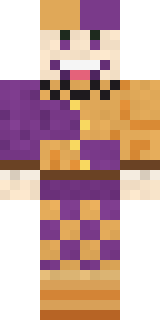 Plum Jester
 Living Pineapple
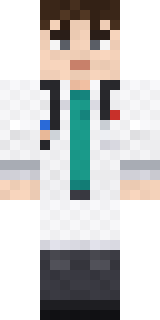 Ward Doctor
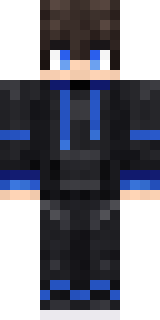 Modern Hoodie
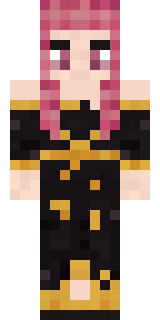 Ballroom Dancer
 Onion King
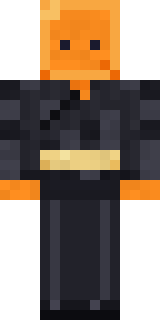 Orange Jelly Ninja
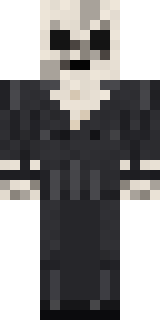 Forgotten Funeral Guest
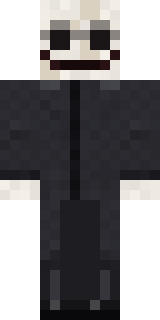 False Smile Stranger
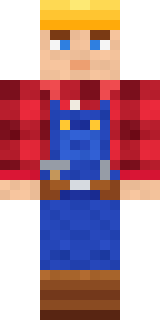 Crimson Builder
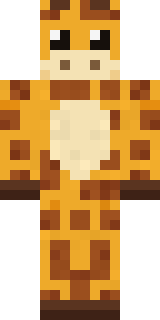 Gentle Giraffe
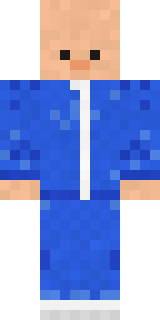 The Forehead Man
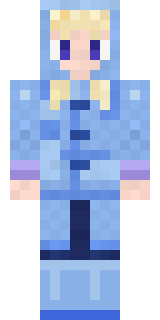 Periwinkle Rainwear
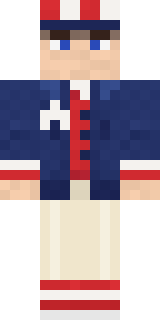 Fourth of July Patriot
 Blocky Newbie
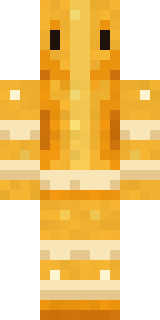 Honeycomb Automaton
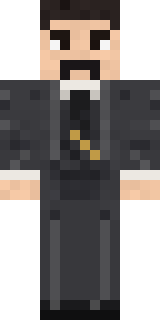 Nikola Tesla
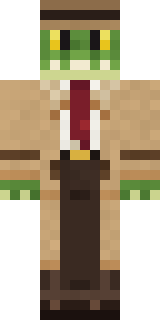 Crocodile Detective
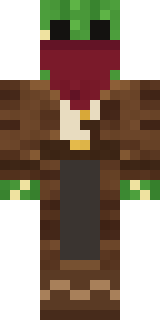 Cactus Outlaw
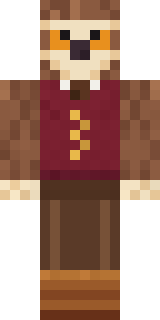 Owl Professor
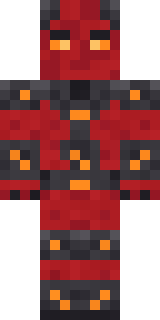 Molten Plate Demon
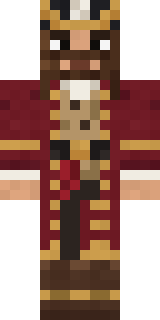 Burgundy Buccaneer
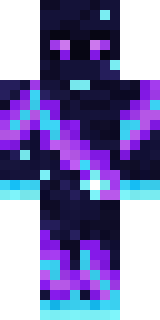 Galaxy Wanderer
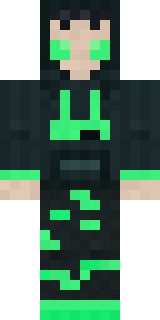 Loading Screen Gamer
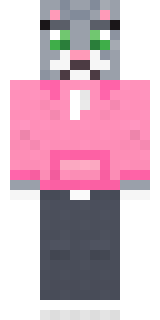 Cozy Cat
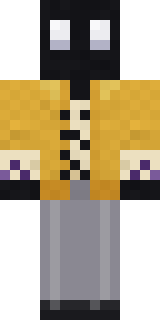 Ink Monster Teacher
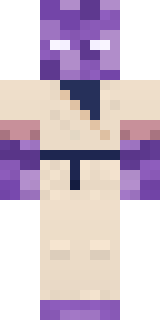 Crystal Monk
 Frankenstein's Creature
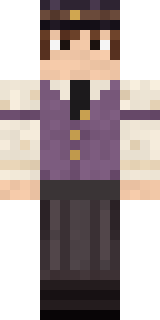 Saloon Pianist
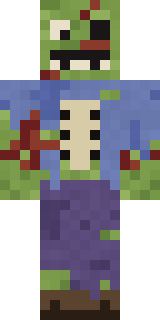 Rotting Walker
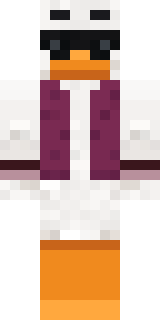 Main Character Duck
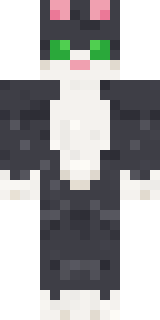 Tuxedo Cat
 Moonwalk Astronaut
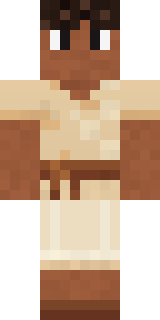 Linen Summer
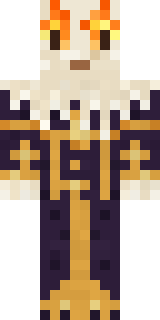 Living Candle Magician
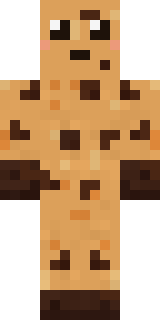 Chocolate Chip Cookie
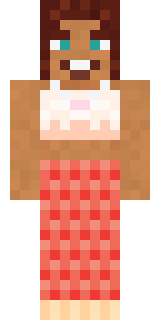 Coral Mermaid
 Static Screen Agent
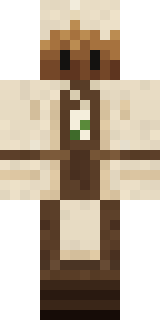 Tea Bag Monk
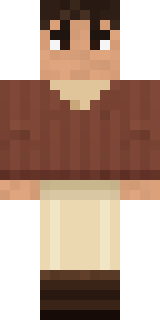 Espresso Cozy
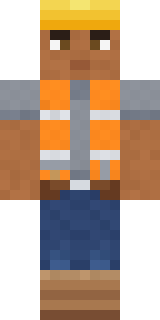 Hard Hat Hero
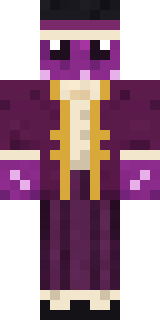 Octopus Stage Magician
 Lakeside Angler
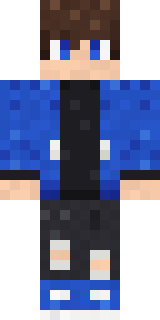 Blue Hood Boy
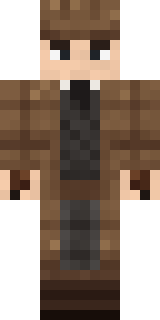 Sherlock Holmes
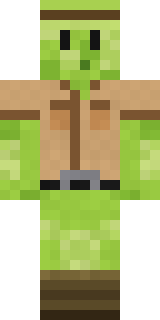 Slime Park Ranger
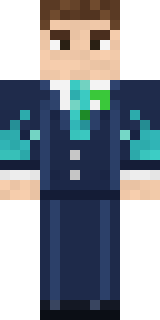 Diamond Sleeve Trader
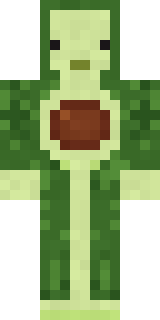 Cozy Avocado
 Tiger Champ
 Dandelion Spirit
About Forest Druid
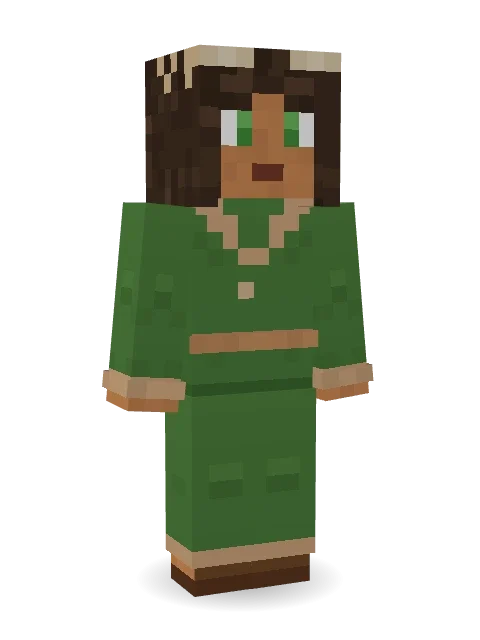
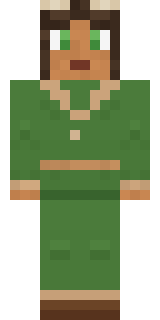
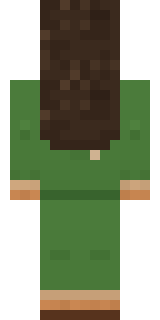
Forest Druid is a fantasy skin for Minecraft from the Build It team. It wears a robe and sandals, mostly green with touches of brown. Under the outfit it is an elf, with antlers. Made for quests, castles and roleplay adventures.
It uses the slim arms (3 pixels wide, like Alex) and works on Java and Bedrock. Download it for free, then follow the steps above to wear it in game. Open it in the Build It Skin Maker to give it your own colours.
See more in the Fantasy and Nature collections, or browse the Elf, Fantasy and Nature tags.