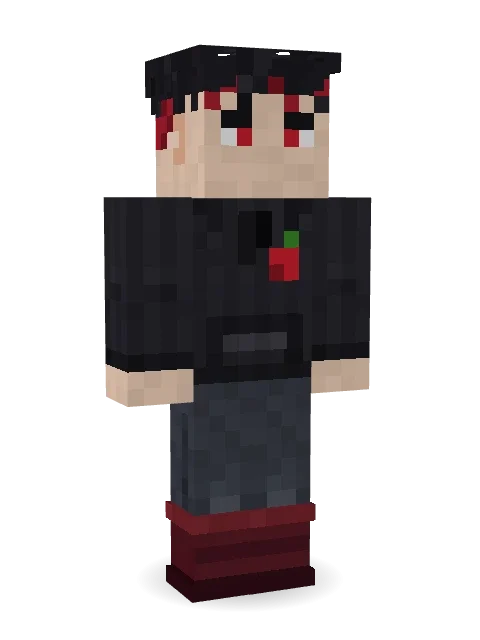
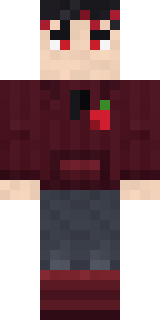
Cherry Goth Streetwear
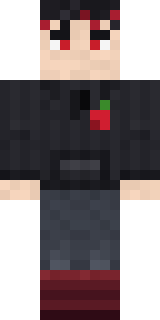
Only goes out after dark and only wears black and cherry red: messy black hair with crimson tips, red eyes, a black hoodie with a cherry and burgundy boots.

How to use this skin
Download it, then follow the steps for where you play.
Minecraft: Java Edition, in the Minecraft Launcher
- Open the Minecraft Launcher and pick Minecraft: Java Edition on the left.
- Open the Skins tab at the top and press New skin.
- Give it a name and choose the player model: Classic.
- Press Browse, pick the PNG you downloaded, then Save & Use.
- Start the game: you are wearing it, on every world and server.
Minecraft: Java Edition, on minecraft.net
- Go to minecraft.net and log in with your Microsoft account.
- Open your Profile and find the skin settings of Java Edition.
- Choose Classic, select the PNG file, and press Upload.
- Your new skin shows the next time you join a world.
Bedrock Edition: Windows, Android, iPhone, iPad, Chromebook
- Open Minecraft and press Dressing Room on the main menu (in newer versions, the character button next to your name, then Edit Character).
- Open the Classic Skins tab.
- Under Owned Skins, press Import, then Choose New Skin.
- Pick the PNG you downloaded (on a phone it is usually in Downloads or Files).
- When it asks, choose Classic, then confirm.
Xbox, PlayStation and Nintendo Switch
Consoles cannot import a skin file. There you can wear Character Creator items and skins from the Marketplace.
Some players set a skin in Bedrock on a phone or PC that is signed in to the same Microsoft account and see it on their console too. Mojang does not support that, so it may not work for you.
More by Build It












Similar skins
















Trending today
What people open and download right now.
Trending today
The skins people are opening, liking and downloading right now.
- Ancient Hexby
 nvlr33
- Modern HoodiebyBuild It
- Shy KidbyBuild It
- Galaxy AxolotlbyBuild It
- Napoleon BonapartebyBuild It
- The KingbyBuild It
- Hazmat ResponderbyBuild It
- The VoidbyBuild It
- Buff ChickenbyBuild It
- Slender ManbyBuild It
Made on Build It
A few of the skins players made here. Find one you like, or start your own.
 Vampire Dentist
 Nikola Tesla
 Frost Court Noble
 Stained Glass Mage
 Golden Prospector
 Gold Aura Streetwear
 Mushroom Forest Ranger
 Chrome Mannequin
 Code Ghost
 Star StrikerGalaxy WandererShroud Ghost
 Orc Warrior
 Banana Gentleman
 Trick or Treat Ghost
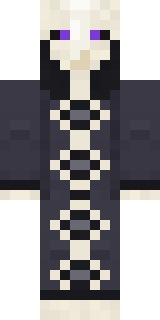 Cursed Chess Bishop
 Steampunk Inventor
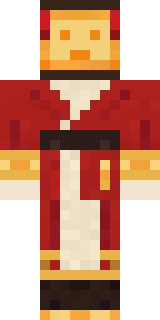 Paper Lantern Spirit
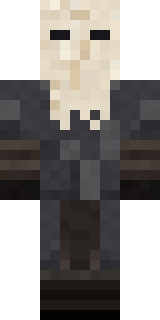 Masked Night Prowler
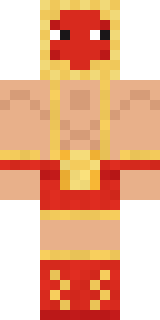 Ravioli Wrestler
 Mixtape Cassette Head
 Ocean Diver
 Joan of ArcShadow Elemental
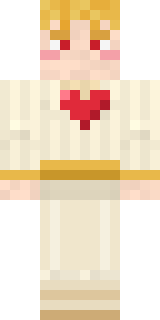 Valentine Cupid
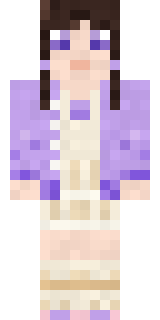 Lilac Ballerina
 Miner shark
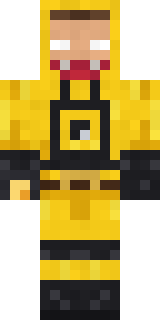 Yellow hazmat suit
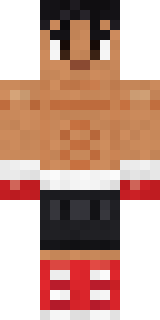 Rookie Boxer
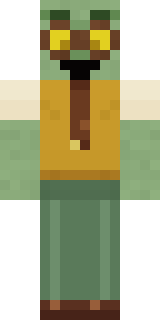 Dungeon Accountant
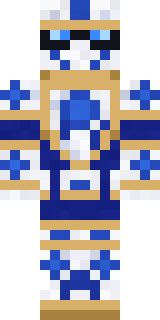 Porcelain Knight
 Avalanche Rescuer
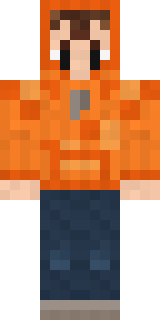 Topsy Turvy Face
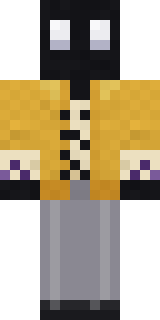 Ink Monster Teacher
 Denim Artist
 Ward Doctor
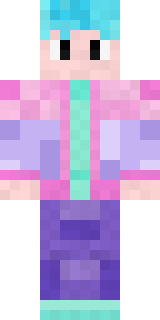 Vaporwave Pastel
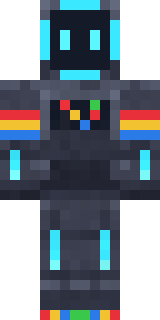 Arcade Buddy
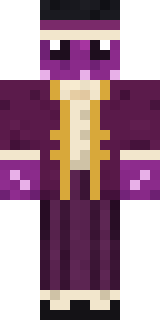 Octopus Stage Magician
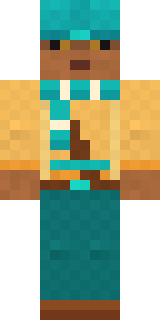 Desert Nomad
 Axolotl Hoodie
 Roller Rink Attendant
 Slime Apprentice
 Haunted Bowling Champion
 Bookstore Owner
 Blue Beat
 Lemon Jazz Singer
 Living Chess King
 Bebo
 Safari Cat
 Confetti Clown
 Goldfish Space Cadet
 Camo Commando
 Medieval Cobbler
 Dandelion Druid
 Morning Barista
 Mad Scientist
 Living Marble Statue
 Black
 Ironwood Druid
About Cherry Goth Streetwear
Cherry Goth Streetwear is a spooky skin for Minecraft made by the Build It team. Its look puts together a cherry goth hoodie, jeans and boots with a black and grey colour scheme. Perfect when the sun goes down and the mobs come out.
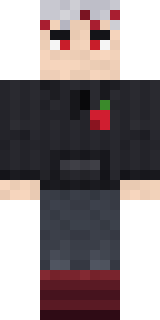
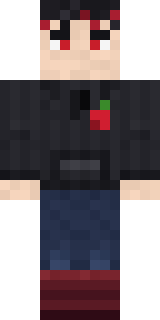
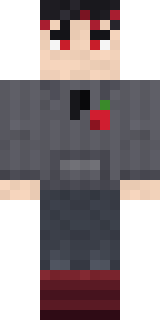
It uses the classic arms (4 pixels wide, like Steve) and works on Java and Bedrock. Download it for free and upload it in the Minecraft Launcher or the Bedrock dressing room. Want it your way? Open it in the Build It Skin Maker and change its colours and pieces. Try its 7 colour versions too, like Silver hair and Navy jeans.
Find more skins like it in the Spooky and Streetwear collections, or browse the Aesthetic, Cool and Hoodie tags.