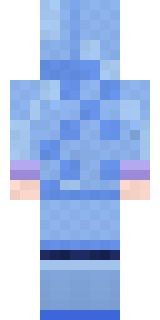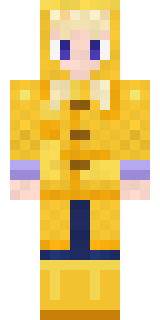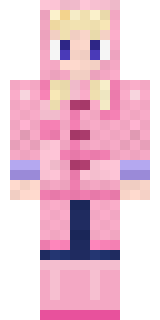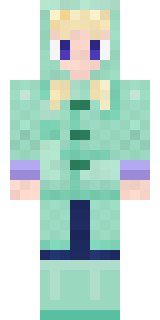
Periwinkle Rainwear
Minecraft skin · Slim arms (3 pixels) · Java and Bedrock
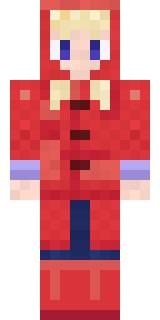
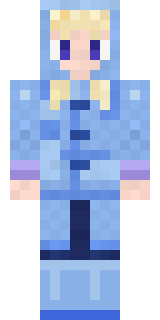
Goes out looking for puddles the moment the rain starts: a periwinkle raincoat with the hood up, cream hair, lavender cuffs and matching rain boots.

How to use this skin
Download it, then follow the steps for where you play.
Minecraft: Java Edition, in the Minecraft Launcher
- Open the Minecraft Launcher and pick Minecraft: Java Edition on the left.
- Open the Skins tab at the top and press New skin.
- Give it a name and choose the player model: Slim.
- Press Browse, pick the PNG you downloaded, then Save & Use.
- Start the game: you are wearing it, on every world and server.
Minecraft: Java Edition, on minecraft.net
- Go to minecraft.net and log in with your Microsoft account.
- Open your Profile and find the skin settings of Java Edition.
- Choose Slim, select the PNG file, and press Upload.
- Your new skin shows the next time you join a world.
Bedrock Edition: Windows, Android, iPhone, iPad, Chromebook
- Open Minecraft and press Dressing Room on the main menu (in newer versions, the character button next to your name, then Edit Character).
- Open the Classic Skins tab.
- Under Owned Skins, press Import, then Choose New Skin.
- Pick the PNG you downloaded (on a phone it is usually in Downloads or Files).
- When it asks, choose Slim, then confirm.
Xbox, PlayStation and Nintendo Switch
Consoles cannot import a skin file. There you can wear Character Creator items and skins from the Marketplace.
Some players set a skin in Bedrock on a phone or PC that is signed in to the same Microsoft account and see it on their console too. Mojang does not support that, so it may not work for you.
Similar skins
Made on Build It
A few of the skins players made here. Find one you like, or start your own.
 Crescent Pajama Bunny
 Fox Explorer
 Fox Blacksmith
 Neon Mohawk Punk
 Strawberry Jam Jar
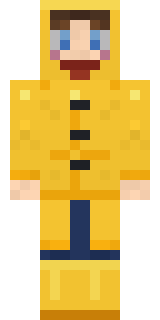 Rainy Day
 Retired Adventurer
 Owl Professor
 Moon Elf Ranger
 Lunar New Year Celebrant
 Skyship Navigator
 Chocolate Chip Cookie
 Slime Park Ranger
 Blueberry Detective
 Dusty Rose Vintage
 Ghost Buddy
 Disco Chameleon
 Terracotta Summer
 Trick or Treat Ghost
 Sharp Jawline Guy
 Pajama Knight
 Retro Arcade Bot
 Gym Bro Banana
 Cobalt Firefighter
 Clockwork Owl
 Mossy Troll
 Tiger Slugger
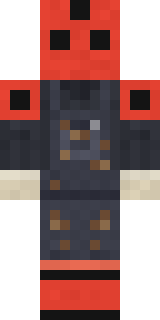 Ladybug Mechanic
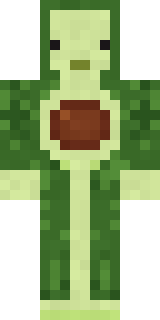 Cozy Avocado
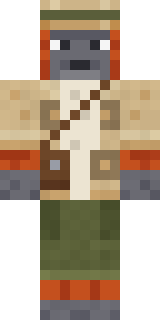 Orangutan Archaeologist
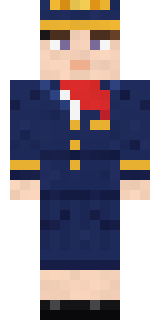 Flight Attendant
 Onion King
 Chrome Mannequin
 Cactus Cowboy
 Giga Chad
 Stained-Glass Paladin
 Red Flame Luchador
 Shamrock Suit
 Cocoa Monkey
 Ember Battle Mage
 Low Battery Robot
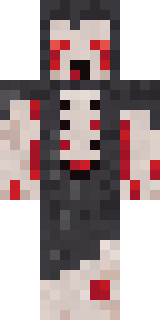 Crypt Ghoul
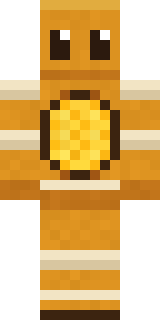 Honey Bot
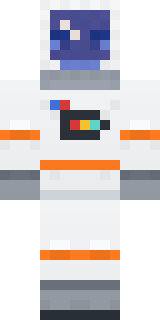 Astronaut
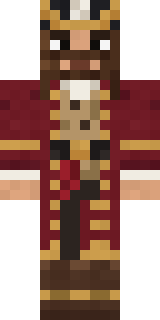 Burgundy Buccaneer
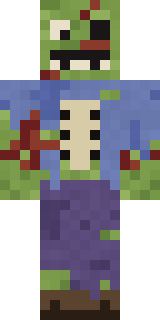 Rotting Walker
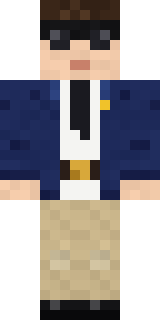 Federal Agent
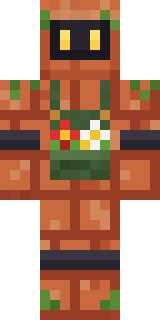 Copper Gardener Bot
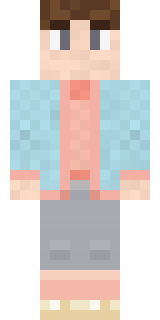 Cozy Ballet Cardigan
 Victorian Gentleman
 Sailor Duck
 Night Market Merchant
 Red Panda
 Background Extra
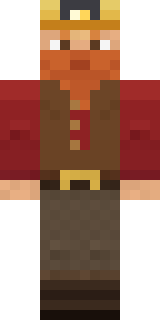 Dwarf Miner
 Alien Tourist
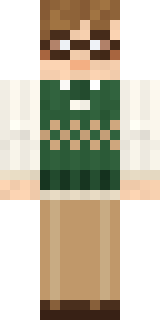 Bookworm
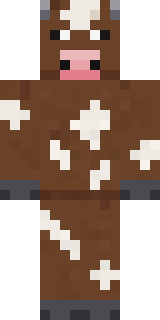 Barnyard Cow
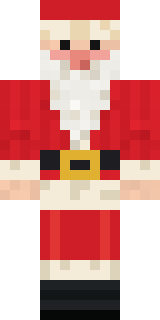 Santa ClausValentine Cupid
About Periwinkle Rainwear
Periwinkle Rainwear is a soft Minecraft skin from the Build It team. The outfit: a lavender cuff raincoat, jeans and rain boots in blue. A sweet pick that makes any world a little cuter.
It uses the slim arms (3 pixels wide, like Alex) and works on Java and Bedrock. Download it for free, then follow the steps above to wear it in game. Open it in the Build It Skin Maker to give it your own colours. It also comes in 7 colour versions, like Yellow rainwear and Pink rainwear.
See more in the Streetwear and Cute collections, or look through the Aesthetic, Cute and Pastel tags.