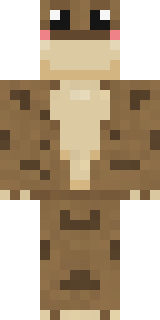
Spotted Frog
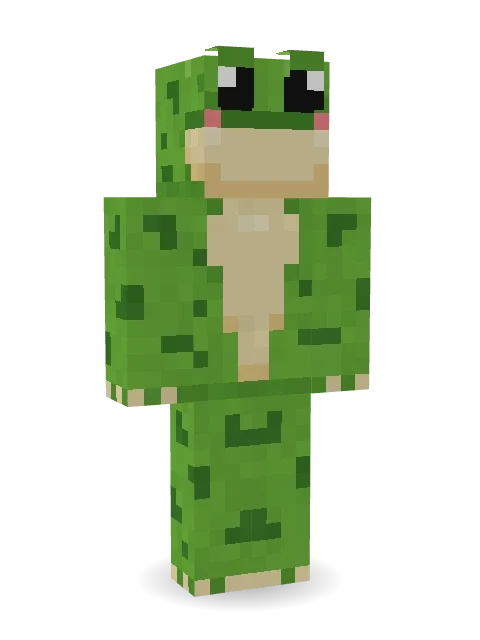
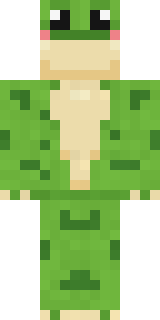
A round-eyed green frog with dark spots, a cream belly and rosy cheeks. Ribbit.

How to use this skin
Download it, then follow the steps for where you play.
Minecraft: Java Edition, in the Minecraft Launcher
- Open the Minecraft Launcher and pick Minecraft: Java Edition on the left.
- Open the Skins tab at the top and press New skin.
- Give it a name and choose the player model: Classic.
- Press Browse, pick the PNG you downloaded, then Save & Use.
- Start the game: you are wearing it, on every world and server.
Minecraft: Java Edition, on minecraft.net
- Go to minecraft.net and log in with your Microsoft account.
- Open your Profile and find the skin settings of Java Edition.
- Choose Classic, select the PNG file, and press Upload.
- Your new skin shows the next time you join a world.
Bedrock Edition: Windows, Android, iPhone, iPad, Chromebook
- Open Minecraft and press Dressing Room on the main menu (in newer versions, the character button next to your name, then Edit Character).
- Open the Classic Skins tab.
- Under Owned Skins, press Import, then Choose New Skin.
- Pick the PNG you downloaded (on a phone it is usually in Downloads or Files).
- When it asks, choose Classic, then confirm.
Xbox, PlayStation and Nintendo Switch
Consoles cannot import a skin file. There you can wear Character Creator items and skins from the Marketplace.
Some players set a skin in Bedrock on a phone or PC that is signed in to the same Microsoft account and see it on their console too. Mojang does not support that, so it may not work for you.
More by Build It












Similar skins





















Trending today
What people open and download right now.
Trending today
The skins people are opening, liking and downloading right now.

- Ancient Hexby
 nvlr33
- Modern HoodiebyBuild It
- Galaxy AxolotlbyBuild It
- Shy KidbyBuild It
- Napoleon BonapartebyBuild It
- Hazmat ResponderbyBuild It
- The VoidbyBuild It
- The KingbyBuild It
- Slender ManbyBuild It
- Buff ChickenbyBuild It
Made on Build It
A few of the skins players made here. Find one you like, or start your own.
 Armadillo Mercenary
 Shadow Ninja
 Grease Monkey
 Cardboard Robot Kid
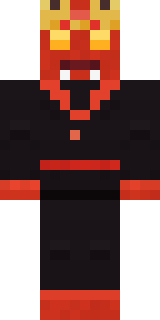 Ember Demon
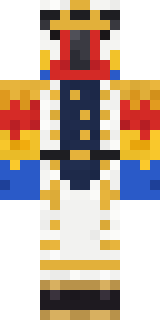 Parrot Captain
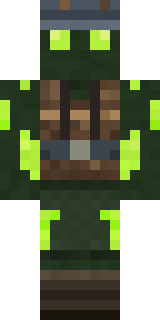 Glowworm Spelunker
 White Ghost Sheet
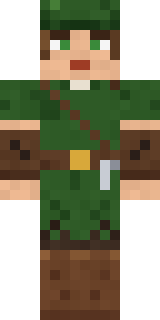 Robin Hood
 Waldo Buhonero
 Violet Samurai
 Desert Nomad
 Deep Sea Captain
 Night Bloom
 Sandstone Guardian
 Harvest Farmer
 Snow Leopard Hacker
 Neon Parkour Runner
 Masked Night Prowler
 Tea Bag Monk
 Eclipse Knight
 Abraham Lincoln
 Woodland Scout
 Cotton Candy Vendor
 Burgundy BuccaneerRainbow Paint CanApple Orchard Guardian
 Moonwalk Astronaut
 Sherlock Holmes
 Cyber Samurai
 Mint Street Artist
 Tuxedo Cat
 Yellow Scrubs
 Ink Wizard
 Hard Hat Hero
 Curly Barista
 Slime Gamer
 Camo Commando
 Captain Spark
 Striped Zebra
 Cranberry Witch
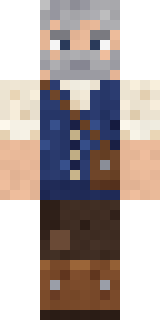 Retired Adventurer
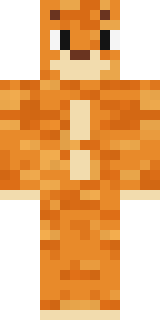 One Brain Cell Cat
 Pitch Playmaker
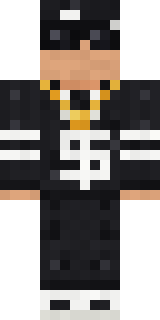 Drip King
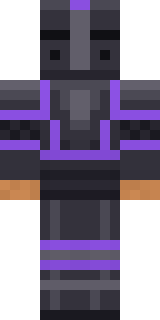 Obsidian Knight
 Sharp Jawline Guy
 Wind Elemental
 Dusty Rose Vintage
 Golden Paladin
 Hospital Hero
 Icy Blue Winter
 Robo Unit 7
 Snow Rider
 Mole Miner
 Happy Hot Dog
 Origami Messenger
 Templar Knight
 Fern Forest Sprite
 Emotional Support Pickle
About Spotted Frog
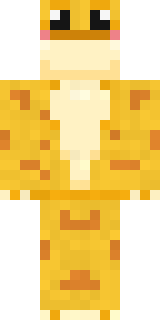
Spotted Frog is a furry skin for Minecraft made by the Build It team. It comes in green and yellow. It has a spotted frog body. Made for anyone who would rather be an animal than a villager.
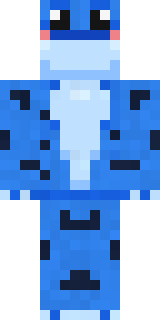
It uses the classic arms (4 pixels wide, like Steve) and works on Java and Bedrock. Download it for free and upload it in the Minecraft Launcher or the Bedrock dressing room. Want it your way? Open it in the Build It Skin Maker and change its colours and pieces. It also comes in 7 colour versions, like Poison dart and Golden frog.
Find more skins like it in the Animals and Cute collections, or browse the Animal, Cute and Frog tags.