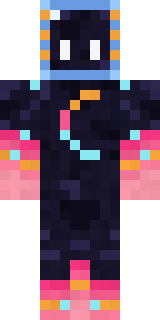
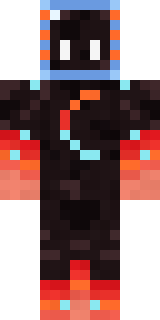
Galaxy Axolotl
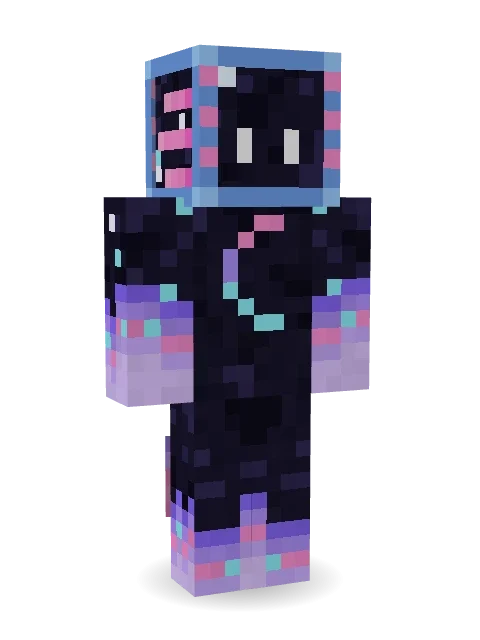
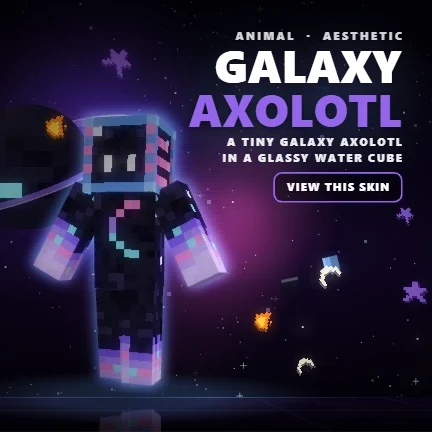
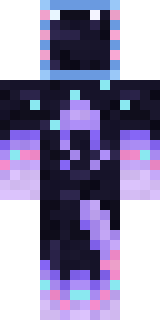
A tiny galaxy axolotl in a glassy water cube, a crescent moon glowing on its starry body and pastel flames swirling round its hands and feet.

How to use this skin
Download it, then follow the steps for where you play.
Minecraft: Java Edition, in the Minecraft Launcher
- Open the Minecraft Launcher and pick Minecraft: Java Edition on the left.
- Open the Skins tab at the top and press New skin.
- Give it a name and choose the player model: Classic.
- Press Browse, pick the PNG you downloaded, then Save & Use.
- Start the game: you are wearing it, on every world and server.
Minecraft: Java Edition, on minecraft.net
- Go to minecraft.net and log in with your Microsoft account.
- Open your Profile and find the skin settings of Java Edition.
- Choose Classic, select the PNG file, and press Upload.
- Your new skin shows the next time you join a world.
Bedrock Edition: Windows, Android, iPhone, iPad, Chromebook
- Open Minecraft and press Dressing Room on the main menu (in newer versions, the character button next to your name, then Edit Character).
- Open the Classic Skins tab.
- Under Owned Skins, press Import, then Choose New Skin.
- Pick the PNG you downloaded (on a phone it is usually in Downloads or Files).
- When it asks, choose Classic, then confirm.
Xbox, PlayStation and Nintendo Switch
Consoles cannot import a skin file. There you can wear Character Creator items and skins from the Marketplace.
Some players set a skin in Bedrock on a phone or PC that is signed in to the same Microsoft account and see it on their console too. Mojang does not support that, so it may not work for you.
More by Build It












Similar skins



















Trending today
What people open and download right now.
Trending today
The skins people are opening, liking and downloading right now.

- Ancient Hexby
 nvlr33
- Modern HoodiebyBuild It
- Galaxy AxolotlbyBuild It
- Shy KidbyBuild It
- The VoidbyBuild It
- Napoleon BonapartebyBuild It
- Hazmat ResponderbyBuild It
- The KingbyBuild It
- Slender ManbyBuild It
- Buff ChickenbyBuild It
Made on Build It
A few of the skins players made here. Find one you like, or start your own.
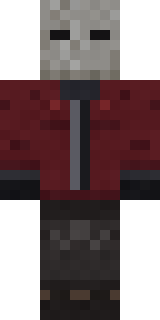 The Blank Mask
 Honey Bee
 Highway Biker
 Slime Apprentice
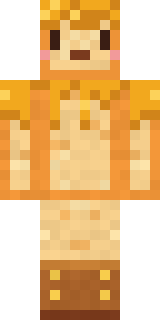 Honey Toast
 Head Chef
 Grey Suit and tie
 Bronze Bell Spirit
 Desert Oracle
 Downtown Pig
 Leonardo da Vinci
 Wolfgang Amadeus Mozart
 Trick or Treat Ghost
 Haunted Arcade Robot
 Avalanche Rescuer
 Roller Rink Attendant
 Happy lawyer
 Void Wanderer
 Grumpy Thundercloud
 Sky Pirate
 Red HoodieNapoleon Bonaparte
 Disco Chameleon
 Lone Wolf
 Noir Detective
 Crystal Cave Explorer
 Formal Vampire
 Garden Helper
 Mint Street Artist
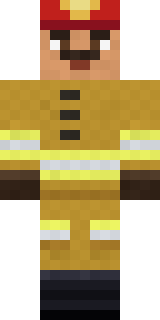 Fire Fighter
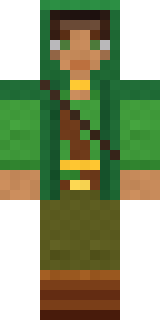 Moss Ranger
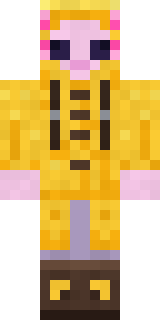 Axolotl Adventurer
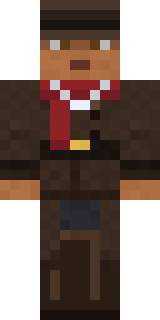 Vampire Hunter
 Woolly Blackface Sheep
 Chess King
 Gamer Mode
 Cozy Cat
 Unimpressed Office Clerk
 Forgotten Funeral Guest
 Bloody ghost
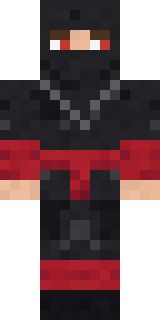 Crimson Sash Ninja
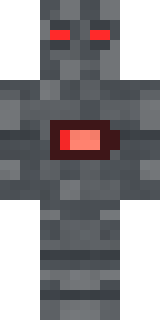 Low Battery Robot
 Strawberry Jam Jar
 Busy Bee
 White Rabbit
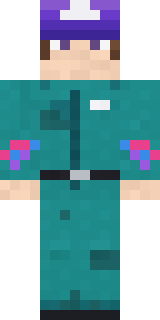 Arcade Janitor
 Onion King
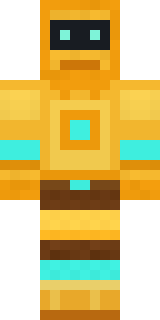 Golden Automaton
 Tropical Fish
 Flight Attendant
 Moss CyclopsBrown Bear
 Woodland Ranger
 Reef Mermaid
 Redstone TinkererThe King
 Matcha Cafe
 Trainyard Welder
 Halloween Witch
 Mad Scientist
About Galaxy Axolotl
Meet Galaxy Axolotl, an out of this world Minecraft skin from the Build It team. Its colours are blue, black and purple. Under the outfit it is a galaxy axolotl. Made for space builds, moon bases and sci-fi servers.
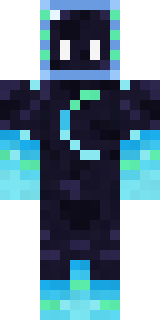
It uses the classic arms (4 pixels wide, like Steve) and works on Java and Bedrock. It is free: download the PNG and add it in the Minecraft Launcher (Java) or the dressing room (Bedrock). You can also open it in the Build It Skin Maker and make your own version. It also comes in 7 colour versions, like Aurora and Sunset.
See more in the Animals and Streetwear collections, or browse the Aesthetic, Animal and Axolotl tags.