How to use this skin
Download it, then follow the steps for where you play.
Minecraft: Java Edition, in the Minecraft Launcher
- Open the Minecraft Launcher and pick Minecraft: Java Edition on the left.
- Open the Skins tab at the top and press New skin.
- Give it a name and choose the player model: Classic.
- Press Browse, pick the PNG you downloaded, then Save & Use.
- Start the game: you are wearing it, on every world and server.
Minecraft: Java Edition, on minecraft.net
- Go to minecraft.net and log in with your Microsoft account.
- Open your Profile and find the skin settings of Java Edition.
- Choose Classic, select the PNG file, and press Upload.
- Your new skin shows the next time you join a world.
Bedrock Edition: Windows, Android, iPhone, iPad, Chromebook
- Open Minecraft and press Dressing Room on the main menu (in newer versions, the character button next to your name, then Edit Character).
- Open the Classic Skins tab.
- Under Owned Skins, press Import, then Choose New Skin.
- Pick the PNG you downloaded (on a phone it is usually in Downloads or Files).
- When it asks, choose Classic, then confirm.
Xbox, PlayStation and Nintendo Switch
Consoles cannot import a skin file. There you can wear Character Creator items and skins from the Marketplace.
Some players set a skin in Bedrock on a phone or PC that is signed in to the same Microsoft account and see it on their console too. Mojang does not support that, so it may not work for you.
Similar skins

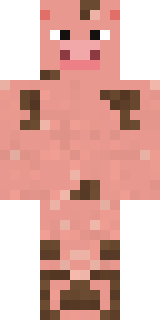
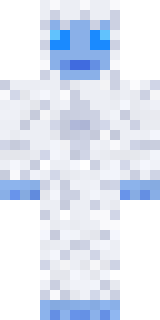
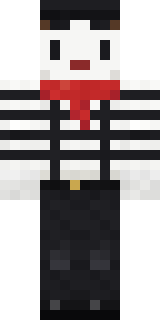

Made on Build It
A few of the skins players made here. Find one you like, or start your own.
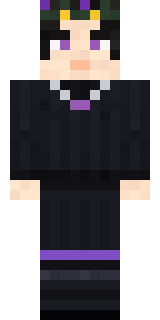 Night Bloom
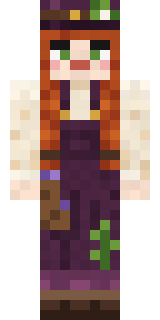 Cottage Witch
 Federal Agent
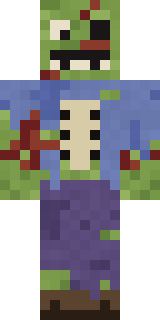 Rotting Walker
 Moon Elf
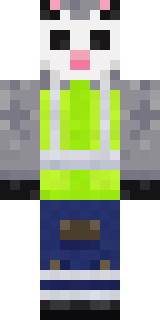 Possum Garbage Collector
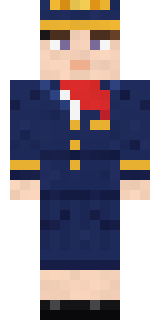 Flight Attendant
 Rookie Boxer
 Forest Bigfoot
 Brown Bear
 Crimson Sash Ninja
 Gilded Steel Knight
 Abraham Lincoln
 Railway Traveler
 Crystal Cave Explorer
 Mountain Shepherd
 Circuit Alien
 Grumpy Thundercloud
 Hard Hat Hero
 Matcha Mochi
 Obsidian Knight
 Reef Mermaid
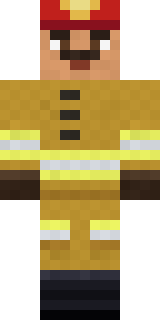 Fire Fighter
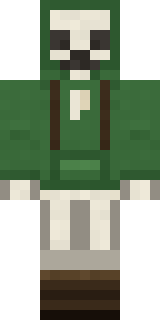 Bone Scout
 Rodeo Star
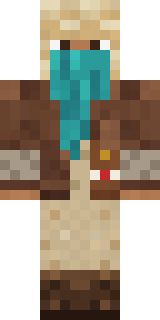 Desert Courier
 Muddy Farmhand
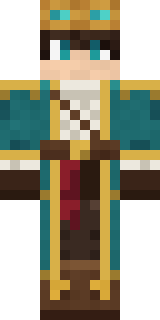 Sky Pirate
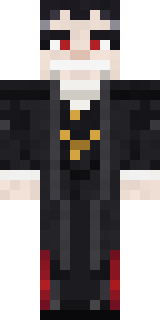 Count Dracula
 Campaign Trail Politician
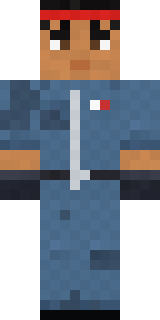 Grease Monkey
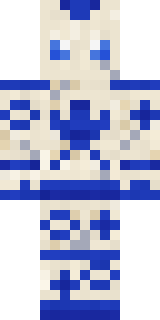 Porcelain Robot
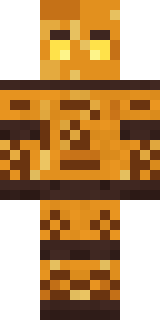 Amber Fossil Golem
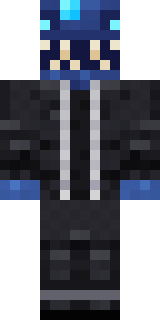 Anglerfish Bouncer
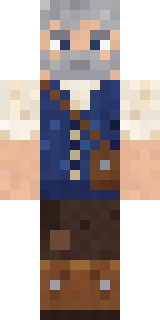 Retired Adventurer
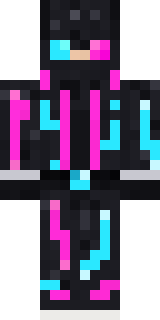 Neon Runner
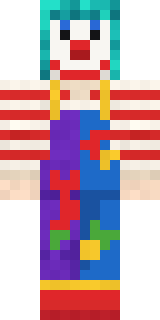 Confetti Clown
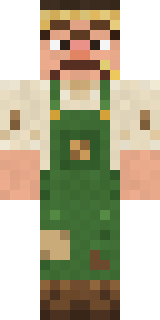 Grumpy Potato Farmer
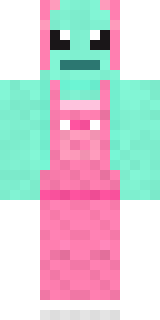 Mint Axolotl
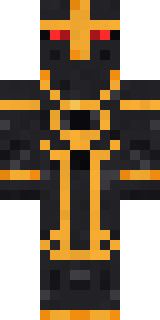 Eclipse Knight
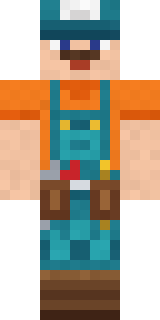 Handy Plumber
 Bookworm
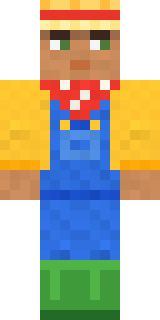 Harvest Farmer
 Courtroom Judge
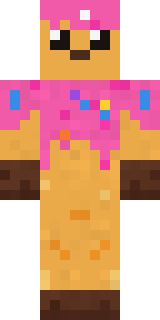 Sprinkle Donut
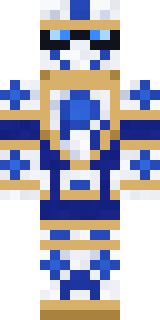 Porcelain Knight
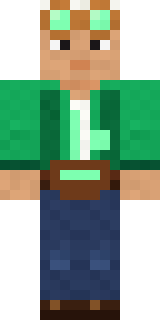 Emerald Alchemist
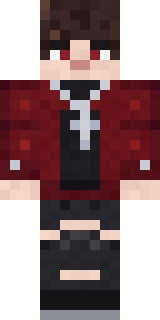 Crimson Plaid Emo
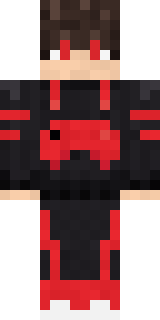 Gamer Mode
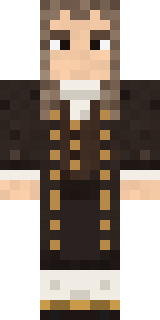 Isaac Newton
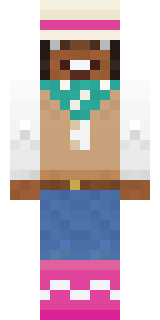 Desert Rose
 Woodland Ranger
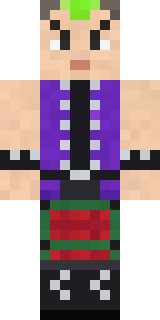 Neon Mohawk Punk
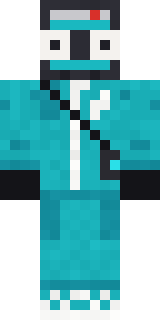 Mixtape Cassette Head
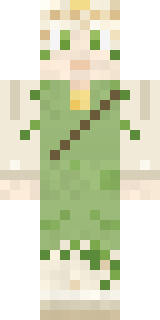 Dandelion Spirit
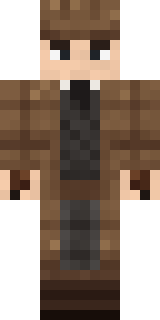 Sherlock Holmes
 Woolly Blackface Sheep
 Alien Exchange Student
 Violet Samurai
 Bookstore Owner
About Penguin Waddle
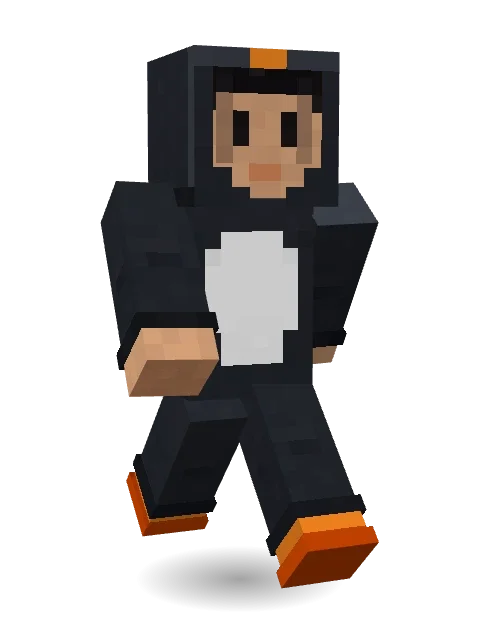
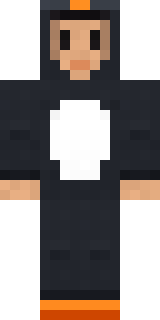
Meet Penguin Waddle, an animal Minecraft skin from the Build It team. It wears rain boots in black and white. A fun pick for survival worlds and roleplay servers.
Penguin Waddle has classic 4 pixel arms and works in Minecraft Java and Bedrock. It is free: download the PNG and add it in the Minecraft Launcher (Java) or the dressing room (Bedrock). Want it your way? Open it in the Build It Skin Maker and change its colours and pieces.
See more in the Animals and Cute collections, or look through the Animal, Cute and Funny tags.