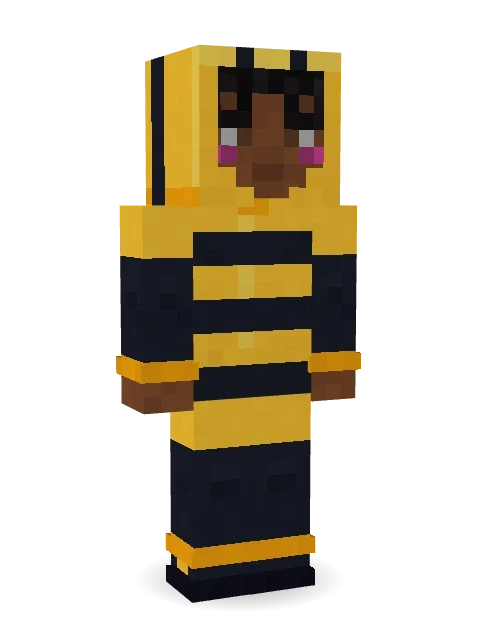
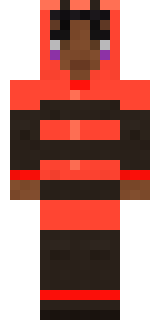
Busy Bee
Buzzing from flower to flower on tiny see-through wings.

How to use this skin
Download it, then follow the steps for where you play.
Minecraft: Java Edition, in the Minecraft Launcher
- Open the Minecraft Launcher and pick Minecraft: Java Edition on the left.
- Open the Skins tab at the top and press New skin.
- Give it a name and choose the player model: Slim.
- Press Browse, pick the PNG you downloaded, then Save & Use.
- Start the game: you are wearing it, on every world and server.
Minecraft: Java Edition, on minecraft.net
- Go to minecraft.net and log in with your Microsoft account.
- Open your Profile and find the skin settings of Java Edition.
- Choose Slim, select the PNG file, and press Upload.
- Your new skin shows the next time you join a world.
Bedrock Edition: Windows, Android, iPhone, iPad, Chromebook
- Open Minecraft and press Dressing Room on the main menu (in newer versions, the character button next to your name, then Edit Character).
- Open the Classic Skins tab.
- Under Owned Skins, press Import, then Choose New Skin.
- Pick the PNG you downloaded (on a phone it is usually in Downloads or Files).
- When it asks, choose Slim, then confirm.
Xbox, PlayStation and Nintendo Switch
Consoles cannot import a skin file. There you can wear Character Creator items and skins from the Marketplace.
Some players set a skin in Bedrock on a phone or PC that is signed in to the same Microsoft account and see it on their console too. Mojang does not support that, so it may not work for you.
More by Build It












Similar skins



















Trending today
What people open and download right now.
Trending today
The skins people are opening, liking and downloading right now.

- Ancient Hexby
 nvlr33
- Modern HoodiebyBuild It
- Galaxy AxolotlbyBuild It
- Shy KidbyBuild It
- The VoidbyBuild It
- Napoleon BonapartebyBuild It
- Hazmat ResponderbyBuild It
- The KingbyBuild It
- Slender ManbyBuild It
- Buff ChickenbyBuild It
Made on Build It
A few of the skins players made here. Find one you like, or start your own.
 Pastel GothModern HoodieBuff Chicken
 Fox Blacksmith
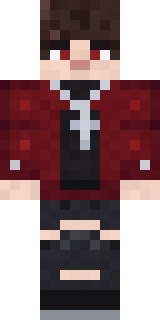 Crimson Plaid Emo
 Gingerbread Detective
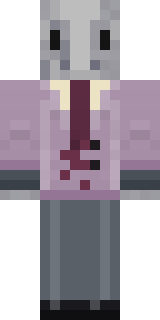 Silverfish Archivist
 Steampunk Inventor
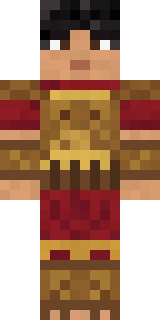 Bronze Age WarriorMidnight Hoodie
 Retro Waitress
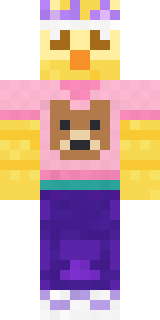 Red Bear face tee Baby chick
 Vintage Cartoon Explorer
 Woodland Ranger
 Gym Bro Banana
 Dandelion Druid
 Julius Caesar
 Little Dragon
 Curly Barista
 Red Flame Luchador
 Axolotl Hoodie
 Barnyard Cow
 Strawberry Milk
 Easter Egg Sweater
 Violet Night Watchman
 Peacock Guard
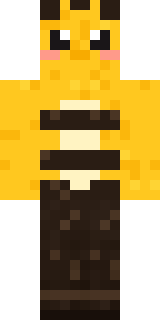 Honey Bee
 Tea Bag Monk
 Happy lawyer
 Frost Yeti
 Main Character Duck
 Roller Rink Attendant
 Monotone Man
 Noir Detective
 ShimerBot 0375
 Drifter Gunslinger
 Diamond Sleeve Trader
 Orangutan Archaeologist
 Little Bat
 Shadow Ninja
 Hard Hat Hero
 Inmate 3742
 Slime Apprentice
 Rusty Scrapyard Robot
 Volcanic Sentinel
 Blueberry Detective
 Anglerfish Bouncer
 Arcade Buddy
 Ballroom Dancer
 Frost Court Noble
 Alien Exchange Student
 Tennis Ball Coach
 Lotus Temple Guardian
 Lone Wolf
 Cursed Chess Bishop
 Malachite Golem
 Spider Silk Merchant
 Glacial Sorcerer
 Lemon Jazz Singer
 Patrol Officer
About Busy Bee
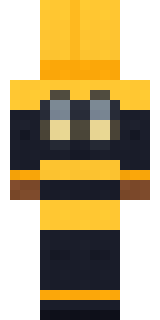
Meet Busy Bee, a furry Minecraft skin from the Build It team. It comes with sneakers in black and yellow. Look closer: it has blush. A fun pick for survival worlds and roleplay servers.
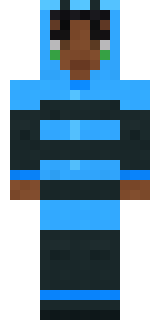
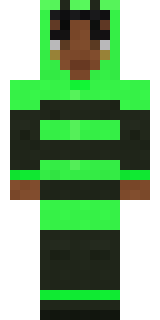
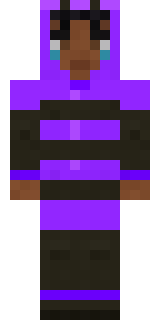
It uses the slim arms (3 pixels wide, like Alex) and works on Java and Bedrock. Download it for free, then follow the steps above to wear it in game. Open it in the Build It Skin Maker to give it your own colours. It also comes in 5 colour versions, like Ocean and Forest.
See more in the Animals and Streetwear collections, or look through the Animal, Cute and Hoodie tags.