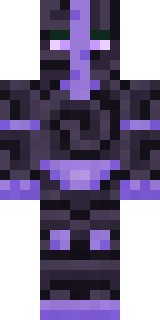
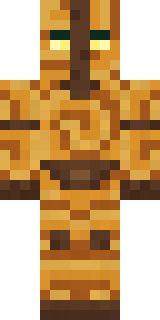
Malachite Golem
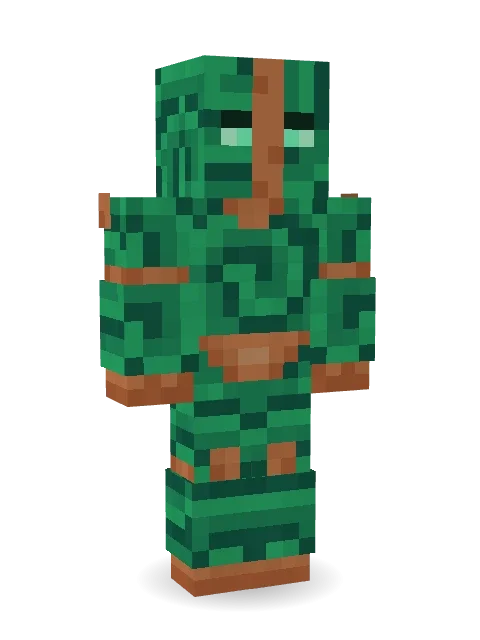
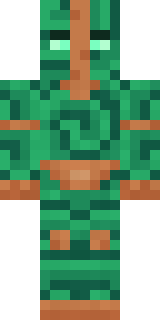
Ancient stone, living emerald: a guardian of swirling malachite with copper joints and two glowing mint eyes.
How to use this skin
Download it, then follow the steps for where you play.
Minecraft: Java Edition, in the Minecraft Launcher
- Open the Minecraft Launcher and pick Minecraft: Java Edition on the left.
- Open the Skins tab at the top and press New skin.
- Give it a name and choose the player model: Classic.
- Press Browse, pick the PNG you downloaded, then Save & Use.
- Start the game: you are wearing it, on every world and server.
Minecraft: Java Edition, on minecraft.net
- Go to minecraft.net and log in with your Microsoft account.
- Open your Profile and find the skin settings of Java Edition.
- Choose Classic, select the PNG file, and press Upload.
- Your new skin shows the next time you join a world.
Bedrock Edition: Windows, Android, iPhone, iPad, Chromebook
- Open Minecraft and press Dressing Room on the main menu (in newer versions, the character button next to your name, then Edit Character).
- Open the Classic Skins tab.
- Under Owned Skins, press Import, then Choose New Skin.
- Pick the PNG you downloaded (on a phone it is usually in Downloads or Files).
- When it asks, choose Classic, then confirm.
Xbox, PlayStation and Nintendo Switch
Consoles cannot import a skin file. There you can wear Character Creator items and skins from the Marketplace.
Some players set a skin in Bedrock on a phone or PC that is signed in to the same Microsoft account and see it on their console too. Mojang does not support that, so it may not work for you.
More by Build It












Similar skins





















Trending today
What people open and download right now.
Trending today
The skins people are opening, liking and downloading right now.


- Modern HoodiebyBuild It
- Ancient Hexby
 nvlr33
- Galaxy AxolotlbyBuild It
- Napoleon BonapartebyBuild It
- Shy KidbyBuild It
- The VoidbyBuild It
- The KingbyBuild It
- Hazmat ResponderbyBuild It
- Slender ManbyBuild It
- Buff ChickenbyBuild It
Made on Build It
A few of the skins players made here. Find one you like, or start your own.
 Tin Toy Soldier
 Forest Bigfoot
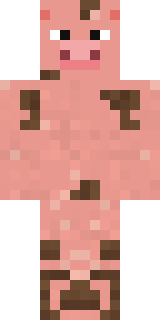 Muddy Pig
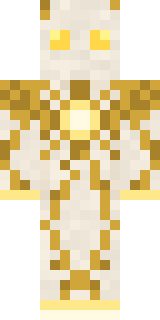 Light Elemental
 Red Hoodie
 Red Orchard vine shirt
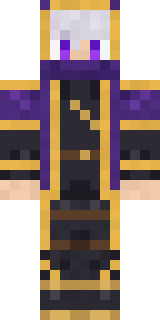 Twilight Rogue
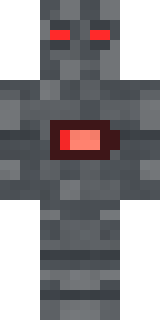 Low Battery Robot
 Blocky Newbie
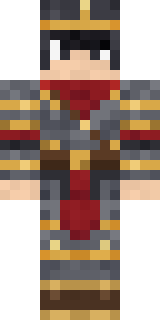 Gilded Steel Knight
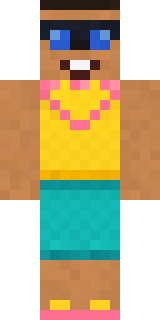 Beach Day
 Hacker
 Infected Sven
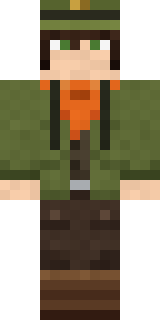 Forest Ranger
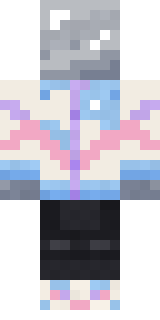 Chrome Mannequin
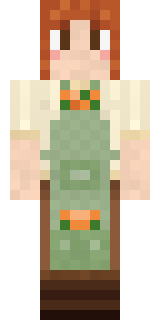 Sage Apron Florist
 Yellow hazmat suit
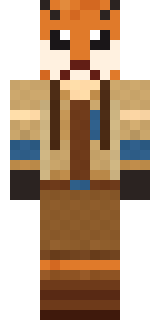 Fox Explorer
 king herobrine
 Robo Unit 7
 The Forehead Man
 Living Popcorn BoxBuff Chicken
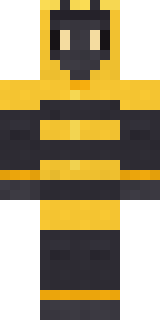 Bumblebee
 Moon Petal
 Flight Attendant
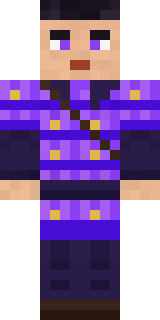 Violet Samurai
 Chill Pond Frog
 Full Moon Werewolf
 Snow Rider
 Bear Lumberjack
 Roller Rink Attendant
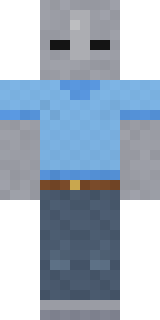 Background Extra
 Silent Mime
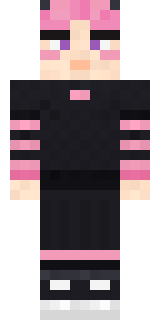 Pastel Gamer
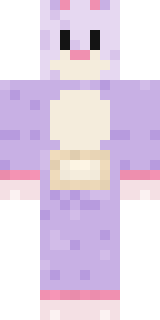 Easter Bunny Costume
 Dune Racer
 Christmas Elf
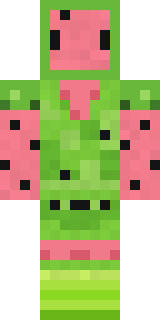 Watermelon Wrestler
 Blue Beat
 Head Chef
 Lime Alien Astronaut
 Black Moth Entity
 Stars and Stripes
 Red Panda Sushi Chef
 Midnight HoodieCottage Witch
 Realistic Wemmbu
 Grey Suit and tie
 Ancient Gardian
 Turtle Park Ranger
 Crimson Templar
 Bloody ghost
 Lightning Elemental
 Saloon Pianist
 Red Mushroom Scout
 Shrimp Mechanic
 Muddy Farmhand
 Burlap Intruder
 Pistachio Pastry Chef
About Malachite Golem
Meet Malachite Golem, a haunted Minecraft skin from the Build It team. Its colours are green and orange. It is a malachite golem from head to toe. It is made for Halloween nights, haunted builds and horror maps.
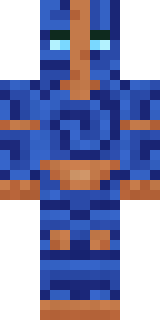
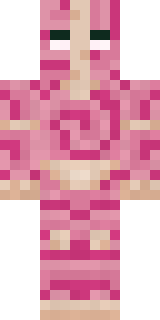
It uses the classic arms (4 pixels wide, like Steve) and works on Java and Bedrock. Download it for free, then follow the steps above to wear it in game. Want it your way? Open it in the Build It Skin Maker and change its colours and pieces. Try its 7 colour versions too, like Lapis golem and Rose quartz.
See more in the Spooky and Fantasy collections, or browse the Ancient, Crystal and Fantasy tags.