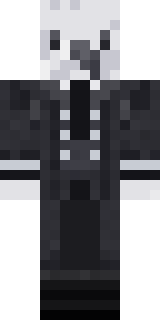
Crow Undertaker
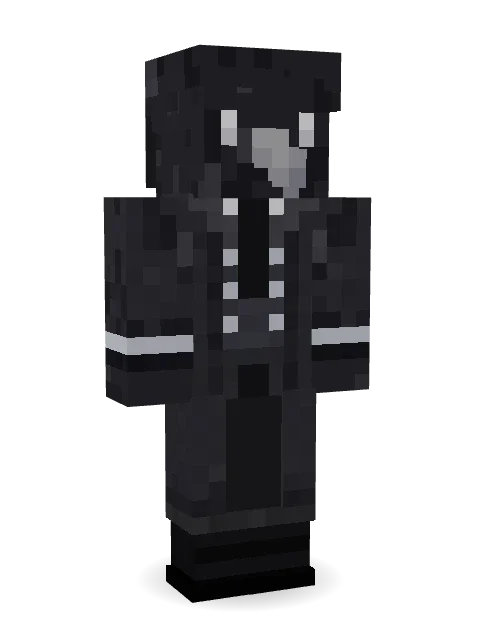
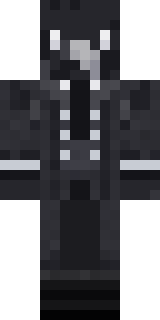
Here to collect, very politely: a shaggy crow head with a grey beak and pale eyes, a long charcoal mourning coat and silver buttons.

How to use this skin
Download it, then follow the steps for where you play.
Minecraft: Java Edition, in the Minecraft Launcher
- Open the Minecraft Launcher and pick Minecraft: Java Edition on the left.
- Open the Skins tab at the top and press New skin.
- Give it a name and choose the player model: Classic.
- Press Browse, pick the PNG you downloaded, then Save & Use.
- Start the game: you are wearing it, on every world and server.
Minecraft: Java Edition, on minecraft.net
- Go to minecraft.net and log in with your Microsoft account.
- Open your Profile and find the skin settings of Java Edition.
- Choose Classic, select the PNG file, and press Upload.
- Your new skin shows the next time you join a world.
Bedrock Edition: Windows, Android, iPhone, iPad, Chromebook
- Open Minecraft and press Dressing Room on the main menu (in newer versions, the character button next to your name, then Edit Character).
- Open the Classic Skins tab.
- Under Owned Skins, press Import, then Choose New Skin.
- Pick the PNG you downloaded (on a phone it is usually in Downloads or Files).
- When it asks, choose Classic, then confirm.
Xbox, PlayStation and Nintendo Switch
Consoles cannot import a skin file. There you can wear Character Creator items and skins from the Marketplace.
Some players set a skin in Bedrock on a phone or PC that is signed in to the same Microsoft account and see it on their console too. Mojang does not support that, so it may not work for you.
More by Build It











Similar skins





Trending today
What people open and download right now.
Trending today
The skins people are opening, liking and downloading right now.


- Modern HoodiebyBuild It
- Enderbrineby
 gustavopir
- Napoleon BonapartebyBuild It
- Galaxy AxolotlbyBuild It
- Ancient Hexby
 nvlr33
- Shy KidbyBuild It
- The KingbyBuild It
- Hazmat ResponderbyBuild It
- The VoidbyBuild It
- Buff ChickenbyBuild It
Made on Build It
A few of the skins players made here. Find one you like, or start your own.
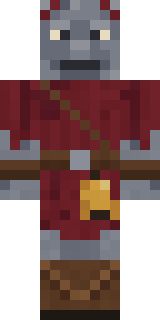 Gargoyle Bell Ringer
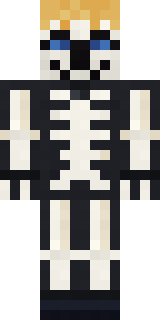 Skeleton Costume
 Midnight Academia
 Crimson Templar
 Sleepy Yellow Face
 Flight Attendant
 Bone Necromancer
 Possum Garbage Collector
 Strawberry Cow
 Watermelon Brawler
 Moon Walker
 Bronze Age Warrior
 Forest Ranger
 Avalanche Rescuer
 Gamer Hoodie Boy
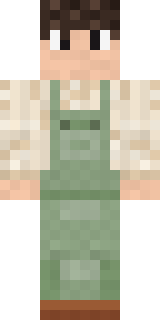 Sage Green Cozy
 Red Mushroom Scout
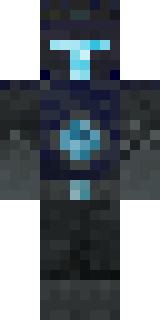 Deep Dark Knight
 Bun Bun
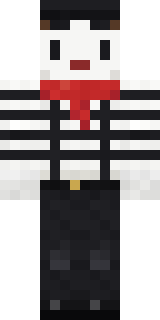 Silent Mime
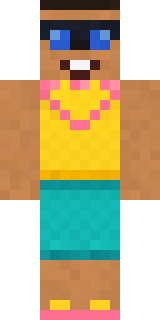 Beach Day
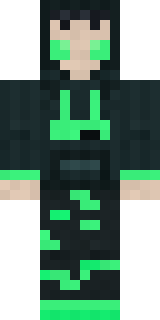 Loading Screen Gamer
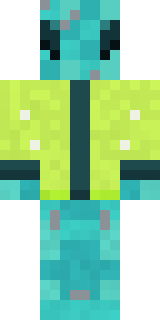 Dragonfly Courier
 White Ghost Sheet
 Alice
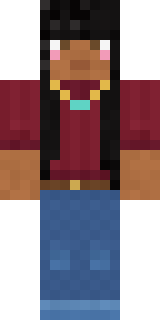 Rich baddie
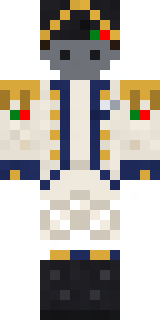 Balduíno IV
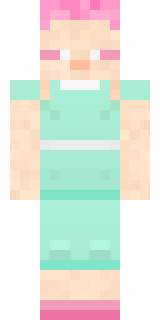 Fairy Glow
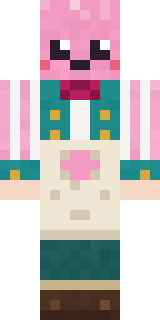 Cotton Candy Vendor
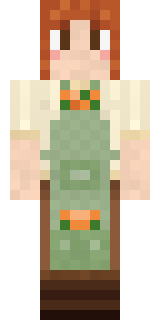 Sage Apron Florist
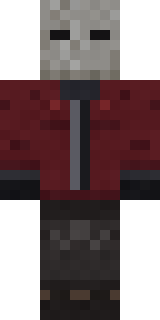 The Blank Mask
 Lunar Botanist
 Redstone Tinkerer
 Violet Vein Mutant
 Sherlock Holmes
 Storm Chaser Aviator
 Grey Rune stripe hoodie
 Rally Mechanic
 Peach Sunset
 Dwarven Mountain King
 Red Panda Sushi Chef
 Blocky Newbie
 Prom Queen Zombie
 Charcoal Firefighter
 Mushroom Forest Ranger
 Jesus Christ
 Dune Racer
 Platinum Angel
 Build It Guy
 Arcade Janitor
 Canada Day Maple Leaf
 Vintage Barber
 Sprinkle Donut
 Rainy Day
 Ocean Diver
 Unimpressed Office Clerk
 Realistic Wemmbu
 Frankenstein's Creature
 Amethyst Mage
 Sea Urchin Punk
About Crow Undertaker
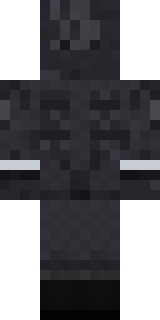
Meet Crow Undertaker, a spooky Minecraft skin made by the Build It team. The outfit: an undertaker coat, suit pants and boots with a black and grey colour scheme. It has a crow body. Perfect when the sun goes down and the mobs come out.
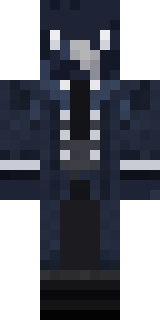
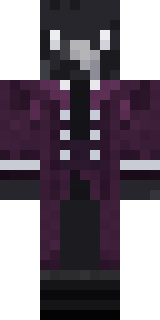
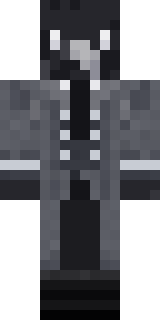
It uses the classic arms (4 pixels wide, like Steve) and works on Java and Bedrock. Download it for free and upload it in the Minecraft Launcher or the Bedrock dressing room. You can also open it in the Build It Skin Maker and make your own version. It also comes in 7 colour versions, like Raven blue and White crow.
Find more skins like it in the Spooky and Animals collections, or browse the Animal, Gentleman and Mystery tags.