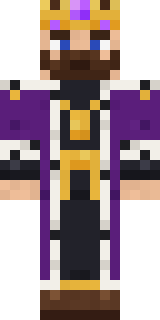
The King
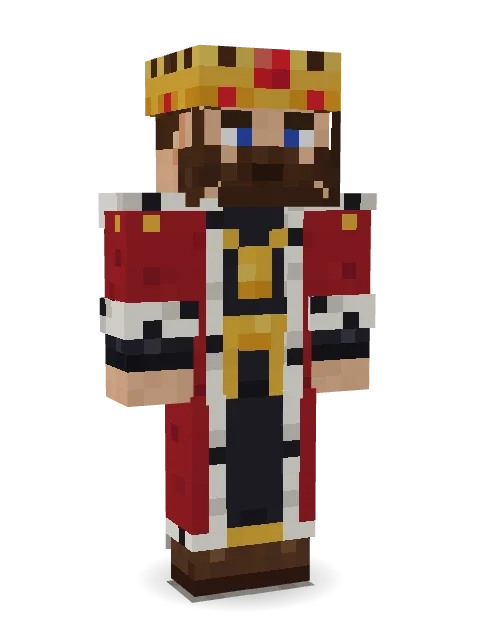
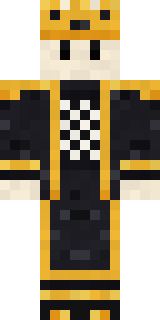
A bearded king in a gold crown with a big ruby, a red royal robe trimmed with ermine, a gold chain over a black tunic and a long cape behind.

How to use this skin
Download it, then follow the steps for where you play.
Minecraft: Java Edition, in the Minecraft Launcher
- Open the Minecraft Launcher and pick Minecraft: Java Edition on the left.
- Open the Skins tab at the top and press New skin.
- Give it a name and choose the player model: Classic.
- Press Browse, pick the PNG you downloaded, then Save & Use.
- Start the game: you are wearing it, on every world and server.
Minecraft: Java Edition, on minecraft.net
- Go to minecraft.net and log in with your Microsoft account.
- Open your Profile and find the skin settings of Java Edition.
- Choose Classic, select the PNG file, and press Upload.
- Your new skin shows the next time you join a world.
Bedrock Edition: Windows, Android, iPhone, iPad, Chromebook
- Open Minecraft and press Dressing Room on the main menu (in newer versions, the character button next to your name, then Edit Character).
- Open the Classic Skins tab.
- Under Owned Skins, press Import, then Choose New Skin.
- Pick the PNG you downloaded (on a phone it is usually in Downloads or Files).
- When it asks, choose Classic, then confirm.
Xbox, PlayStation and Nintendo Switch
Consoles cannot import a skin file. There you can wear Character Creator items and skins from the Marketplace.
Some players set a skin in Bedrock on a phone or PC that is signed in to the same Microsoft account and see it on their console too. Mojang does not support that, so it may not work for you.
More by Build It












Similar skins

















Trending today
What people open and download right now.
Trending today
The skins people are opening, liking and downloading right now.


- Modern HoodiebyBuild It
- Ancient Hexby
 nvlr33
- Galaxy AxolotlbyBuild It
- Shy KidbyBuild It
- Napoleon BonapartebyBuild It
- Hazmat ResponderbyBuild It
- The VoidbyBuild It
- The KingbyBuild It
- Slender ManbyBuild It
- Buff ChickenbyBuild It
Made on Build It
A few of the skins players made here. Find one you like, or start your own.
 Hard Hat Hero
 Noir DetectiveLiving Marble Statue
 Bistro Chef
 Diamond
 Ember Demon
 Neon DJ
 Hanabi Noir
 Pumpkin Patch Farmer
 Flamehunter
 Infected Sven
 Matcha Cafe
 Alice
 Vampire Hunter
 Ghost Concierge
 Chestnut Warrior
 Lemon Sorcerer
 Slime Apprentice
 Jellybean Thief
 Paint Splash
 Lacquered Samurai
 Garden Gnome
 Strawberry Milk
 Grumpy Potato Farmer
 Abraham Lincoln
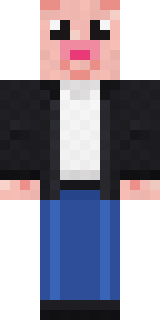 Downtown PigSky Pirate
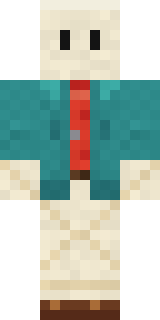 Origami Messenger
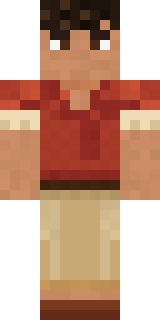 Terracotta Summer
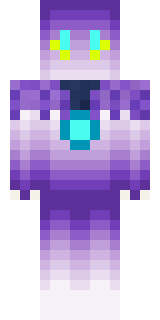 ShimerBot 0375
 Lemon Jazz Singer
 Sunken Knight
 Cyber Samurai
 Glowworm Spelunker
 Emo Kid
 Mysterious Astronaut
 Doorbell Camera Visitor
 Bun Bun
 Fairy Glow
 Ruby Dragonborn
 Pajama Knight
 Woodland Fox
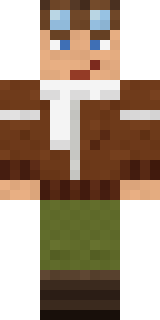 Ace Pilot
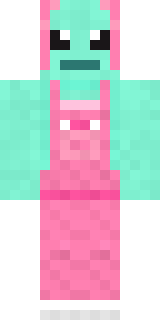 Mint Axolotl
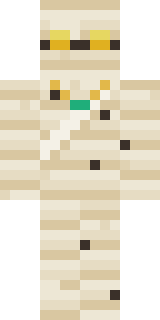 The Mummy
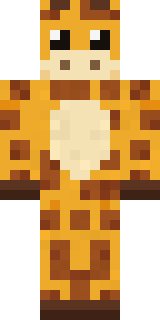 Gentle Giraffe
 Lunar New Year Celebrant
 Clockwork Oracle
 Silverfish Archivist
 Easter Egg SweaterJesus Christ
 Beach Day
 Burgundy Buccaneer
 Grey Rune stripe hoodieCrystal Cave Explorer
 Error
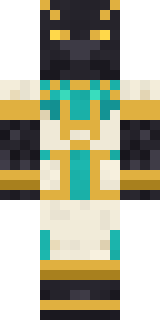 Jackal Priest
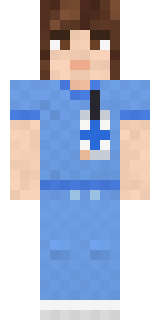 Friendly Nurse
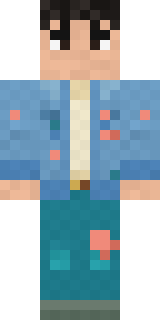 Denim Artist
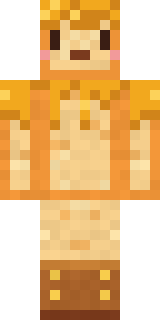 Honey Toast
About The King
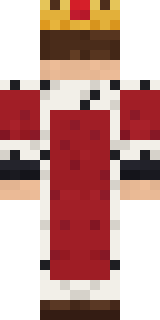
Meet The King, a magical Minecraft skin made by the Build It team. It wears a royal tunic, an ermine robe, royal black trousers and royal boots in black, red and white. It fits right into medieval builds, dungeons and enchanted forests.
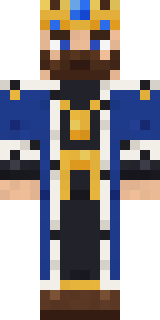
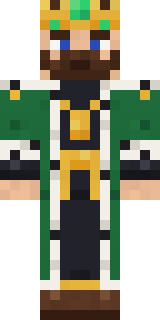
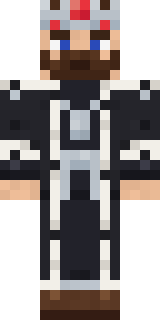
It uses the classic arms (4 pixels wide, like Steve) and works on Java and Bedrock. Download it for free and upload it in the Minecraft Launcher or the Bedrock dressing room. You can also open it in the Build It Skin Maker and make your own version. It also comes in 7 colour versions, like Sapphire and Emerald.
Find more skins like it in the Fantasy and History collections, or browse the Boy, Fancy and King tags.