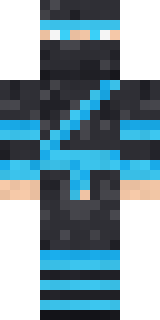
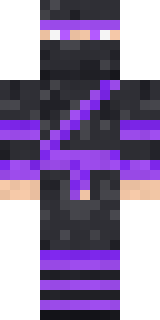
Shadow Ninja
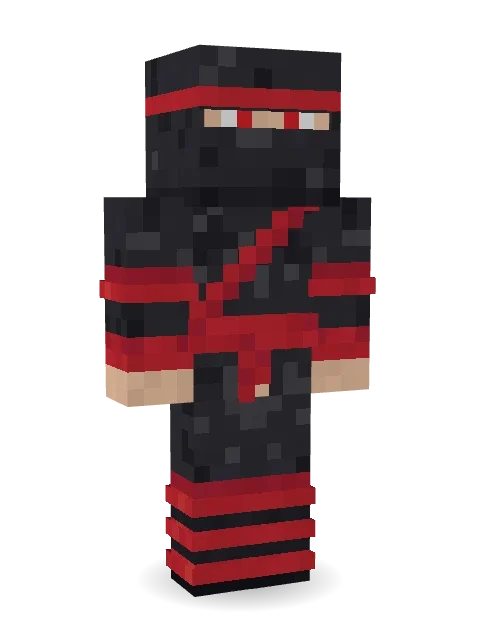
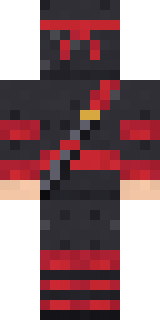
A shadow ninja in charcoal with a red headband, red eyes peering out of the mask, wrapped shins and a katana strapped across the back.

How to use this skin
Download it, then follow the steps for where you play.
Minecraft: Java Edition, in the Minecraft Launcher
- Open the Minecraft Launcher and pick Minecraft: Java Edition on the left.
- Open the Skins tab at the top and press New skin.
- Give it a name and choose the player model: Classic.
- Press Browse, pick the PNG you downloaded, then Save & Use.
- Start the game: you are wearing it, on every world and server.
Minecraft: Java Edition, on minecraft.net
- Go to minecraft.net and log in with your Microsoft account.
- Open your Profile and find the skin settings of Java Edition.
- Choose Classic, select the PNG file, and press Upload.
- Your new skin shows the next time you join a world.
Bedrock Edition: Windows, Android, iPhone, iPad, Chromebook
- Open Minecraft and press Dressing Room on the main menu (in newer versions, the character button next to your name, then Edit Character).
- Open the Classic Skins tab.
- Under Owned Skins, press Import, then Choose New Skin.
- Pick the PNG you downloaded (on a phone it is usually in Downloads or Files).
- When it asks, choose Classic, then confirm.
Xbox, PlayStation and Nintendo Switch
Consoles cannot import a skin file. There you can wear Character Creator items and skins from the Marketplace.
Some players set a skin in Bedrock on a phone or PC that is signed in to the same Microsoft account and see it on their console too. Mojang does not support that, so it may not work for you.
More by Build It












Similar skins



















Trending today
What people open and download right now.
Trending today
The skins people are opening, liking and downloading right now.
- Ancient Hexby
 nvlr33
- Modern HoodiebyBuild It
- Galaxy AxolotlbyBuild It
- Napoleon BonapartebyBuild It
- Shy KidbyBuild It
- The KingbyBuild It
- Hazmat ResponderbyBuild It
- The VoidbyBuild It
- Buff ChickenbyBuild It
- Slender ManbyBuild It
Made on Build It
A few of the skins players made here. Find one you like, or start your own.
 Fern Forest Sprite
 Dandelion Druid
 Moss Cyclops
 Guardian Angel
 Full Moon Werewolf
 Lightning Elemental
 Miner sharkShy Kid
 Apple Orchard Guardian
 Arcade Buddy
 Striped Zebra
 Main Character Duck
 Cactus Outlaw
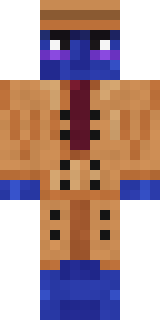 Blueberry Detective
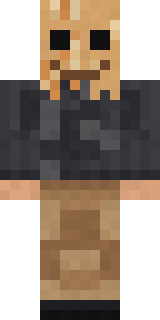 Paper Bag Bandit
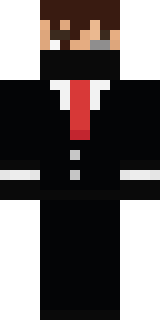 Grey Suit and tie
 Unimpressed Office Clerk
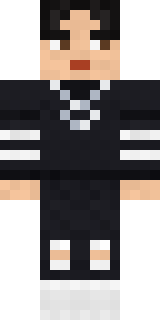 Soft Boy
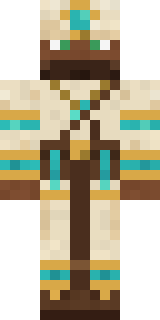 Desert Cartographer
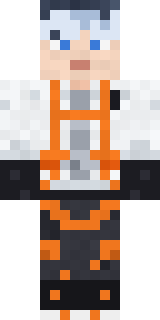 Mountain Rescue Medic
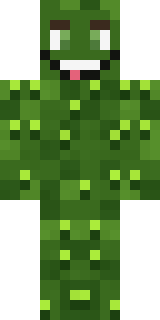 Bumpy Pickle
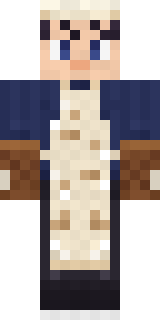 Midnight Baker
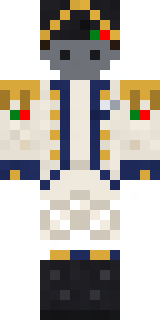 Balduíno IV
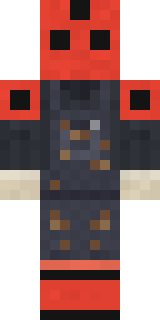 Ladybug Mechanic
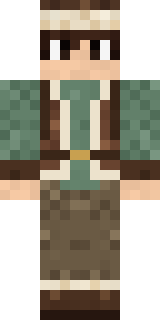 Mountain Shepherd
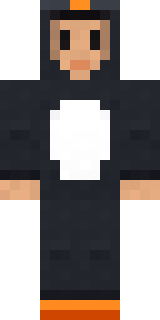 Penguin Waddle
 Robo Unit 7
 Necromancer
 Metal Elemental
 Rubber Duck Raincoat
 White Striped
 Clockwork Oracle
 Market Butcher
 Storm Chaser Aviator
 Crystal Cave Explorer
 Sunny Surfer
 Red Mushroom Scout
 Desert Astronomer
 Ice Elemental
 Holiday Helper
 Starlight Wizard
 Tide Pool Spirit
 Golden Prospector
 Spotted FawnPorcelain Robot
 Rage Quit Gamer
 Emerald Serpent
 Red Bear face tee Baby chick
 Field Scarecrow
 Ember DemonJesus Christ
 Scuba Instructor
 Strawberry Milk
 Sky Princess
 Static Screen Agent
 Cactus Cowboy
 Champion Boxer
 Diamond Sleeve Trader
 Silverfish Archivist
 White Ghost Sheet
About Shadow Ninja
Shadow Ninja is an adventure Minecraft skin made by the Build It team. Its look puts together a shadow ninja and a ninja katana in black, red and grey. Ready for the next quest, raid or showdown.
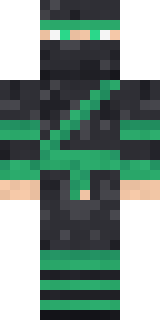
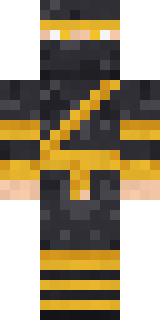
It uses the classic arms (4 pixels wide, like Steve) and works on Java and Bedrock. It is free: download the PNG and add it in the Minecraft Launcher (Java) or the dressing room (Bedrock). Want it your way? Open it in the Build It Skin Maker and change its colours and pieces. Try its 7 colour versions too, like Jade clan and Golden dragon.
Find more skins like it in the Streetwear and Heroes and fighters collections, or browse the Boy, Cool and Ninja tags.