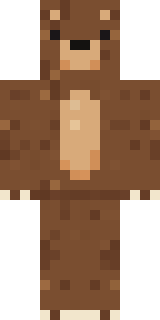
Brown Bear
Minecraft skin · Classic arms (4 pixels) · Java and Bedrock
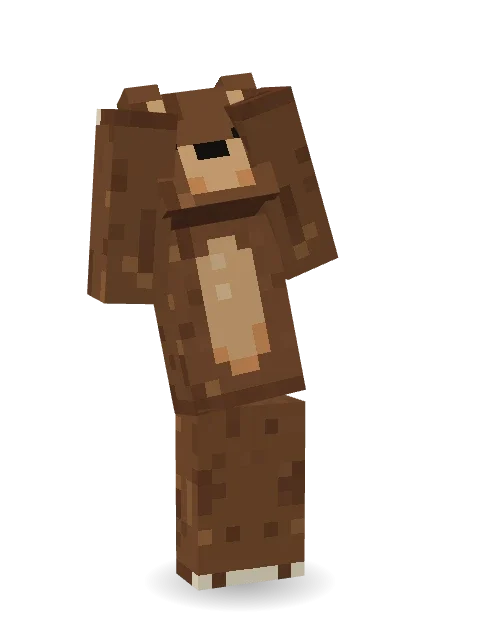
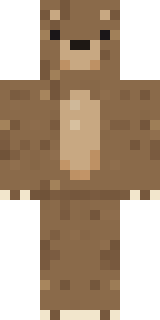
A big cuddly brown bear with round ears, a tan muzzle and belly, and cream claws on its paws.

How to use this skin
Download it, then follow the steps for where you play.
Minecraft: Java Edition, in the Minecraft Launcher
- Open the Minecraft Launcher and pick Minecraft: Java Edition on the left.
- Open the Skins tab at the top and press New skin.
- Give it a name and choose the player model: Classic.
- Press Browse, pick the PNG you downloaded, then Save & Use.
- Start the game: you are wearing it, on every world and server.
Minecraft: Java Edition, on minecraft.net
- Go to minecraft.net and log in with your Microsoft account.
- Open your Profile and find the skin settings of Java Edition.
- Choose Classic, select the PNG file, and press Upload.
- Your new skin shows the next time you join a world.
Bedrock Edition: Windows, Android, iPhone, iPad, Chromebook
- Open Minecraft and press Dressing Room on the main menu (in newer versions, the character button next to your name, then Edit Character).
- Open the Classic Skins tab.
- Under Owned Skins, press Import, then Choose New Skin.
- Pick the PNG you downloaded (on a phone it is usually in Downloads or Files).
- When it asks, choose Classic, then confirm.
Xbox, PlayStation and Nintendo Switch
Consoles cannot import a skin file. There you can wear Character Creator items and skins from the Marketplace.
Some players set a skin in Bedrock on a phone or PC that is signed in to the same Microsoft account and see it on their console too. Mojang does not support that, so it may not work for you.
Similar skins
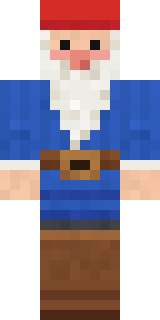
Made on Build It
A few of the skins players made here. Find one you like, or start your own.
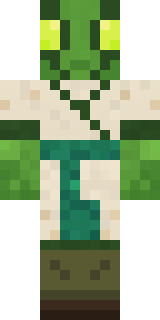
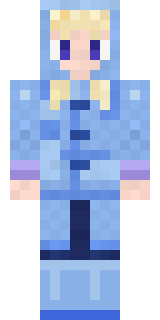
Periwinkle Rainwear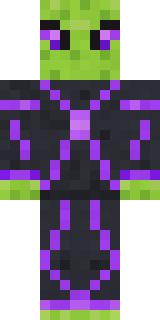 Circuit Alien
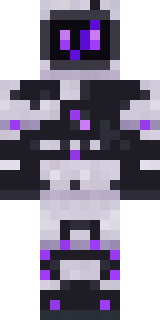 Mysterious Astronaut
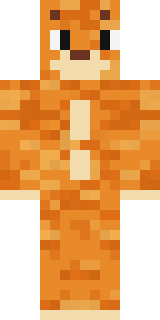
 Teddy Onesie
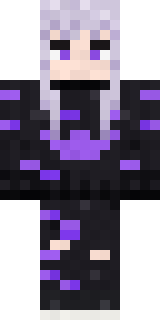 Pastel Goth
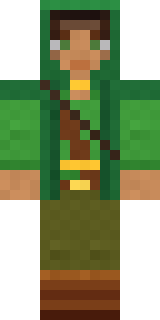 Moss Ranger
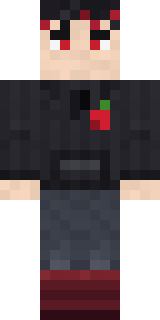 Cherry Goth Streetwear
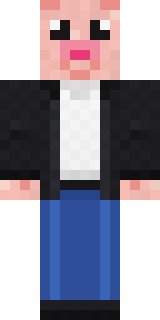 Downtown Pig
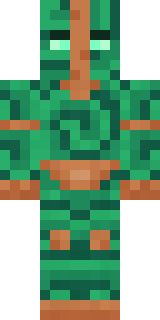 Malachite Golem
 Shadow Ninja
 Street Skater
 Mango Skate Punk
 Paint Splash
 Halloween Vampire
 Ferret Locksmith
 Neon Courier
 Clockwork Inventor
 Barnyard Cow
 Bookworm
 Cloud Aviator
 Roller Rink Skater
 Diamond Sleeve Trader
 Emerald Alchemist
 Market Butcher
 Shocked Dog
 Quiet Kid
 Midfield Maestro
 Stone Face Statue
 Jellybean Thief
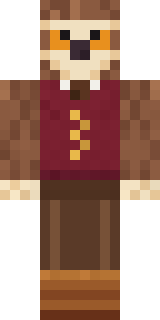 Owl Professor
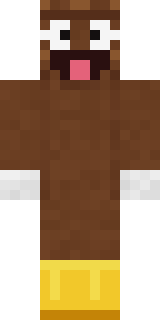 Happy Poop
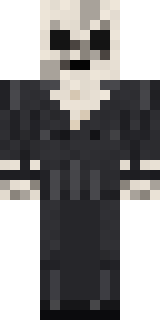 Forgotten Funeral Guest
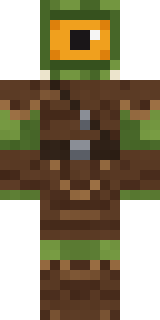 Moss Cyclops
 Mixtape Cassette Head
 Fire Fighter
 Retro Waitress
 Count Nightfall
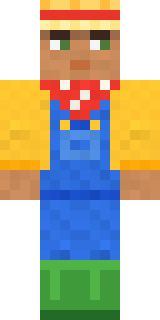 Harvest Farmer
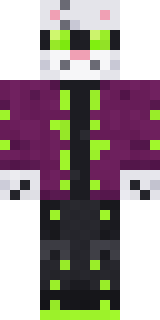 Snow Leopard Hacker
 Banana Gentleman
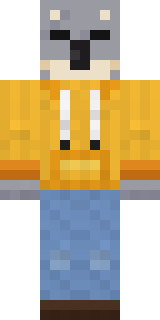 Sleepy Koala Student
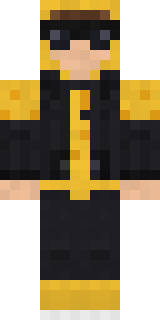 Gold Aura Streetwear
 Crypt Custodian
 Tin Toy Soldier
 Fox Explorer
 Crypt Ghoul
 Background Extra
 Ember Dragon
 Coral Reef Sorceress
 Ward Doctor
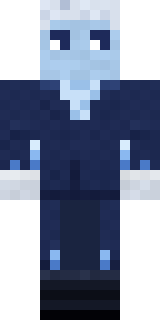 Frost Court Noble
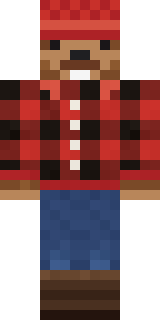 Bear Lumberjack
 Retro Arcade Bot
 Red Mushroom Scout
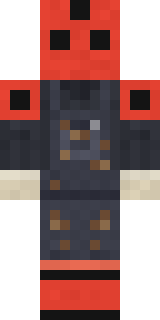 Ladybug Mechanic
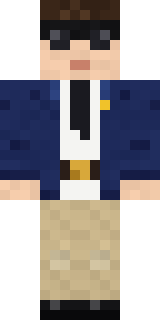 Federal Agent
 Lavender Florist
 Forest Bigfoot
 Fern Forest Sprite
 Grinning Shade
About Brown Bear
Brown Bear is a wild skin for Minecraft from the Build It team. It comes in brown. It is a shaggy bear from head to toe. Great for players who love animals, farms and cozy builds.
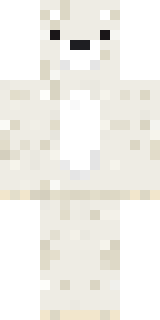
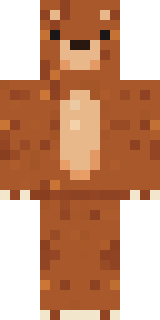
Brown Bear has classic 4 pixel arms and works in Minecraft Java and Bedrock. It is free: download the PNG and add it in the Minecraft Launcher (Java) or the dressing room (Bedrock). You can also open it in the Build It Skin Maker and make your own version. It also comes in 7 colour versions, like Black bear and Polar bear.
See more in the Animals and Cute collections, or look through the Animal, Bear and Cute tags.