Christmas Gingerbread
Minecraft skin · Classic arms (4 pixels) · Java and Bedrock
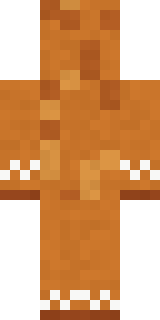
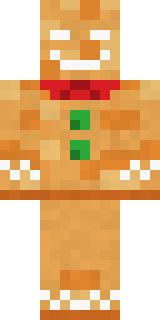
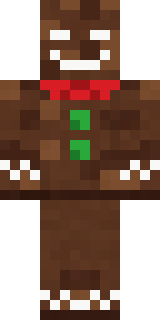
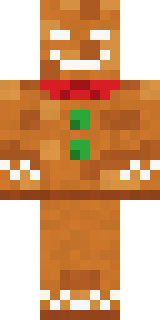
Ran off the baking tray and kept running: a gingerbread biscuit with icing eyes and smile, a red bow tie, green gumdrop buttons and icing zigzags.

How to use this skin
Download it, then follow the steps for where you play.
Minecraft: Java Edition, in the Minecraft Launcher
- Open the Minecraft Launcher and pick Minecraft: Java Edition on the left.
- Open the Skins tab at the top and press New skin.
- Give it a name and choose the player model: Classic.
- Press Browse, pick the PNG you downloaded, then Save & Use.
- Start the game: you are wearing it, on every world and server.
Minecraft: Java Edition, on minecraft.net
- Go to minecraft.net and log in with your Microsoft account.
- Open your Profile and find the skin settings of Java Edition.
- Choose Classic, select the PNG file, and press Upload.
- Your new skin shows the next time you join a world.
Bedrock Edition: Windows, Android, iPhone, iPad, Chromebook
- Open Minecraft and press Dressing Room on the main menu (in newer versions, the character button next to your name, then Edit Character).
- Open the Classic Skins tab.
- Under Owned Skins, press Import, then Choose New Skin.
- Pick the PNG you downloaded (on a phone it is usually in Downloads or Files).
- When it asks, choose Classic, then confirm.
Xbox, PlayStation and Nintendo Switch
Consoles cannot import a skin file. There you can wear Character Creator items and skins from the Marketplace.
Some players set a skin in Bedrock on a phone or PC that is signed in to the same Microsoft account and see it on their console too. Mojang does not support that, so it may not work for you.
Similar skins



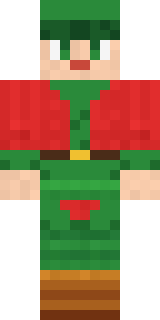


Made on Build It
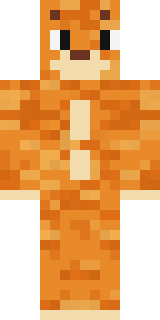
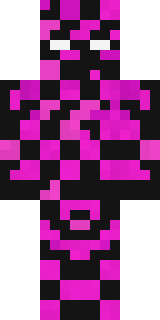
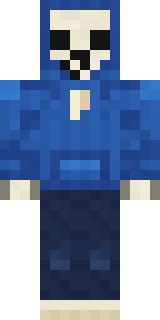
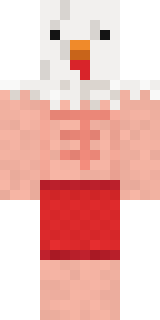
A few of the skins players made here. Find one you like, or start your own.
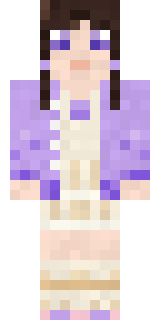 Lilac Ballerina
 Hot Springs Innkeeper
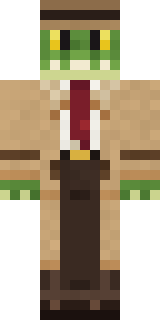 Crocodile Detective
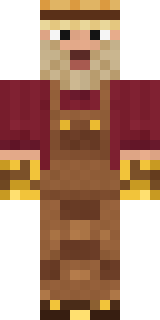 Golden Prospector
 Linen Summer
 Bouncy Slime
 Haunted Bowling Champion
 Sherlock Holmes
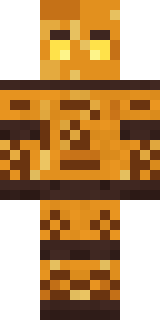 Amber Fossil Golem
 Candy Baker
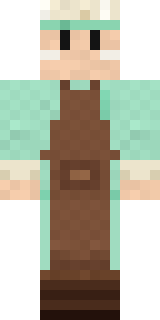 Pistachio Pastry Chef
 Woodland Scout
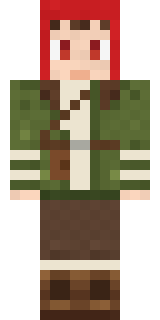 Mushroom Forest Ranger
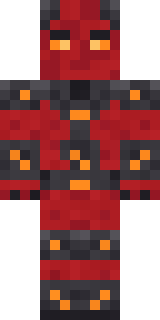 Molten Plate Demon
 Celestial Monk
 Match Referee
 Black Moth Entity
 Crystal Elf Spellcaster
 Deep Sea Captain
 ElectricianValentine Cupid
 Isaac Newton
 Gargoyle Bell Ringer
 Grumpy Thundercloud
 Roller Rink Attendant
 Obsidian Knight
 Silver Moon
 Honey Bot
 Scuba Instructor
 Prism Slime
 Halloween Vampire
 Moon Walker
 Abraham Lincoln
 Star Striker
 Champion Boxer
 Muddy Farmhand
 Fast Break Baller
 Mantis Master
 Ferret Locksmith
 Espresso Cozy
 Eclipse Priest
 Stained Glass Mage
 Froggy Onesie
 Blushing Penguin
 Astronaut
 Glacier Explorer
 Easter Egg Sweater
 Copper Gardener Bot
 Stained-Glass Paladin
 Coral Mermaid
 Coral Reef Sorceress
 Skeleton Costume
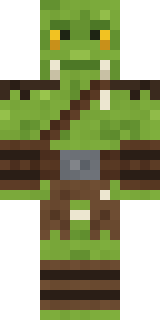 Goblin Raider
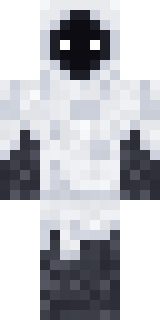 Shroud Ghost
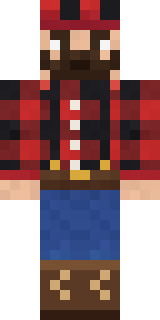 Buffalo Plaid Lumberjack
 Mountain Rescue Medic
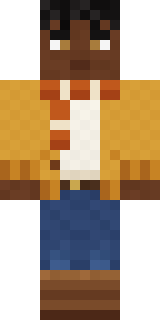 Sweater Weather
 Diamond Sleeve Trader
 Cheeseburger Buddy
 Orangutan Archaeologist
About Christmas Gingerbread
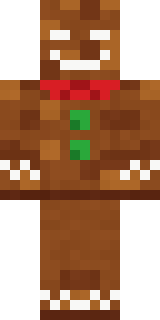
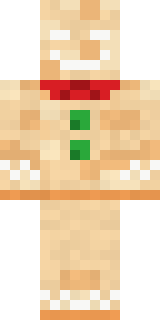
Meet Christmas Gingerbread, a silly food Minecraft skin made by the Build It team. It comes in orange and brown. It is an iced gingerbread from head to toe. Wear it to the next cooking contest or food fight.
It uses the classic arms (4 pixels wide, like Steve) and works on Java and Bedrock. Download it for free and upload it in the Minecraft Launcher or the Bedrock dressing room. You can also open it in the Build It Skin Maker and make your own version. Try its 7 colour versions too, like Golden cookie and Dark gingerbread.
Find more skins like it in the Food and Cute collections, or browse the Cute, Food and Funny tags.