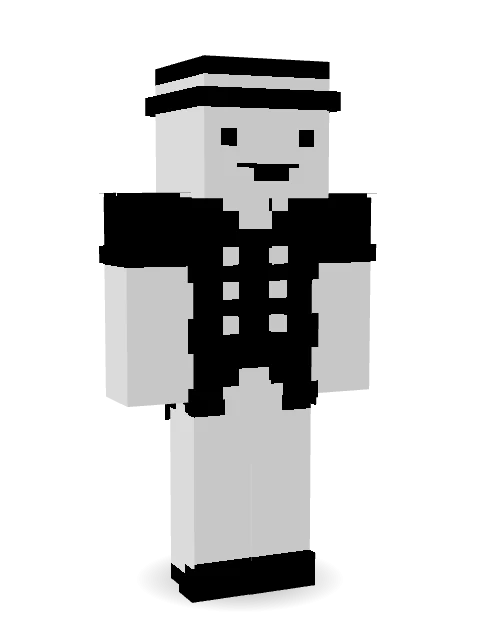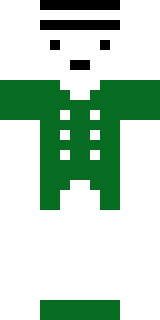

Monotone Man
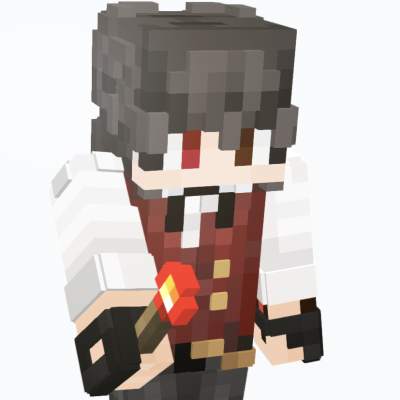
yay more alliteration
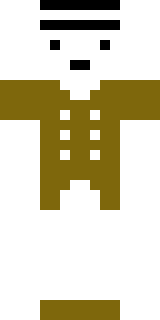
also do not use colour variations it looks horrible imo lmfao
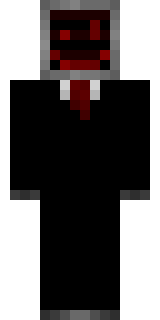
I made this skin as a challenge: use only black and white. Honestly, BlockBench's feature where you can swap between two active colours with a hotkey came in really helpful. I won't say this is my best work, but hopefully one of you can use it.
(oh who am I kidding no one reads this)
How to use this skin
Download it, then follow the steps for where you play.
Minecraft: Java Edition, in the Minecraft Launcher
- Open the Minecraft Launcher and pick Minecraft: Java Edition on the left.
- Open the Skins tab at the top and press New skin.
- Give it a name and choose the player model: Classic.
- Press Browse, pick the PNG you downloaded, then Save & Use.
- Start the game: you are wearing it, on every world and server.
Minecraft: Java Edition, on minecraft.net
- Go to minecraft.net and log in with your Microsoft account.
- Open your Profile and find the skin settings of Java Edition.
- Choose Classic, select the PNG file, and press Upload.
- Your new skin shows the next time you join a world.
Bedrock Edition: Windows, Android, iPhone, iPad, Chromebook
- Open Minecraft and press Dressing Room on the main menu (in newer versions, the character button next to your name, then Edit Character).
- Open the Classic Skins tab.
- Under Owned Skins, press Import, then Choose New Skin.
- Pick the PNG you downloaded (on a phone it is usually in Downloads or Files).
- When it asks, choose Classic, then confirm.
Xbox, PlayStation and Nintendo Switch
Consoles cannot import a skin file. There you can wear Character Creator items and skins from the Marketplace.
Some players set a skin in Bedrock on a phone or PC that is signed in to the same Microsoft account and see it on their console too. Mojang does not support that, so it may not work for you.
Similar skins



Trending today
What people open and download right now.
Trending today
The skins people are opening, liking and downloading right now.
- Modern HoodiebyBuild It
- Enderbrineby
 gustavopir
- Galaxy AxolotlbyBuild It
- Napoleon BonapartebyBuild It
- The KingbyBuild It
- Hazmat ResponderbyBuild It
- Shy KidbyBuild It
- The VoidbyBuild It
- herobrinebygustavopir
- Slender ManbyBuild It
Made on Build It
A few of the skins players made here. Find one you like, or start your own.
 Roman Legionary
 Orange Jelly Ninja
 Goldfish Space Cadet
 Matcha Cafe
 Wax Museum Escapee
 Ruby Dragonborn
 Goblin RaiderRainbow Paint Can
 Ward Doctor
 Laurel Angel
 Desert NomadGalaxy AxolotlVooid
 Metal Elemental
 Noir Detective
 Count Dracula
 Pumpkin Wraith
 Silver Pulse DJ
 Rainy Day
 Disco Chameleon
 Summer Dad
 Charcoal Firefighter
 Rodeo Star
 Red Panda Sushi Chef
 Lemon Jazz Singer
 Carnival Ticket Taker
 Mirror Knight
 Tattered Reaper
 Rubber Duck Raincoat
 Fourth of July Patriot
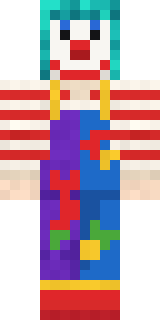 Confetti Clown
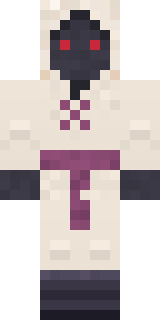 Spider Silk Merchant
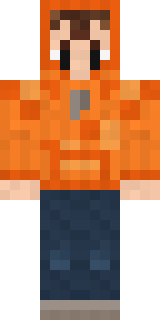 Topsy Turvy Face
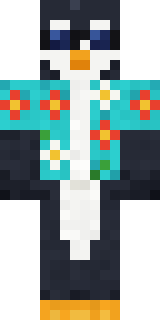 Penguin Tourist
 Origami Messenger
 Pulse Android
 Bone Necromancer
 lonely girl
 Platinum Angel
 Gamer Hoodie Boy
 Autumn Leaf Sprite
 Cheeseburger Buddy
 Honey Bee
 Neon DJ
 Ronin Samurai
 Garden Gnome
 Blushing Penguin
 Deep Dark Knight
 Avalanche Rescuer
 Curly Barista
 Jellybean Thief
 Froggy Onesie
 Neon Motorcycle Courier
 Camo Commando
 Lighthouse Keeper
 Strawberry CowWoodland Dryad
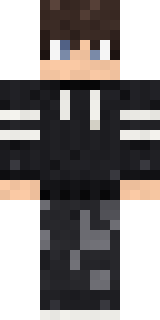 Midnight Hoodie
 Graphite Cyborg
 Poseidon
About Monotone Man
Meet Monotone Man, a casual Minecraft skin made by tyxdelaymc in the Build It Skin Maker. It comes in white and black. An easy everyday look for survival, minigames and hanging out with friends.
It uses the classic arms (4 pixels wide, like Steve) and works on Java and Bedrock. Download it for free and upload it in the Minecraft Launcher or the Bedrock dressing room. You can also open it in the Build It Skin Maker and make your own version. It also comes in 8 colour versions, like Rusty and Jade.
See more in the Streetwear collection, or browse the Aesthetic, Black and Formal tags.