Moon Petal
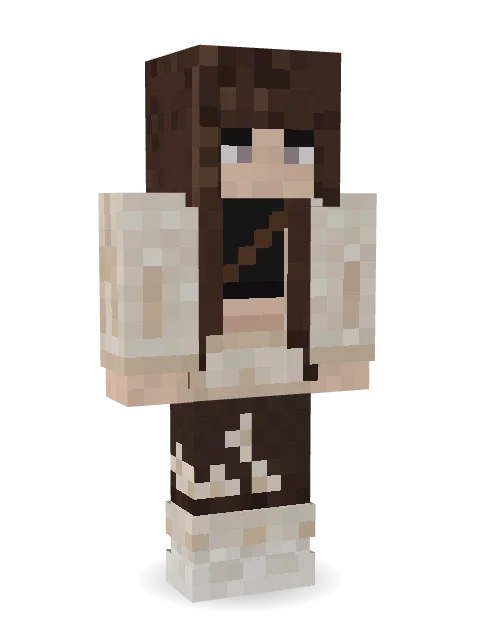
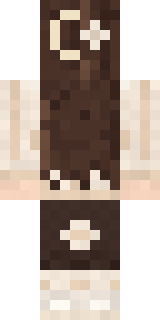
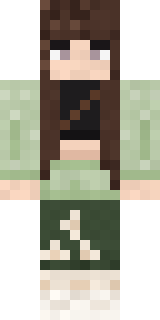
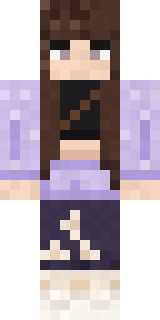
Soft and calm: long brown hair with a crescent moon clip and little flowers, a cream cardigan over a black crop top, and flower-dotted wide trousers.

How to use this skin
Download it, then follow the steps for where you play.
Minecraft: Java Edition, in the Minecraft Launcher
- Open the Minecraft Launcher and pick Minecraft: Java Edition on the left.
- Open the Skins tab at the top and press New skin.
- Give it a name and choose the player model: Classic.
- Press Browse, pick the PNG you downloaded, then Save & Use.
- Start the game: you are wearing it, on every world and server.
Minecraft: Java Edition, on minecraft.net
- Go to minecraft.net and log in with your Microsoft account.
- Open your Profile and find the skin settings of Java Edition.
- Choose Classic, select the PNG file, and press Upload.
- Your new skin shows the next time you join a world.
Bedrock Edition: Windows, Android, iPhone, iPad, Chromebook
- Open Minecraft and press Dressing Room on the main menu (in newer versions, the character button next to your name, then Edit Character).
- Open the Classic Skins tab.
- Under Owned Skins, press Import, then Choose New Skin.
- Pick the PNG you downloaded (on a phone it is usually in Downloads or Files).
- When it asks, choose Classic, then confirm.
Xbox, PlayStation and Nintendo Switch
Consoles cannot import a skin file. There you can wear Character Creator items and skins from the Marketplace.
Some players set a skin in Bedrock on a phone or PC that is signed in to the same Microsoft account and see it on their console too. Mojang does not support that, so it may not work for you.
More by Build It












Similar skins



















Trending today
What people open and download right now.
Trending today
The skins people are opening, liking and downloading right now.

- Modern HoodiebyBuild It
- Ancient Hexby
 nvlr33
- Galaxy AxolotlbyBuild It
- Shy KidbyBuild It
- Napoleon BonapartebyBuild It
- The VoidbyBuild It
- Hazmat ResponderbyBuild It
- The KingbyBuild It
- Slender ManbyBuild It
- Buff ChickenbyBuild It
Made on Build It
A few of the skins players made here. Find one you like, or start your own.
 Halloween Vampire
 Porcelain Robot
 Full Moon Werewolf
 Shadow Ninja
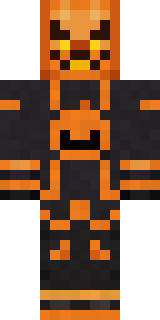 Pumpkin Wraith
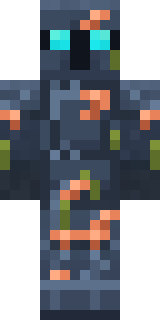 Sunken Knight
 Charcoal Firefighter
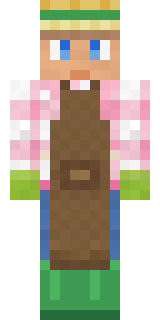 Garden HelperStarfield Phantom
 Wolfgang Amadeus Mozart
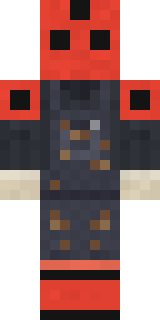 Ladybug Mechanic
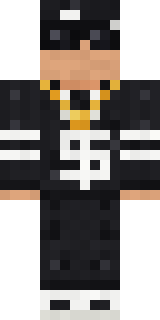 Drip King
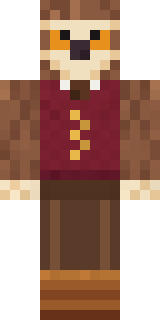 Owl Professor
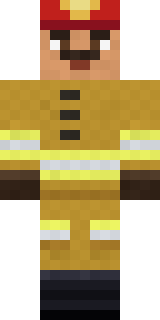 Fire Fighter
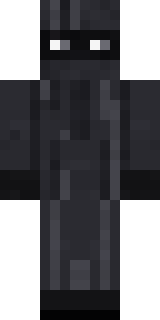 Veiled Mourner
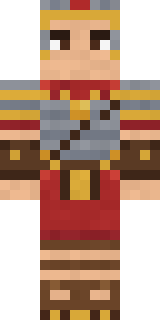 Roman Legionary
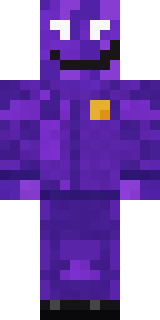 Violet Night Watchman
 Electrician
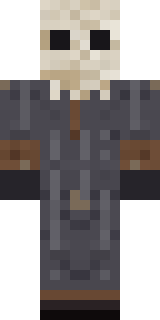 Ritual Caretaker
 Cozy Avocado
 White Ghost Sheet
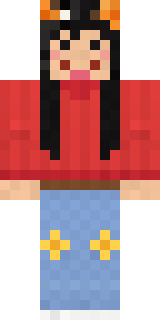 lonely girl
 Jesus Christ
 VooidBrown Bear
 Prism Slime
 Error
 Cyberpunk Paramedic
 Buffalo Plaid Lumberjack
 Grease Monkey
 Sage Apron FloristHazmat Responder
 Fourth of July Patriot
 Golden Koi Courtier
 Burnt Toast Monster
 Moon Ranger
 Beekeeper
 Golden Automaton
 Code Ghost
 Glacier Explorer
 Wax Museum Escapee
 Templar Knight
 Fossil Museum Curator
 Mad Scientist
 Gummy Bear Bodybuilder
 Sleepy SheepPastel Bear GirlBouncy Slime
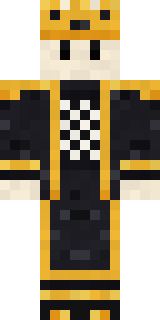 Living Chess King
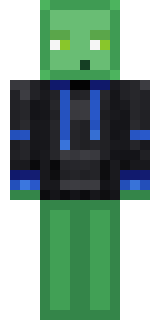 Slime Gamer
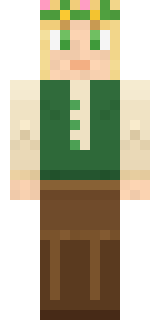 Forest Elf
 Little Toadstool
 Sunny Surfer
 Snow Leopard
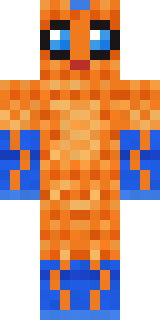 Tropical Fish
 Retro Arcade Bot
 Hacker
 Safari Cat
 Tattered Scarecrow
 Friendly Dentist
About Moon Petal
Meet Moon Petal, a cute Minecraft skin made by the Build It team. The outfit: a moon cardigan, petal wide trousers and chunky lavender kicks, mostly beige with touches of brown. Made for cottage builds, flower fields and friendly servers.
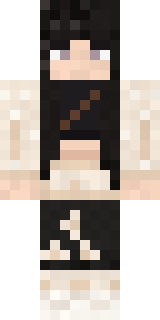
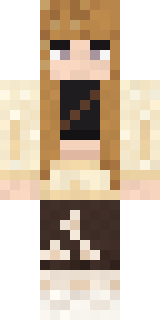
It uses the classic arms (4 pixels wide, like Steve) and works on Java and Bedrock. Download it for free, then follow the steps above to wear it in game. Want it your way? Open it in the Build It Skin Maker and change its colours and pieces. Try its 7 colour versions too, like Black coffee and Honey.
Find more skins like it in the Streetwear and Cute collections, or browse the Aesthetic, Casual and Cozy tags.