Vintage Cartoon Explorer
Minecraft skin · Classic arms (4 pixels) · Java and Bedrock
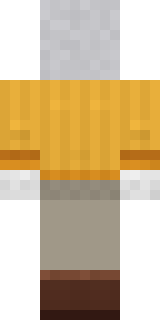
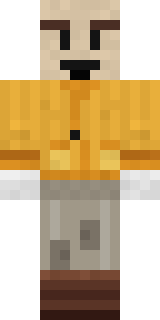
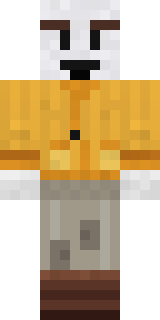
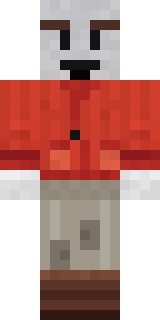
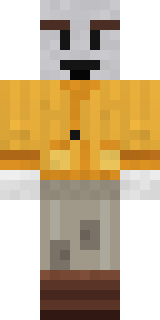
Straight out of an old black and white cartoon: a grey toon face with big brows and a wide grin, white gloves, a mustard safari jacket and patched trousers.

How to use this skin
Download it, then follow the steps for where you play.
Minecraft: Java Edition, in the Minecraft Launcher
- Open the Minecraft Launcher and pick Minecraft: Java Edition on the left.
- Open the Skins tab at the top and press New skin.
- Give it a name and choose the player model: Classic.
- Press Browse, pick the PNG you downloaded, then Save & Use.
- Start the game: you are wearing it, on every world and server.
Minecraft: Java Edition, on minecraft.net
- Go to minecraft.net and log in with your Microsoft account.
- Open your Profile and find the skin settings of Java Edition.
- Choose Classic, select the PNG file, and press Upload.
- Your new skin shows the next time you join a world.
Bedrock Edition: Windows, Android, iPhone, iPad, Chromebook
- Open Minecraft and press Dressing Room on the main menu (in newer versions, the character button next to your name, then Edit Character).
- Open the Classic Skins tab.
- Under Owned Skins, press Import, then Choose New Skin.
- Pick the PNG you downloaded (on a phone it is usually in Downloads or Files).
- When it asks, choose Classic, then confirm.
Xbox, PlayStation and Nintendo Switch
Consoles cannot import a skin file. There you can wear Character Creator items and skins from the Marketplace.
Some players set a skin in Bedrock on a phone or PC that is signed in to the same Microsoft account and see it on their console too. Mojang does not support that, so it may not work for you.
Similar skins

Made on Build It
A few of the skins players made here. Find one you like, or start your own.
 Isaac Newton
 Linen Summer
 Happy Hot Dog
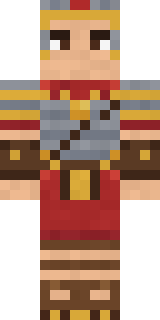 Roman Legionary
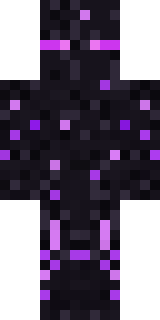 Ender Shade
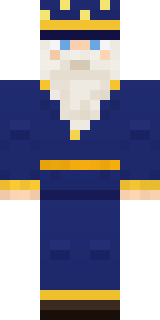 Starlight Wizard
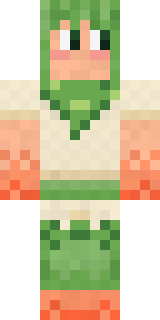 Peach Orchard Spirit
 Spotted Frog
 Aurora Skater
 Shroud Ghost
 Background Extra
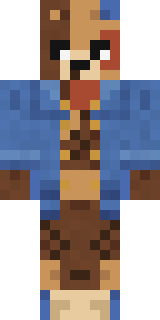 Patchwork Teddy Bear
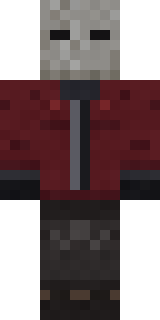 The Blank Mask
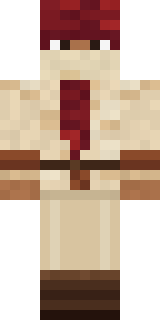 Crimson Desert Nomad
 Late Night Gamer
 Teddy Onesie
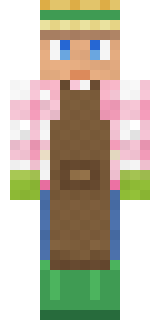 Garden Helper
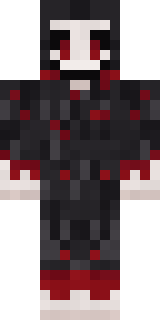 Grinning Shade
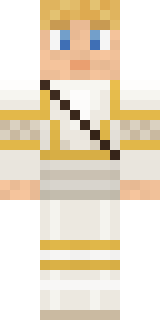 Golden Paladin
 Trick or Treat Ghost
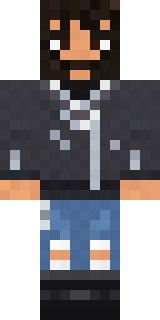 Highway Biker
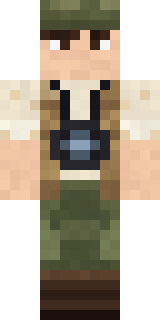 Wildlife Photographer
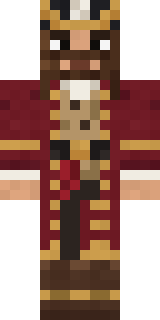 Burgundy Buccaneer
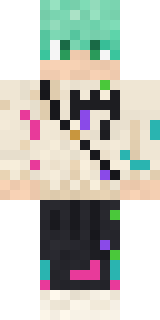 Mint Street Artist
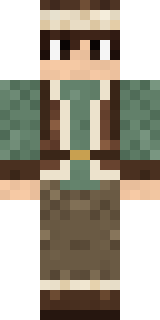 Mountain Shepherd
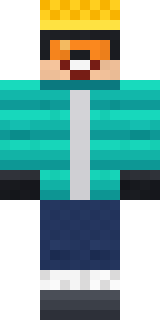 Snow Rider
 Jellybean Thief
 Sunny Surfer
 Mirror Knight
 Cottage Witch
 Smug Star Wizard
 Forest Ranger
 Hospital Hero
 Crimson Sash Ninja
 Lemon Sorcerer
 Octopus Stage Magician
 Pistachio Pastry Chef
 Mad Scientist
 Ember Battle Mage
 Starfield Phantom
 Captain Saltbeard
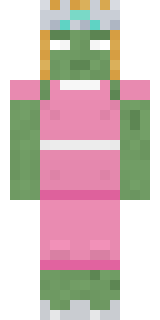 Prom Queen Zombie
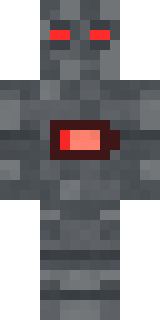 Low Battery Robot
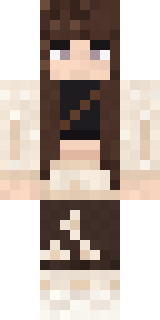 Moon Petal
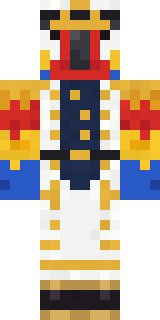 Parrot Captain
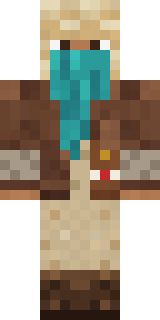 Desert Courier
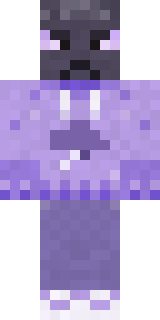 Grumpy Thundercloud
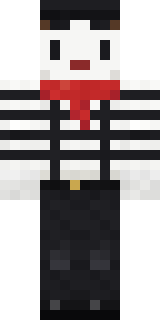 Silent Mime
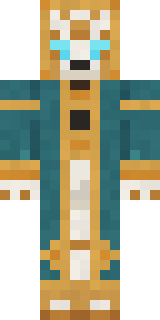 Clockwork Oracle
 Copper Engineer
 Nikola Tesla
 Pitch Playmaker
 Red Mushroom Scout
 Ink Monster Teacher
 Rage Quit Gamer
 Grease Monkey
 Robo Unit 7
 Balloon Festival Pilot
 Lucky Leprechaun
 Ghost Train Conductor
About Vintage Cartoon Explorer
Vintage Cartoon Explorer is a hard-working Minecraft skin made by the Build It team. Its look puts together a safari explorer jacket, patched safari trousers, boots and gloves with a orange, grey and brown colour scheme. Every town needs one, and now yours has it.
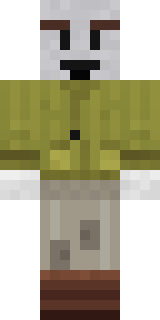
It uses the classic arms (4 pixels wide, like Steve) and works on Java and Bedrock. Download it for free, then follow the steps above to wear it in game. Want it your way? Open it in the Build It Skin Maker and change its colours and pieces. Try its 7 colour versions too, like Sepia toon and Pale toon.
Find more skins like it in the Jobs and Cute collections, or browse the Cute, Explorer and Funny tags.