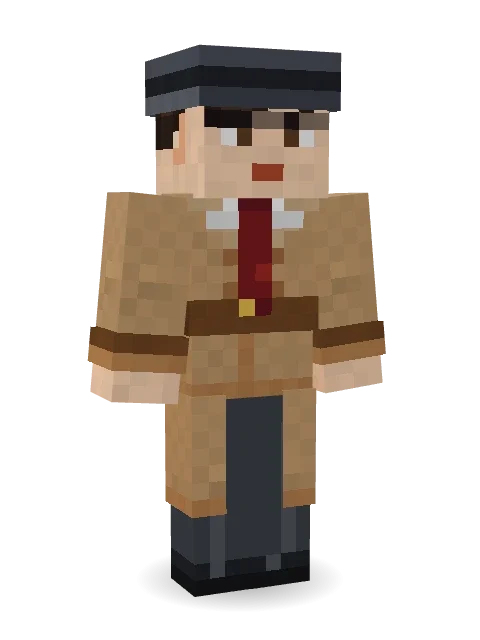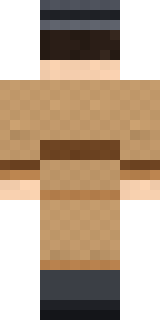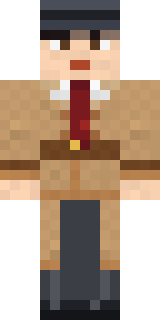
Noir Detective
Minecraft skin · Classic arms (4 pixels) · Java and Bedrock
Trench coat, fedora and a case that will not solve itself.

How to use this skin
Download it, then follow the steps for where you play.
Minecraft: Java Edition, in the Minecraft Launcher
- Open the Minecraft Launcher and pick Minecraft: Java Edition on the left.
- Open the Skins tab at the top and press New skin.
- Give it a name and choose the player model: Classic.
- Press Browse, pick the PNG you downloaded, then Save & Use.
- Start the game: you are wearing it, on every world and server.
Minecraft: Java Edition, on minecraft.net
- Go to minecraft.net and log in with your Microsoft account.
- Open your Profile and find the skin settings of Java Edition.
- Choose Classic, select the PNG file, and press Upload.
- Your new skin shows the next time you join a world.
Bedrock Edition: Windows, Android, iPhone, iPad, Chromebook
- Open Minecraft and press Dressing Room on the main menu (in newer versions, the character button next to your name, then Edit Character).
- Open the Classic Skins tab.
- Under Owned Skins, press Import, then Choose New Skin.
- Pick the PNG you downloaded (on a phone it is usually in Downloads or Files).
- When it asks, choose Classic, then confirm.
Xbox, PlayStation and Nintendo Switch
Consoles cannot import a skin file. There you can wear Character Creator items and skins from the Marketplace.
Some players set a skin in Bedrock on a phone or PC that is signed in to the same Microsoft account and see it on their console too. Mojang does not support that, so it may not work for you.
Similar skins
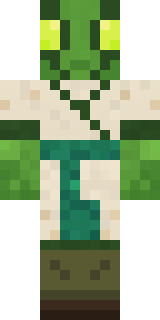



Made on Build It
A few of the skins players made here. Find one you like, or start your own.
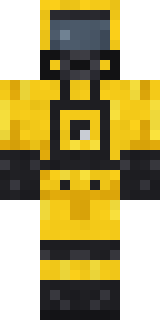
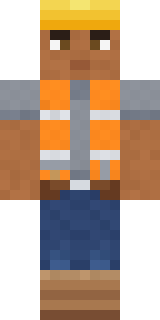 Hard Hat Hero
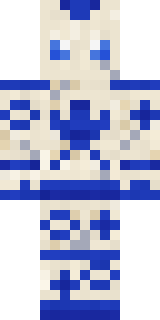
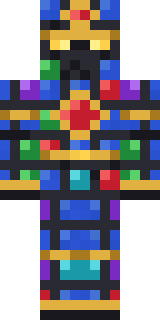 Stained-Glass Paladin
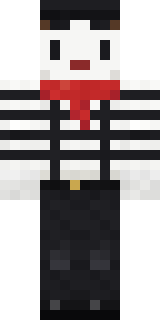 Silent Mime
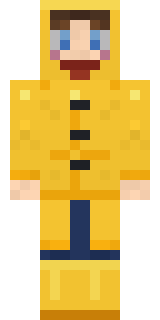 Rainy Day
 Camo Commando
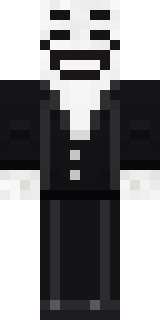 Smug Prankster
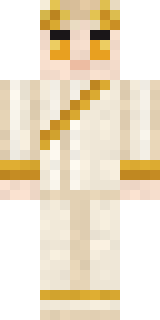
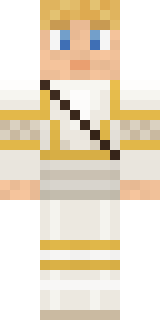 Golden Paladin
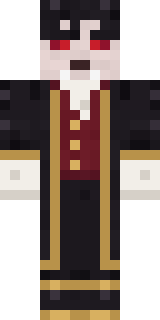 Vampire Aristocrat
 Banana Gentleman
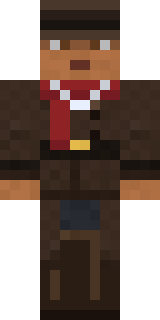 Vampire Hunter
 Bear Lumberjack
 Muddy Pig
 Lacquered Samurai
 Panda Pal
 Brown Bear
 Violet Night Watchman
 Lilac Ballerina
 Paper Lantern Spirit
 Lemon Jazz Singer
 Holiday Helper
 Arcade Buddy
 Desert Rose
 Champion BoxerNoir Detective
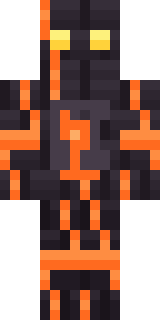 Volcanic Sentinel
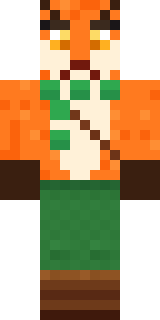 Woodland Fox
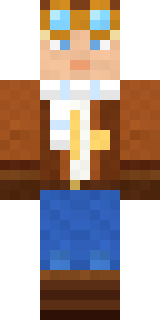 Cloud Aviator
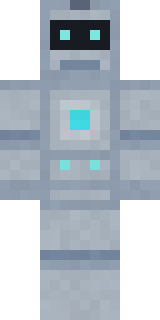 Robo Unit 7
 Happy Farmer
 Spotted Fawn
 Candy Baker
 Robin Hood
 Abyssal Monk
 Honey Toast
 Pitch Playmaker
 Emerald Serpent
 Cocoa MonkeyGlacier Explorer
 Void Axolotl
 Molten Plate Demon
 Victorian Gentleman
 Axolotl Adventurer
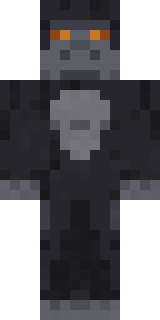
 Leonardo da VinciSilverback Gorilla
 Skeleton Costume
 Lime Alien Astronaut
 Pulse Android
 Galaxy Wanderer
 Teddy Onesie
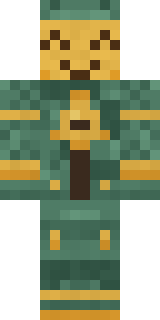 Bronze Bell Spirit
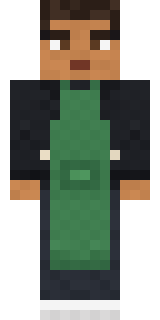 Morning Barista
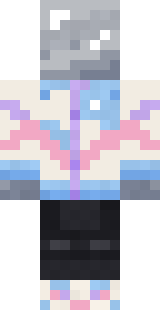 Chrome Mannequin
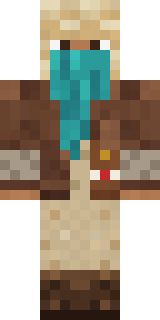 Desert Courier
 Goblin Raider
 Cardboard Robot Kid
 Quiet Kid
 Office Zombie
 Grease Monkey
 Fox Explorer
 Axolotl Cutie
About Noir Detective
Noir Detective is a casual Minecraft skin from the Build It team. The outfit: a shirt, a trench coat, suit pants and dress shoes with a brown and grey colour scheme. An easy everyday look for survival, minigames and hanging out with friends.
It uses the classic arms (4 pixels wide, like Steve) and works on Java and Bedrock. It is free: download the PNG and add it in the Minecraft Launcher (Java) or the dressing room (Bedrock). Open it in the Build It Skin Maker to give it your own colours.
See more in the Streetwear collection, or browse the Cool and Fancy tags.