Garden Gnome
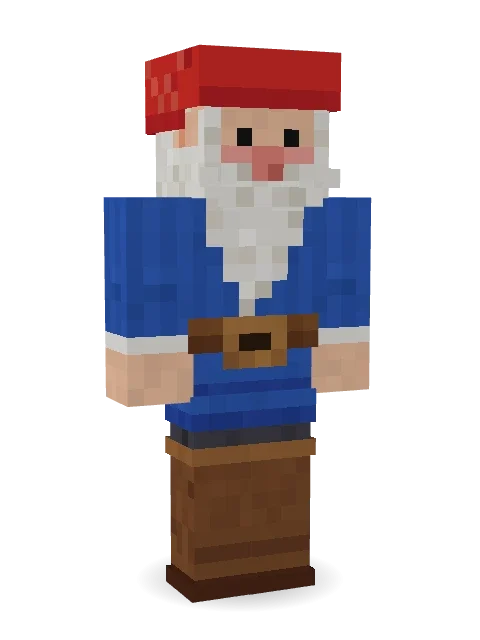
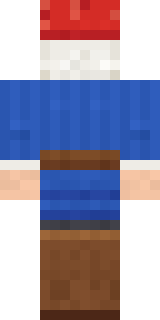
Has stood guard by the same flower bed for years: a red felt hat, rosy cheeks, a long white beard, a blue tunic with a big belt buckle and tall brown boots.

How to use this skin
Download it, then follow the steps for where you play.
Minecraft: Java Edition, in the Minecraft Launcher
- Open the Minecraft Launcher and pick Minecraft: Java Edition on the left.
- Open the Skins tab at the top and press New skin.
- Give it a name and choose the player model: Classic.
- Press Browse, pick the PNG you downloaded, then Save & Use.
- Start the game: you are wearing it, on every world and server.
Minecraft: Java Edition, on minecraft.net
- Go to minecraft.net and log in with your Microsoft account.
- Open your Profile and find the skin settings of Java Edition.
- Choose Classic, select the PNG file, and press Upload.
- Your new skin shows the next time you join a world.
Bedrock Edition: Windows, Android, iPhone, iPad, Chromebook
- Open Minecraft and press Dressing Room on the main menu (in newer versions, the character button next to your name, then Edit Character).
- Open the Classic Skins tab.
- Under Owned Skins, press Import, then Choose New Skin.
- Pick the PNG you downloaded (on a phone it is usually in Downloads or Files).
- When it asks, choose Classic, then confirm.
Xbox, PlayStation and Nintendo Switch
Consoles cannot import a skin file. There you can wear Character Creator items and skins from the Marketplace.
Some players set a skin in Bedrock on a phone or PC that is signed in to the same Microsoft account and see it on their console too. Mojang does not support that, so it may not work for you.
More by Build It












Similar skins





















Trending today
What people open and download right now.
Trending today
The skins people are opening, liking and downloading right now.

- Ancient Hexby
 nvlr33
- Modern HoodiebyBuild It
- Shy KidbyBuild It
- Galaxy AxolotlbyBuild It
- Napoleon BonapartebyBuild It
- The KingbyBuild It
- Hazmat ResponderbyBuild It
- The VoidbyBuild It
- Buff ChickenbyBuild It
- Slender ManbyBuild It
Made on Build It
A few of the skins players made here. Find one you like, or start your own.
 Crimson Desert Nomad
 Stained Glass Mage
 Midnight Baker
 Monotone Man
 Stained-Glass Paladin
 Mountain Shepherd
 Obsidian Knight
 Barnyard Cow
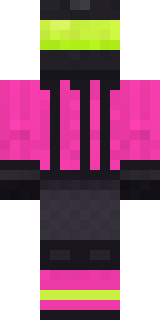 Neon Motorcycle CourierAncient Hex
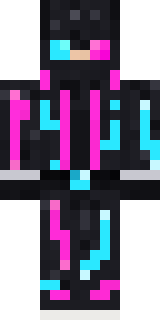 Neon Runner
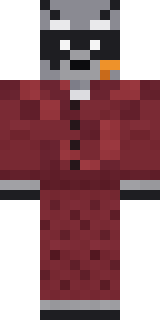 Midnight Snack Thief Raccoon
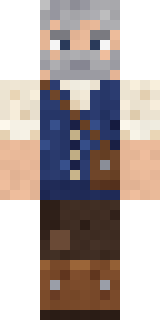 Retired Adventurer
 Raven Lamplighter
 Gym Bro Banana
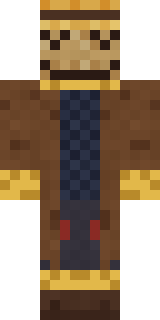 Tattered Scarecrow
 Lakeside Angler
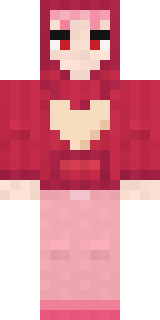 Valentine Heart Hoodie
 Match Referee
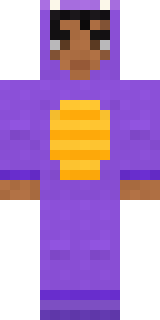 Little Dragon
 Penguin Waddle
 Gamer Hoodie Boy
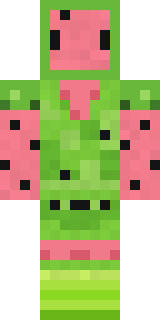 Watermelon Wrestler
 Smug Star Wizard
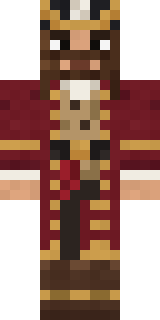 Burgundy Buccaneer
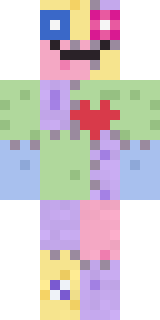 Patchwork Plush Monster
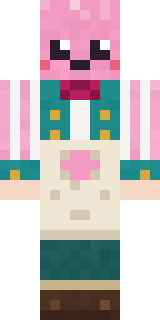 Cotton Candy Vendor
 Full Moon Werewolf
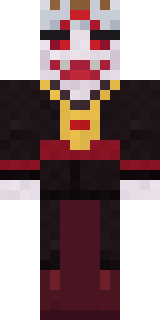 lord Vampire
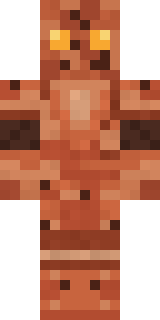 Terracotta Guardian
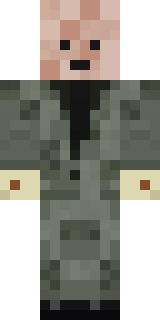 Wax DoublePumpkin Patch Farmer
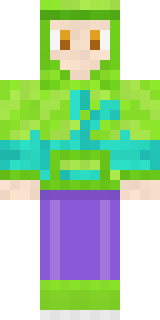 Chameleon Hoodie
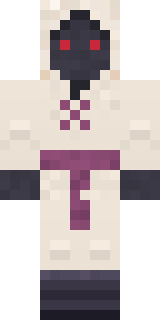 Spider Silk Merchant
 Frost Elf Prince
 Camo Commando
 Mint Street Artist
 Mad Scientist
 Graffiti Phantom
 Silver Pulse DJ
 Amethyst Mage
 Mint Axolotl
 Moon Ranger
 Graphite Cyborg
 Yellow Tuxedo Muscled wrestler
 Reef Mermaid
 Fire ElementalCocoa Monkey
 Woodland Ranger
 Bubblegum Robot
 Topsy Turvy Face
 Marmot Mountain Climber
 Valentine Cupid
 Lucky Leprechaun
 Bun Bun
 Circuit Board Monk
 Buffalo Plaid LumberjackBrown Bear
 Anglerfish Bouncer
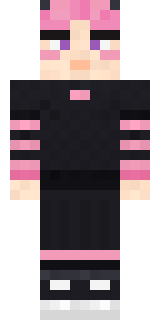 Pastel Gamer
About Garden Gnome
Meet Garden Gnome, a legendary Minecraft skin from the Build It team. The outfit: a gnome tunic, jeans, gnome boots and a gnome hat in blue and brown. Made for quests, castles and roleplay adventures.
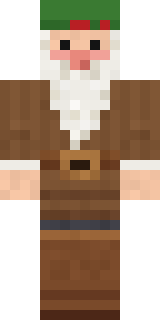
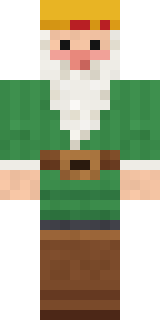
It uses the classic arms (4 pixels wide, like Steve) and works on Java and Bedrock. Download it for free and upload it in the Minecraft Launcher or the Bedrock dressing room. Open it in the Build It Skin Maker to give it your own colours. Try its 7 colour versions too, like Blue hat red tunic and Forest gnome.
See more in the Fantasy and Cute collections, or browse the Cute, Fantasy and Funny tags.