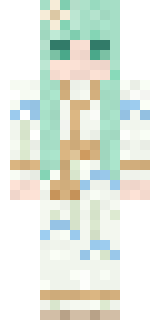
Dreamweaver
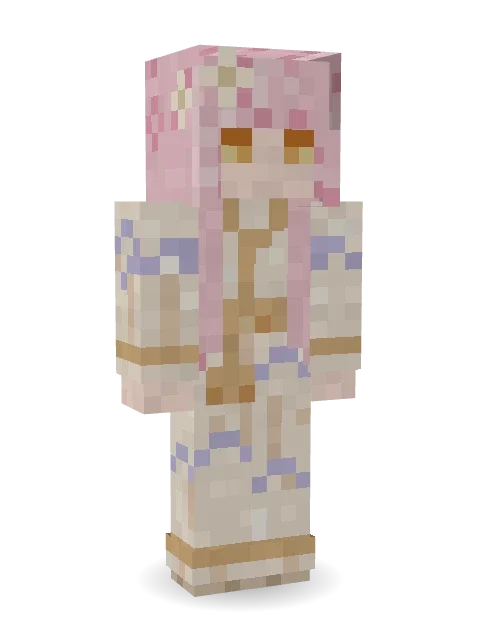
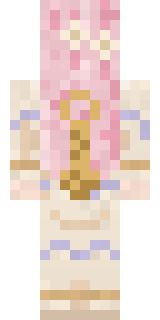
A gentle dreamweaver who spins clouds and starlight into better tomorrows: soft pink hair with star clips and a cream robe swirled with lavender clouds.

How to use this skin
Download it, then follow the steps for where you play.
Minecraft: Java Edition, in the Minecraft Launcher
- Open the Minecraft Launcher and pick Minecraft: Java Edition on the left.
- Open the Skins tab at the top and press New skin.
- Give it a name and choose the player model: Slim.
- Press Browse, pick the PNG you downloaded, then Save & Use.
- Start the game: you are wearing it, on every world and server.
Minecraft: Java Edition, on minecraft.net
- Go to minecraft.net and log in with your Microsoft account.
- Open your Profile and find the skin settings of Java Edition.
- Choose Slim, select the PNG file, and press Upload.
- Your new skin shows the next time you join a world.
Bedrock Edition: Windows, Android, iPhone, iPad, Chromebook
- Open Minecraft and press Dressing Room on the main menu (in newer versions, the character button next to your name, then Edit Character).
- Open the Classic Skins tab.
- Under Owned Skins, press Import, then Choose New Skin.
- Pick the PNG you downloaded (on a phone it is usually in Downloads or Files).
- When it asks, choose Slim, then confirm.
Xbox, PlayStation and Nintendo Switch
Consoles cannot import a skin file. There you can wear Character Creator items and skins from the Marketplace.
Some players set a skin in Bedrock on a phone or PC that is signed in to the same Microsoft account and see it on their console too. Mojang does not support that, so it may not work for you.
More by Build It












Similar skins






















Trending today
What people open and download right now.
Trending today
The skins people are opening, liking and downloading right now.
- Ancient Hexby
 nvlr33
- Modern HoodiebyBuild It
- Galaxy AxolotlbyBuild It
- Shy KidbyBuild It
- The VoidbyBuild It
- Napoleon BonapartebyBuild It
- Hazmat ResponderbyBuild It
- The KingbyBuild It
- Slender ManbyBuild It
- Buff ChickenbyBuild It
Made on Build It
A few of the skins players made here. Find one you like, or start your own.
 Giga Chad
 False Smile Stranger
 Sherlock Holmes
 Terracotta Summer
 poilce demon
 Burnt Toast Monster
 Circuit Board Monk
 Teddy Onesie
 Crimson Templar
 Diamond
 Golden Paladin
 Honeycomb Automaton
 Curly Art Student
 Sky Princess
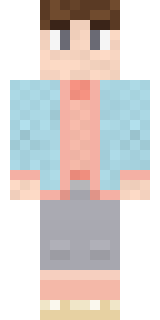 Cozy Ballet Cardigan
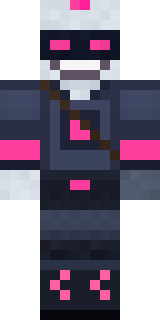 Cyber Samurai
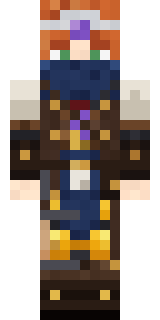 Brown Steampunk coat Muscled wrestler
 Steampunk Inventor
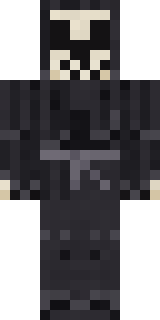 Tattered Reaper
 Happy Farmer
 Big Grin Face
 Emotional Support Pickle
 Lilac Ballerina
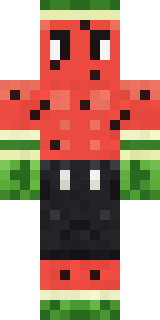 Watermelon Brawler
 Trick or Treat Ghost
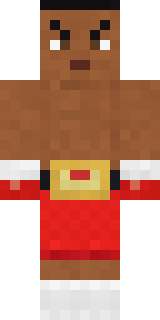 Champion Boxer
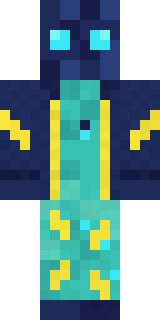 Electric Eel Technician
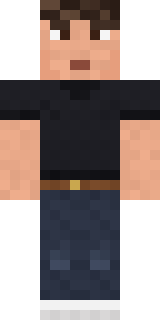 Sharp Jawline Guy
 Owl Professor
 Midnight Ferryman
 Velvet Vampire
 Obsidian KnightModern Hoodie
 Halloween Vampire
 Bumblebee
 Buck Tooth Nerd
 Light Elemental
 Crocodile Detective
 Living Chess King
 Victorian Gentleman
 Bronze Bell Spirit
 Glowbug Ranger
 Molten Plate Demon
 Hacker
 Railway Traveler
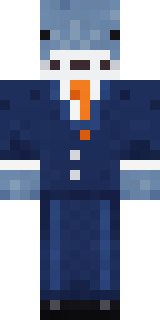 Business Shark
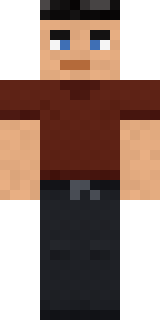 Jake
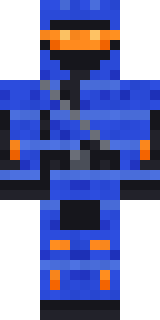 Cobalt Cyber Ninja
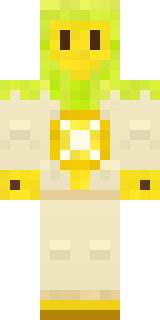 Lemon Sorcerer
 Crescent Pajama BunnyChristmas Gingerbread
 Easter Bunny Costume
 Lacquered Samurai
 Handy PlumberMushroom Forest Ranger
 Ink Wizard
 Bubblegum Robot
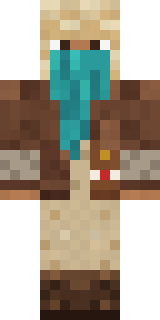 Desert Courier
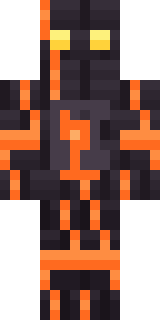 Volcanic Sentinel
 Charcoal Firefighter
About Dreamweaver
Dreamweaver is a fantasy skin for Minecraft from the Build It team. It comes with a cloud swirl robe in beige and pink. Made for quests, castles and roleplay adventures.
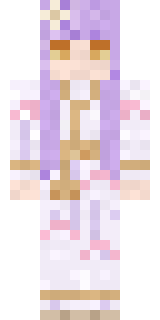
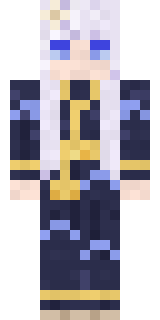
It uses the slim arms (3 pixels wide, like Alex) and works on Java and Bedrock. Download it for free, then follow the steps above to wear it in game. Want it your way? Open it in the Build It Skin Maker and change its colours and pieces. It also comes in 7 colour versions, like Lavender dream and Night sky.
See more in the Fantasy and Streetwear collections, or look through the Aesthetic, Cute and Fantasy tags.