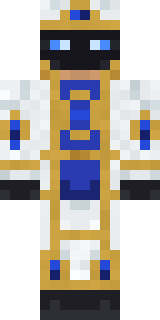
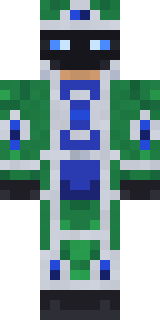
Peacock Guard
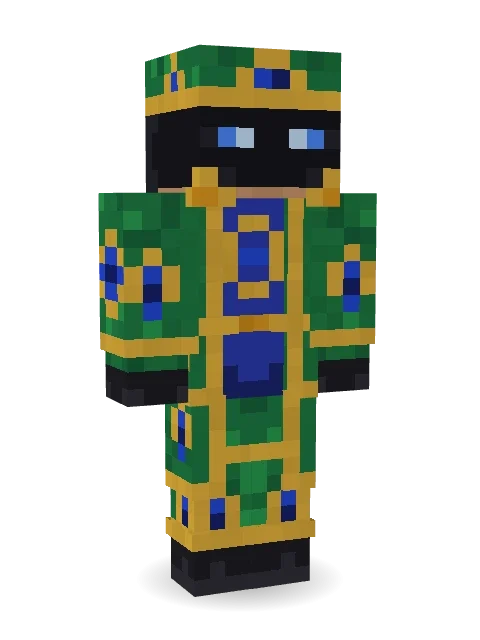
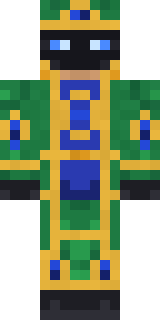
A royal guard in an emerald coat covered in sapphire peacock eyes, gold trim on every edge and a plume of peacock feathers on the helm.
How to use this skin
Download it, then follow the steps for where you play.
Minecraft: Java Edition, in the Minecraft Launcher
- Open the Minecraft Launcher and pick Minecraft: Java Edition on the left.
- Open the Skins tab at the top and press New skin.
- Give it a name and choose the player model: Classic.
- Press Browse, pick the PNG you downloaded, then Save & Use.
- Start the game: you are wearing it, on every world and server.
Minecraft: Java Edition, on minecraft.net
- Go to minecraft.net and log in with your Microsoft account.
- Open your Profile and find the skin settings of Java Edition.
- Choose Classic, select the PNG file, and press Upload.
- Your new skin shows the next time you join a world.
Bedrock Edition: Windows, Android, iPhone, iPad, Chromebook
- Open Minecraft and press Dressing Room on the main menu (in newer versions, the character button next to your name, then Edit Character).
- Open the Classic Skins tab.
- Under Owned Skins, press Import, then Choose New Skin.
- Pick the PNG you downloaded (on a phone it is usually in Downloads or Files).
- When it asks, choose Classic, then confirm.
Xbox, PlayStation and Nintendo Switch
Consoles cannot import a skin file. There you can wear Character Creator items and skins from the Marketplace.
Some players set a skin in Bedrock on a phone or PC that is signed in to the same Microsoft account and see it on their console too. Mojang does not support that, so it may not work for you.
More by Build It












Similar skins




Trending today
What people open and download right now.
Trending today
The skins people are opening, liking and downloading right now.

- Ancient Hexby
 nvlr33
- Modern HoodiebyBuild It
- Galaxy AxolotlbyBuild It
- The KingbyBuild It
- Napoleon BonapartebyBuild It
- Shy KidbyBuild It
- Hazmat ResponderbyBuild It
- The VoidbyBuild It
- Buff ChickenbyBuild It
- Slender ManbyBuild It
Made on Build It
A few of the skins players made here. Find one you like, or start your own.
 Volcanic Sentinel
 Dusty Rose Vintage
 Moon Ranger
 Fire Fighter
 Porcelain Knight
 Night Ops Commando
 Ember Librarian
 Headphone Skeleton
 lord Vampire
 Gentle Giraffe
 Valentine Heart Hoodie
 Full Moon Werewolf
 Business Shark
 Crimson Punk
 Terracotta Summer
 Origami Crane Warrior
 Clockwork Owl
 Eclipse Priest
 Jade Monk
 Spider Silk MerchantSilverback Gorilla
 Retro Arcade Bot
 Storm Chaser Aviator
 Living Candle Magician
 Deep Sea CaptainCleopatra
 Snow Leopard Hacker
 Rally Mechanic
 the winter cat skin
 Tattered Scarecrow
 Firefly Scout
 Red Mushroom Scout
 Smug Prankster
 Grey Suit and tie
 Gym Bro Banana
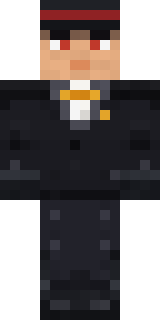 Formal Vampire
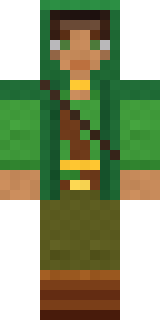 Moss Ranger
 Retro Fridge Robot
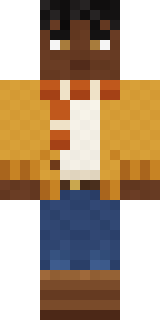 Sweater Weather
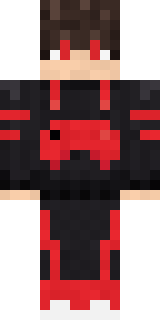 Gamer Mode
 Courtroom Judge
 Nature Elemental
 Red Orchard vine shirt
 Thunderstorm Mage
 Crocodile Detective
 Golden Koi Courtier
 Shark Bite
 Mango Skate Punk
 Static Screen Agent
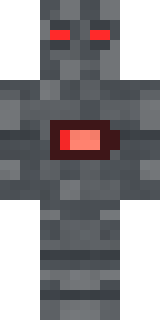 Low Battery Robot
 Lakeside Angler
 Sardine Sailor
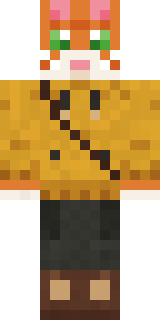 Ginger Trainspotter
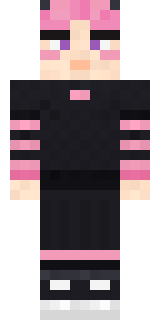 Pastel Gamer
 Emerald Serpent
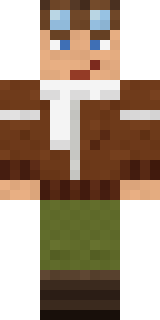 Ace Pilot
 Harvest Farmer
 Crystal Elf Spellcaster
 Wax Double
 Friendly Nurse
About Peacock Guard
Peacock Guard is a wild Minecraft skin made by the Build It team. Its look puts together a peacock coat, peacock greaves and a peacock helm with a green, yellow and blue colour scheme. Take it exploring through forests, jungles and snowy plains.
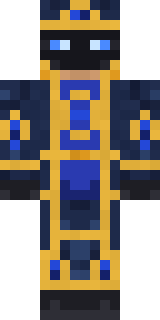
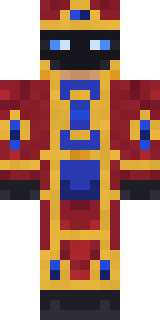
It uses the classic arms (4 pixels wide, like Steve) and works on Java and Bedrock. It is free: download the PNG and add it in the Minecraft Launcher (Java) or the dressing room (Bedrock). You can also open it in the Build It Skin Maker and make your own version. It also comes in 7 colour versions, like Midnight court and Ruby court.
Find more skins like it in the Animals and Fantasy collections, or browse the Bird, Fancy and Fantasy tags.