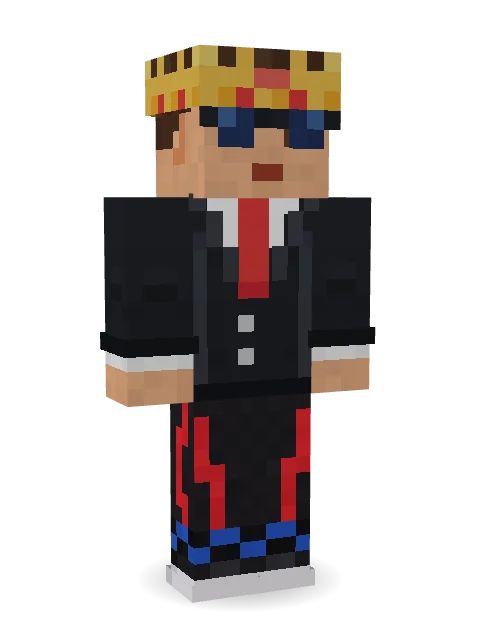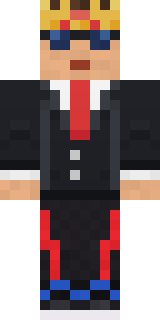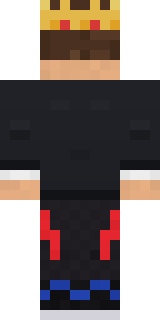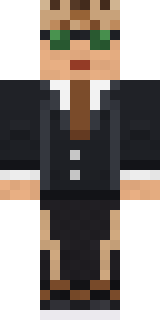

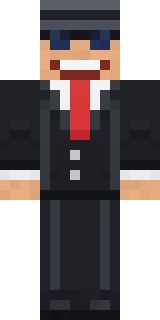
Grey Suit and tie


How to use this skin
Download it, then follow the steps for where you play.
Minecraft: Java Edition, in the Minecraft Launcher
- Open the Minecraft Launcher and pick Minecraft: Java Edition on the left.
- Open the Skins tab at the top and press New skin.
- Give it a name and choose the player model: Classic.
- Press Browse, pick the PNG you downloaded, then Save & Use.
- Start the game: you are wearing it, on every world and server.
Minecraft: Java Edition, on minecraft.net
- Go to minecraft.net and log in with your Microsoft account.
- Open your Profile and find the skin settings of Java Edition.
- Choose Classic, select the PNG file, and press Upload.
- Your new skin shows the next time you join a world.
Bedrock Edition: Windows, Android, iPhone, iPad, Chromebook
- Open Minecraft and press Dressing Room on the main menu (in newer versions, the character button next to your name, then Edit Character).
- Open the Classic Skins tab.
- Under Owned Skins, press Import, then Choose New Skin.
- Pick the PNG you downloaded (on a phone it is usually in Downloads or Files).
- When it asks, choose Classic, then confirm.
Xbox, PlayStation and Nintendo Switch
Consoles cannot import a skin file. There you can wear Character Creator items and skins from the Marketplace.
Some players set a skin in Bedrock on a phone or PC that is signed in to the same Microsoft account and see it on their console too. Mojang does not support that, so it may not work for you.
Popular skins
Trending today
What people open and download right now.
Trending today
The skins people are opening, liking and downloading right now.
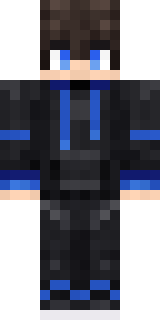
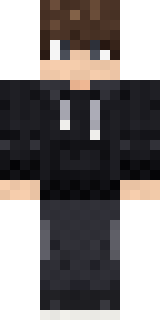
- Modern HoodiebyBuild It
- Galaxy AxolotlbyBuild It
- Enderbrineby
 gustavopir
- Napoleon BonapartebyBuild It
- The VoidbyBuild It
- Shy KidbyBuild It
- The KingbyBuild It
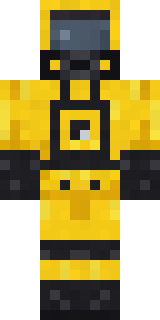
- Hazmat ResponderbyBuild It
- Slender ManbyBuild It
- herobrinebygustavopir
Made on Build It
A few of the skins players made here. Find one you like, or start your own.
 Moon Walker
 Bone ScoutDreamweaver
 Burlap Intruder
 Electrician
 Pastel Goth
 Wax Double
 Pistachio Pastry Chef
 Harvest Farmer
 Grey Rune stripe hoodie
 Moon Elf
 Patchwork Teddy BearWoodland Dryad
 Meander
 The Big Cheese
 Crystal Cave Explorer
 Living Popcorn Box
 Eclipse Priest
 Ritual Caretaker
 Tiger Champ
 Ghost Concierge
 Forgotten Funeral Guest
 Dino Onesie
 White Striped
 Spotted Fawn
 Crimson Builder
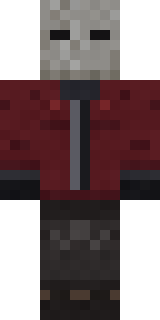 The Blank Mask
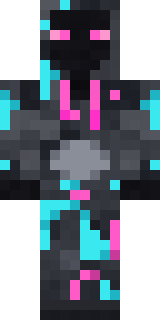 Graffiti Phantom
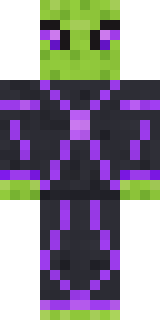 Circuit Alien
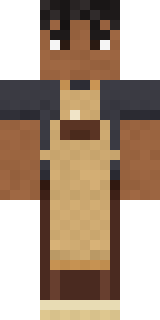 Curly Barista
 Grey Suit and tie
 Slime Apprentice
 Lobster Lifeguard
 Copper Gardener Bot
 Trick or Treat Ghost
 Panda Pal
 Full Moon Werewolf
 Autumn Leaf Sprite
 Abyssal Monk
 Crescent Pajama Bunny
 Topsy Turvy Face
 Mixtape Cassette Head
 Earth ElementalEnderbrine
 Wildlife Photographer
 Ruby Blacksmith
 Retired Adventurer
 Desert Djinn
 Cool Shades Face
 Copper Golem
 Grumpy Broccoli
 Smug Star Wizard
 Mint Street Artist
 Rookie Boxer
 Teddy OnesieMushroom Forest RangerHallway Shadow
 Jackal Priest
 Ice Elemental
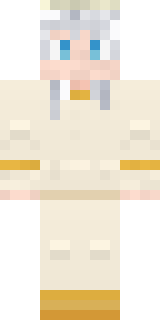 Platinum Angel
About Grey Suit and tie
Meet Grey Suit and tie, an original Minecraft skin made by eitan123. The outfit: a suit and tie, trace joggers, zigzag sneakers and sunglasses in black. Made to stand out in any world.
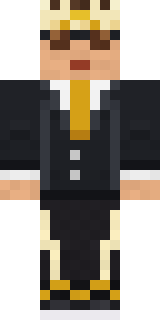
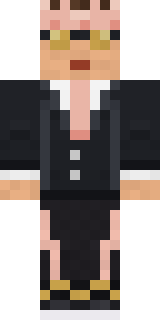
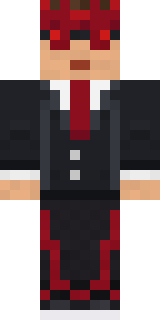
Grey Suit and tie has classic 4 pixel arms and works in Minecraft Java and Bedrock. Download it for free, then follow the steps above to wear it in game. Want it your way? Open it in the Build It Skin Maker and change its colours and pieces. Try its 6 colour versions too, like Treasure and Forest.