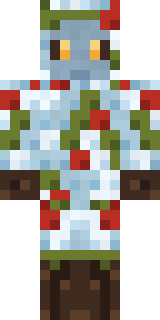
Autumn Leaf Sprite
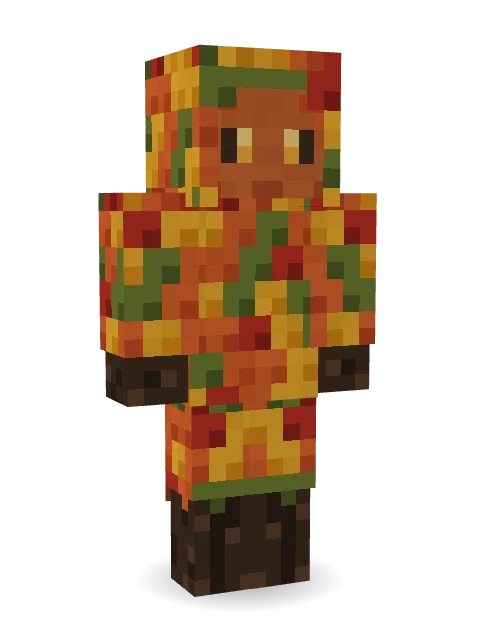
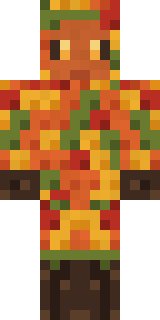
A woodland spirit woven from fallen leaves, moss and early frost: a russet face with amber eyes in a hood of orange, red and gold leaves.

How to use this skin
Download it, then follow the steps for where you play.
Minecraft: Java Edition, in the Minecraft Launcher
- Open the Minecraft Launcher and pick Minecraft: Java Edition on the left.
- Open the Skins tab at the top and press New skin.
- Give it a name and choose the player model: Classic.
- Press Browse, pick the PNG you downloaded, then Save & Use.
- Start the game: you are wearing it, on every world and server.
Minecraft: Java Edition, on minecraft.net
- Go to minecraft.net and log in with your Microsoft account.
- Open your Profile and find the skin settings of Java Edition.
- Choose Classic, select the PNG file, and press Upload.
- Your new skin shows the next time you join a world.
Bedrock Edition: Windows, Android, iPhone, iPad, Chromebook
- Open Minecraft and press Dressing Room on the main menu (in newer versions, the character button next to your name, then Edit Character).
- Open the Classic Skins tab.
- Under Owned Skins, press Import, then Choose New Skin.
- Pick the PNG you downloaded (on a phone it is usually in Downloads or Files).
- When it asks, choose Classic, then confirm.
Xbox, PlayStation and Nintendo Switch
Consoles cannot import a skin file. There you can wear Character Creator items and skins from the Marketplace.
Some players set a skin in Bedrock on a phone or PC that is signed in to the same Microsoft account and see it on their console too. Mojang does not support that, so it may not work for you.
More by Build It












Similar skins




Trending today
What people open and download right now.
Trending today
The skins people are opening, liking and downloading right now.
- Ancient Hexby
 nvlr33
- Modern HoodiebyBuild It
- Shy KidbyBuild It
- Galaxy AxolotlbyBuild It
- Napoleon BonapartebyBuild It
- The KingbyBuild It
- Hazmat ResponderbyBuild It
- The VoidbyBuild It
- Buff ChickenbyBuild It
- Slender ManbyBuild It
Made on Build It
A few of the skins players made here. Find one you like, or start your own.
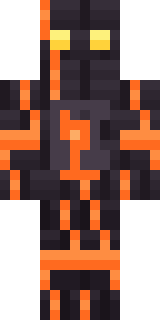 Volcanic Sentinel
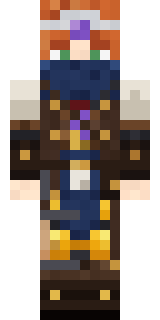 Brown Steampunk coat Muscled wrestler
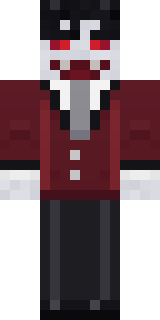 Halloween Vampire
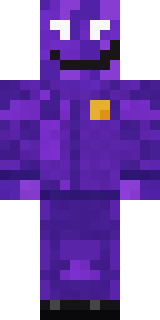 Violet Night Watchman
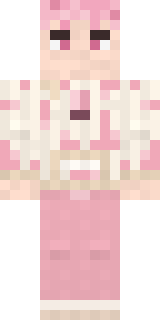 Cherry Blossom Streetwear
 Street Skater
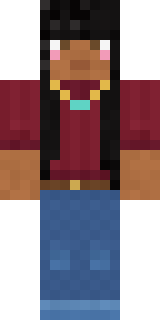 Rich baddie
 Summer Dad
 Lacquered Samurai
 Terracotta Turtle
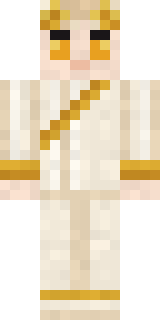 Laurel Angel
 Neon Courier
 Orc Warrior
 Banana Gentleman
 Skyship Navigator
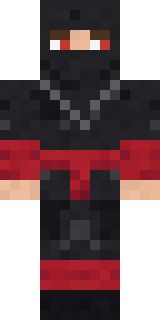 Crimson Sash Ninja
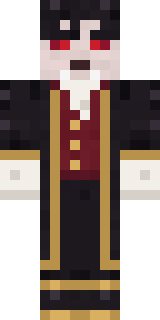 Vampire Aristocrat
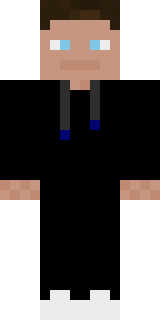 Gamer Hoodie Boy
 Fourth of July Patriot
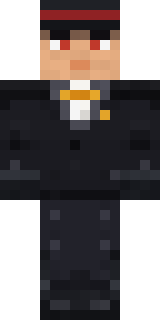 Formal Vampire
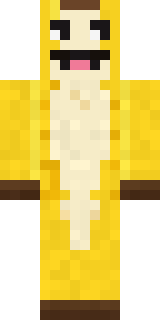 Half Peeled BananaHazmat Responder
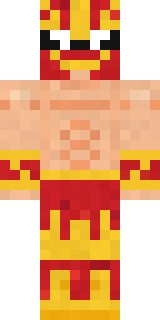 Red Flame Luchador
 Ember Dragon
 Canada Day Maple Leaf
 Armadillo Mercenary
 Menina
 Burlap Intruder
 Cobalt Cyber Ninja
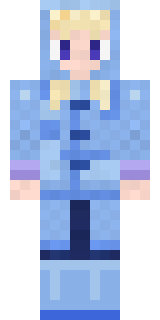 Periwinkle Rainwear
 Monochrome Minimalist
 Camo Commando
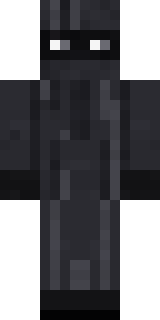 Veiled Mourner
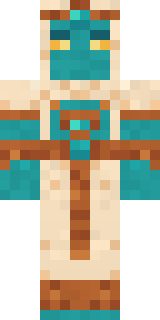 Desert Djinn
 Inmate 3742Galaxy Axolotl
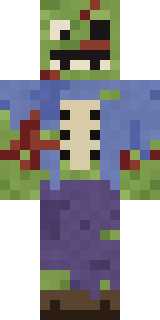 Rotting WalkerBouncy Slime
 Twilight Rogue
 Gamer Mode
 Cyan Tinker Fairy
 Lucky Leprechaun
 Koi Pond Spirit
 Crypt Custodian
 Snow Leopard Hacker
 Bumblebee
 Bookstore Owner
 The Forehead ManShy Kid
 Beach Day
 Lone Wolf
 Obsidian Golem
 Hard Hat Hero
 Christmas Elf
 Radioactive Gummy Bear
 Desert Cartographer
 Bumpy Pickle
 Harvest Farmer
 Frost Elf Prince
 Secret Agent
About Autumn Leaf Sprite
Meet Autumn Leaf Sprite, a celebration Minecraft skin made by the Build It team. It comes with a fallen leaf coat in orange, brown and green. It has a russet sprite body. It brings the holiday spirit to any world.
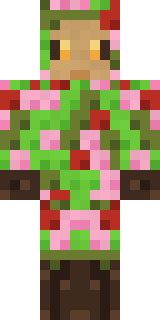
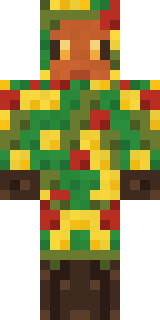
It uses the classic arms (4 pixels wide, like Steve) and works on Java and Bedrock. Download it for free and upload it in the Minecraft Launcher or the Bedrock dressing room. Open it in the Build It Skin Maker to give it your own colours. It also comes in 7 colour versions, like Spring and Summer.
Find more skins like it in the Fantasy and Cute collections, or browse the Autumn, Cute and Forest tags.