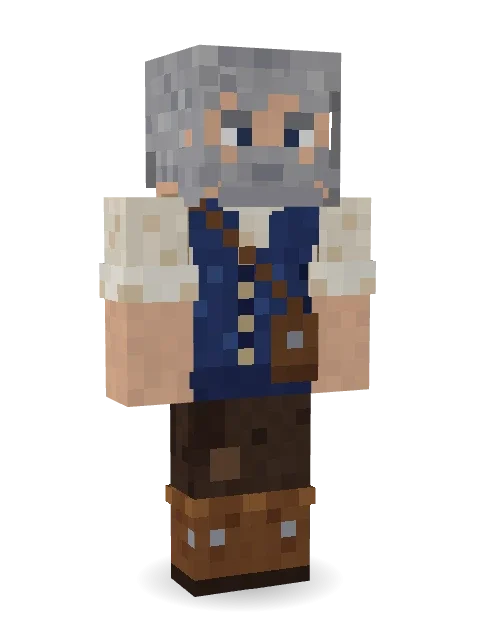
Retired Adventurer
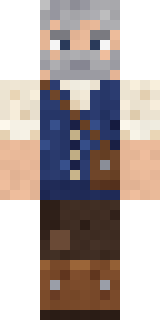
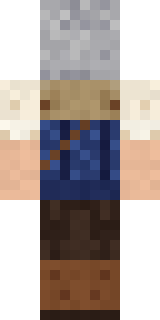
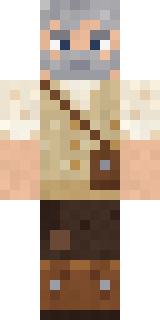
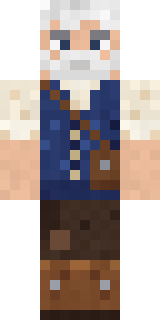
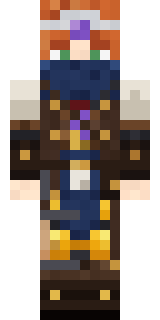
Travels no more, but the stories remain: grey hair and stubble, a navy cable knit vest over a rolled sleeve shirt, a satchel, a bedroll and worn boots.
How to use this skin
Download it, then follow the steps for where you play.
Minecraft: Java Edition, in the Minecraft Launcher
- Open the Minecraft Launcher and pick Minecraft: Java Edition on the left.
- Open the Skins tab at the top and press New skin.
- Give it a name and choose the player model: Classic.
- Press Browse, pick the PNG you downloaded, then Save & Use.
- Start the game: you are wearing it, on every world and server.
Minecraft: Java Edition, on minecraft.net
- Go to minecraft.net and log in with your Microsoft account.
- Open your Profile and find the skin settings of Java Edition.
- Choose Classic, select the PNG file, and press Upload.
- Your new skin shows the next time you join a world.
Bedrock Edition: Windows, Android, iPhone, iPad, Chromebook
- Open Minecraft and press Dressing Room on the main menu (in newer versions, the character button next to your name, then Edit Character).
- Open the Classic Skins tab.
- Under Owned Skins, press Import, then Choose New Skin.
- Pick the PNG you downloaded (on a phone it is usually in Downloads or Files).
- When it asks, choose Classic, then confirm.
Xbox, PlayStation and Nintendo Switch
Consoles cannot import a skin file. There you can wear Character Creator items and skins from the Marketplace.
Some players set a skin in Bedrock on a phone or PC that is signed in to the same Microsoft account and see it on their console too. Mojang does not support that, so it may not work for you.
More by Build It












Similar skins















Trending today
What people open and download right now.
Trending today
The skins people are opening, liking and downloading right now.


- Modern HoodiebyBuild It
- Enderbrineby
 gustavopir
- Galaxy AxolotlbyBuild It
- Napoleon BonapartebyBuild It
- The KingbyBuild It
- Hazmat ResponderbyBuild It
- Shy KidbyBuild It
- The VoidbyBuild It
- herobrinebygustavopir
- Starfield PhantombyBuild It
Made on Build It
A few of the skins players made here. Find one you like, or start your own.
 Summer Dad
 Hallway Shadow
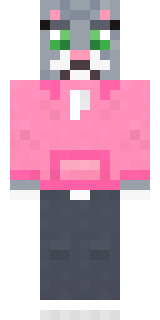 Cozy Cat
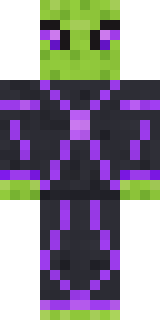 Circuit Alien
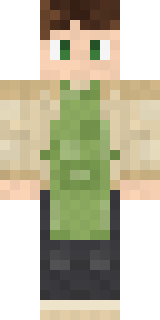 Matcha Cafe
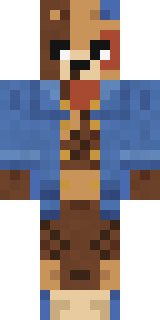 Patchwork Teddy Bear
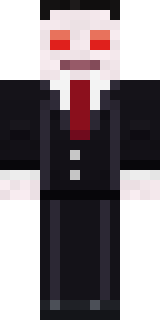 Count Nightfall
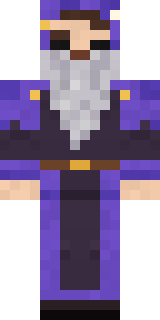 Smug Star Wizard
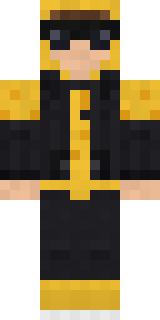 Gold Aura Streetwear
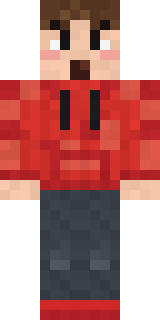 Rage Quit Gamer
 Chill Pond Frog
 Midnight Snack Thief Raccoon
 Topsy Turvy Face
 Ice Elemental
 Brown Steampunk coat Muscled wrestler
 Doorbell Camera Visitor
 Velvet Vampire
 Penguin Tourist
 Muddy Farmhand
 Striped Zebra
 Golden Automaton
 Static Screen Agent
 Alien Exchange Student
 CM Style
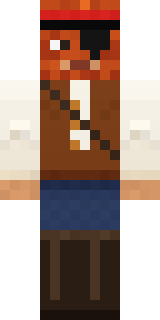 Captain Saltbeard
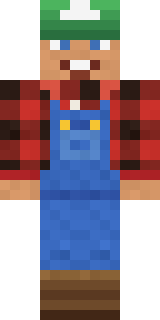 Happy FarmerCrystal Cave Explorer
 Haunted Arcade Robot
 Galaxy Wanderer
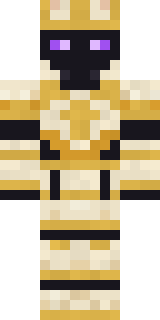 Chess King
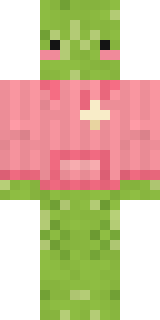 Emotional Support Pickle
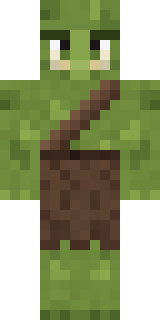 Mossy Troll
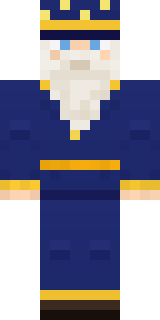 Starlight Wizard
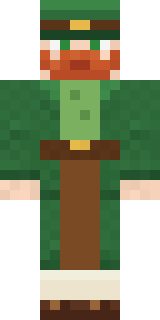 Lucky Leprechaun
 Lunar Botanist
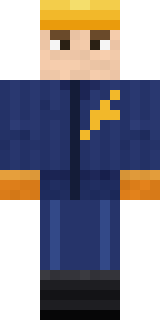 Electrician
 Malachite Golem
 Gamer Mode
 Desert Cartographer
 Abraham Lincoln
 Frost Elf Prince
 Chocolate Chip Cookie
 Fairy Glow
 Deep Sea Captain
 Hard Hat Hero
 Drip King
 Grey Suit and tie
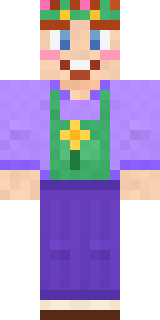 Lavender Florist
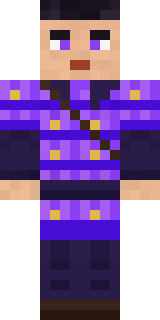 Violet Samurai
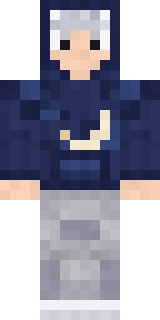 Silver Moon
 Jesus Christ
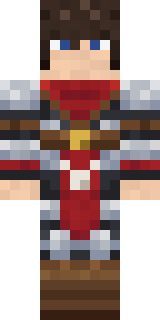 Crimson Templar
 Red Bear face tee Baby chick
 Gecko Skater
 Loading Screen Gamer
 Clockwork Oracle
 Dusty Rose Vintage
 Sunny Surfer
 Cyber Samurai
 Gummy Bear Bodybuilder
About Retired Adventurer
Retired Adventurer is a fantasy skin for Minecraft from the Build It team. The outfit: a navy cable knit vest, patched brown trousers and a satchel and bedroll, mostly brown with touches of beige and blue. Made for quests, castles and roleplay adventures.
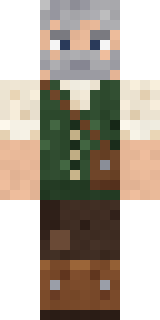
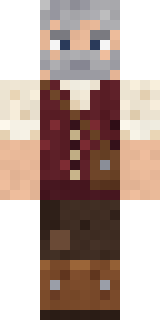
Retired Adventurer has classic 4 pixel arms and works in Minecraft Java and Bedrock. Download it for free, then follow the steps above to wear it in game. Want it your way? Open it in the Build It Skin Maker and change its colours and pieces. It also comes in 7 colour versions, like Forest vest and Burgundy vest.
See more in the Fantasy and Streetwear collections, or look through the Adventure, Casual and Cozy tags.