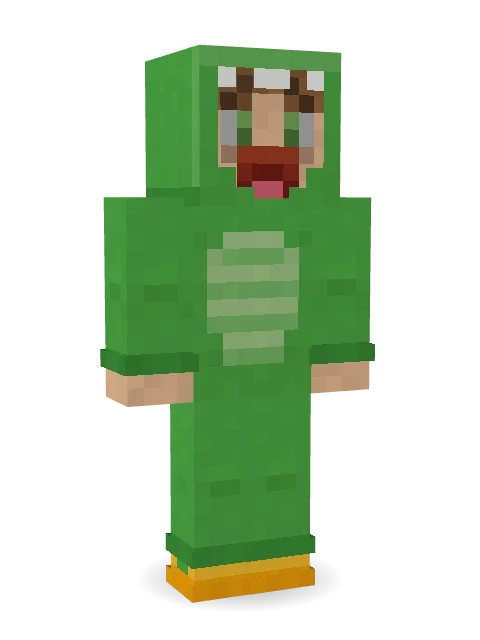
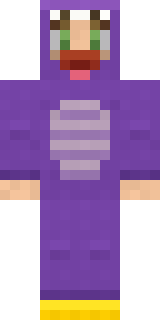
Dino Onesie
Rawr means hello in dinosaur.

How to use this skin
Download it, then follow the steps for where you play.
Minecraft: Java Edition, in the Minecraft Launcher
- Open the Minecraft Launcher and pick Minecraft: Java Edition on the left.
- Open the Skins tab at the top and press New skin.
- Give it a name and choose the player model: Classic.
- Press Browse, pick the PNG you downloaded, then Save & Use.
- Start the game: you are wearing it, on every world and server.
Minecraft: Java Edition, on minecraft.net
- Go to minecraft.net and log in with your Microsoft account.
- Open your Profile and find the skin settings of Java Edition.
- Choose Classic, select the PNG file, and press Upload.
- Your new skin shows the next time you join a world.
Bedrock Edition: Windows, Android, iPhone, iPad, Chromebook
- Open Minecraft and press Dressing Room on the main menu (in newer versions, the character button next to your name, then Edit Character).
- Open the Classic Skins tab.
- Under Owned Skins, press Import, then Choose New Skin.
- Pick the PNG you downloaded (on a phone it is usually in Downloads or Files).
- When it asks, choose Classic, then confirm.
Xbox, PlayStation and Nintendo Switch
Consoles cannot import a skin file. There you can wear Character Creator items and skins from the Marketplace.
Some players set a skin in Bedrock on a phone or PC that is signed in to the same Microsoft account and see it on their console too. Mojang does not support that, so it may not work for you.
More by Build It












Similar skins
Trending today
What people open and download right now.
Trending today
The skins people are opening, liking and downloading right now.

- Ancient Hexby
 nvlr33
- Modern HoodiebyBuild It
- Galaxy AxolotlbyBuild It
- Shy KidbyBuild It
- Napoleon BonapartebyBuild It
- The KingbyBuild It
- Hazmat ResponderbyBuild It
- Buff ChickenbyBuild It
- The VoidbyBuild It
- Slender ManbyBuild It
Made on Build It
A few of the skins players made here. Find one you like, or start your own.
 Lemon Sorcerer
 Santa Claus
 Ice Elemental
 Ferret Locksmith
 Vampire guy
 Skyship Navigator
 Charcoal Firefighter
 Reef Mermaid
 Aurora Skater
 Graphite CyborgGamer Mode
 ErrorGrunge GirlPastel Bear Girl
 Chili Stunt Driver
 Vaporwave Pastel
 Cactus Cowboy
 Silver Moon
 Obsidian Golem
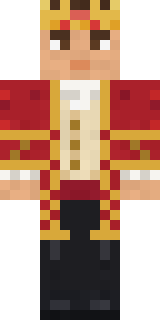 Red Court frock coat
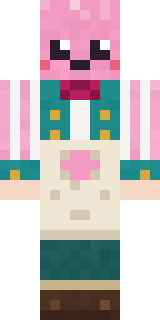 Cotton Candy Vendor
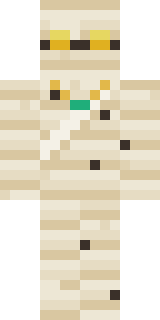 The Mummy
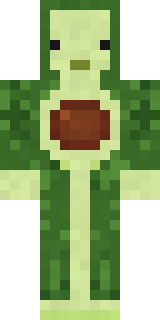 Cozy Avocado
 Bookstore Owner
 Full Moon Werewolf
 Astronaut
 Pajama Knight
 Teddy Onesie
 Fern Forest Sprite
 Pitch Playmaker
 Raccoon Thief
 Red Bear face tee Baby chick
 Frost Elf Prince
 Vintage Cartoon Explorer
 Tornado Chaser
 Starlight Wizard
 Yellow hazmat suit
 Crimson Builder
 Burgundy Buccaneer
 Noir Detective
 Patrol Officer
 Metal Elemental
 Snow Rider
 Violet Samurai
 Abyssal Monk
 Build It Guy
 Brown Steampunk coat Muscled wrestler
 Tiger Slugger
 Radioactive Gummy Bear
 Count Nightfall
 Autumn Knit
 Stained-Glass Paladin
 Living Popcorn Box
 Blushing Penguin
 Malachite Golem
 Living Chess King
 Saloon Pianist
 Forest Druid
 Infected Sven
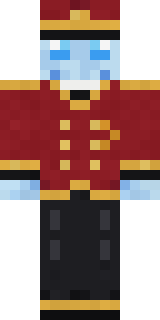 Ghost Concierge
About Dino Onesie
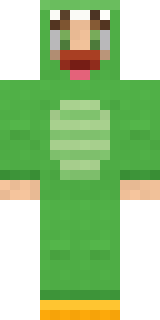
Dino Onesie is a furry skin for Minecraft from the Build It team. It wears sneakers in green. Great for players who love animals, farms and cozy builds.
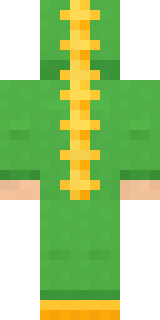
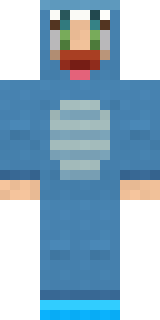
It uses the classic arms (4 pixels wide, like Steve) and works on Java and Bedrock. Download it for free, then follow the steps above to wear it in game. Open it in the Build It Skin Maker to give it your own colours. Try its 5 colour versions too, like Ocean and Forest.
See more in the Animals and Streetwear collections, or browse the Animal, Cute and Hoodie tags.