The Blank Mask
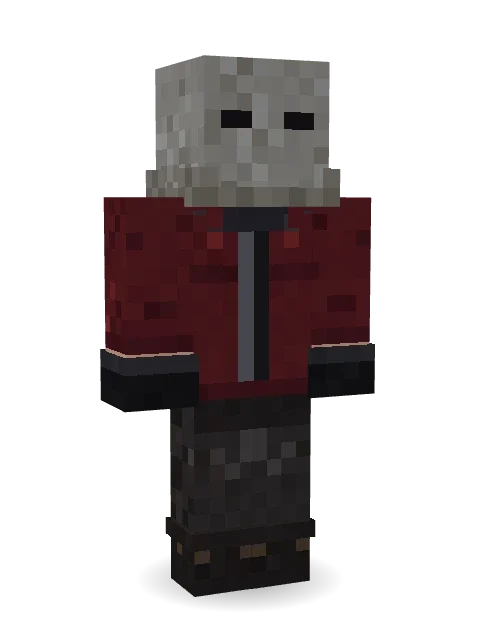
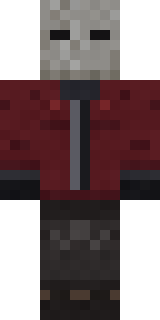
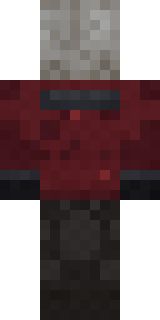
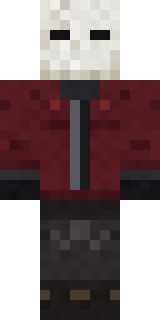
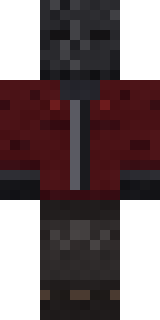
No name, no face, no sound: a blank grey fabric mask with two dark eye holes, a worn burgundy work jacket, black gloves and dark trousers.
How to use this skin
Download it, then follow the steps for where you play.
Minecraft: Java Edition, in the Minecraft Launcher
- Open the Minecraft Launcher and pick Minecraft: Java Edition on the left.
- Open the Skins tab at the top and press New skin.
- Give it a name and choose the player model: Classic.
- Press Browse, pick the PNG you downloaded, then Save & Use.
- Start the game: you are wearing it, on every world and server.
Minecraft: Java Edition, on minecraft.net
- Go to minecraft.net and log in with your Microsoft account.
- Open your Profile and find the skin settings of Java Edition.
- Choose Classic, select the PNG file, and press Upload.
- Your new skin shows the next time you join a world.
Bedrock Edition: Windows, Android, iPhone, iPad, Chromebook
- Open Minecraft and press Dressing Room on the main menu (in newer versions, the character button next to your name, then Edit Character).
- Open the Classic Skins tab.
- Under Owned Skins, press Import, then Choose New Skin.
- Pick the PNG you downloaded (on a phone it is usually in Downloads or Files).
- When it asks, choose Classic, then confirm.
Xbox, PlayStation and Nintendo Switch
Consoles cannot import a skin file. There you can wear Character Creator items and skins from the Marketplace.
Some players set a skin in Bedrock on a phone or PC that is signed in to the same Microsoft account and see it on their console too. Mojang does not support that, so it may not work for you.
More by Build It












Similar skins



















Trending today
What people open and download right now.
Trending today
The skins people are opening, liking and downloading right now.


- Modern HoodiebyBuild It
- Ancient Hexby
 nvlr33
- Galaxy AxolotlbyBuild It
- Shy KidbyBuild It
- Napoleon BonapartebyBuild It
- The VoidbyBuild It
- The KingbyBuild It
- Hazmat ResponderbyBuild It
- Buff ChickenbyBuild It
- Slender ManbyBuild It
Made on Build It
A few of the skins players made here. Find one you like, or start your own.
 Sunken Knight
 Platinum Angel
 Slime Park Ranger
 Rally Mechanic
 Lavender Florist
 Monochrome Minimalist
 Diamond
 Ward DoctorCrow Undertaker
 Retro Arcade Bot
 Clockwork Oracle
 Honey Bot
 Blueberry Detective
 Late Night Gamer
 Beach Lifeguard
 Moss Cyclops
 Caramel Knight
 Ember Battle Mage
 Axolotl Hoodie
 Hospital Hero
 Arcade Janitor
 Alice
 Candy Baker
 Robin Hood
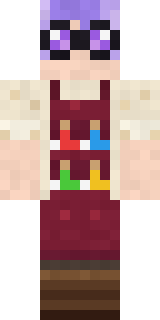 Potion Shopkeeper
 Stained Glass Mage
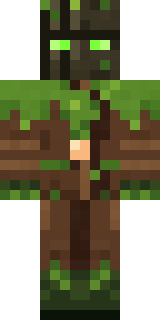 Ironwood Druid
 Templar Knight
 The Forehead Man
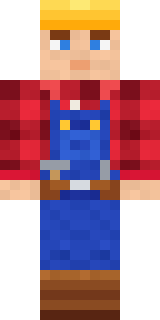 Crimson Builder
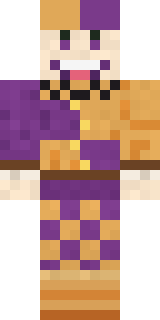 Plum Jester
 Clockwork Inventor
 Desert Cartographer
 Amethyst Mage
 Street Skater
 Little Toadstool
 Medieval Cobbler
 gamer Black Void drip hoodie
 Crocodile Detective
 Sea Foam Dancer
 Porcelain Knight
 Gilded Steel Knight
 Living Pineapple
 Alien Tourist
 Possum Garbage Collector
 Tropical Fish
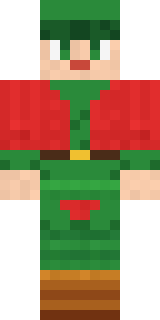 Christmas Elf
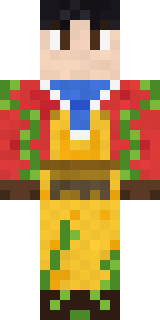 Red Orchard vine shirt
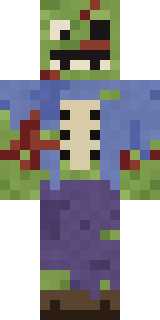 Rotting Walker
 Orc Warrior
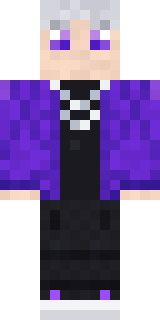 Silver Pulse DJ
 Mossy Troll
 Wildlife Photographer
 Gecko Skater
 Masked Night Prowler
 Sea Urchin PunkCount Dracula
 Forest Bigfoot
 Denim Artist
 Handy Plumber
About The Blank Mask
Meet The Blank Mask, a Halloween-ready Minecraft skin made by the Build It team. It wears a worn burgundy jacket, dark worn trousers, a blank fabric mask and gloves in red and black. Perfect when the sun goes down and the mobs come out.
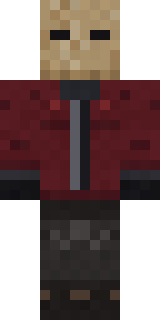
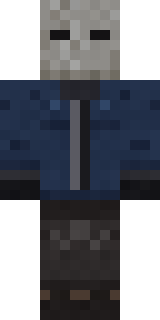
It uses the classic arms (4 pixels wide, like Steve) and works on Java and Bedrock. Download it for free and upload it in the Minecraft Launcher or the Bedrock dressing room. Open it in the Build It Skin Maker to give it your own colours. It also comes in 7 colour versions, like Burlap mask and White mask.
Find more skins like it in the Spooky and Fantasy collections, or browse the Halloween, Horror and Mystery tags.