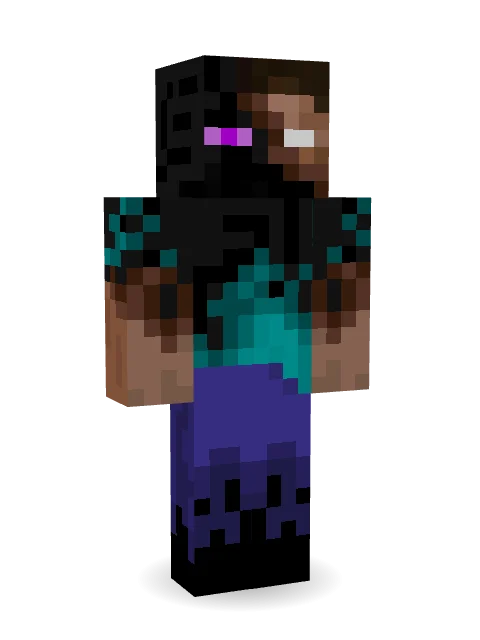
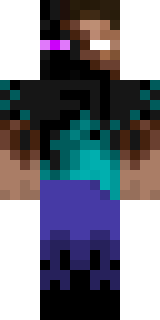
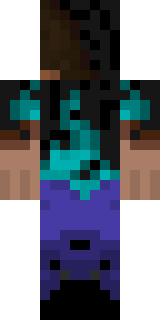
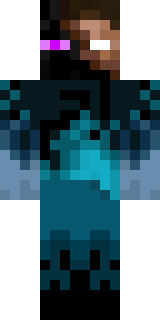
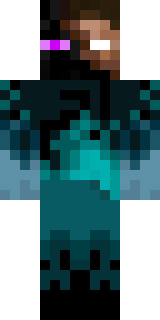
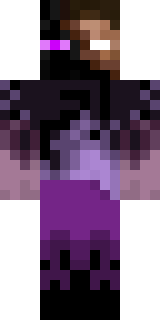
Enderbrine
Era dia de Natal. Pulei do sofá (o motivo disso é porque quero assistir a um vídeo do Papai Noel), ansioso para ver se o papai realmente decidiu comprar a versão para PC do Minecraft para mim no meu laptop HP touchscreen.
How to use this skin
Download it, then follow the steps for where you play.
Minecraft: Java Edition, in the Minecraft Launcher
- Open the Minecraft Launcher and pick Minecraft: Java Edition on the left.
- Open the Skins tab at the top and press New skin.
- Give it a name and choose the player model: Classic.
- Press Browse, pick the PNG you downloaded, then Save & Use.
- Start the game: you are wearing it, on every world and server.
Minecraft: Java Edition, on minecraft.net
- Go to minecraft.net and log in with your Microsoft account.
- Open your Profile and find the skin settings of Java Edition.
- Choose Classic, select the PNG file, and press Upload.
- Your new skin shows the next time you join a world.
Bedrock Edition: Windows, Android, iPhone, iPad, Chromebook
- Open Minecraft and press Dressing Room on the main menu (in newer versions, the character button next to your name, then Edit Character).
- Open the Classic Skins tab.
- Under Owned Skins, press Import, then Choose New Skin.
- Pick the PNG you downloaded (on a phone it is usually in Downloads or Files).
- When it asks, choose Classic, then confirm.
Xbox, PlayStation and Nintendo Switch
Consoles cannot import a skin file. There you can wear Character Creator items and skins from the Marketplace.
Some players set a skin in Bedrock on a phone or PC that is signed in to the same Microsoft account and see it on their console too. Mojang does not support that, so it may not work for you.
More by  gustavopir
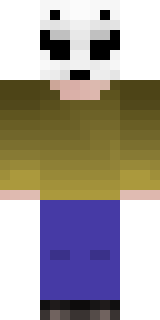

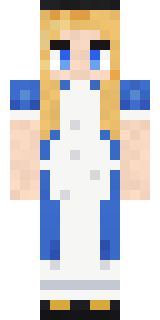
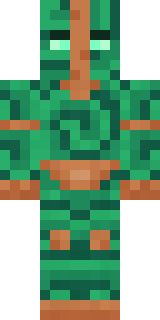
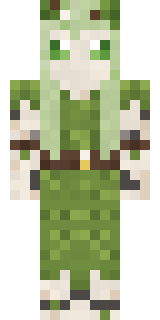
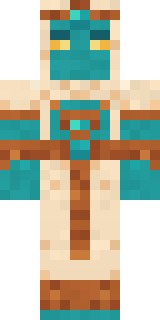
Similar skins
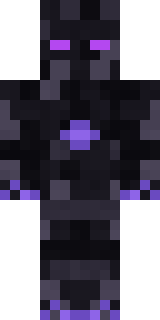
Trending today
What people open and download right now.
Trending today
The skins people are opening, liking and downloading right now.
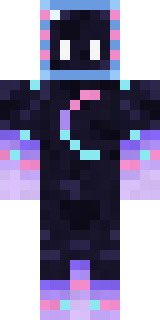
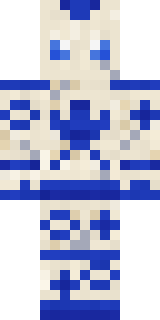
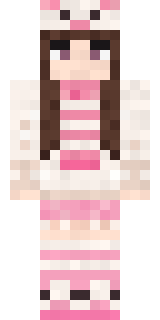
- Galaxy AxolotlbyBuild It
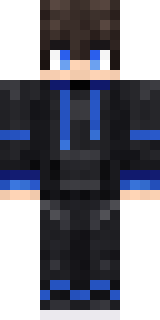
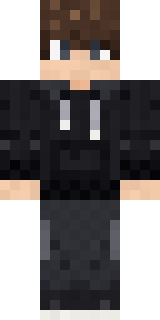
- Modern HoodiebyBuild It
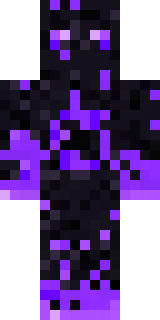
- The VoidbyBuild It
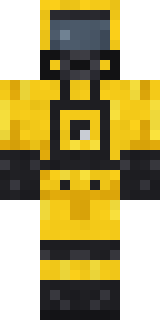
- Hazmat ResponderbyBuild It
- Quiet KidbyBuild It
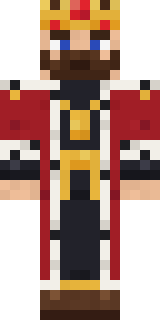
- The KingbyBuild It
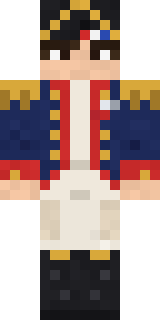
- Napoleon BonapartebyBuild It
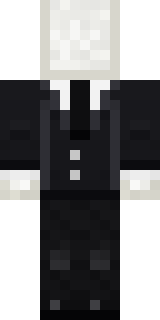
- Slender ManbyBuild It
- Porcelain RobotbyBuild It
- Pastel Bear GirlbyBuild It
Made on Build It
A few of the skins players made here. Find one you like, or start your own.
Stained Glass Mage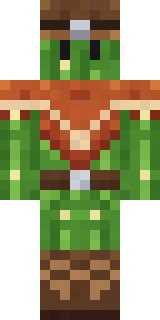 Cactus Cowboy
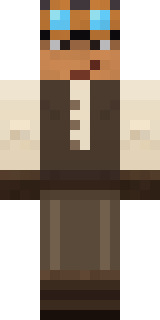 Clockwork Inventor
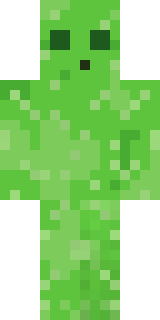 Bouncy Slime
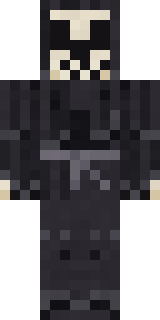 Tattered Reaper
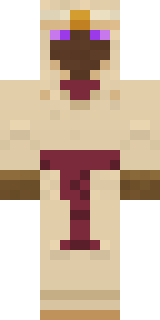 Desert OracleDesert Djinn
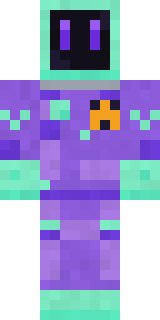 Deep Space JanitorGarden Gnome
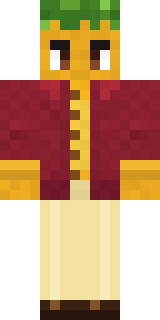 Sunflower Drummer
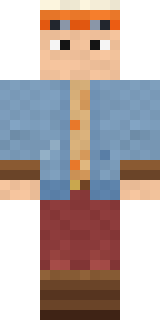 Balloon Festival Pilot
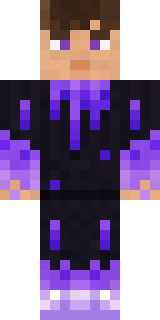 gamer Black Void drip hoodie
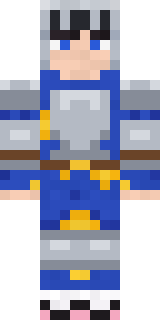 Pajama Knight
 Night Bloom
 Captain SaltbeardNapoleon Bonaparte
 White Ghost SheetGalaxy Axolotl
 Mint Street Artist
 Twilight Rogue
 Snow Leopard
 Leonardo da Vinci
 Hospital Hero
 Vampire Aristocrat
 Barnyard Cow
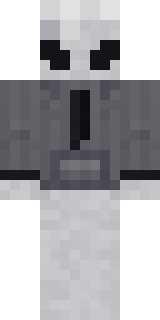 Locked In Alien
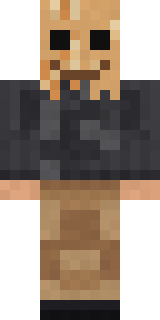 Paper Bag Bandit
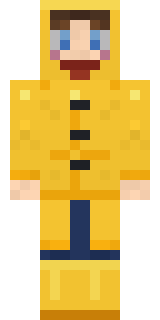 Rainy Day
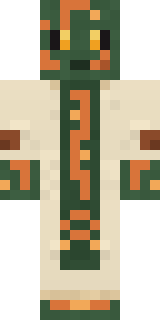 Circuit Board Monk
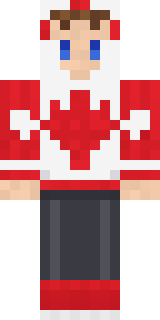 Canada Day Maple Leaf
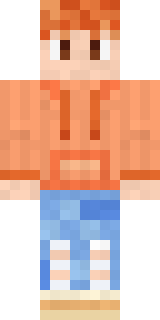 Peach Sunset
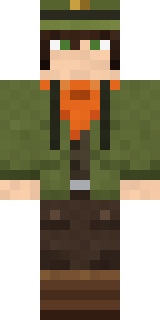 Forest Ranger
 Woodland Ranger
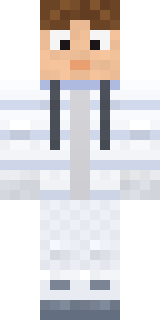 Moon Walker
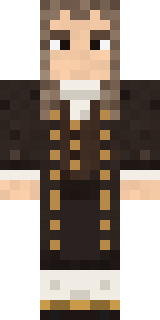 Isaac Newton
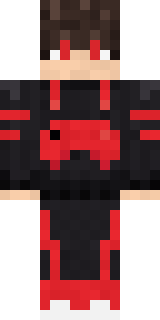 Gamer Mode
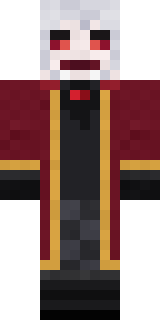 Velvet Vampire
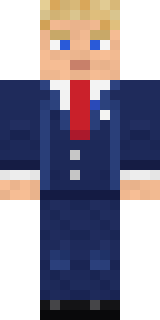 Campaign Trail Politician
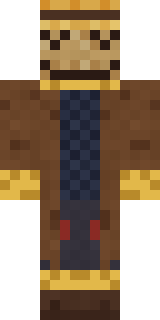 Tattered Scarecrow
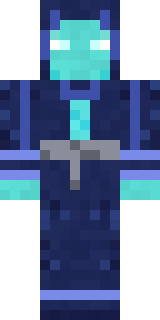 Abyssal Monk
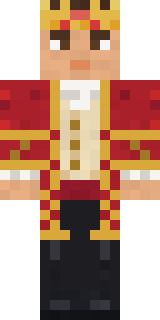 Red Court frock coat
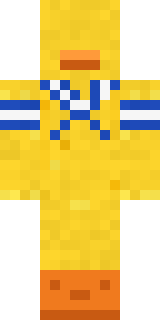 Sailor Duck
 Carnival Fortune Teller
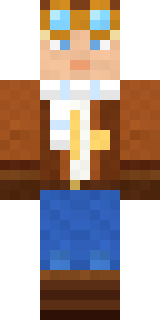 Cloud Aviator
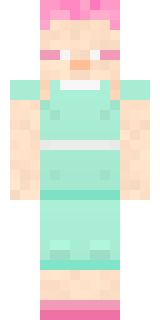 Fairy Glow
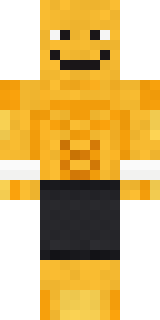 Gym Bro Banana
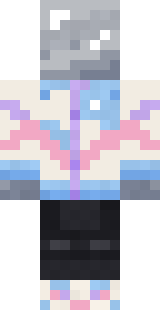 Chrome Mannequin
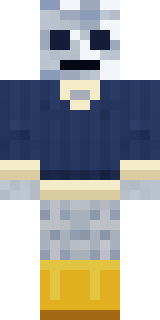 Sardine Sailor
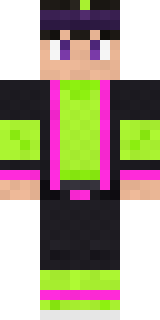 Neon Parkour RunnerThe Void
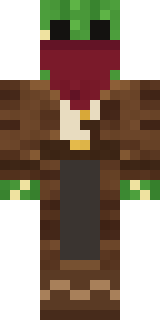 Cactus Outlaw
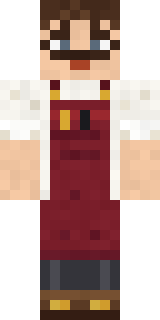 Vintage Barber
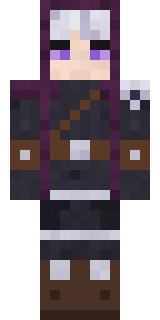 Moon Ranger
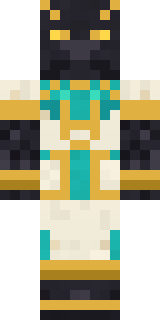 Jackal Priest
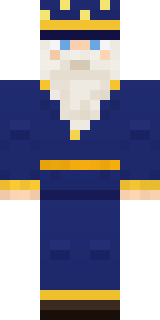 Starlight Wizard
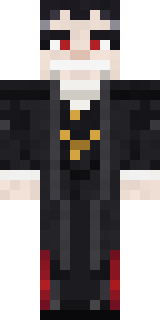 Count Dracula
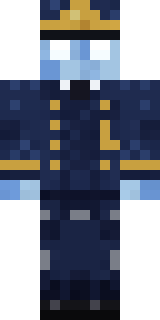 Ghost Train Conductor
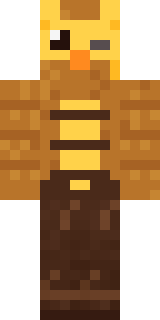 Clockwork Owl
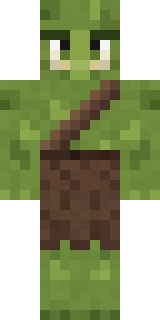 Mossy Troll
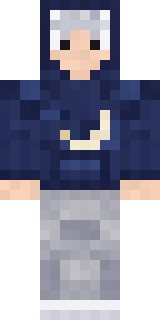 Silver Moon
About Enderbrine
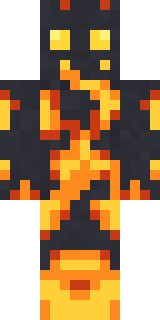
Enderbrine is a legendary skin for Minecraft by gustavopir, made on Build It. It comes in black, blue and brown. It fits right into medieval builds, dungeons and enchanted forests.
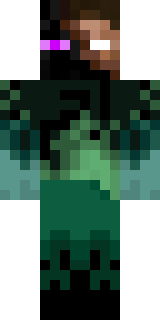
Enderbrine has classic 4 pixel arms and works in Minecraft Java and Bedrock. Download it for free and upload it in the Minecraft Launcher or the Bedrock dressing room. Open it in the Build It Skin Maker to give it your own colours. Try its 6 colour versions too, like Emerald and Navy.
Find more skins like it in the Fantasy collection, or look through the Fantasy tags.