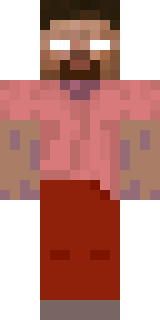
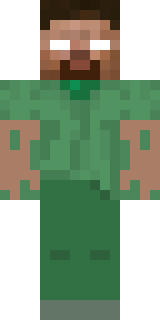
herobrine

eu sou a luz das trevas

How to use this skin
Download it, then follow the steps for where you play.
Minecraft: Java Edition, in the Minecraft Launcher
- Open the Minecraft Launcher and pick Minecraft: Java Edition on the left.
- Open the Skins tab at the top and press New skin.
- Give it a name and choose the player model: Classic.
- Press Browse, pick the PNG you downloaded, then Save & Use.
- Start the game: you are wearing it, on every world and server.
Minecraft: Java Edition, on minecraft.net
- Go to minecraft.net and log in with your Microsoft account.
- Open your Profile and find the skin settings of Java Edition.
- Choose Classic, select the PNG file, and press Upload.
- Your new skin shows the next time you join a world.
Bedrock Edition: Windows, Android, iPhone, iPad, Chromebook
- Open Minecraft and press Dressing Room on the main menu (in newer versions, the character button next to your name, then Edit Character).
- Open the Classic Skins tab.
- Under Owned Skins, press Import, then Choose New Skin.
- Pick the PNG you downloaded (on a phone it is usually in Downloads or Files).
- When it asks, choose Classic, then confirm.
Xbox, PlayStation and Nintendo Switch
Consoles cannot import a skin file. There you can wear Character Creator items and skins from the Marketplace.
Some players set a skin in Bedrock on a phone or PC that is signed in to the same Microsoft account and see it on their console too. Mojang does not support that, so it may not work for you.
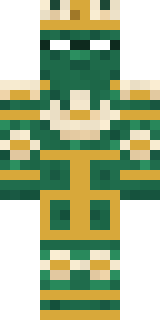
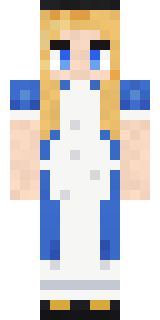
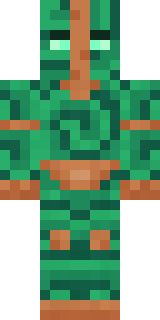
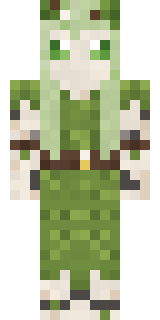
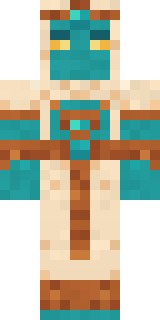
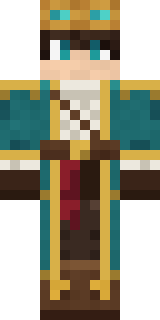
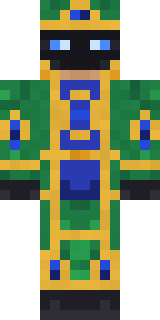
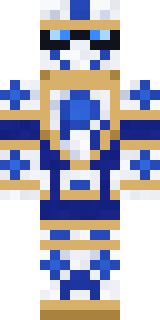
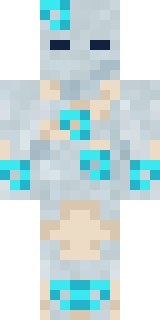
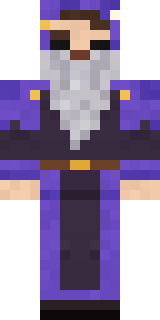
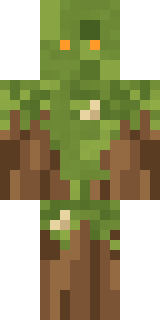
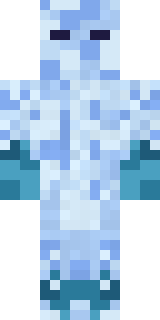
Similar skins
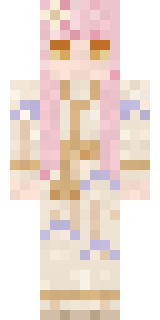
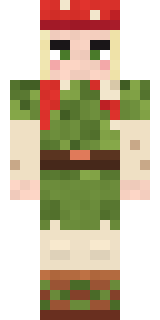
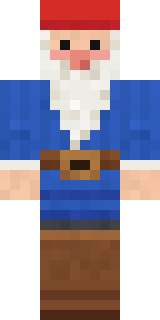
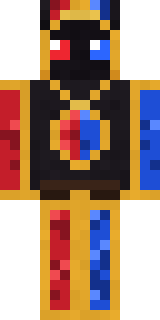
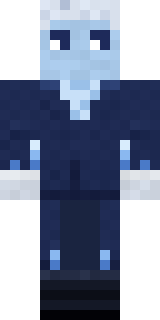
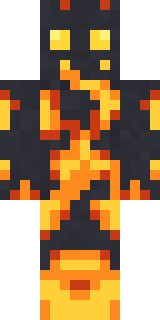
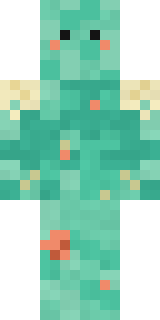
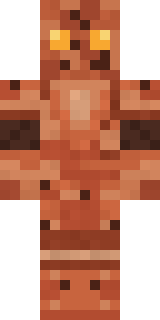
Trending today
What people open and download right now.
Trending today
The skins people are opening, liking and downloading right now.
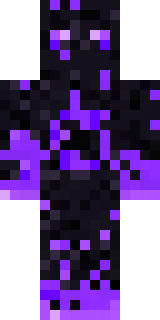
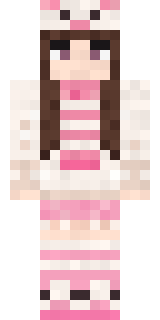
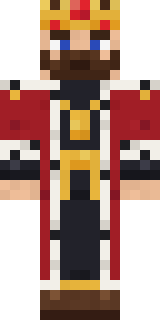
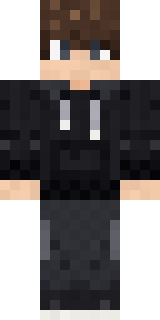
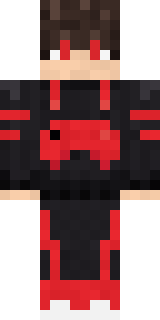
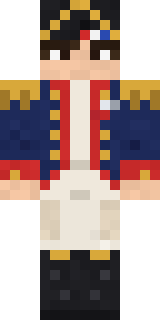
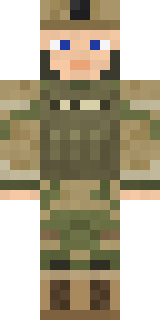
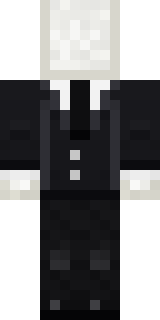
- Galaxy AxolotlbyBuild It
- Modern HoodiebyBuild It
- The VoidbyBuild It
- Pastel Bear GirlbyBuild It
- The KingbyBuild It
- Quiet KidbyBuild It
- Gamer ModebyBuild It
- Napoleon BonapartebyBuild It
- Army SoldierbyBuild It
- Slender ManbyBuild It
Made on Build It
A few of the skins players made here. Find one you like, or start your own.
Pastel Bear Girl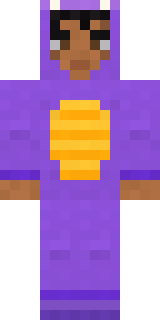 Little Dragon
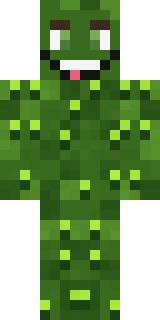 Bumpy PickleSlender Man
 Gingerbread Detective
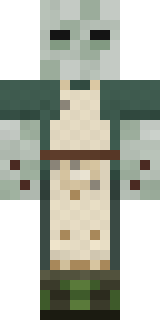 Crypt Custodian
 Full Moon Werewolf
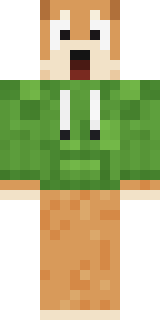 Shocked Dog
 Slime Park Ranger
 Count Nightfall
 Sweater Weather
 Buck Tooth Nerd
 Lightning Elemental
 Cozy Cat
 Mantis Master
 Mad Scientist
 Bun Bun
 Hoop Star
 Steampunk Inventor
 Vampire guy
 Silverback GorillaWoodland Dryad
 Busy Bee
 Cranberry Witch
 Nikola Tesla
 Cotton Candy Vendor
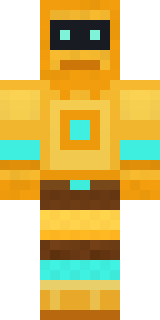 Golden Automaton
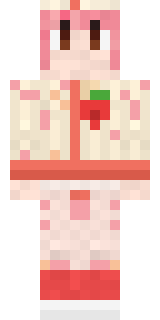 Strawberry Milk Courier
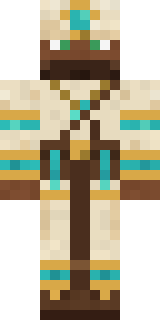 Desert Cartographer
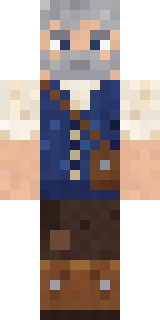 Retired Adventurer
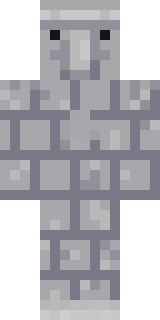 Stone Face Statue
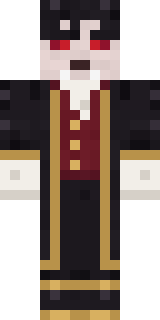 Vampire Aristocrat
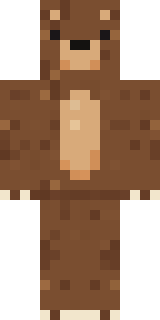 Brown Bear
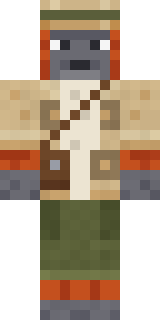 Orangutan Archaeologist
 Graphite Cyborg
 First Day
 Midnight Academia
 Molten Plate DemonPorcelain Knight
 Chess KingModern Hoodie
 Hospital Hero
 Trick or Treat Ghost
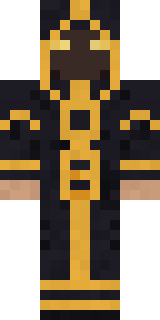 Eclipse Priest
 Ferret Locksmith
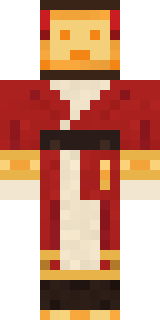 Paper Lantern Spirit
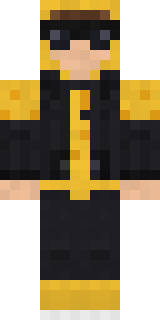 Gold Aura Streetwear
 Frankenstein's Creature
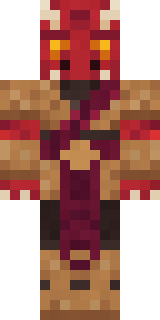 Ruby Dragonborn
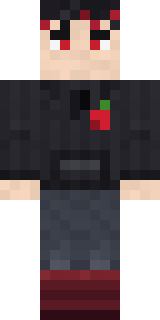 Cherry Goth Streetwear
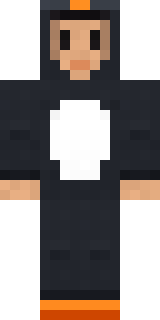 Penguin Waddle
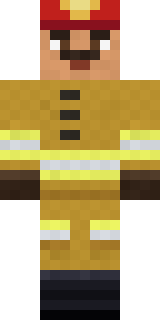 Fire Fighter
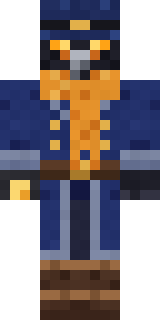 Raven Lamplighter
 Head ChefThe VoidShadow Elemental
 Moon Elf
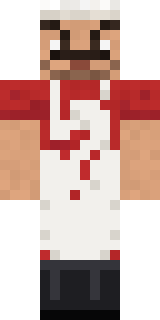 Market Butcher
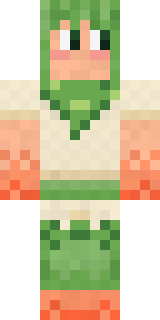 Peach Orchard Spirit
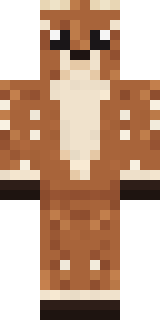 Spotted Fawn
About herobrine
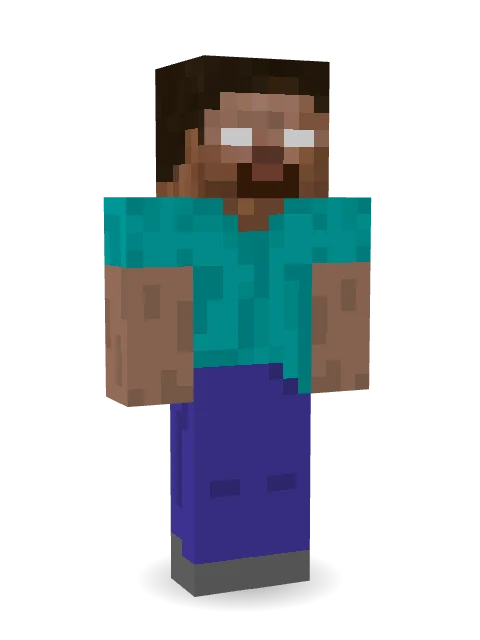
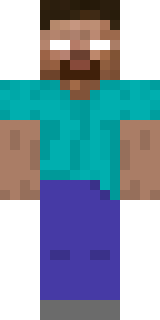
herobrine is a storybook skin for Minecraft made by gustavopir in the Build It Skin Maker. Its colours are teal, blue and brown. A great pick for anyone building their own kingdom.
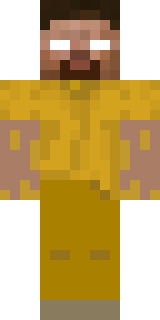
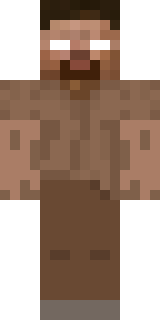
herobrine has classic 4 pixel arms and works in Minecraft Java and Bedrock. Download it for free, then follow the steps above to wear it in game. Want it your way? Open it in the Build It Skin Maker and change its colours and pieces. Try its 6 colour versions too, like Honey and Cocoa.
Find more skins like it in the Fantasy collection, or look through the Fantasy tags.