Crimson Templar
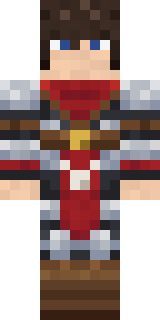
A battle-worn templar in dark padded armour and silver plate, a red scarf at the throat and a red cape bearing a white cross.

How to use this skin
Download it, then follow the steps for where you play.
Minecraft: Java Edition, in the Minecraft Launcher
- Open the Minecraft Launcher and pick Minecraft: Java Edition on the left.
- Open the Skins tab at the top and press New skin.
- Give it a name and choose the player model: Classic.
- Press Browse, pick the PNG you downloaded, then Save & Use.
- Start the game: you are wearing it, on every world and server.
Minecraft: Java Edition, on minecraft.net
- Go to minecraft.net and log in with your Microsoft account.
- Open your Profile and find the skin settings of Java Edition.
- Choose Classic, select the PNG file, and press Upload.
- Your new skin shows the next time you join a world.
Bedrock Edition: Windows, Android, iPhone, iPad, Chromebook
- Open Minecraft and press Dressing Room on the main menu (in newer versions, the character button next to your name, then Edit Character).
- Open the Classic Skins tab.
- Under Owned Skins, press Import, then Choose New Skin.
- Pick the PNG you downloaded (on a phone it is usually in Downloads or Files).
- When it asks, choose Classic, then confirm.
Xbox, PlayStation and Nintendo Switch
Consoles cannot import a skin file. There you can wear Character Creator items and skins from the Marketplace.
Some players set a skin in Bedrock on a phone or PC that is signed in to the same Microsoft account and see it on their console too. Mojang does not support that, so it may not work for you.
More by Build It












Similar skins



















Trending today
What people open and download right now.
Trending today
The skins people are opening, liking and downloading right now.

- Modern HoodiebyBuild It
- Ancient Hexby
 nvlr33
- Galaxy AxolotlbyBuild It
- Shy KidbyBuild It
- Napoleon BonapartebyBuild It
- The KingbyBuild It
- Hazmat ResponderbyBuild It
- The VoidbyBuild It
- Buff ChickenbyBuild It
- Slender ManbyBuild It
Made on Build It
A few of the skins players made here. Find one you like, or start your own.
 Campaign Trail Politician
 Fox Blacksmith
 Balloon Festival Pilot
 Sleepy Mummy
 Crimson Plaid Emo
 Moss RangerAbyssal Monk
 Grease Monkey
 Cactus Outlaw
 Living Candle Magician
 Fast Break Baller
 Stained-Glass Paladin
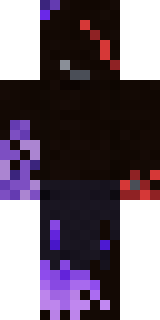 Vooid
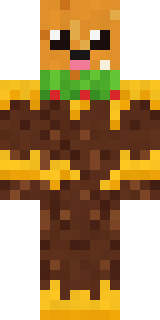 Cheeseburger Buddy
 Starlight Wizard
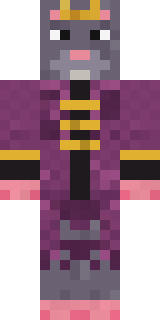 Sewer Rat King
 Frost Scholar
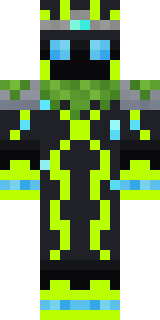 Ancient GardianModern Hoodie
 Street Skater
 Silent Mime
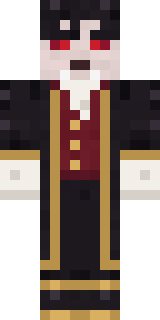 Vampire Aristocrat
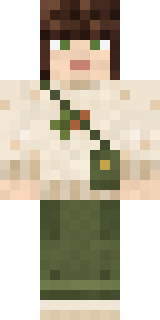 Curly Art Student
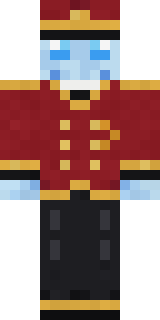 Ghost Concierge
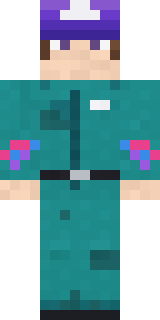 Arcade Janitor
 Noir Detective
 Banana Gentleman
 Jellybean Thief
 Clockwork Inventor
 Froggy Onesie
 Turtle Park Ranger
 Smug Prankster
 Prism Slime
 Desert Rose
 Shroud Ghost
 Autumn Knit
 Ghost Train Conductor
 Sea Foam Dancer
 poilce demon
 Count Nightfall
 Chameleon Hoodie
 Rainy Day
 Main Character Duck
 Half Peeled Banana
 Denim Artist
 Rose Mechanic
 Match Referee
 Hallway Shadow
 Park Ranger
 Jade Monk
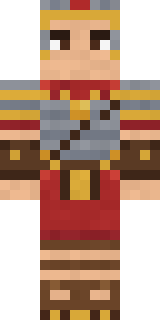 Roman Legionary
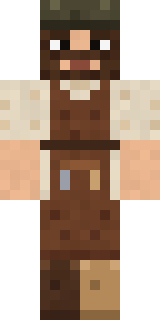 Medieval Cobbler
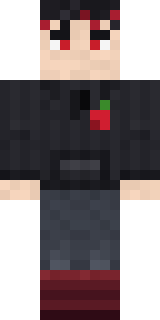 Cherry Goth Streetwear
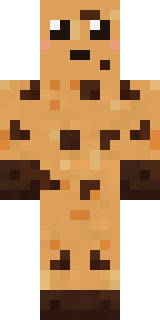 Chocolate Chip Cookie
 Sharp Jawline Guy
 Octopus Stage Magician
 Tin Toy Soldier
 Cactus Cowboy
 Platinum Angel
 Stars and Stripes
About Crimson Templar
Crimson Templar is a magical skin for Minecraft from the Build It team. It wears a templar armour, templar greaves, boots and a templar cape, mostly brown with touches of grey and red. Wear it on fantasy servers, adventure maps and dragon hunts.
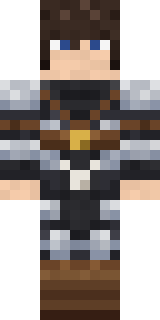
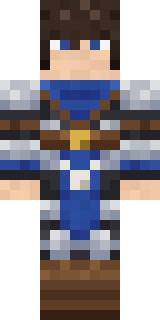
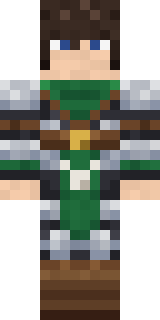
It uses the classic arms (4 pixels wide, like Steve) and works on Java and Bedrock. Download it for free, then follow the steps above to wear it in game. Want it your way? Open it in the Build It Skin Maker and change its colours and pieces. Try its 7 colour versions too, like Black templar and Teutonic.
See more in the Fantasy and History collections, or browse the Boy, Fantasy and Knight tags.