Cactus Cowboy
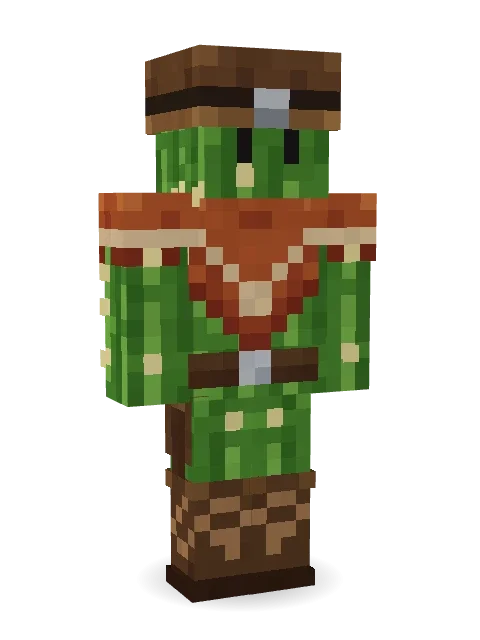
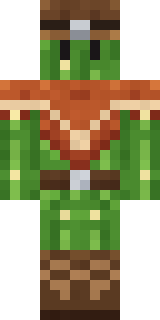
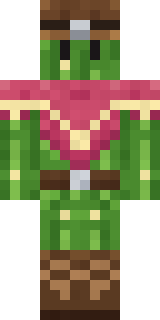
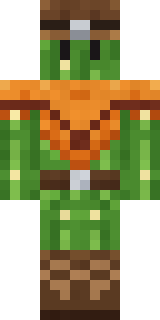
A prickly cactus cowboy in a rust poncho, a stitched hat and tall boots. Quick on the draw, slow to hug.

How to use this skin
Download it, then follow the steps for where you play.
Minecraft: Java Edition, in the Minecraft Launcher
- Open the Minecraft Launcher and pick Minecraft: Java Edition on the left.
- Open the Skins tab at the top and press New skin.
- Give it a name and choose the player model: Classic.
- Press Browse, pick the PNG you downloaded, then Save & Use.
- Start the game: you are wearing it, on every world and server.
Minecraft: Java Edition, on minecraft.net
- Go to minecraft.net and log in with your Microsoft account.
- Open your Profile and find the skin settings of Java Edition.
- Choose Classic, select the PNG file, and press Upload.
- Your new skin shows the next time you join a world.
Bedrock Edition: Windows, Android, iPhone, iPad, Chromebook
- Open Minecraft and press Dressing Room on the main menu (in newer versions, the character button next to your name, then Edit Character).
- Open the Classic Skins tab.
- Under Owned Skins, press Import, then Choose New Skin.
- Pick the PNG you downloaded (on a phone it is usually in Downloads or Files).
- When it asks, choose Classic, then confirm.
Xbox, PlayStation and Nintendo Switch
Consoles cannot import a skin file. There you can wear Character Creator items and skins from the Marketplace.
Some players set a skin in Bedrock on a phone or PC that is signed in to the same Microsoft account and see it on their console too. Mojang does not support that, so it may not work for you.
More by Build It












Similar skins


















Trending today
What people open and download right now.
Trending today
The skins people are opening, liking and downloading right now.



- Modern HoodiebyBuild It
- Galaxy AxolotlbyBuild It
- Enderbrineby
 gustavopir
- Napoleon BonapartebyBuild It
- The VoidbyBuild It
- Shy KidbyBuild It
- Slender ManbyBuild It
- The KingbyBuild It
- Buff ChickenbyBuild It
- Abyssal MonkbyBuild It
Made on Build It
A few of the skins players made here. Find one you like, or start your own.
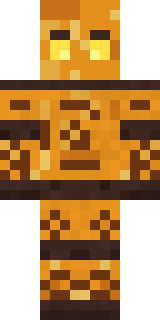 Amber Fossil Golem
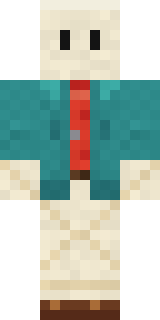 Origami Messenger
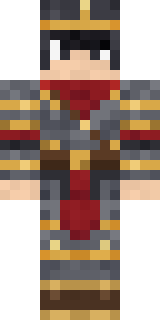 Gilded Steel Knight
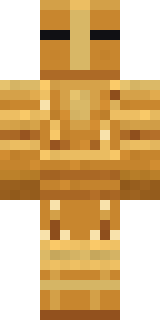 Caramel Knight
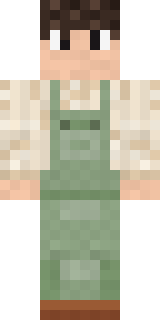 Sage Green Cozy
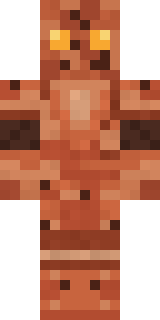 Terracotta Guardian
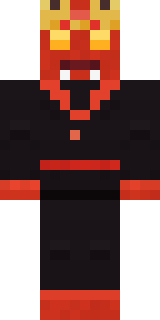 Ember Demon
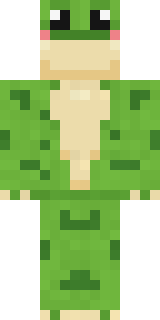 Spotted Frog
 Ferret Locksmith
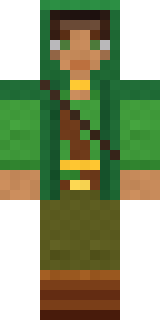 Moss Ranger
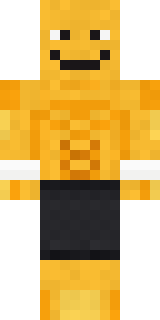 Gym Bro Banana
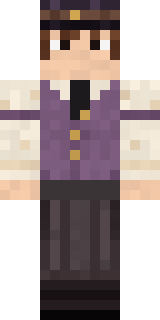 Saloon Pianist
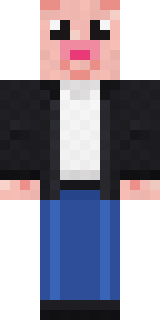 Downtown Pig
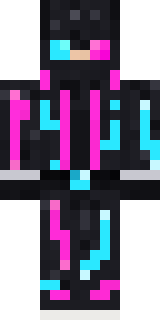 Neon Runner
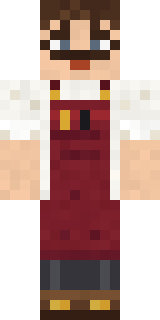 Vintage Barber
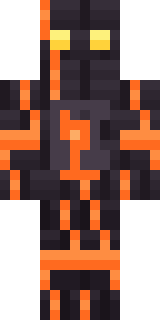 Volcanic Sentinel
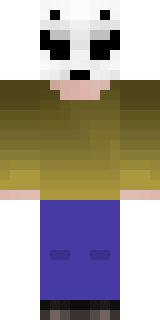 LickGalaxy Axolotl
 Blue Hood Boy
 Pulse Android
 Golden Automaton
 Doorbell Camera Visitor
 Crimson Punk
 Drip King
 Main Character Duck
 Void Wanderer
 Frost Elf Prince
 herobrine
 Sunny SurferDreamweaver
 Silver Moon
 Moon Elf Ranger
 Giga Chad
 Cursed Chess Bishop
 Cobalt Firefighter
 Sea Otter
 Desert Djinn
 Crimson Desert Nomad
 Midnight Snack Thief RaccoonThe Void
 Cozy Ballet Cardigan
 Lacquered Samurai
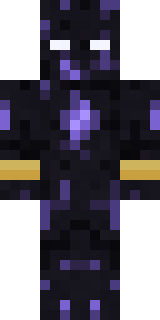 Obsidian Sentinel
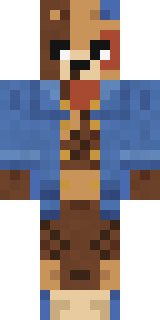 Patchwork Teddy Bear
 White Rabbit
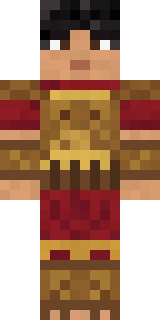 Bronze Age Warrior
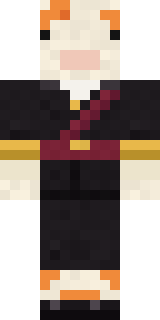 Golden Koi Courtier
 Count DraculaRainbow Paint Can
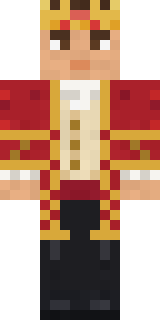 Red Court frock coatGrunge Girl
 Astronaut
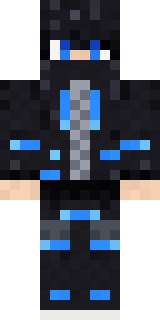 Blue Beat
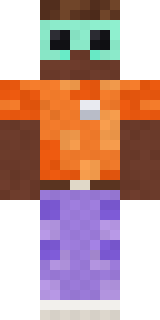 Roller Rink Attendant
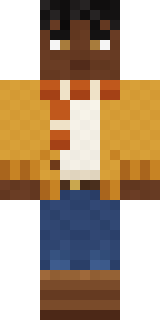 Sweater Weather
 Lemon Sorcerer
 Morning Barista
 Rubber Duck Raincoat
 Starlight Wizard
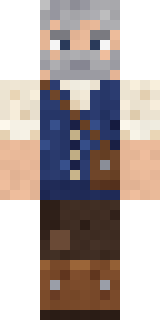 Retired Adventurer
About Cactus Cowboy
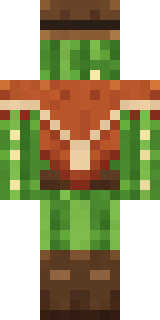
Cactus Cowboy is a history skin for Minecraft made by the Build It team. The outfit: stitched cowboy boots, a desert cowboy hat, a gun belt and a fringed poncho, mostly green with touches of brown and orange. It is a cactus from head to toe. A great pick for anyone who builds ancient wonders.
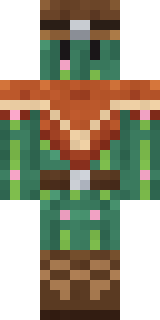
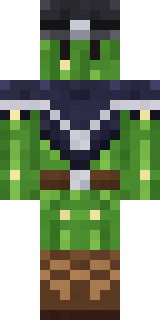
Cactus Cowboy has classic 4 pixel arms and works in Minecraft Java and Bedrock. It is free: download the PNG and add it in the Minecraft Launcher (Java) or the dressing room (Bedrock). Want it your way? Open it in the Build It Skin Maker and change its colours and pieces. Try its 7 colour versions too, like Prickly pear and Desert bloom.
Find more skins like it in the History and Cute collections, or look through the Cowboy, Cute and Funny tags.