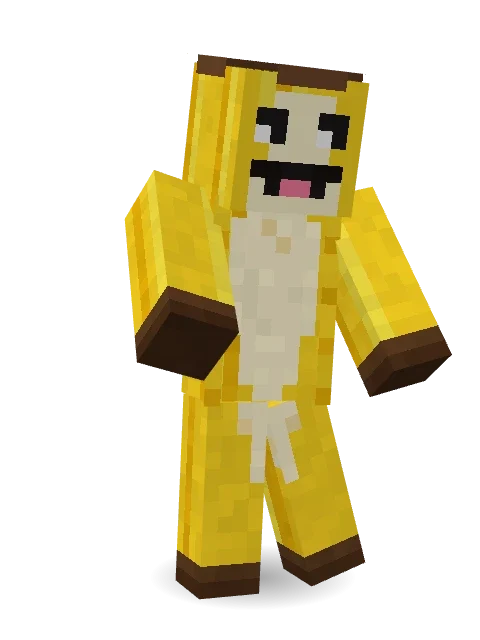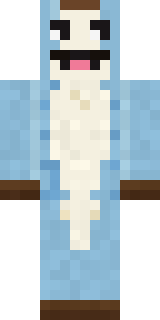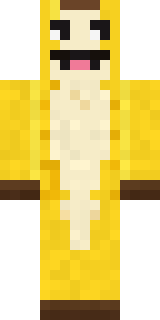
Half Peeled Banana
Minecraft skin · Classic arms (4 pixels) · Java and Bedrock
Peeled open and ready to party: a bright yellow banana with the cream fruit showing down the front, a brown stem and a big silly grin.
How to use this skin
Download it, then follow the steps for where you play.
Minecraft: Java Edition, in the Minecraft Launcher
- Open the Minecraft Launcher and pick Minecraft: Java Edition on the left.
- Open the Skins tab at the top and press New skin.
- Give it a name and choose the player model: Classic.
- Press Browse, pick the PNG you downloaded, then Save & Use.
- Start the game: you are wearing it, on every world and server.
Minecraft: Java Edition, on minecraft.net
- Go to minecraft.net and log in with your Microsoft account.
- Open your Profile and find the skin settings of Java Edition.
- Choose Classic, select the PNG file, and press Upload.
- Your new skin shows the next time you join a world.
Bedrock Edition: Windows, Android, iPhone, iPad, Chromebook
- Open Minecraft and press Dressing Room on the main menu (in newer versions, the character button next to your name, then Edit Character).
- Open the Classic Skins tab.
- Under Owned Skins, press Import, then Choose New Skin.
- Pick the PNG you downloaded (on a phone it is usually in Downloads or Files).
- When it asks, choose Classic, then confirm.
Xbox, PlayStation and Nintendo Switch
Consoles cannot import a skin file. There you can wear Character Creator items and skins from the Marketplace.
Some players set a skin in Bedrock on a phone or PC that is signed in to the same Microsoft account and see it on their console too. Mojang does not support that, so it may not work for you.
Similar skins


Made on Build It
A few of the skins players made here. Find one you like, or start your own.
 Gecko Skater
 Pastel Gamer
 Parrot Captain
 Mountain Rescue Medic
 Moon Ranger
 Crimson Builder
 Watermelon Brawler
 Deep Sea Captain
 Red Panda Sushi Chef
 Static Screen Agent
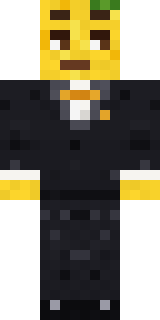 Lemon Jazz Singer
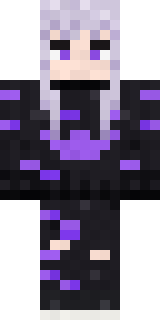 Pastel Goth
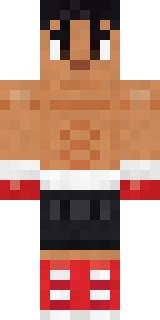 Rookie Boxer
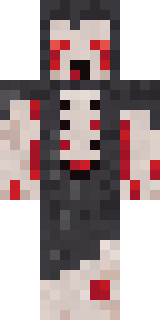 Crypt Ghoul
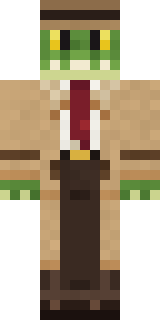 Crocodile Detective
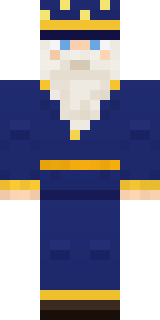 Starlight Wizard
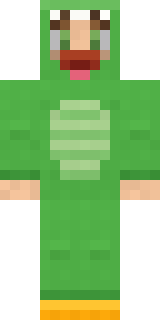 Dino Onesie
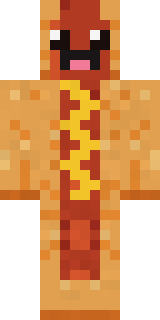 Happy Hot Dog
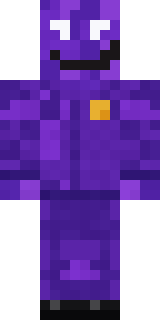 Violet Night Watchman
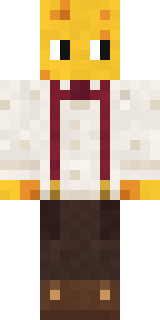 The Big Cheese
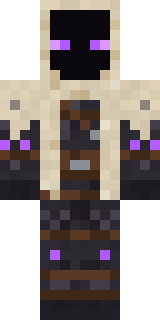 Void Wanderer
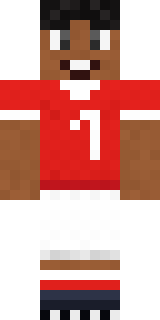 Star Striker
 Chrome Mannequin
 Mixtape Cassette Head
 Wildlife Photographer
 Copper Golem
 Fast Break Baller
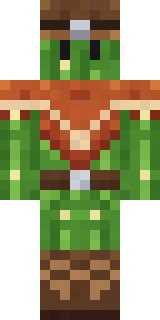 Cactus Cowboy
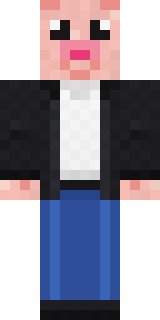 Downtown Pig
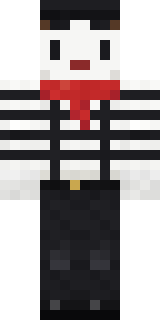 Silent Mime
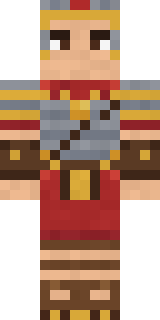 Roman Legionary
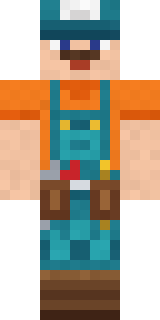 Handy Plumber
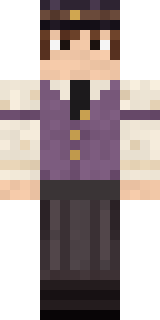 Saloon Pianist
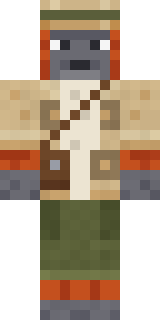 Orangutan Archaeologist
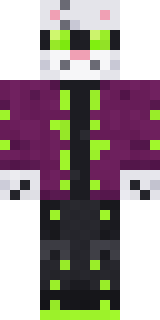 Snow Leopard Hacker
 Clockwork Oracle
 Neon Courier
 Friendly Nurse
 Void Axolotl
 Moon Walker
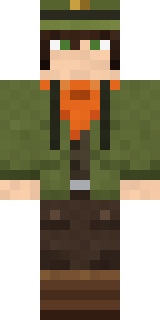 Forest Ranger
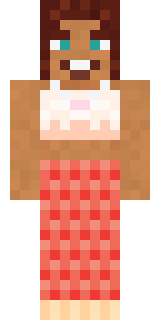 Coral Mermaid
 Pitch Playmaker
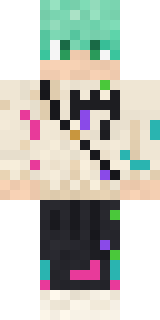 Mint Street Artist
 Lone Wolf
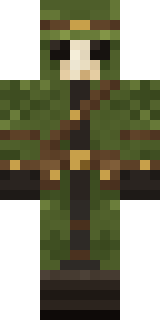 Moss Plague Doctor
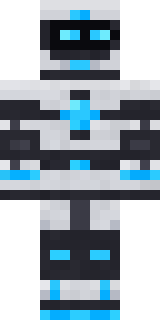 Pulse Android
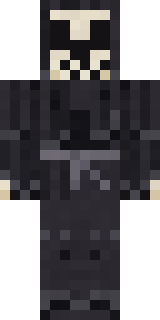 Tattered Reaper
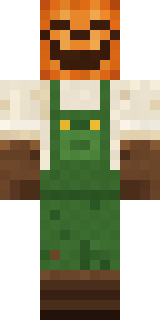 Pumpkin Patch Farmer
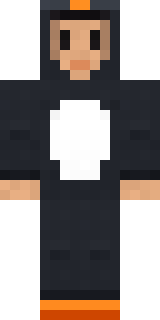 Penguin Waddle
 Cozy Cat
 Stained-Glass Paladin
 Count Nightfall
 Raven Lamplighter
 Jackal Priest
 Noir Detective
 Gamer Mode
 Captain Saltbeard
 Teddy Onesie
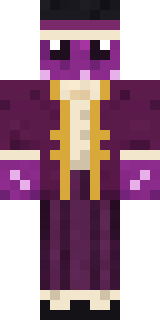 Octopus Stage Magician
About Half Peeled Banana
Half Peeled Banana is a tasty Minecraft skin made by the Build It team. Its colours are yellow. It has a half peeled banana body. Proof that anything can be a Minecraft skin, even lunch.
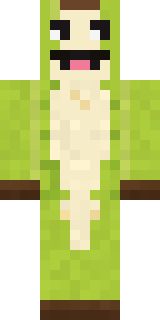
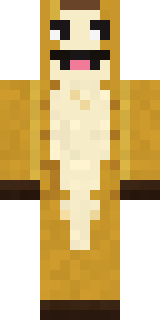
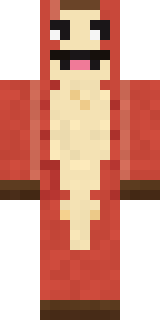
It uses the classic arms (4 pixels wide, like Steve) and works on Java and Bedrock. It is free: download the PNG and add it in the Minecraft Launcher (Java) or the dressing room (Bedrock). Want it your way? Open it in the Build It Skin Maker and change its colours and pieces. It also comes in 7 colour versions, like Green banana and Overripe banana.
Find more skins like it in the Food and Funny collections, or browse the Food, Fruit and Funny tags.