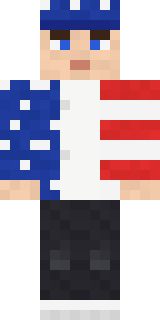
Stars and Stripes
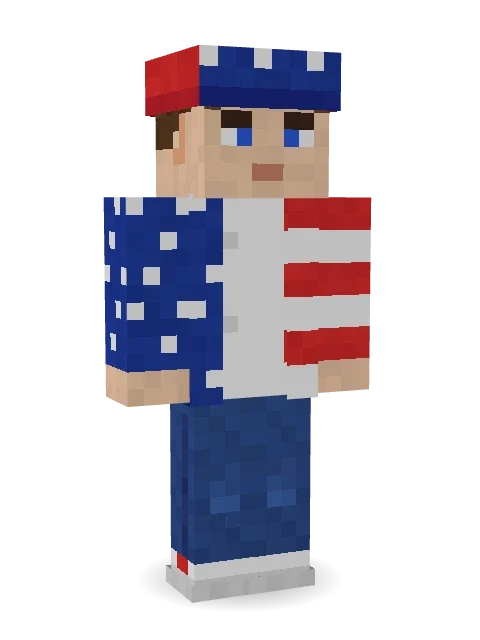
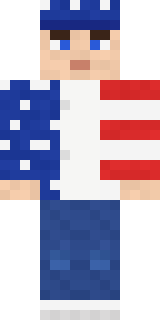
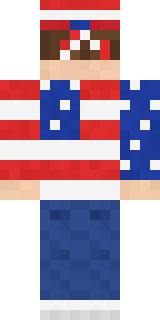
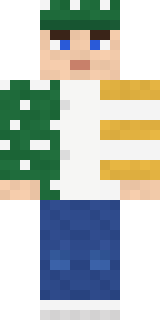
Proud and loud: a stars and stripes bandana knotted at the back, a flag jacket over a white tee, blue jeans and red, white and blue sneakers.

How to use this skin
Download it, then follow the steps for where you play.
Minecraft: Java Edition, in the Minecraft Launcher
- Open the Minecraft Launcher and pick Minecraft: Java Edition on the left.
- Open the Skins tab at the top and press New skin.
- Give it a name and choose the player model: Classic.
- Press Browse, pick the PNG you downloaded, then Save & Use.
- Start the game: you are wearing it, on every world and server.
Minecraft: Java Edition, on minecraft.net
- Go to minecraft.net and log in with your Microsoft account.
- Open your Profile and find the skin settings of Java Edition.
- Choose Classic, select the PNG file, and press Upload.
- Your new skin shows the next time you join a world.
Bedrock Edition: Windows, Android, iPhone, iPad, Chromebook
- Open Minecraft and press Dressing Room on the main menu (in newer versions, the character button next to your name, then Edit Character).
- Open the Classic Skins tab.
- Under Owned Skins, press Import, then Choose New Skin.
- Pick the PNG you downloaded (on a phone it is usually in Downloads or Files).
- When it asks, choose Classic, then confirm.
Xbox, PlayStation and Nintendo Switch
Consoles cannot import a skin file. There you can wear Character Creator items and skins from the Marketplace.
Some players set a skin in Bedrock on a phone or PC that is signed in to the same Microsoft account and see it on their console too. Mojang does not support that, so it may not work for you.
More by Build It












Similar skins




















Trending today
What people open and download right now.
Trending today
The skins people are opening, liking and downloading right now.
- Modern HoodiebyBuild It
- Ancient Hexby
 nvlr33
- Galaxy AxolotlbyBuild It
- Napoleon BonapartebyBuild It
- Shy KidbyBuild It
- The KingbyBuild It
- Hazmat ResponderbyBuild It
- The VoidbyBuild It
- Buff ChickenbyBuild It
- Starfield PhantombyBuild It
Made on Build It
A few of the skins players made here. Find one you like, or start your own.
 Emerald Alchemist
 Peppermint Mechanic
 Ocean Diver
 Rally Mechanic
 Happy lawyer
 Market Butcher
 Fast Break Baller
 Patchwork Teddy Bear
 Diamond
 Red Panda
 One Brain Cell Cat
 Forgotten Funeral Guest
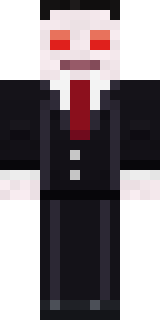 Count Nightfall
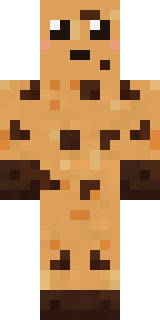 Chocolate Chip Cookie
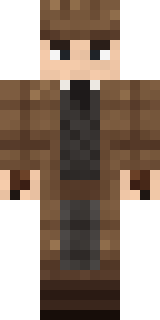 Sherlock Holmes
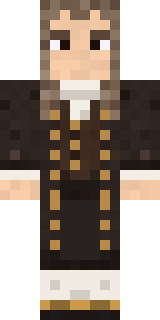 Isaac Newton
 Golden Prospector
 First Day
 Desert Courier
 Clockwork Oracle
 Gingerbread Detective
 Haunted Arcade Robot
 Pumpkin Spice
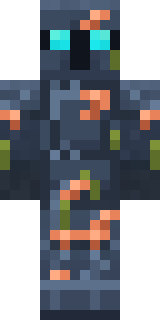 Sunken Knight
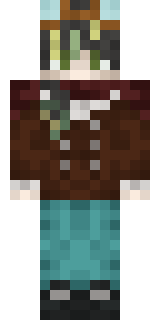 Realistic ParrotX2
 Sea Urchin PunkModern Hoodie
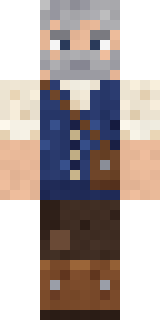 Retired Adventurer
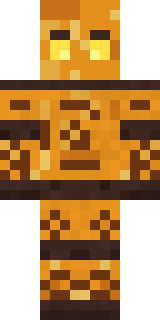 Amber Fossil Golem
 Ward DoctorGamer Mode
 Spotted Fawn
 Auburn Diner Waitress
 Concrete Builder
 Moss Ranger
 Bumblebee
 Brown Steampunk coat Muscled wrestler
 Happy Farmer
 Crystal Monk
 Night Market Merchant
 Halloween Vampire
 Noir Detective
 Grey Tattered reaper robe
 Velvet VampireJesus Christ
 Circuit Alien
 Watermelon Wrestler
 Holiday Helper
 Count Dracula
 Cardboard Robot Kid
 Paper Lantern Spirit
 Graphite Cyborg
 Ghost Buddy
 Neon DJ
 Mountain Rescue Medic
 Ghost Concierge
 Curly Barista
 Lakeside Angler
 Crystal Elf Spellcaster
 Mole Miner
About Stars and Stripes
Stars and Stripes is a streetwear Minecraft skin from the Build It team. The outfit: a flag jacket, jeans, sneakers and a flag bandana with a blue and white colour scheme. Cool, comfy and ready for any server.
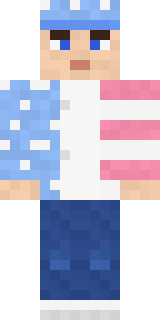
Stars and Stripes has classic 4 pixel arms and works in Minecraft Java and Bedrock. Download it for free, then follow the steps above to wear it in game. Want it your way? Open it in the Build It Skin Maker and change its colours and pieces. It also comes in 7 colour versions, like Midnight flag and Pastel flag.
See more in the Streetwear collection, or look through the Boy, Cool and Streetwear tags.