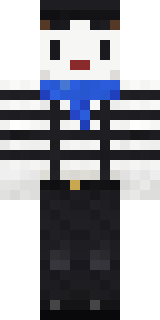
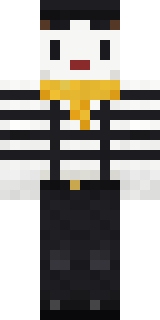
Silent Mime
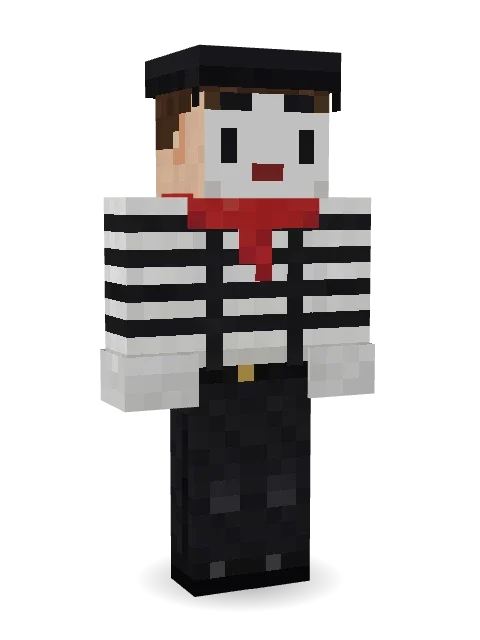
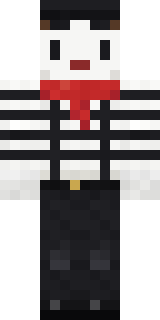
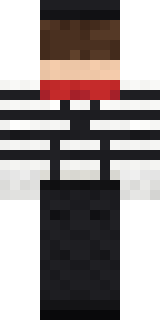
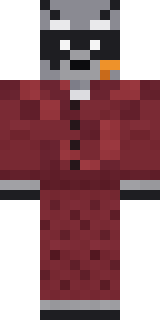
Says everything without a word: a white painted face with tear lines, a black beret, a red scarf, a striped shirt with suspenders and white gloves.

How to use this skin
Download it, then follow the steps for where you play.
Minecraft: Java Edition, in the Minecraft Launcher
- Open the Minecraft Launcher and pick Minecraft: Java Edition on the left.
- Open the Skins tab at the top and press New skin.
- Give it a name and choose the player model: Classic.
- Press Browse, pick the PNG you downloaded, then Save & Use.
- Start the game: you are wearing it, on every world and server.
Minecraft: Java Edition, on minecraft.net
- Go to minecraft.net and log in with your Microsoft account.
- Open your Profile and find the skin settings of Java Edition.
- Choose Classic, select the PNG file, and press Upload.
- Your new skin shows the next time you join a world.
Bedrock Edition: Windows, Android, iPhone, iPad, Chromebook
- Open Minecraft and press Dressing Room on the main menu (in newer versions, the character button next to your name, then Edit Character).
- Open the Classic Skins tab.
- Under Owned Skins, press Import, then Choose New Skin.
- Pick the PNG you downloaded (on a phone it is usually in Downloads or Files).
- When it asks, choose Classic, then confirm.
Xbox, PlayStation and Nintendo Switch
Consoles cannot import a skin file. There you can wear Character Creator items and skins from the Marketplace.
Some players set a skin in Bedrock on a phone or PC that is signed in to the same Microsoft account and see it on their console too. Mojang does not support that, so it may not work for you.
More by Build It












Similar skins



















Trending today
What people open and download right now.
Trending today
The skins people are opening, liking and downloading right now.

- Modern HoodiebyBuild It
- Ancient Hexby
 nvlr33
- Galaxy AxolotlbyBuild It
- Shy KidbyBuild It
- Napoleon BonapartebyBuild It
- The VoidbyBuild It
- The KingbyBuild It
- Hazmat ResponderbyBuild It
- Buff ChickenbyBuild It
- Slender ManbyBuild It
Made on Build It
A few of the skins players made here. Find one you like, or start your own.
 Highway Biker
 Pistachio Pastry Chef
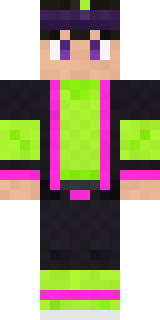 Neon Parkour Runner
 Ravioli Wrestler
 Celestial Monk
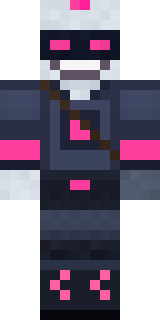 Cyber Samurai
 Emerald Alchemist
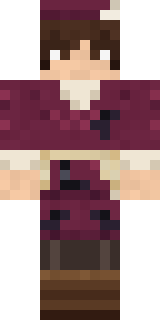 Medieval Scribe
 Frankenstein's Creature
 Graffiti Phantom
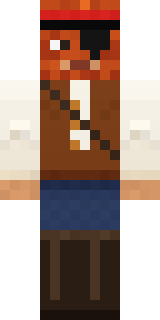 Captain Saltbeard
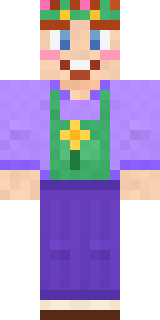 Lavender Florist
 Camo Commando
 Yellow hazmat suit
 Hot Springs Innkeeper
 Pitch Playmaker
 Wind ElementalSlender Man
 Night Ops Commando
 Dune Racer
 Icy Blue Winter
 Raven Lamplighter
 Mantis Master
 Harvest Farmer
 Sandstone Guardian
 Night Market Merchant
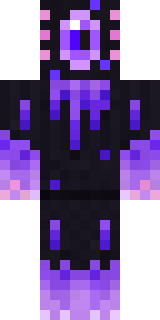 Void Axolotl
 Orc Warrior
 Cobalt Firefighter
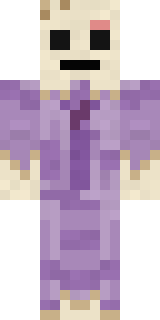 Wax Museum Escapee
 Astronaut
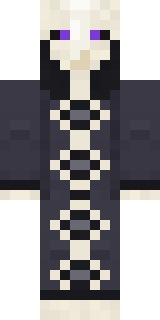 Cursed Chess Bishop
 Sweater Weather
 Code Ghost
 Starlight Wizard
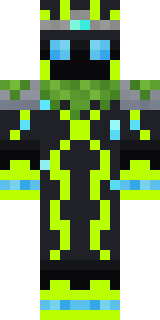 Ancient GardianThe Forehead Man
 Tornado Chaser
 Origami Messenger
 Disco Chameleon
 Mint Axolotl
 Honey Toast
 Clockwork OwlCocoa Monkey
 Cyberpunk ParamedicTrick or Treat GhostAncient HexSanta Claus
 Apple Orchard Guardian
 White Porcelain plate
 Poseidon
 Doorbell Camera Visitor
 Bone Scout
 Metal Elemental
 Jackal Priest
 Meander
 Spider Silk Merchant
 Firefly Scout
 Cozy Cat
 Midnight Snack Thief Raccoon
About Silent Mime
Silent Mime is a work Minecraft skin from the Build It team. The outfit: a striped, jeans, dress shoes and a black mime beret, mostly black with touches of white. Made for roleplay servers, towns and city builds.
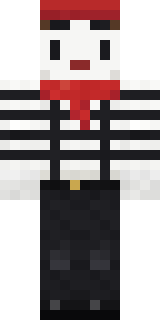
Silent Mime has classic 4 pixel arms and works in Minecraft Java and Bedrock. Download it for free and upload it in the Minecraft Launcher or the Bedrock dressing room. Want it your way? Open it in the Build It Skin Maker and change its colours and pieces. Try its 7 colour versions too, like Red beret and Blue scarf.
See more in the Jobs and Funny collections, or look through the Artist, Funny and Retro tags.