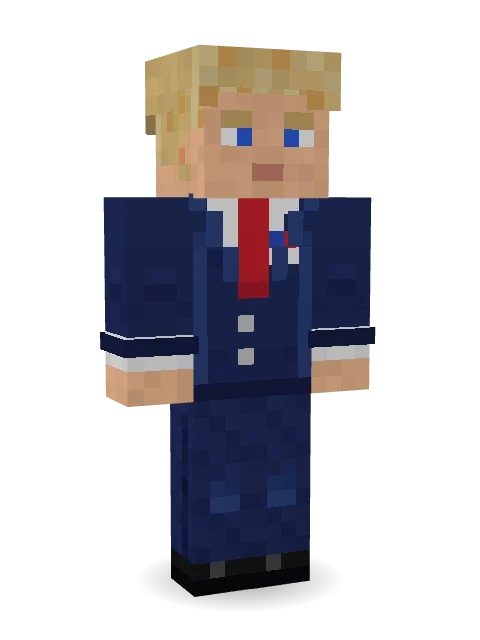
Campaign Trail Politician
Shaking every hand on the trail: swept back blond hair, a navy suit with a long red tie, a little flag pin on the lapel and polished black shoes.

How to use this skin
Download it, then follow the steps for where you play.
Minecraft: Java Edition, in the Minecraft Launcher
- Open the Minecraft Launcher and pick Minecraft: Java Edition on the left.
- Open the Skins tab at the top and press New skin.
- Give it a name and choose the player model: Classic.
- Press Browse, pick the PNG you downloaded, then Save & Use.
- Start the game: you are wearing it, on every world and server.
Minecraft: Java Edition, on minecraft.net
- Go to minecraft.net and log in with your Microsoft account.
- Open your Profile and find the skin settings of Java Edition.
- Choose Classic, select the PNG file, and press Upload.
- Your new skin shows the next time you join a world.
Bedrock Edition: Windows, Android, iPhone, iPad, Chromebook
- Open Minecraft and press Dressing Room on the main menu (in newer versions, the character button next to your name, then Edit Character).
- Open the Classic Skins tab.
- Under Owned Skins, press Import, then Choose New Skin.
- Pick the PNG you downloaded (on a phone it is usually in Downloads or Files).
- When it asks, choose Classic, then confirm.
Xbox, PlayStation and Nintendo Switch
Consoles cannot import a skin file. There you can wear Character Creator items and skins from the Marketplace.
Some players set a skin in Bedrock on a phone or PC that is signed in to the same Microsoft account and see it on their console too. Mojang does not support that, so it may not work for you.
More by Build It












Similar skins





















Trending today
What people open and download right now.
Trending today
The skins people are opening, liking and downloading right now.

- Modern HoodiebyBuild It
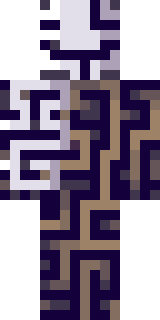
- Ancient Hexby
 nvlr33
- Galaxy AxolotlbyBuild It
- Shy KidbyBuild It
- Napoleon BonapartebyBuild It
- The KingbyBuild It
- Hazmat ResponderbyBuild It
- The VoidbyBuild It
- Buff ChickenbyBuild It
- Slender ManbyBuild It
Made on Build It
A few of the skins players made here. Find one you like, or start your own.
 Rage Quit Gamer
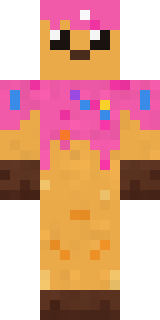
 Midnight Baker
 Campaign Trail Politician
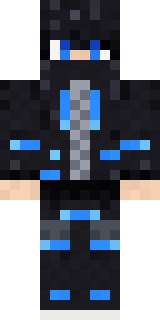 Blue Beat
 Spotted Frog
 Lacquered Samurai
 Patchwork Plush Monster
 Honey Bee
 Circuit Board Monk
 Mint Axolotl
 Mixtape Cassette Head
 Linen SummerSlender Man
 poilce demon
 Eclipse Knight
 Dwarven Mountain King
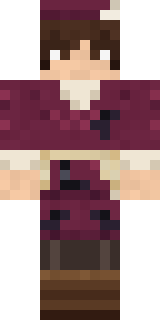 Medieval Scribe
 Dragonfly Courier
 Gamer Hoodie Boy
 Gothic Librarian
 Market Butcher
 Lunar New Year Celebrant
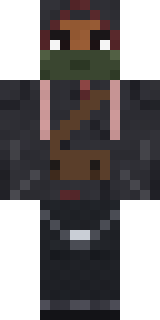 Waldo Buhonero
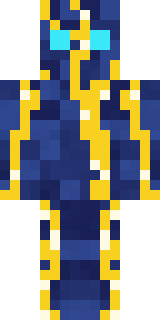 Lightning Elemental
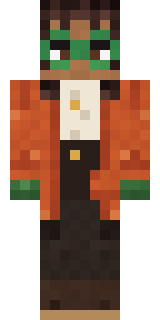 Bookstore Owner
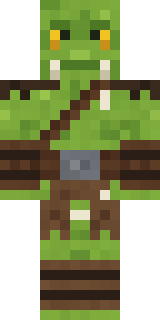 Goblin Raider
 Yellow hazmat suit
 Red Panda
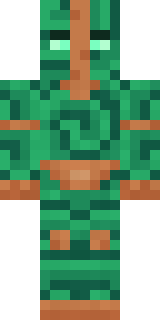 Malachite Golem
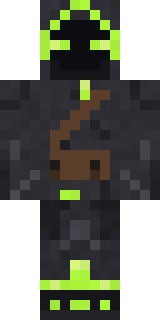 Firefly Scout
 Easter Egg Sweater
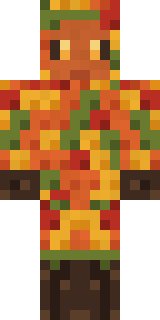 Autumn Leaf Sprite
 Sleepy Mummy
 Pajama Knight
 Lavender Daydream
 Moss Cyclops
 Chess King
 Balloon Festival Pilot
 Tiger Slugger
 Midnight Ferryman
 Cranberry Witch
 Little Bat
 Espresso Cozy
 Tornado Chaser
 Late Night Gamer
 Living Chess King
 Sage Green Cozy
 Valentine Heart Hoodie
 Bun Bun
 Crystal Cave Explorer
 Moon Walker
 Cardboard Robot Kid
 Flight Attendant
 Diamond
 Astronaut
 Lotus Temple GuardianSecret Agent
 Lavender Florist
 Strawberry Milk
 Bear Lumberjack
About Campaign Trail Politician
Campaign Trail Politician is a vintage skin for Minecraft from the Build It team. The outfit: a flag pin suit, jeans and dress shoes in blue. Wear it in temples, castles and old western towns.
It uses the classic arms (4 pixels wide, like Steve) and works on Java and Bedrock. Download it for free, then follow the steps above to wear it in game. You can also open it in the Build It Skin Maker and make your own version. It also comes in 7 colour versions, like Blue tie and Green tie.
See more in the Streetwear and History collections, or browse the Casual, Funny and Gentleman tags.