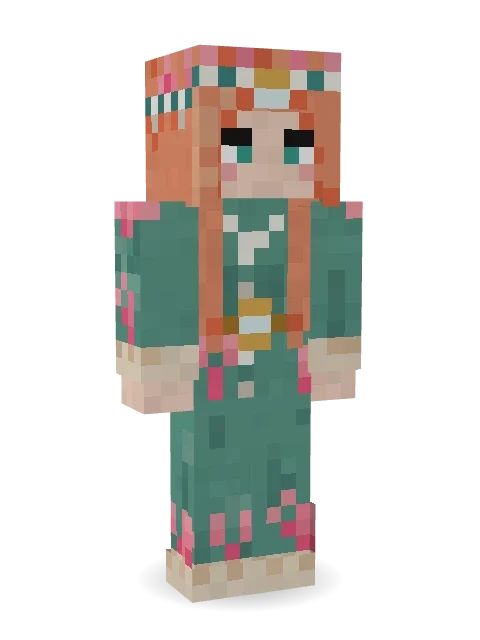
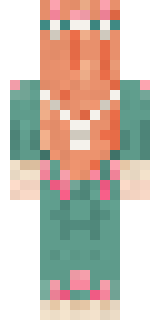
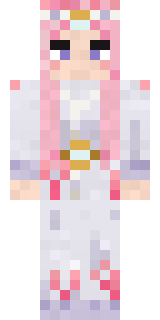
Coral Reef Sorceress
Magic flows where the reef breathes: long coral hair crowned with pearls and pink coral, and a sea-green robe with coral growing up its hems.

How to use this skin
Download it, then follow the steps for where you play.
Minecraft: Java Edition, in the Minecraft Launcher
- Open the Minecraft Launcher and pick Minecraft: Java Edition on the left.
- Open the Skins tab at the top and press New skin.
- Give it a name and choose the player model: Slim.
- Press Browse, pick the PNG you downloaded, then Save & Use.
- Start the game: you are wearing it, on every world and server.
Minecraft: Java Edition, on minecraft.net
- Go to minecraft.net and log in with your Microsoft account.
- Open your Profile and find the skin settings of Java Edition.
- Choose Slim, select the PNG file, and press Upload.
- Your new skin shows the next time you join a world.
Bedrock Edition: Windows, Android, iPhone, iPad, Chromebook
- Open Minecraft and press Dressing Room on the main menu (in newer versions, the character button next to your name, then Edit Character).
- Open the Classic Skins tab.
- Under Owned Skins, press Import, then Choose New Skin.
- Pick the PNG you downloaded (on a phone it is usually in Downloads or Files).
- When it asks, choose Slim, then confirm.
Xbox, PlayStation and Nintendo Switch
Consoles cannot import a skin file. There you can wear Character Creator items and skins from the Marketplace.
Some players set a skin in Bedrock on a phone or PC that is signed in to the same Microsoft account and see it on their console too. Mojang does not support that, so it may not work for you.
More by Build It












Similar skins






















Trending today
What people open and download right now.
Trending today
The skins people are opening, liking and downloading right now.
- Modern HoodiebyBuild It
- Enderbrineby
 gustavopir
- Galaxy AxolotlbyBuild It
- Ancient Hexby
 nvlr33
- Shy KidbyBuild It
- Napoleon BonapartebyBuild It
- The KingbyBuild It
- Hazmat ResponderbyBuild It
- The VoidbyBuild It
- herobrinebygustavopir
Made on Build It
A few of the skins players made here. Find one you like, or start your own.
 Little Toadstool
 Gym Bro Banana
 Downtown Pig
 Crimson Builder
 Trick or Treat Ghost
 Living Candle Magician
 Celestial Monk
 Meander
 Porcelain Knight
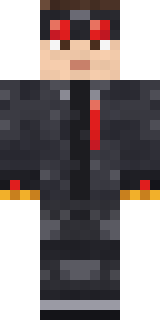 Redstone Inventor
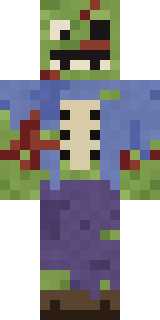 Rotting Walker
 Desert Astronomer
 Autumn Knit
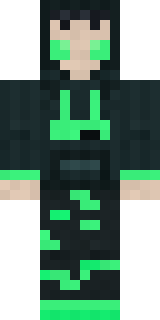 Loading Screen GamerAncient Hex
 Tornado Chaser
 White Ghost Sheet
 Canada Day Maple Leaf
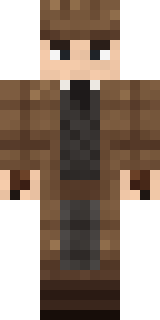 Sherlock Holmes
 Matcha Mochi
 Tattered Scarecrow
 Ghost Train Conductor
 Bun Bun
 Isaac Newton
 Vampire guy
 Buck Tooth Nerd
 Lilac Ballerina
 Violet Samurai
 Match Referee
 Raven Lamplighter
 Haunted Bowling ChampionEnderbrine
 Patchwork Teddy Bear
 Valentine Cupid
 Graphite Cyborg
 White Rabbit
 Earth Elemental
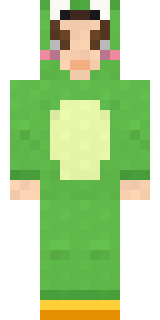 Froggy Onesie
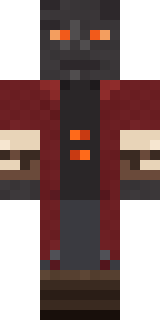 Ember Librarian
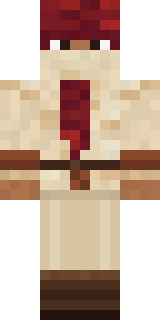 Crimson Desert Nomad
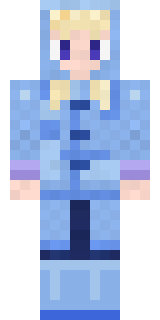 Periwinkle Rainwear
 Forest Bigfoot
 Beach Day
 Shocked Dog
 Vooid
 Mint Axolotl
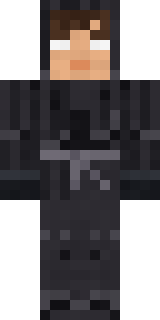 Grey Tattered reaper robe
 Mad Scientist
 Living Pineapple
 Starlight Wizard
 Harvest Farmer
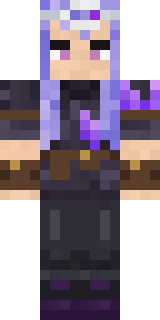 Geode Elf
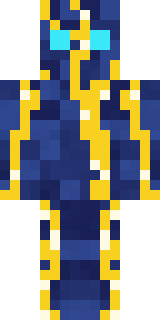 Lightning ElementalStarfield Phantom
 Retro Waitress
 ShimerBot 0375
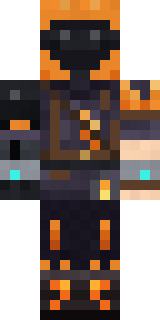 Flamehunter
 Crimson Sash Ninja
 Patrol Officer
 Big Grin Face
About Coral Reef Sorceress
Meet Coral Reef Sorceress, a fantasy Minecraft skin from the Build It team. Its look puts together a coral reef robe and a pearl and coral tiara in green, beige and teal. Wear it on fantasy servers, adventure maps and dragon hunts.
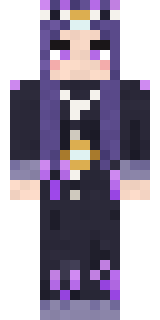
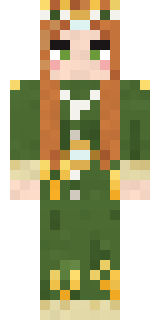
It uses the slim arms (3 pixels wide, like Alex) and works on Java and Bedrock. Download it for free, then follow the steps above to wear it in game. Want it your way? Open it in the Build It Skin Maker and change its colours and pieces. Try its 7 colour versions too, like Deep sea and Abyss.
See more in the Fantasy and Streetwear collections, or look through the Aesthetic, Fantasy and Girl tags.