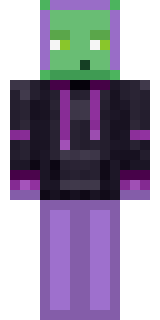
Slime Gamer


How to use this skin
Download it, then follow the steps for where you play.
Minecraft: Java Edition, in the Minecraft Launcher
- Open the Minecraft Launcher and pick Minecraft: Java Edition on the left.
- Open the Skins tab at the top and press New skin.
- Give it a name and choose the player model: Slim.
- Press Browse, pick the PNG you downloaded, then Save & Use.
- Start the game: you are wearing it, on every world and server.
Minecraft: Java Edition, on minecraft.net
- Go to minecraft.net and log in with your Microsoft account.
- Open your Profile and find the skin settings of Java Edition.
- Choose Slim, select the PNG file, and press Upload.
- Your new skin shows the next time you join a world.
Bedrock Edition: Windows, Android, iPhone, iPad, Chromebook
- Open Minecraft and press Dressing Room on the main menu (in newer versions, the character button next to your name, then Edit Character).
- Open the Classic Skins tab.
- Under Owned Skins, press Import, then Choose New Skin.
- Pick the PNG you downloaded (on a phone it is usually in Downloads or Files).
- When it asks, choose Slim, then confirm.
Xbox, PlayStation and Nintendo Switch
Consoles cannot import a skin file. There you can wear Character Creator items and skins from the Marketplace.
Some players set a skin in Bedrock on a phone or PC that is signed in to the same Microsoft account and see it on their console too. Mojang does not support that, so it may not work for you.
Trending today
What people open and download right now.
Trending today
The skins people are opening, liking and downloading right now.
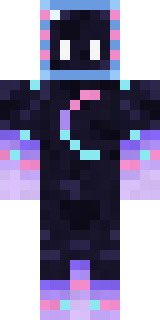
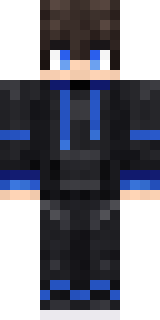

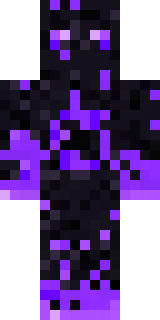
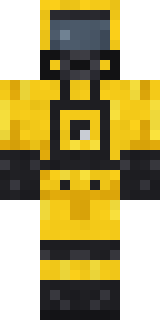
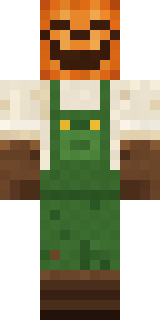
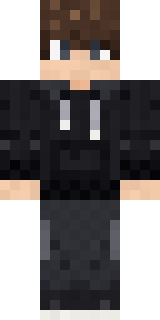
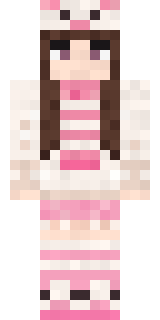
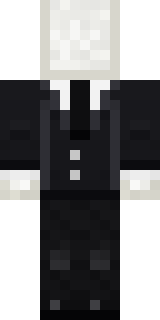
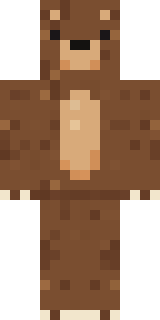
- Galaxy AxolotlbyBuild It
- Modern HoodiebyBuild It
- Napoleon BonapartebyBuild It
- The VoidbyBuild It
- Hazmat ResponderbyBuild It
- Pumpkin Patch FarmerbyBuild It
- Shy KidbyBuild It
- Pastel Bear GirlbyBuild It
- Slender ManbyBuild It
- Brown BearbyBuild It
Made on Build It
A few of the skins players made here. Find one you like, or start your own.
 Cleopatra
 Buffalo Plaid Lumberjack
 Glacial Sorcerer
 Code Ghost
 Golden Paladin
 Obsidian Sentinel
 Icy Blue Winter
 Woodland Dryad
 Lime Alien Astronaut
 Julius CaesarGalaxy Axolotl
 Sky Pirate
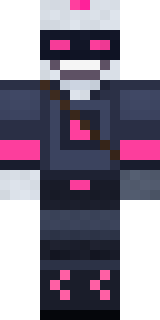 Cyber Samurai
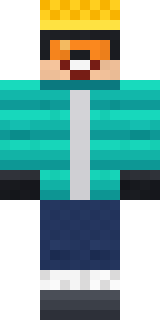 Snow Rider
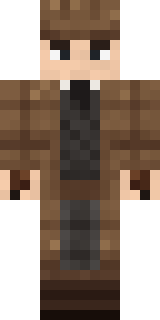 Sherlock Holmes
 Sunny Surfer
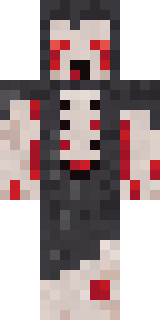 Crypt Ghoul
 Ember Librarian
 Armadillo Mercenary
 Lunar New Year Celebrant
 Crocodile Detective
 Ghost King
 Void Wanderer
 Ginger Trainspotter
 Sea Foam Dancer
 Violet Vein Mutant
 Railway Traveler
 Gothic Librarian
 Cactus Outlaw
 Red Bear face tee Baby chick
 Jesus Christ
 Cozy AvocadoNapoleon Bonaparte
 Mole Miner
 Pulse Android
 Hallway Shadow
 Sage Green Cozy
 Axolotl Cutie
 Fairy Glow
 Silverfish Archivist
 Smug Prankster
 Periwinkle Rainwear
 Rainy Day
 Lunar Botanist
 Garden Helper
 Half Peeled Banana
 Sage Apron Florist
 Moss Cyclops
 Happy Poop
 Spotted Frog
 Ruby Dragonborn
 Crow UndertakerThe Void
 Slime Park Ranger
 Blocky Newbie
 Drifter Gunslinger
 Matcha Cafe
 Honey Bot
 Canada Day Maple Leaf
 Anglerfish Bouncer
About Slime Gamer
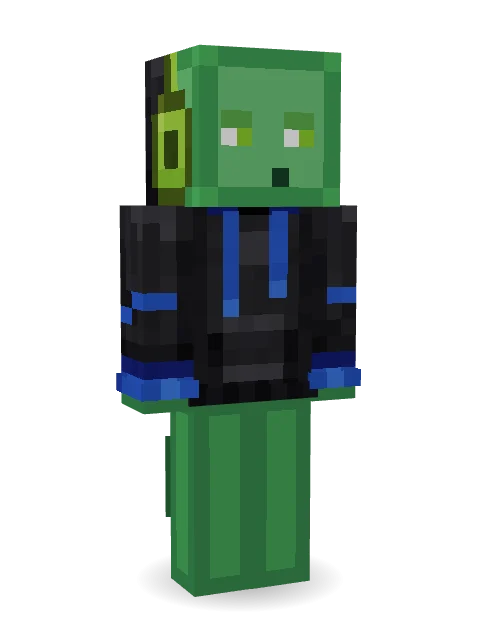
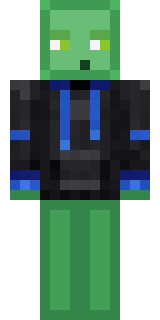
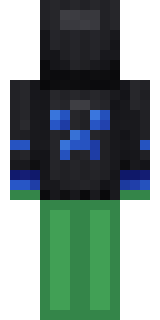
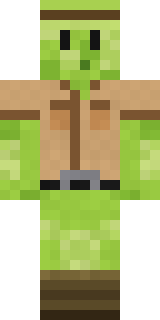
Slime Gamer is a mob-inspired Minecraft skin made by kanidestroyubase in the Build It Skin Maker. It wears a modern hoodie and a gaming headset in black and green. It is a galaxy axolotl from head to toe. Made for survival worlds, mob farms and Minecraft fans.
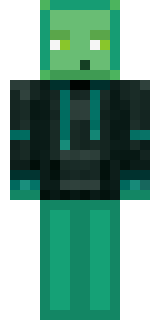
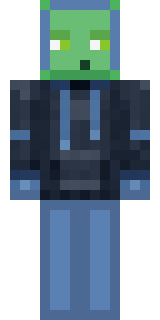
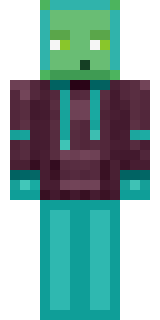
Slime Gamer has slim 3 pixel arms and works in Minecraft Java and Bedrock. Download it for free, then follow the steps above to wear it in game. Open it in the Build It Skin Maker to give it your own colours. It also comes in 6 colour versions, like Mossy and Violet.
Find more skins like it in the Minecraft mobs collection, or look through the Creeper tags.