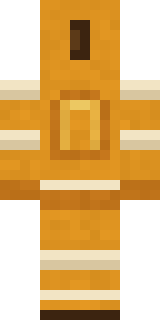
Honey Bot
Minecraft skin · Classic arms (4 pixels) · Java and Bedrock
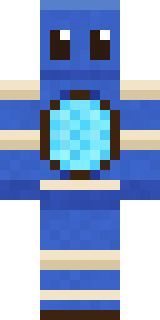
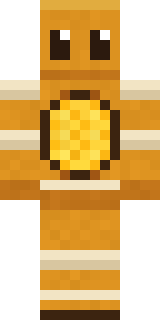
Sweet as can be and twice as shiny: an amber metal robot with big friendly eyes, cream joints and a glowing honeycomb heart.

How to use this skin
Download it, then follow the steps for where you play.
Minecraft: Java Edition, in the Minecraft Launcher
- Open the Minecraft Launcher and pick Minecraft: Java Edition on the left.
- Open the Skins tab at the top and press New skin.
- Give it a name and choose the player model: Classic.
- Press Browse, pick the PNG you downloaded, then Save & Use.
- Start the game: you are wearing it, on every world and server.
Minecraft: Java Edition, on minecraft.net
- Go to minecraft.net and log in with your Microsoft account.
- Open your Profile and find the skin settings of Java Edition.
- Choose Classic, select the PNG file, and press Upload.
- Your new skin shows the next time you join a world.
Bedrock Edition: Windows, Android, iPhone, iPad, Chromebook
- Open Minecraft and press Dressing Room on the main menu (in newer versions, the character button next to your name, then Edit Character).
- Open the Classic Skins tab.
- Under Owned Skins, press Import, then Choose New Skin.
- Pick the PNG you downloaded (on a phone it is usually in Downloads or Files).
- When it asks, choose Classic, then confirm.
Xbox, PlayStation and Nintendo Switch
Consoles cannot import a skin file. There you can wear Character Creator items and skins from the Marketplace.
Some players set a skin in Bedrock on a phone or PC that is signed in to the same Microsoft account and see it on their console too. Mojang does not support that, so it may not work for you.
Similar skins
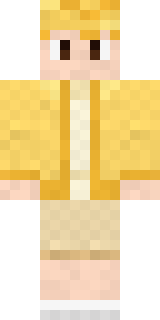
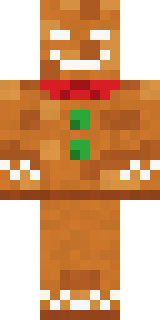
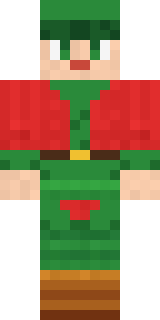
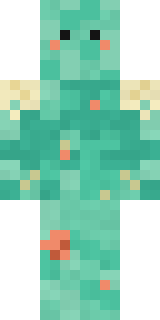
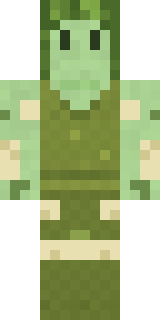

Made on Build It
A few of the skins players made here. Find one you like, or start your own.
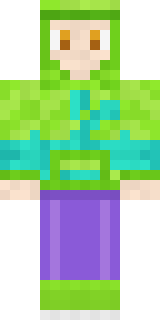 Chameleon Hoodie
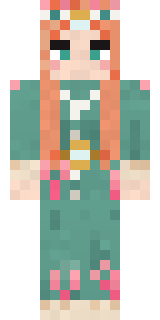 Coral Reef Sorceress
 Storm Chaser Aviator
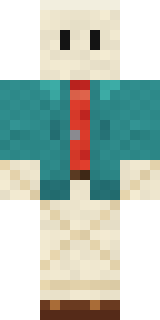 Origami Messenger
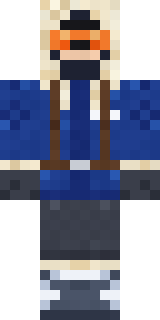 Glacier Explorer
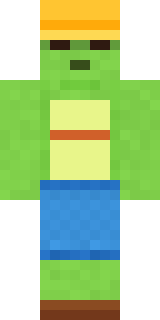 Terracotta Turtle
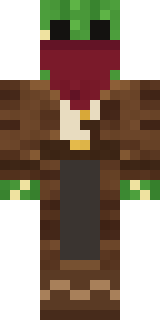 Cactus Outlaw
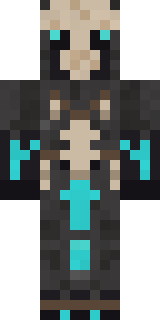 Bone Necromancer
 Snow Leopard
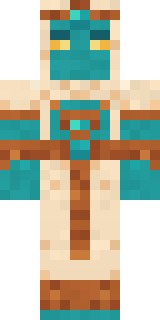 Desert Djinn
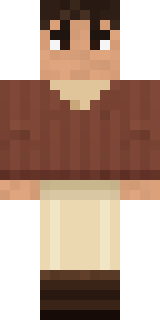 Espresso Cozy
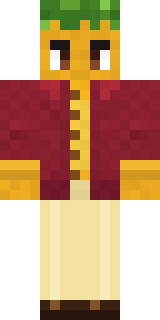 Sunflower Drummer
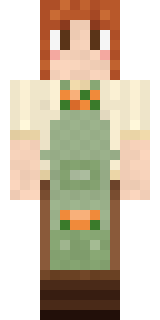 Sage Apron Florist
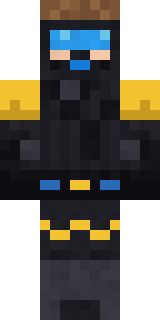 Scuba Instructor
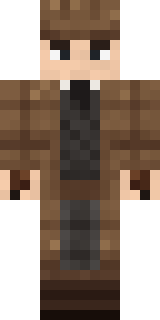 Sherlock Holmes
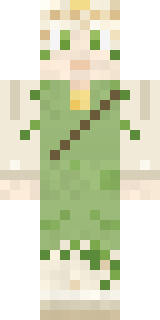 Dandelion Spirit
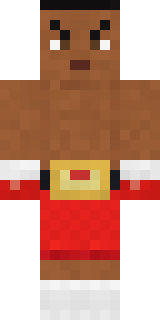 Champion Boxer
 Panda Pal
 Curly Barista
 Cardboard Robot Kid
 Arcade Buddy
 Frost Yeti
 Aurora Skater
 Silverfish Archivist
 Armadillo Mercenary
 Handy Plumber
 Emerald Alchemist
 Federal Agent
 Happy Poop
 Mad Scientist
 Black Moth Entity
 Chill Pond Frog
 Half Peeled Banana
 Crimson Sash NinjaValentine Cupid
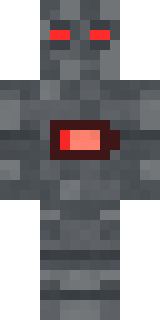 Low Battery Robot
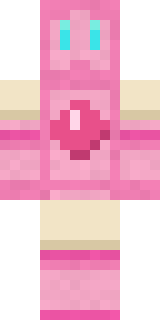 Bubblegum Robot
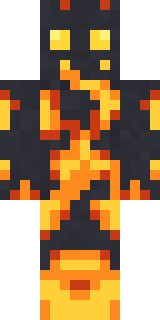 Fire Elemental
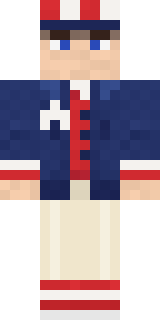 Fourth of July Patriot
 Emerald Serpent
 Masked Night Prowler
 Strawberry Cow
 Cotton Candy Vendor
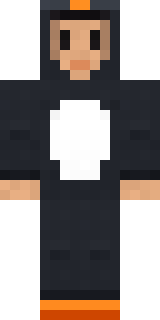 Penguin Waddle
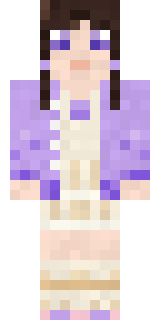 Lilac Ballerina
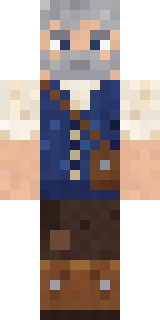 Retired Adventurer
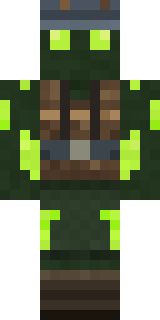 Glowworm Spelunker
 Wax Double
 Forest Elf
 Little Toadstool
 Sky Princess
 Moss Cyclops
 Astronaut
 Shark Bite
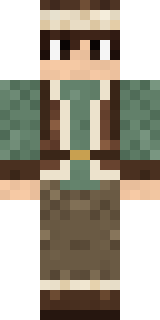 Mountain Shepherd
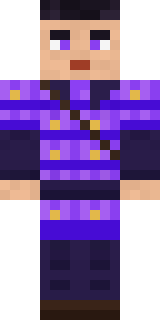 Violet Samurai
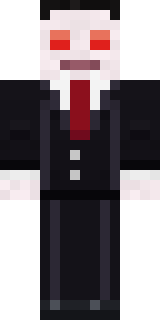 Count Nightfall
 Code Ghost
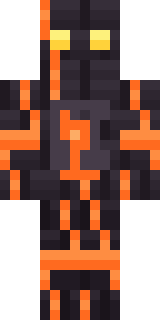 Volcanic Sentinel
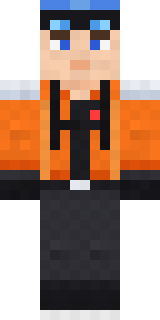 Avalanche Rescuer
About Honey Bot
Meet Honey Bot, a sci-fi Minecraft skin from the Build It team. Its colours are orange and beige. Under the outfit it is a honey bot. A great pick for players who love machines and the future.
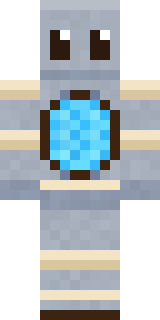
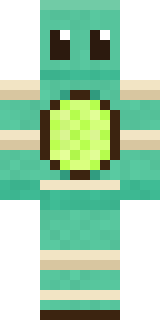
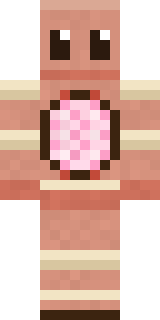
Honey Bot has classic 4 pixel arms and works in Minecraft Java and Bedrock. It is free: download the PNG and add it in the Minecraft Launcher (Java) or the dressing room (Bedrock). Want it your way? Open it in the Build It Skin Maker and change its colours and pieces. Try its 7 colour versions too, like Silver bot and Mint bot.
See more in the Robots and Cute collections, or look through the Cute, Retro and Robot tags.