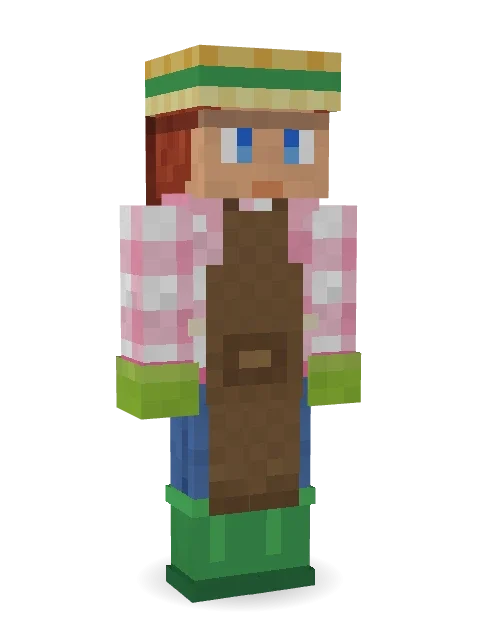
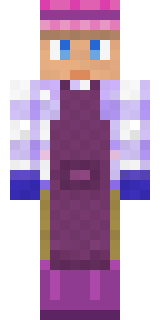
Garden Helper
Green thumbs, muddy boots and tomatoes as big as your head.

How to use this skin
Download it, then follow the steps for where you play.
Minecraft: Java Edition, in the Minecraft Launcher
- Open the Minecraft Launcher and pick Minecraft: Java Edition on the left.
- Open the Skins tab at the top and press New skin.
- Give it a name and choose the player model: Slim.
- Press Browse, pick the PNG you downloaded, then Save & Use.
- Start the game: you are wearing it, on every world and server.
Minecraft: Java Edition, on minecraft.net
- Go to minecraft.net and log in with your Microsoft account.
- Open your Profile and find the skin settings of Java Edition.
- Choose Slim, select the PNG file, and press Upload.
- Your new skin shows the next time you join a world.
Bedrock Edition: Windows, Android, iPhone, iPad, Chromebook
- Open Minecraft and press Dressing Room on the main menu (in newer versions, the character button next to your name, then Edit Character).
- Open the Classic Skins tab.
- Under Owned Skins, press Import, then Choose New Skin.
- Pick the PNG you downloaded (on a phone it is usually in Downloads or Files).
- When it asks, choose Slim, then confirm.
Xbox, PlayStation and Nintendo Switch
Consoles cannot import a skin file. There you can wear Character Creator items and skins from the Marketplace.
Some players set a skin in Bedrock on a phone or PC that is signed in to the same Microsoft account and see it on their console too. Mojang does not support that, so it may not work for you.
More by Build It












Similar skins


















Trending today
What people open and download right now.
Trending today
The skins people are opening, liking and downloading right now.



- Modern HoodiebyBuild It
- Ancient Hexby
 nvlr33
- Galaxy AxolotlbyBuild It
- Shy KidbyBuild It
- The VoidbyBuild It
- Napoleon BonapartebyBuild It
- The KingbyBuild It
- Hazmat ResponderbyBuild It
- Buff ChickenbyBuild It
- Gamer ModebyBuild It
Made on Build It
A few of the skins players made here. Find one you like, or start your own.
 Gecko Skater
 Sunny Surfer
 Grey Suit and tie
 Berg
 Glacial SorcererMeander
 Rusty Scrapyard Robot
 Federal Agent
 Trick or Treat Ghost
 Arcade Buddy
 Skeleton Costume
 Rotting Walker
 Woodland Scout
 Fire Elemental
 Error
 The Big Cheese
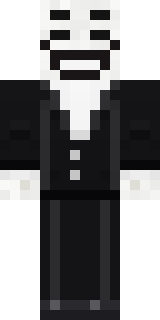 Smug Prankster
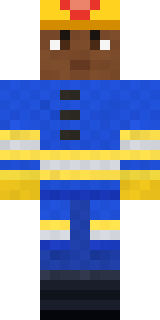 Cobalt Firefighter
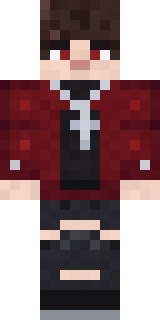 Crimson Plaid Emo
 The Boss
 Gamer Hoodie Boy
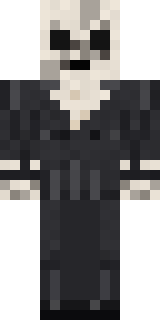 Forgotten Funeral Guest
 Moon Ranger
 Hallway Shadow
 Blushing Penguin
 Monochrome Minimalist
 Pastel Goth
 Striped Zebra
 Dune Racer
 Hanabi Noir
 Jake
 Forest Ranger
 Midnight Ferryman
 Axolotl Cutie
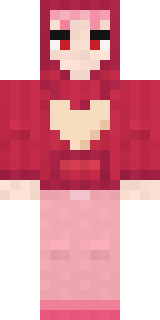 Valentine Heart Hoodie
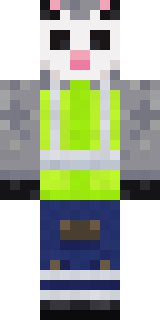 Possum Garbage Collector
 Lakeside Angler
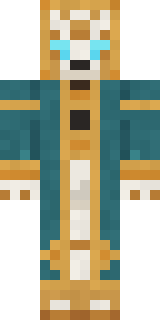 Clockwork Oracle
 Chill Pond Frog
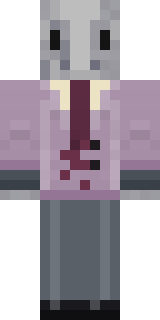 Silverfish Archivist
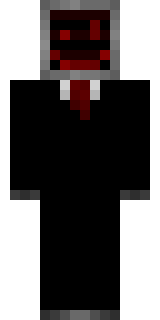 Cursed Corporate Computer
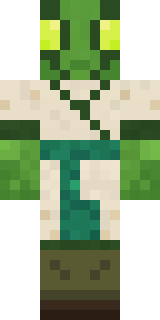 Mantis Master
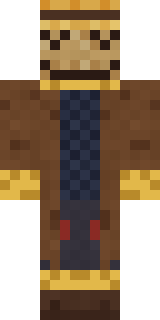 Tattered ScarecrowSlender Man
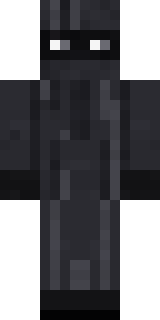 Veiled Mourner
 Fire Fighter
 Origami Messenger
 Mossy Troll
 Crimson Desert Nomad
 Amethyst Mage
 Realistic Wemmbu
 Balloon Festival Pilot
 Midnight Academia
 Plum Jester
 Emerald Serpent
 Strawberry Cow
 Miner shark
 Ember Demon
 Red Bear face tee Baby chick
 Caramel Knight
About Garden Helper
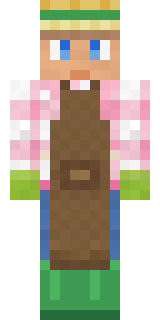
Garden Helper is a sweet Minecraft skin from the Build It team. Its look puts together a flannel, an apron, jeans and rain boots in brown, green and pink. Soft colours and lots of charm for cozy worlds.
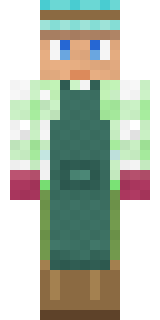
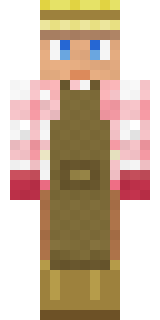
It uses the slim arms (3 pixels wide, like Alex) and works on Java and Bedrock. It is free: download the PNG and add it in the Minecraft Launcher (Java) or the dressing room (Bedrock). You can also open it in the Build It Skin Maker and make your own version. Try its 5 colour versions too, like Ocean and Forest.
See more in the Streetwear and Cute collections, or browse the Casual, Cute and Nature tags.