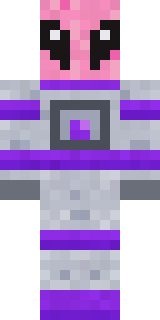
Lime Alien Astronaut
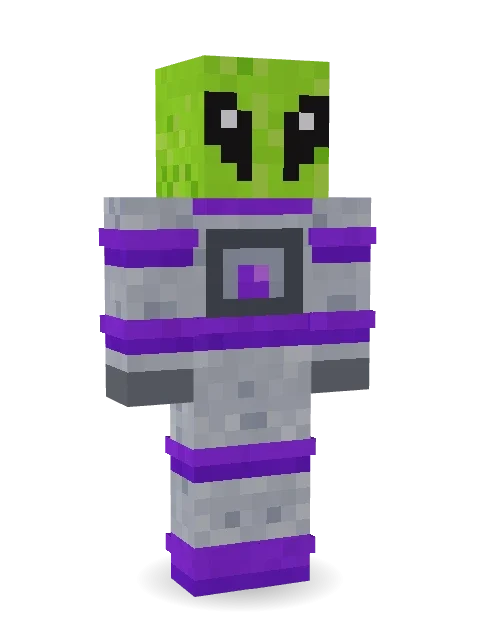
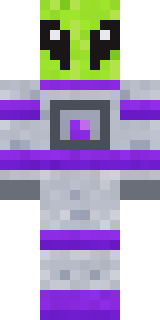
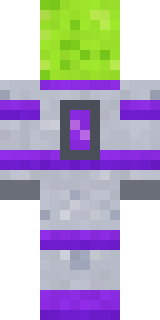
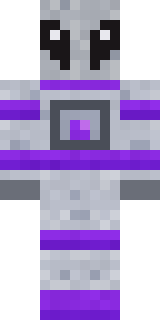
Took a wrong turn at the moon: a lime green alien with huge black eyes in a silver space suit with purple bands and a glowing chest light.

How to use this skin
Download it, then follow the steps for where you play.
Minecraft: Java Edition, in the Minecraft Launcher
- Open the Minecraft Launcher and pick Minecraft: Java Edition on the left.
- Open the Skins tab at the top and press New skin.
- Give it a name and choose the player model: Classic.
- Press Browse, pick the PNG you downloaded, then Save & Use.
- Start the game: you are wearing it, on every world and server.
Minecraft: Java Edition, on minecraft.net
- Go to minecraft.net and log in with your Microsoft account.
- Open your Profile and find the skin settings of Java Edition.
- Choose Classic, select the PNG file, and press Upload.
- Your new skin shows the next time you join a world.
Bedrock Edition: Windows, Android, iPhone, iPad, Chromebook
- Open Minecraft and press Dressing Room on the main menu (in newer versions, the character button next to your name, then Edit Character).
- Open the Classic Skins tab.
- Under Owned Skins, press Import, then Choose New Skin.
- Pick the PNG you downloaded (on a phone it is usually in Downloads or Files).
- When it asks, choose Classic, then confirm.
Xbox, PlayStation and Nintendo Switch
Consoles cannot import a skin file. There you can wear Character Creator items and skins from the Marketplace.
Some players set a skin in Bedrock on a phone or PC that is signed in to the same Microsoft account and see it on their console too. Mojang does not support that, so it may not work for you.
More by Build It












Similar skins


















Trending today
What people open and download right now.
Trending today
The skins people are opening, liking and downloading right now.
- Ancient Hexby
 nvlr33
- Modern HoodiebyBuild It
- Galaxy AxolotlbyBuild It
- Shy KidbyBuild It
- The VoidbyBuild It
- Napoleon BonapartebyBuild It
- Hazmat ResponderbyBuild It
- The KingbyBuild It
- Buff ChickenbyBuild It
- Slender ManbyBuild It
Made on Build It
A few of the skins players made here. Find one you like, or start your own.
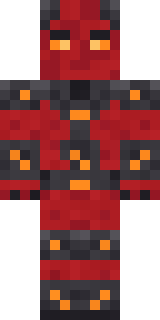 Molten Plate Demon
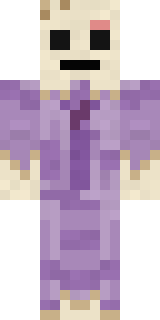 Wax Museum Escapee
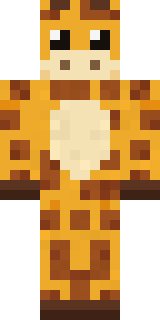 Gentle Giraffe
 Crystal Elf Spellcaster
 Deep Space Janitor
 Steampunk Inventor
 Half Peeled Banana
 Glowbug Ranger
 Lighthouse Keeper
 Ghost Train Conductor
 Desert Nomad
 Vooid
 Forgotten Funeral Guest
 Geode Elf
 Train Conductor
 Anglerfish Bouncer
 Green Dude
 Robin Hood
 Midnight Academia
 Coral Mermaid
 Neon Courier
 Tattered ScarecrowThe Void
 Neon Mohawk Punk
 Summer Dad
 Shamrock Suit
 Cheeky Banana
 Dwarven Mountain King
 Crystal Monk
 Gilded Steel Knight
 Jade Monk
 Grey Rune stripe hoodie
 Neon Runner
 Lobster Lifeguard
 Lemon Sorcerer
 Chameleon Hoodie
 Vampire Dentist
 Code Ghost
 Cursed Chess Bishop
 Cleopatra
 White Ghost Sheet
 Hallway Shadow
 Shocked Dog
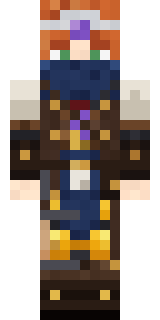 Brown Steampunk coat Muscled wrestler
 Red Panda
 Ruby Blacksmith
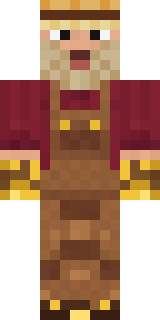 Golden Prospector
 Wolfgang Amadeus Mozart
 Ember Dragon
 HackerCocoa Monkey
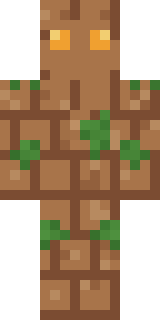 Earth Elemental
 Emerald Alchemist
 Morning Barista
 Federal Agent
 Holiday Helper
 Froggy Onesie
 Crimson Plaid Emo
 Axolotl Hoodie
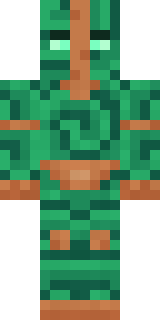 Malachite Golem
About Lime Alien Astronaut
Lime Alien Astronaut is a sci-fi Minecraft skin made by the Build It team. It wears a silver purple spacesuit in grey and purple. It is a lime alien head from head to toe. It looks right at home among the stars.
It uses the classic arms (4 pixels wide, like Steve) and works on Java and Bedrock. Download it for free and upload it in the Minecraft Launcher or the Bedrock dressing room. Want it your way? Open it in the Build It Skin Maker and change its colours and pieces. Try its 7 colour versions too, like Grey alien and Blue alien.
Find more skins like it in the Streetwear and Space collections, or browse the Cool, Funny and Space tags.