Ember Librarian
Minecraft skin · Classic arms (4 pixels) · Java and Bedrock
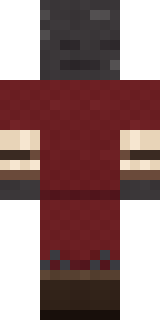
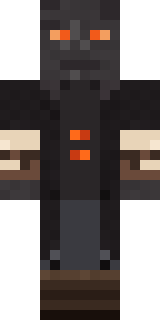
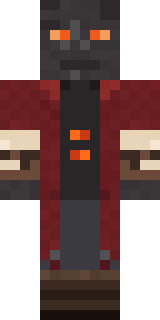
Guards the books that survived the fire: an ash grey face with glowing ember eyes, a ragged burgundy coat, scorched parchment cuffs and ember buttons.

How to use this skin
Download it, then follow the steps for where you play.
Minecraft: Java Edition, in the Minecraft Launcher
- Open the Minecraft Launcher and pick Minecraft: Java Edition on the left.
- Open the Skins tab at the top and press New skin.
- Give it a name and choose the player model: Classic.
- Press Browse, pick the PNG you downloaded, then Save & Use.
- Start the game: you are wearing it, on every world and server.
Minecraft: Java Edition, on minecraft.net
- Go to minecraft.net and log in with your Microsoft account.
- Open your Profile and find the skin settings of Java Edition.
- Choose Classic, select the PNG file, and press Upload.
- Your new skin shows the next time you join a world.
Bedrock Edition: Windows, Android, iPhone, iPad, Chromebook
- Open Minecraft and press Dressing Room on the main menu (in newer versions, the character button next to your name, then Edit Character).
- Open the Classic Skins tab.
- Under Owned Skins, press Import, then Choose New Skin.
- Pick the PNG you downloaded (on a phone it is usually in Downloads or Files).
- When it asks, choose Classic, then confirm.
Xbox, PlayStation and Nintendo Switch
Consoles cannot import a skin file. There you can wear Character Creator items and skins from the Marketplace.
Some players set a skin in Bedrock on a phone or PC that is signed in to the same Microsoft account and see it on their console too. Mojang does not support that, so it may not work for you.
Similar skins
Made on Build It
A few of the skins players made here. Find one you like, or start your own.
 Void Axolotl
 Grumpy Thundercloud
 Circuit Board Monk
 Raccoon Thief
 Bookworm
 The Void
 Street Skater
 Sandstone Guardian
 Flight Attendant
 Firefly Scout
 Sherlock Holmes
 Pitch Playmaker
 Origami Crane Warrior
 Matcha Cafe
 Gummy Bear Bodybuilder
 Canada Day Maple Leaf
 Turtle Park Ranger
 Shadow Elemental
 Prom Queen Zombie
 Wolfgang Amadeus Mozart
 Dungeon AccountantEmber Librarian
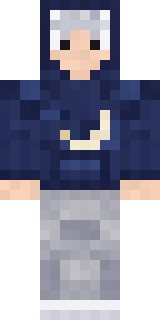 Silver Moon
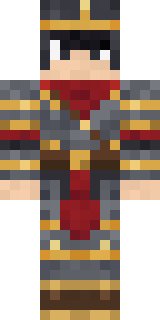 Gilded Steel Knight
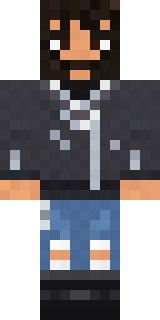 Highway BikerGarden Gnome
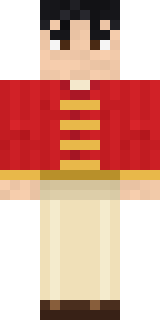 Lunar New Year Celebrant
 Crypt Custodian
 Grunge Girl
 Bookstore Owner
 Woodland Dryad
 Patchwork Teddy Bear
 Bun Bun
 Water Elemental
 Living Candle Magician
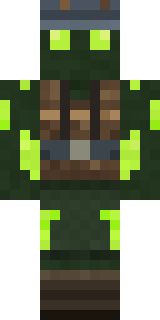 Glowworm Spelunker
 Moon Walker
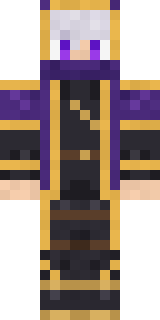 Twilight Rogue
 Orc Warrior
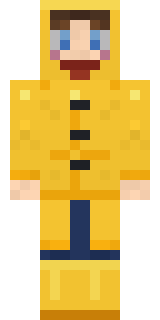 Rainy Day
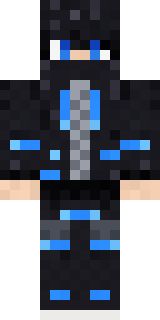 Blue Beat
 Giga Chad
 Violet Samurai
 Neon Parkour Runner
 Retired Adventurer
 Watermelon Brawler
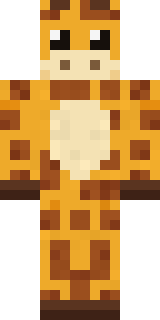 Gentle Giraffe
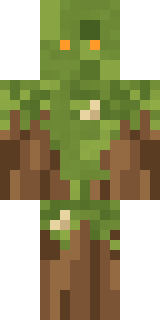 Nature Elemental
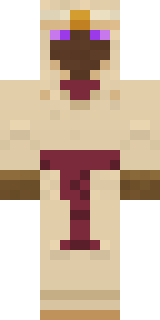 Desert Oracle
 Mad Scientist
 Late Night Gamer
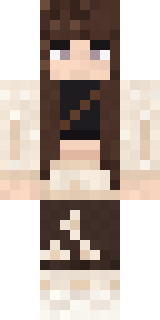 Moon Petal
 Sky Pirate
 Star Striker
 Hazmat Responder
 Muddy Pig
 Mountain Shepherd
 Desert Cartographer
 Vaporwave PastelTide Pool Spirit
About Ember Librarian
Meet Ember Librarian, an eerie Minecraft skin from the Build It team. The outfit: an ember librarian coat, suit pants and boots in red, black and brown. It is an ash librarian from head to toe. It is made for Halloween nights, haunted builds and horror maps.
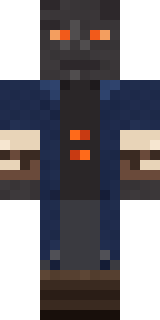
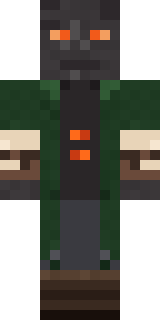
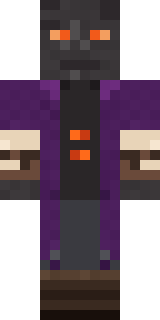
Ember Librarian has classic 4 pixel arms and works in Minecraft Java and Bedrock. Download it for free, then follow the steps above to wear it in game. You can also open it in the Build It Skin Maker and make your own version. Try its 7 colour versions too, like Navy coat and Forest coat.
See more in the Spooky and Fantasy collections, or look through the Fantasy, Mystery and Scholar tags.