How to use this skin
Download it, then follow the steps for where you play.
Minecraft: Java Edition, in the Minecraft Launcher
- Open the Minecraft Launcher and pick Minecraft: Java Edition on the left.
- Open the Skins tab at the top and press New skin.
- Give it a name and choose the player model: Slim.
- Press Browse, pick the PNG you downloaded, then Save & Use.
- Start the game: you are wearing it, on every world and server.
Minecraft: Java Edition, on minecraft.net
- Go to minecraft.net and log in with your Microsoft account.
- Open your Profile and find the skin settings of Java Edition.
- Choose Slim, select the PNG file, and press Upload.
- Your new skin shows the next time you join a world.
Bedrock Edition: Windows, Android, iPhone, iPad, Chromebook
- Open Minecraft and press Dressing Room on the main menu (in newer versions, the character button next to your name, then Edit Character).
- Open the Classic Skins tab.
- Under Owned Skins, press Import, then Choose New Skin.
- Pick the PNG you downloaded (on a phone it is usually in Downloads or Files).
- When it asks, choose Slim, then confirm.
Xbox, PlayStation and Nintendo Switch
Consoles cannot import a skin file. There you can wear Character Creator items and skins from the Marketplace.
Some players set a skin in Bedrock on a phone or PC that is signed in to the same Microsoft account and see it on their console too. Mojang does not support that, so it may not work for you.
Similar skins
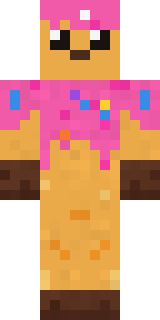
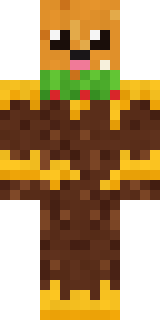
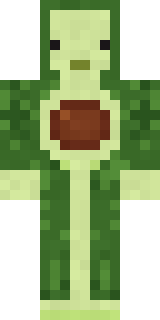
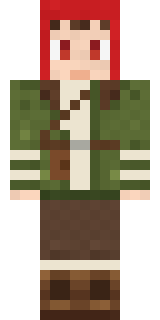
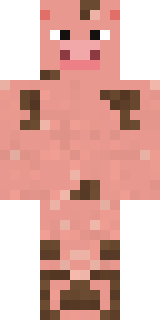
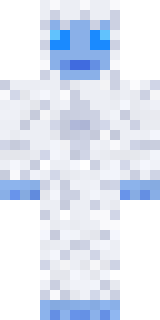
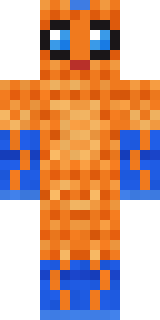
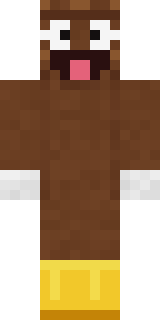
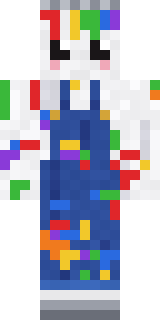

Made on Build It
A few of the skins players made here. Find one you like, or start your own.
 Captain Spark
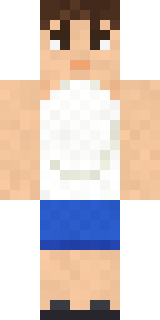 Summer Dad
 Carnival Fortune Teller
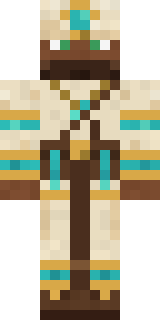 Desert Cartographer
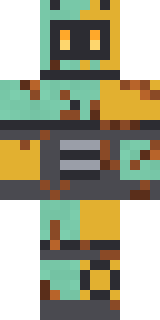 Rusty Scrapyard Robot
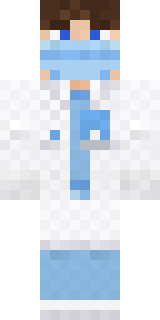 Friendly Dentist
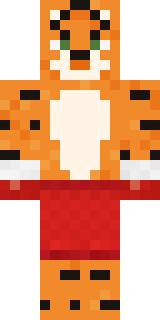 Tiger Champ
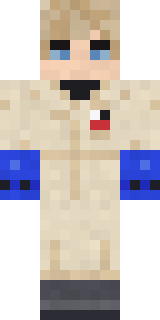 Rally Mechanic
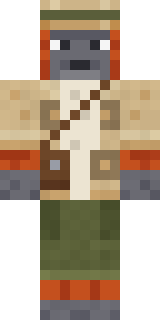 Orangutan Archaeologist
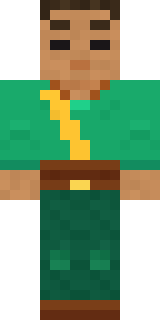 Jade Monk
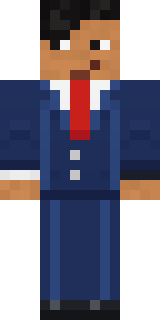 The Boss
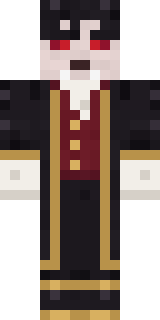 Vampire Aristocrat
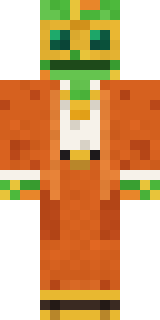 Disco Chameleon
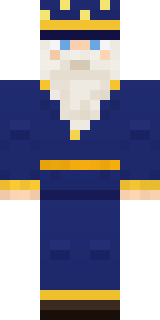 Starlight Wizard
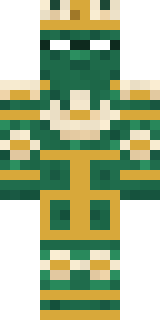 Lotus Temple Guardian
 Neon Courier
 Dreamweaver
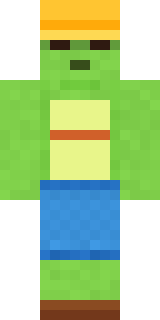 Terracotta Turtle
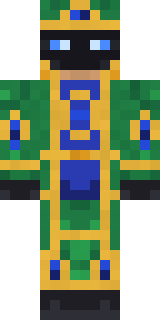 Peacock Guard
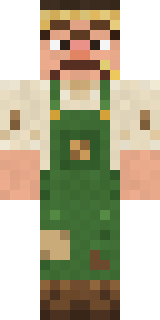 Grumpy Potato Farmer
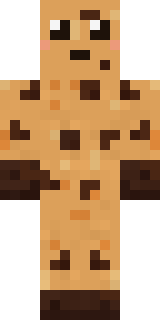 Chocolate Chip Cookie
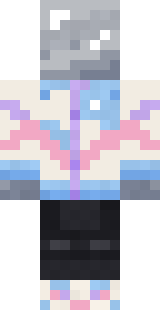 Chrome Mannequin
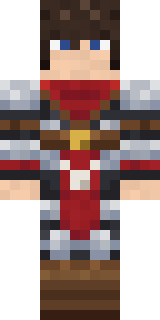 Crimson Templar
 Leonardo da Vinci
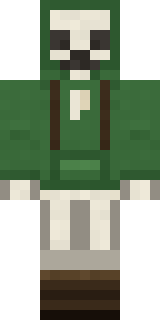 Bone Scout
 Retro Arcade Bot
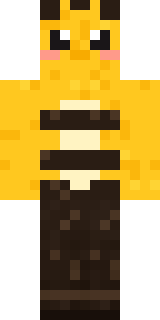 Honey Bee
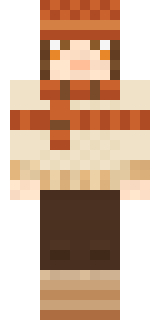 Pumpkin Spice
 Living Pineapple
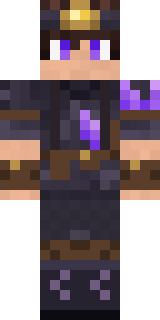 Crystal Cave Explorer
 Ocean Diver
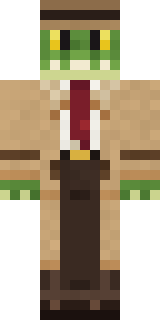 Crocodile Detective
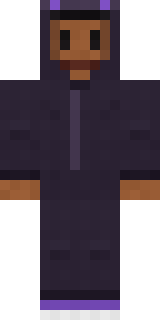 Little Bat
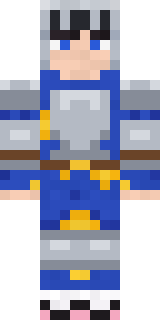 Pajama Knight
 Federal Agent
 Sea Urchin Punk
 Rotting Walker
 Blue Beat
 Silverback Gorilla
 Laurel Angel
 Strawberry Cow
 Cobalt Firefighter
 Little Dragon
 Chess King
 Honey Toast
 Curly Art Student
 Cobalt Cyber Ninja
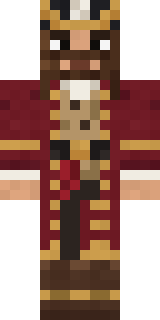 Burgundy Buccaneer
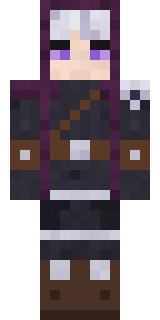 Moon Ranger
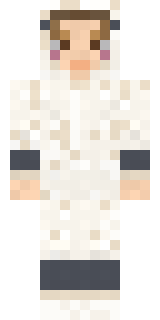 Sleepy Sheep
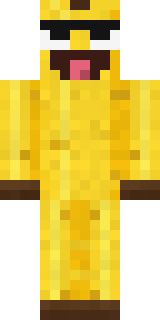 Cheeky Banana
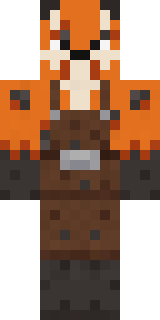 Fox Blacksmith
 Abraham Lincoln
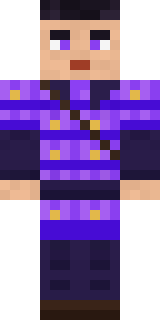 Violet Samurai
 Red Mushroom Scout
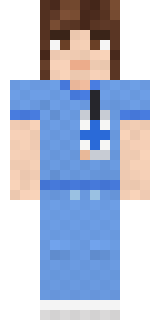 Friendly Nurse
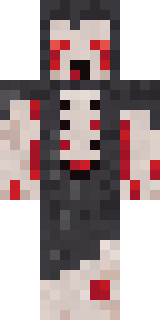 Crypt Ghoul
 Ghost Concierge
 Moonwalk Astronaut
 Pumpkin Patch Farmer
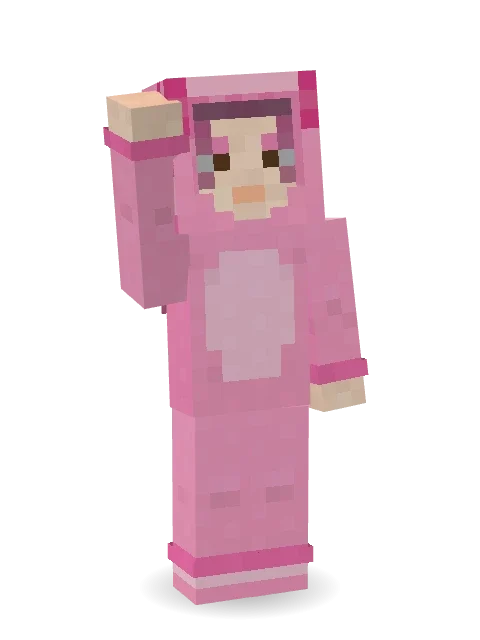
About Axolotl Cutie
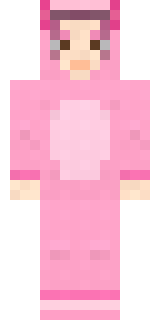
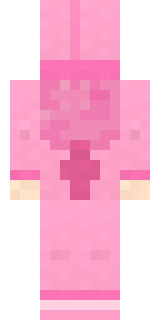
Meet Axolotl Cutie, a furry Minecraft skin made by the Build It team. It comes with socks in pink. Look closer: it has blush. Made for anyone who would rather be an animal than a villager.
Axolotl Cutie has slim 3 pixel arms and works in Minecraft Java and Bedrock. Download it for free and upload it in the Minecraft Launcher or the Bedrock dressing room. Open it in the Build It Skin Maker to give it your own colours.
Find more skins like it in the Animals and Streetwear collections, or browse the Animal, Cute and Hoodie tags.