Mole Miner
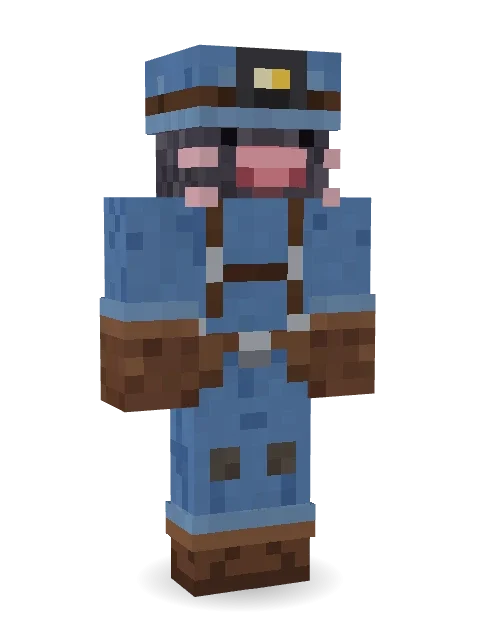
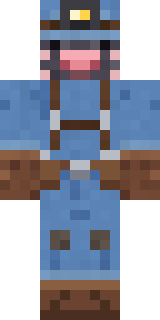
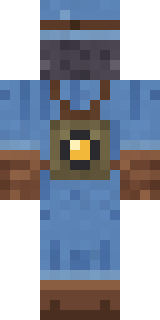
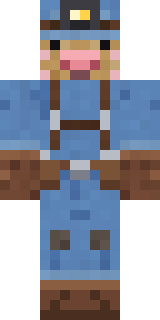
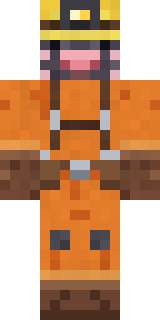
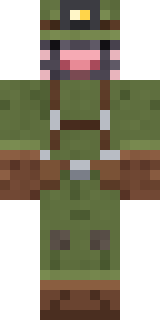
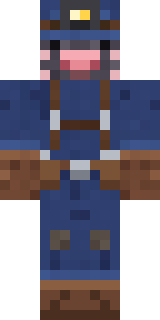
Born to dig: a velvety mole with a pink snout and whiskers, a blue cap with a headlamp, work coveralls, big leather gloves and a lantern pack.

How to use this skin
Download it, then follow the steps for where you play.
Minecraft: Java Edition, in the Minecraft Launcher
- Open the Minecraft Launcher and pick Minecraft: Java Edition on the left.
- Open the Skins tab at the top and press New skin.
- Give it a name and choose the player model: Classic.
- Press Browse, pick the PNG you downloaded, then Save & Use.
- Start the game: you are wearing it, on every world and server.
Minecraft: Java Edition, on minecraft.net
- Go to minecraft.net and log in with your Microsoft account.
- Open your Profile and find the skin settings of Java Edition.
- Choose Classic, select the PNG file, and press Upload.
- Your new skin shows the next time you join a world.
Bedrock Edition: Windows, Android, iPhone, iPad, Chromebook
- Open Minecraft and press Dressing Room on the main menu (in newer versions, the character button next to your name, then Edit Character).
- Open the Classic Skins tab.
- Under Owned Skins, press Import, then Choose New Skin.
- Pick the PNG you downloaded (on a phone it is usually in Downloads or Files).
- When it asks, choose Classic, then confirm.
Xbox, PlayStation and Nintendo Switch
Consoles cannot import a skin file. There you can wear Character Creator items and skins from the Marketplace.
Some players set a skin in Bedrock on a phone or PC that is signed in to the same Microsoft account and see it on their console too. Mojang does not support that, so it may not work for you.
More by Build It












Similar skins




















Trending today
What people open and download right now.
Trending today
The skins people are opening, liking and downloading right now.



- Modern HoodiebyBuild It
- Enderbrineby
 gustavopir
- Galaxy AxolotlbyBuild It
- Napoleon BonapartebyBuild It
- The KingbyBuild It
- Ancient Hexby
 nvlr33
- Shy KidbyBuild It
- Hazmat ResponderbyBuild It
- Buff ChickenbyBuild It
- The VoidbyBuild It
Made on Build It
A few of the skins players made here. Find one you like, or start your own.
 Bubblegum Robot
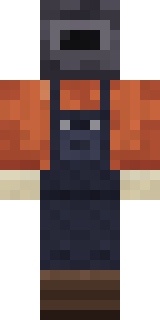 Trainyard Welder
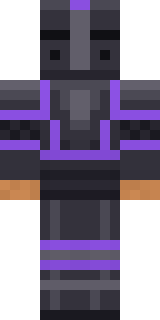 Obsidian Knight
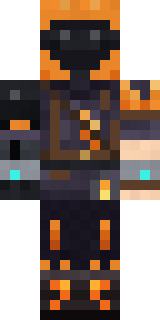 Flamehunter
 Flight Attendant
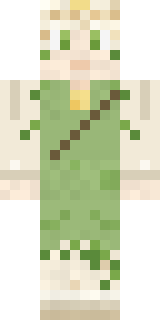 Dandelion Spirit
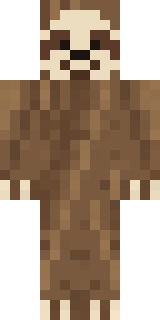 Sleepy Sloth
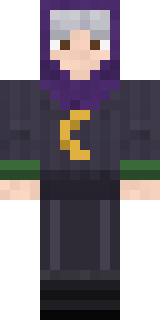 Halloween Witch
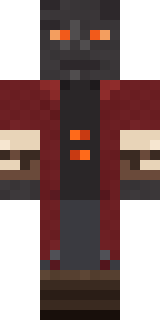 Ember Librarian
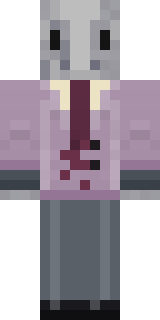 Silverfish ArchivistBrown Bear
 Carnival Fortune Teller
 Vintage Cartoon Explorer
 Dune RacerDreamweaverCocoa Monkey
 Buck Tooth Nerd
 Railway Traveler
 Patchwork Plush Monster
 Fire Fighter
 Tattered Reaper
 Ronin Samurai
 Federal AgentCampaign Trail Politician
 Julius Caesar
 Reef Mermaid
 Beekeeper
 ◊ Runic Guardian ◊
 Shadow Elemental
 Dragonfly Courier
 Medieval Cobbler
 Dwarven Mountain King
 Hoop Star
 Eclipse Knight
 Build It Guy
 Pastel Gamer
 Diamond Sleeve TraderArmy Soldier
 Neon Courier
 Cheeky Banana
 Woodland Scout
 Galaxy Wanderer
 Sardine Sailor
 Bookstore Owner
 Guardian Angel
 Infected Sven
 Cozy Ballet Cardigan
 Curly Art Student
 Desert Rose
 Curly Barista
 Armadillo Mercenary
 Void Axolotl
 Harvest Farmer
 poilce demon
 Void WandererMushroom Forest Ranger
 Living Popcorn Box
 The Blank Mask
 Terracotta SummerCrow Undertaker
About Mole Miner
Meet Mole Miner, an animal Minecraft skin made by the Build It team. Its look puts together miner coveralls, a headlamp miner cap, big digging gloves and a lantern rucksack in blue and brown. It is a velvet mole from head to toe. Made for anyone who would rather be an animal than a villager.
Mole Miner has classic 4 pixel arms and works in Minecraft Java and Bedrock. Download it for free, then follow the steps above to wear it in game. You can also open it in the Build It Skin Maker and make your own version. It also comes in 7 colour versions, like Golden mole and Hi-vis orange.
Find more skins like it in the Animals and Heroes and fighters collections, or look through the Adventure, Animal and Cute tags.